線上影像像素化
使用 BlurMe 輕鬆對影像、照片或圖片進行像素化。只需上傳影像,並使用我們快速的瀏覽器內建影像像素化工具。


選取檔案
將檔案拖放至此處,或點擊以下按鈕上傳。


如何對影像進行像素化
- 步驟一:上傳影像
點擊上傳按鈕,或把您的照片拖放到 BlurMe Studio。您可以像素化 PNG、JPG 等格式的影像。
- 步驟二:像素化影像
套用像素化效果至您的照片。根據需要調整像素大小與強度。
- 步驟三:下載影像
點擊匯出以儲存像素化後的影像。直接下載到裝置,或在線分享。
一鍵自動偵測並像素化
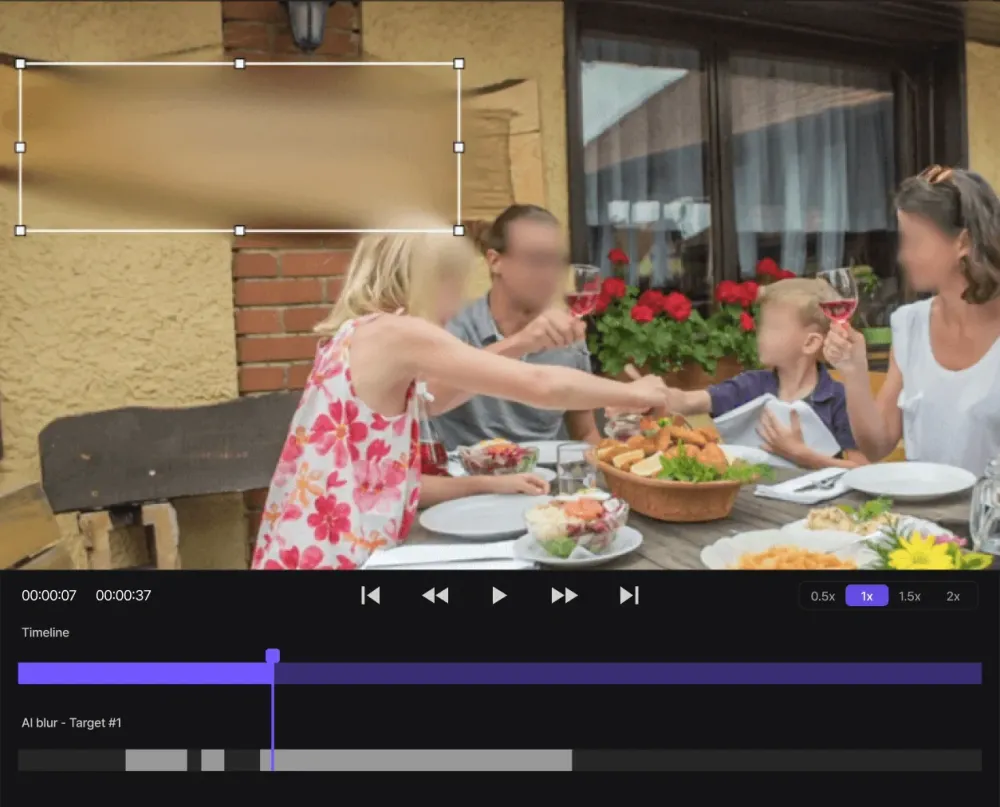
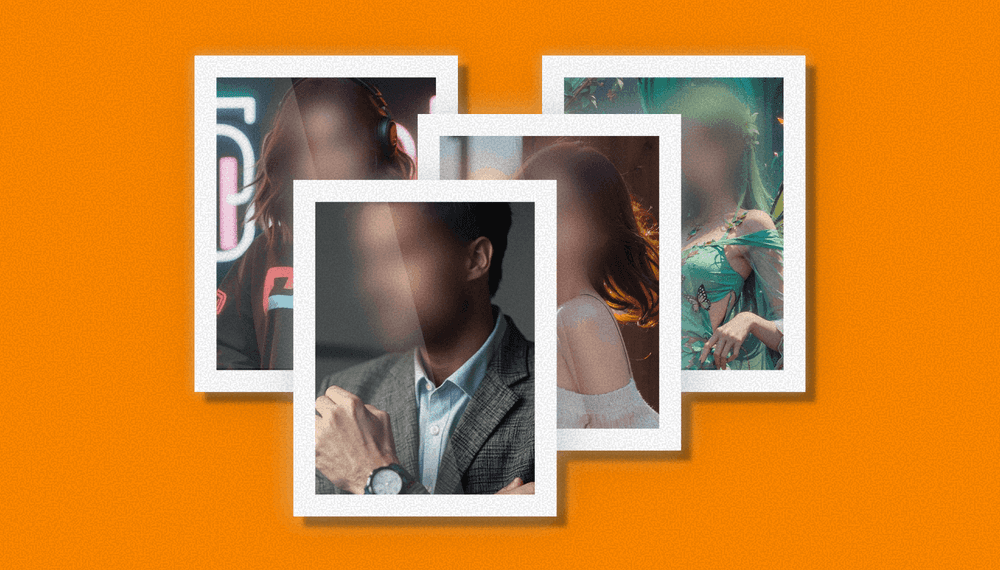
立即對照片進行像素化,並以自動偵測完成。我們的像素化工具會自動掃描人臉、車牌等個人資訊,僅需點擊一下即可套用整潔的像素化效果。

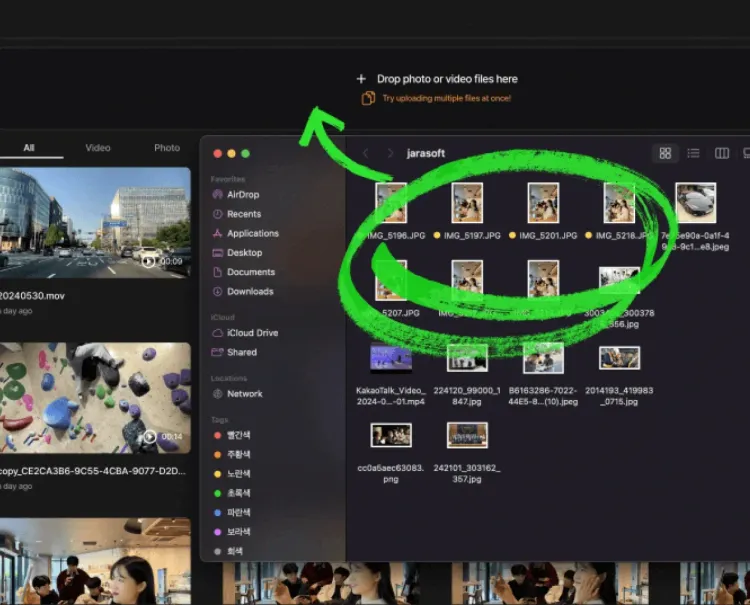
透過批量像素化影像,省下大量的編輯時間。上傳數百張照片,一鍵自動對每張照片中的人臉進行像素化。大量照片的處理從未如此快、如此簡單。
同時像素化成百張照片
掌控像素化風格
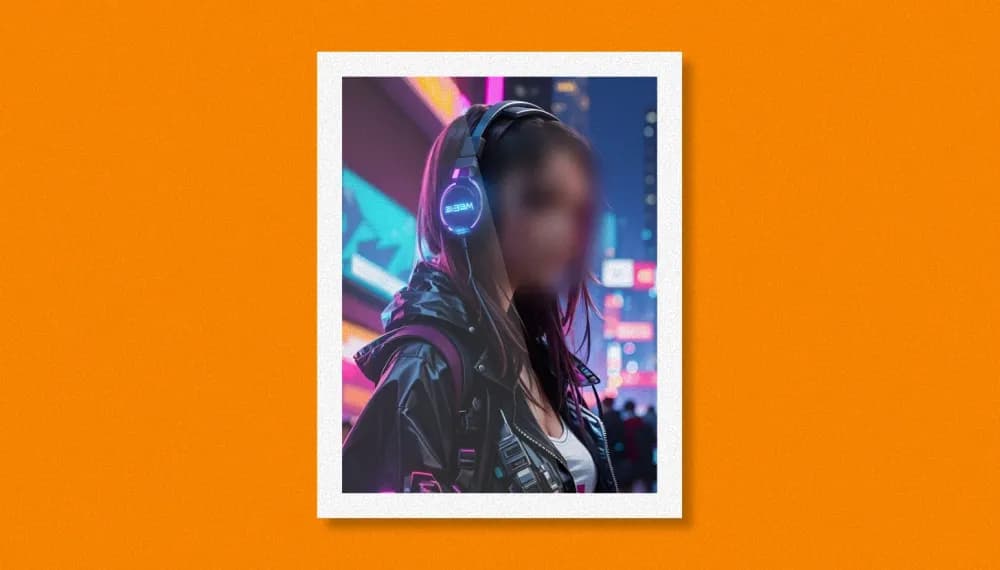
透過可調整的像素大小與強度,全面掌控影像的像素化風格。使用滑桿打造大膽的方塊馬賽克,或是微妙、時尚的像素化效果。

輕鬆選取要像素化的影像區域
輕鬆選取影像要像素化的區域。您可以對整張影像進行全螢幕模糊,使用選取工具像素化背景,或像素化人像與文字等特定區域。

永久資料遮蔽:PowerBlur™ 影像像素化引擎
與僅僅模糊像素的標準照片濾鏡不同,BlurMe 採用專有的 Hybrid 引擎,專為不可逆的資料去識別而設計。
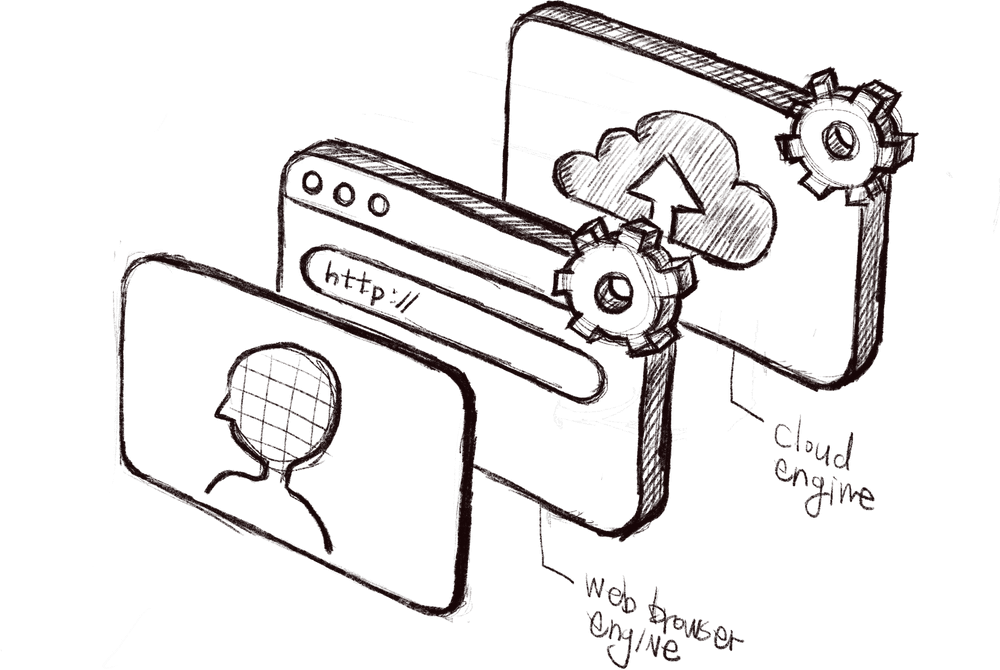
- Edge-Side Redaction
我們的引擎使用原生效能的瀏覽器技術,在裝置本機直接處理馬賽克覆蓋。這讓您能即時預覽像素大小與強度,確保在檔案完成前就本地遮蔽您的敏感個人識別資訊(PII)。
- High-Fidelity PowerBlur™ Pipeline
針對大量處理與高解析匯出,我們的雲端引擎採用 GPU 優化的硬體加速。透過以平均色塊取代原始生物識別數據,確保像素化是永久且不可數學還原的,速度比傳統軟體快高達 20 倍。
以安全為先的影像隱私與資料所有權
BlurMe 建立在以設計保障隱私為基礎。我們確保在整個像素化過程中,您對影像資料保持百分之百的掌控。
- 永久遮蔽與去識別
BlurMe 為高安全性的資料清理而設計。與基本濾鏡不同,我們的像素化工具專為永久且不可逆的個人識別資訊(PII)移除而設計。透過以平均色塊取代原始生物辨識資料,我們實現 GDPR 第4條所述的以設計保障隱私(Privacy by Design),確保一旦臉部或文件被遮蔽,底層資訊在數學上不可還原。
- 使用者主控資料生命周期
我們採用嚴格的資料主權模型。您擁有媒體的整個生命週期。BlurMe 提供一個加密雲端工作區,讓您管理敏感的遮蔽資產、維護專業工作流程的歷史,或執行永久資料清除以立即從安全伺服器中抹除檔案。您的資料受 AES-256 標準保護,確保您的被遺忘權始終受到尊重。
- 零學習政策
您的敏感影像絕不被用於資料蒐集。我們維持零學習政策,意味著您的個人照片及其中的生物辨識資訊從不用於訓練我們的 AI 模型。我們的混合引擎僅依賴預先驗證的專有資料集。這確保您的智慧財產保持隔離與安全,絕不進入全球學習流程。
Professional Image Pixelation for Regulated Industries
- Public Records (FOIA)
Public agencies utilize BlurMe for high-volume Freedom of Information Act (FOIA) and Public Records Request (PRR) workflows. Unlike basic editors, our tool performs bitstream-level redaction on faces and license plates, ensuring that de-identification is permanent and survives high-contrast photocopies or PDF conversions. By automating the scrub of bystander PII, agencies can fulfill legal transparency mandates while completely eliminating the risk of accidental identity disclosure in public evidence releases.
- Healthcare (HIPAA)
Clinical researchers and healthcare providers implement the HIPAA "Safe Harbor" method using BlurMe to anonymize patient imagery. Our AI provides a specialized mosaic shader that permanently removes facial biometric markers while preserving the high resolution of the clinical subject (e.g., GAIT analysis or surgical pathology). This ensures that medical media meets the 18 specific de-identification criteria required for HIPAA-HITECH and GDPR compliance before publication in peer-reviewed journals.
- K-12 Education (FERPA)
School administrators and district communications teams use BlurMe to protect student privacy across high-capacity media databases. To maintain FERPA and COPPA compliance, our tool bulk-pixelates student faces and identifiable body features in classroom highlights and event galleries. This "Privacy by Design" approach ensures that student Personally Identifiable Information (PII) is secured before distribution on social media or educational portals, protecting the digital footprint of minors at scale.
- Legal Discovery & Litigation
Legal teams and litigation support teams rely on BlurMe to fulfill the Burden of Discovery without compromising third-party privacy. Our tool ensures that non-party PII in evidence files is redacted using irreversible mosaic shaders, which are mathematically resistant to adversarial AI reconstruction. This provides a Chain of Custody-ready workflow, allowing legal teams to share discovery sets with opposing counsel while maintaining the strict confidentiality required by court-admissible media standards.
- Corporate Security & ISO 27001
Chief Security Officers (CSOs) use BlurMe to sanitize facility walkthroughs and industrial safety audits for SOC 2 and ISO 27001 audits. By automatically pixelating personnel faces and bodies in high-security zones, firms can share visual proof of compliance with external auditors without exposing the identities of staff or the specific number of personnel in restricted areas. This de-identification process protects both trade secrets and individual employee privacy rights in regulated industrial environments.
- Investigative Journalism
Newsrooms and documentary filmmakers utilize BlurMe to uphold the "Shield Laws" and ethical standards of investigative journalism. By applying broadcast-standard pixelation to the faces and bodies of whistleblowers and vulnerable sources, media organizations ensure that de-identification is permanent and survives global distribution. This protects sources from accidental endangerment while allowing journalists to publish high-stakes visual narratives that meet international "Right to be Forgotten" mandates.
專業影像像素化工具
- 實時預覽
編輯時即時預覽像素化效果。
- 支援多種格式
像素化 PNG、JPG,以及大多數其他影像檔案格式。
- 保留高清品質
在不損失解析度的前提下像素化影像。銳利的高清結果。
- 隨處像素化照片
100% 線上,您可以在 iPhone 或任何裝置上像素化影像。
- 快速批量處理
上傳數百張照片,數秒內就能把它們全部像素化。
- 安全的資料處理
您的資料私密、安全,只有您可以存取。