DOCX in testo
Estrai il testo Word in un file TXT UTF-8.
Gratis · Senza registrazione · Nessun caricamento di file
Sono esclusi formati precedenti, documenti cifrati e file con macro.
Come usare DOCX in testo
Scegli un file DOCX. Sono esclusi vecchi formati Office, macro e documenti cifrati.
Seleziona DOCX, estrai il testo e leggi l’anteprima.
Controlla il risultato nel pannello e scarica il file generato.
Il risultato di DOCX in testo
Il contenuto scritto e le separazioni dei paragrafi vengono mantenuti per ricerche, citazioni o modifiche.
Immagini, colori e disposizione delle tabelle non vengono riprodotti. Non legge il testo nelle immagini.
Esempio di risultato
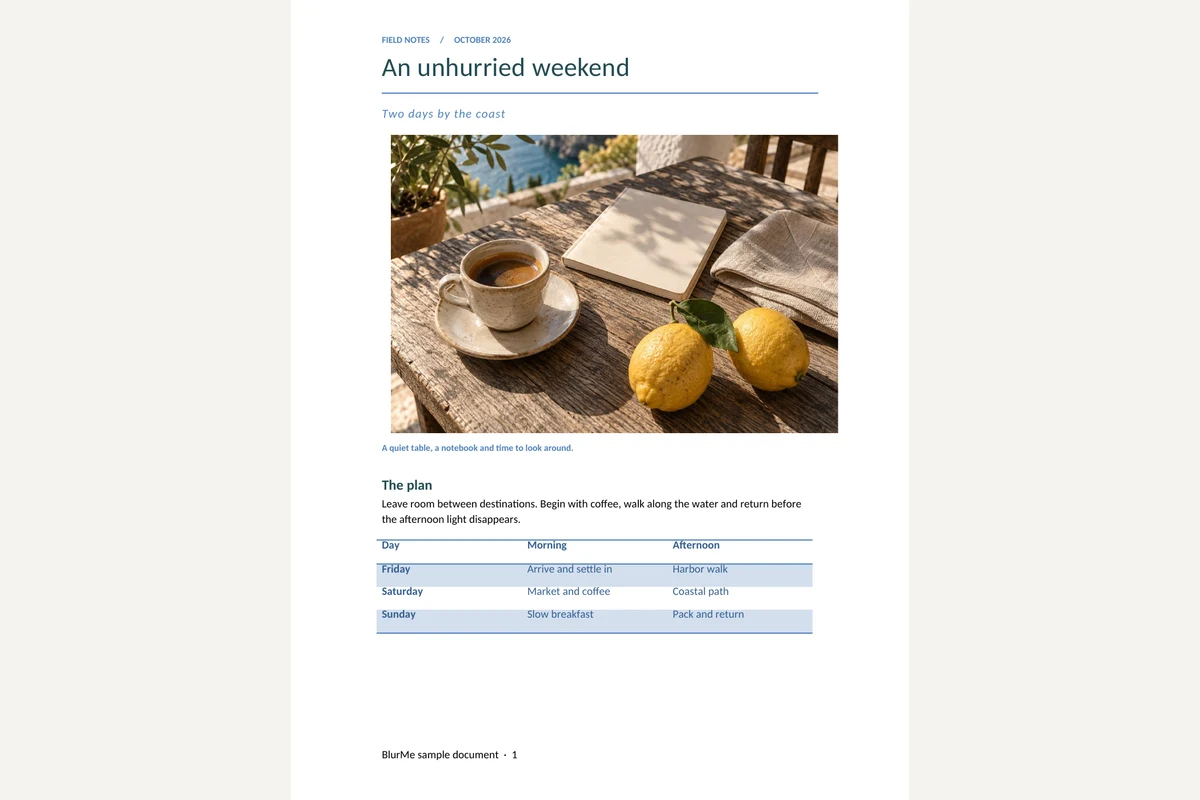
Originale
Domande frequenti
- Che cosa conserva DOCX in testo?
- Il contenuto scritto e le separazioni dei paragrafi vengono mantenuti per ricerche, citazioni o modifiche.
- Che cosa controllare con DOCX in testo?
- Immagini, colori e disposizione delle tabelle non vengono riprodotti. Non legge il testo nelle immagini.
- Come usare il risultato di DOCX in testo?
- Usa TXT in un editor. Conserva DOCX per la formattazione oppure convertilo in PDF.
- Come usare DOCX in testo
- Seleziona DOCX, estrai il testo e leggi l’anteprima.
- I miei file vengono caricati su un server?
- No. I file vengono elaborati nel browser di questo dispositivo e non vengono inviati ai server di BlurMe.
Strumenti correlati
Tutti gli strumentiWord in PDF
Converti DOCX in PDF con testo selezionabile.
Estrai immagini da DOCX
Scarica le immagini Word originali singolarmente o in ZIP.
Oscurare PDF
Modifica in StudioTrova e rimuovi i dati personali nei PDF.
Visualizzatore XLSX
Scegli un foglio e consulta i valori delle celle salvati.
XLSX in CSV
Esporta un foglio visibile o un CSV per ogni foglio.
CSV in XLSX
Mantieni zeri iniziali e identificativi lunghi in un file Excel.