How to Blur Faces in Photos and Videos to Protect Privacy
Tylor Choi Part of: Online Blur Tools: Complete Guide + Comparison (2025)Read the complete guide →
Many friends and family members value their privacy and prefer not to have their pictures shared publicly. In those situations, choosing to blur face in photos or videos helps protect identities and reduce potential legal or privacy risks. Whether you're posting on social media or sharing content in a group chat, hiding faces is a simple precaution that can make a big difference.
The good news is that learning how to blur faces is easier than ever and can be done quickly using online tools and apps.
Why Should You Blur Faces?
As facial recognition technology becomes more common, it’s increasingly easy for strangers to identify people in photos or videos. Even a casual picture with friends can unintentionally reveal someone’s identity or location when shared online. Without meaning to, you could expose personal information about others who never agreed to be posted publicly. Taking a moment to blur faces in your photos helps protect identities and adds an important layer of privacy in sensitive situations.
This small step helps protect both you and others from unwanted exposure, digital tracking, or data misuse, while still allowing you to share your memories more responsibly.
How to Blur: Web vs. Installed Tools
While there are plenty of tools that you can use to blur videos and pictures, they can be a bit expensive and also not very useful.
Installed Tools
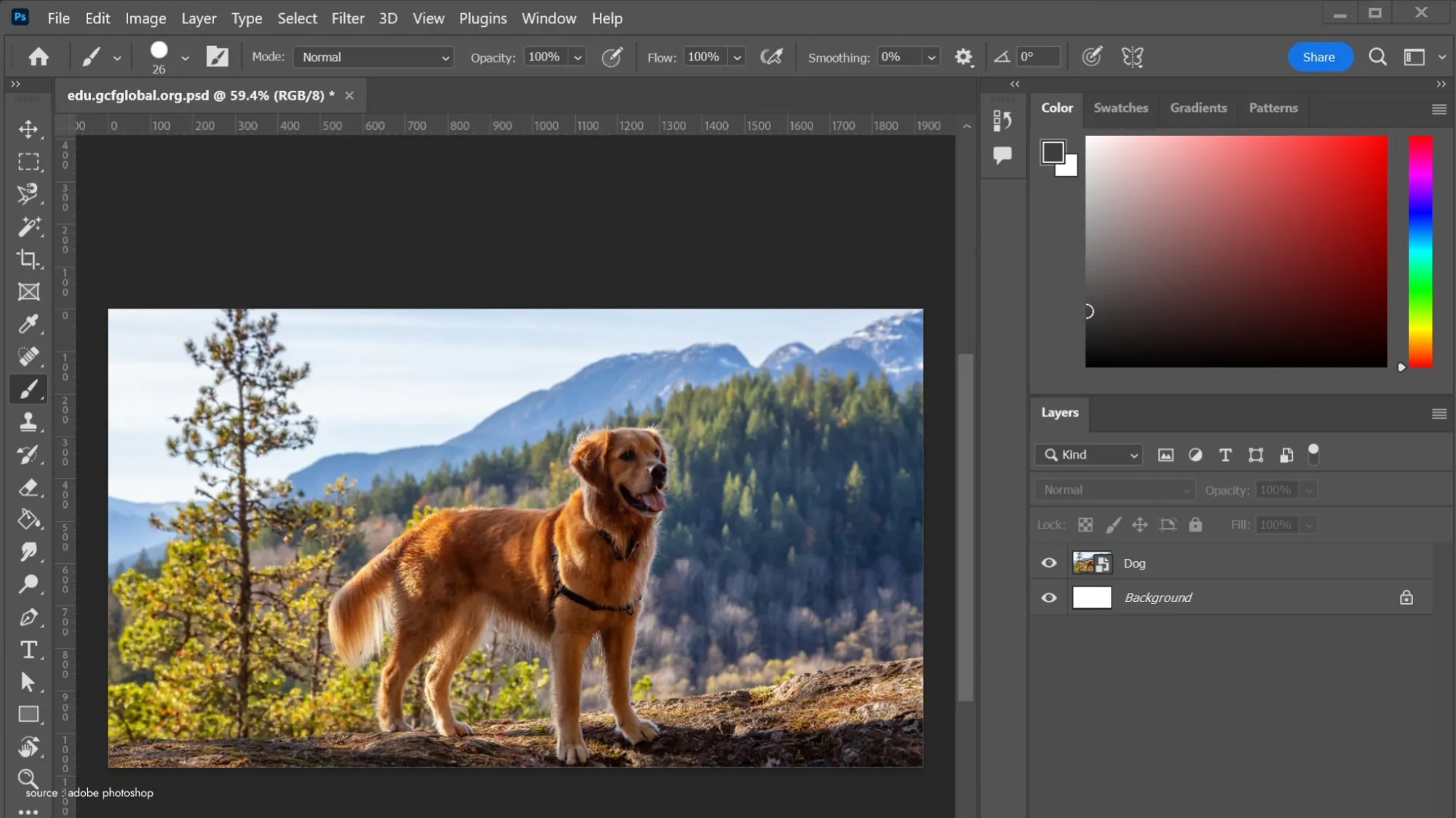
There are plenty of tools you can install on your desktop, like Adobe Photoshop, which can blur faces for you, but they can be daunting for beginners. The user interfaces are complex, and learning how to blur faces or perform any task often requires tutorials or past experience.
These tools are designed for professionals and advanced users who need full control over their edits, which makes the task a little too time consuming.
Web Tools
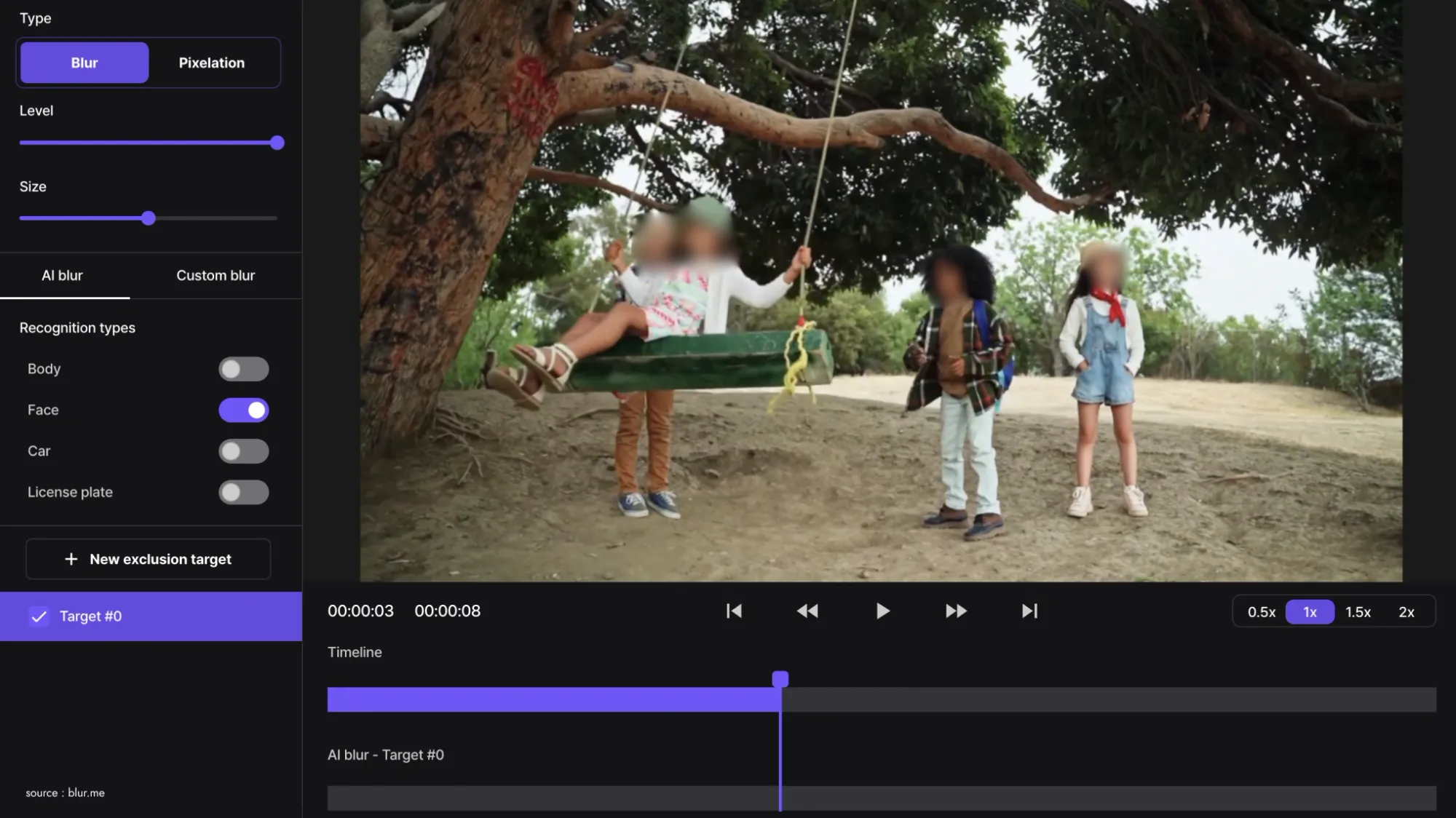
Web tools like BlurMe are infinitely cheaper, and you don't need to have past experience to use this tool, either. BlurMe is just used for blurring faces and other areas of an image or video. It probably does not have as many "high-end" features as other expensive software. But it is the best at one thing, which is face blurring. Tools like these are designed for everyone to use with ease while also making your face blurring easy and less time-consuming.
How to Blur a Face in Images and Videos
Now that you have learned why and which tools to blur faces with, let us get into how you can use BlurMe to blur faces.
- Launch a browser of your choice, such as Google Chrome or Firefox. Then, visit the BlurMe website.

- After signing up, search for the Upload button and upload your file. BlurMe supports different picture and video formats.
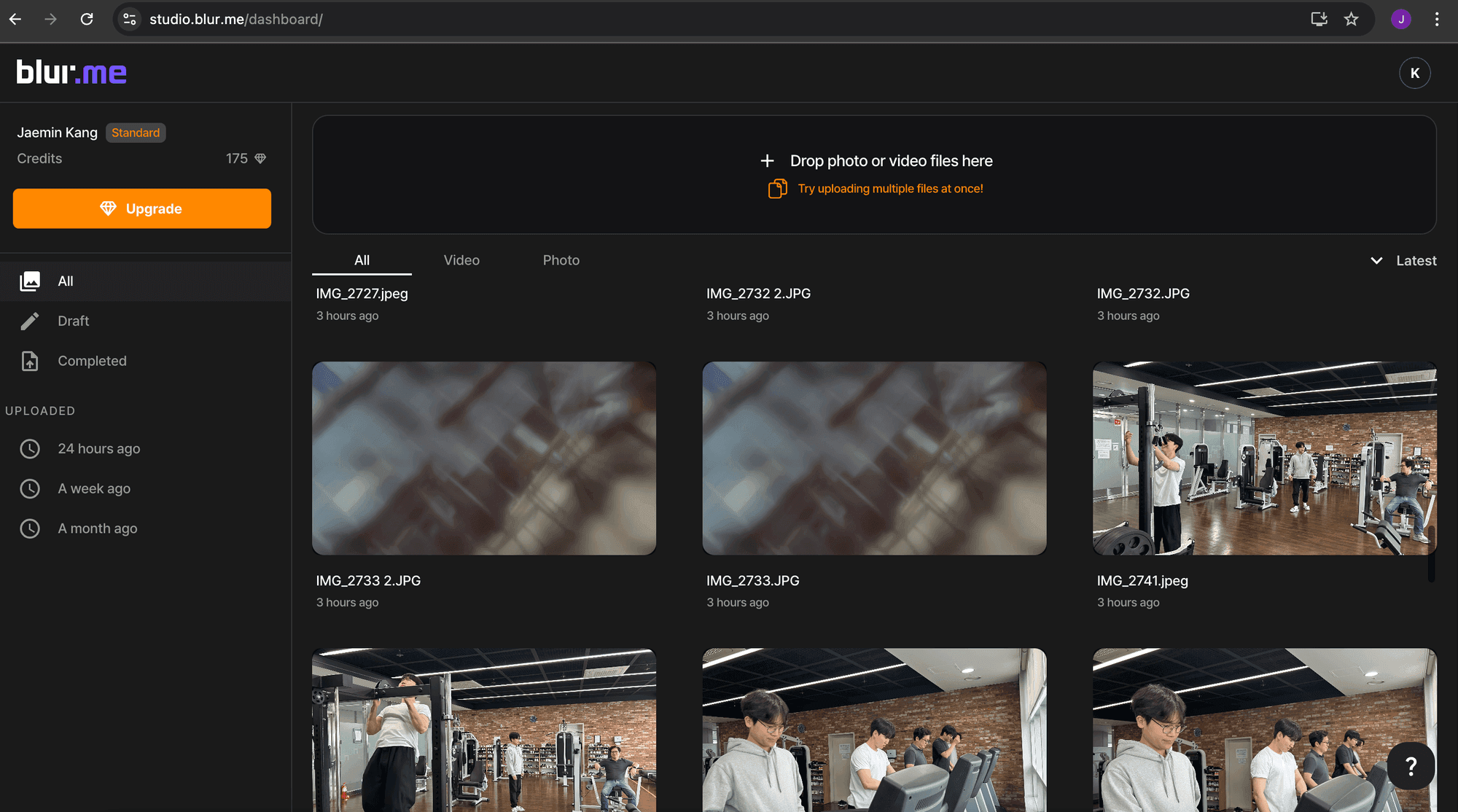
- After you have uploaded the images you want to blur. BlurMe will scan for all the faces in the picture and blur them. Once the blurring is done, double-check the customization. Before uploading group photos to social platforms, using an online tool to blur face areas helps safeguard identities while keeping the rest of the image clear. Selection helps leaving the unchosen areas unblurred. Learn how to blur faces on iPhone, Android and online, no download or install needed.
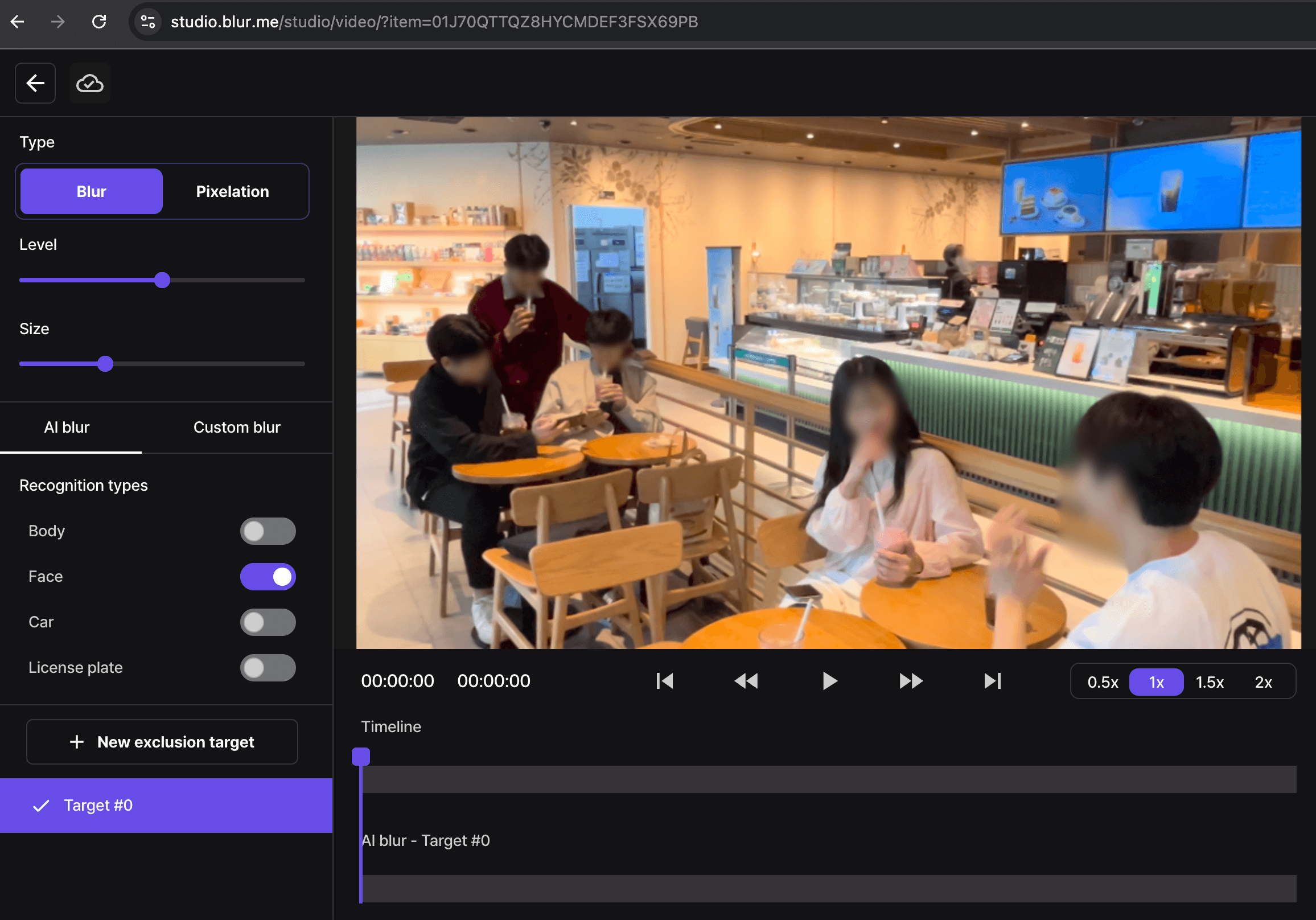
- Before settling on your modified blurred image, check your changes with the preview. By doing this, you can see if the image blur has been done correctly and if there are any important details left.
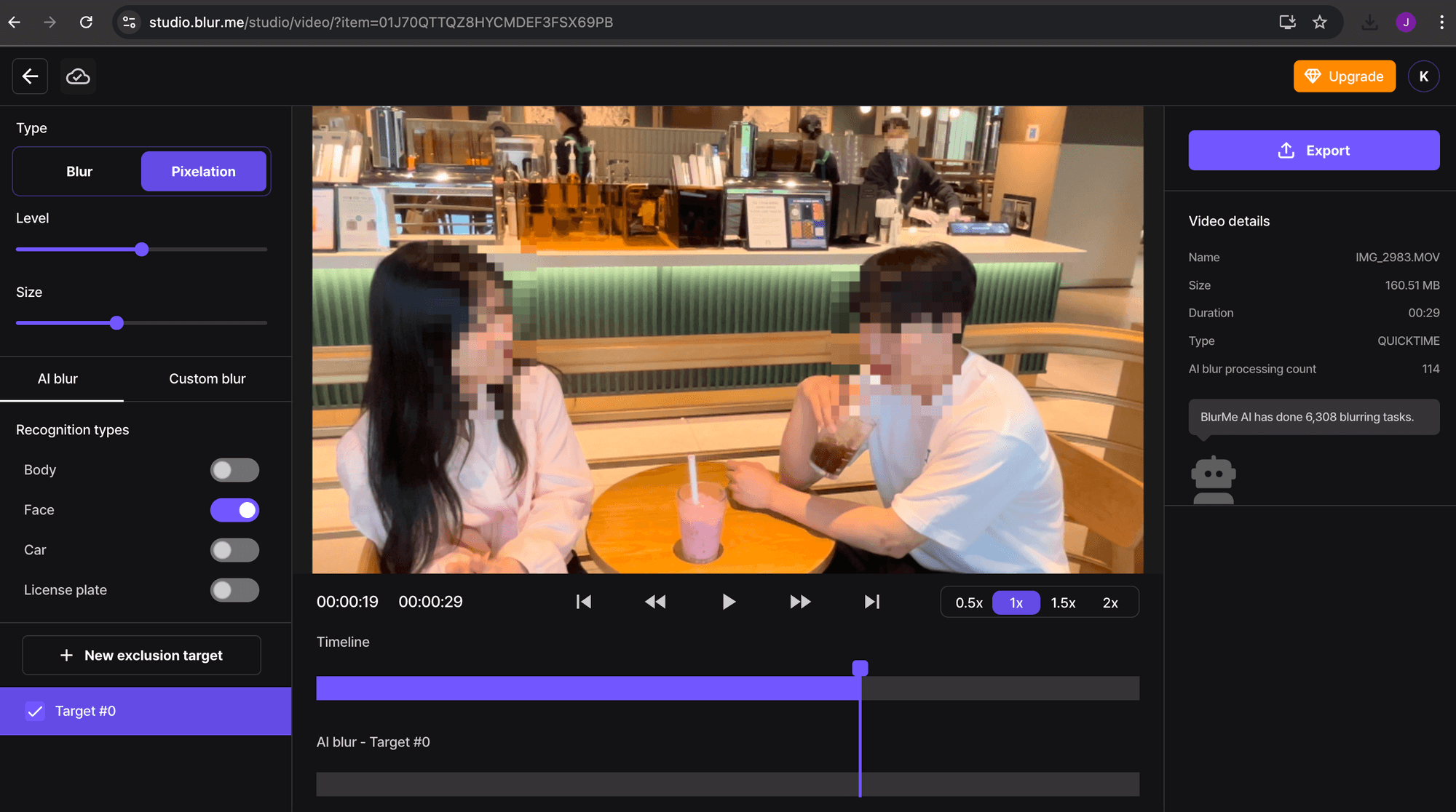
- After you are satisfied with your work, simply click the export button, and the file will be downloaded automatically on your device.
Final thoughts
Now share your best moments without compromising your privacy or showing your little ones. Once again, the best tool available for ensuring personal safety while sharing your moments is blurring of the photos and videos. Whether you're online or with friends, apps like BlurMe make it so easy to blur someone's face or any other detail that may be of real concern.
You can now get on with the fun of sharing without worrying because with just a few clicks, you can have sensitive parts of your pictures and videos blurred.