Share group photos
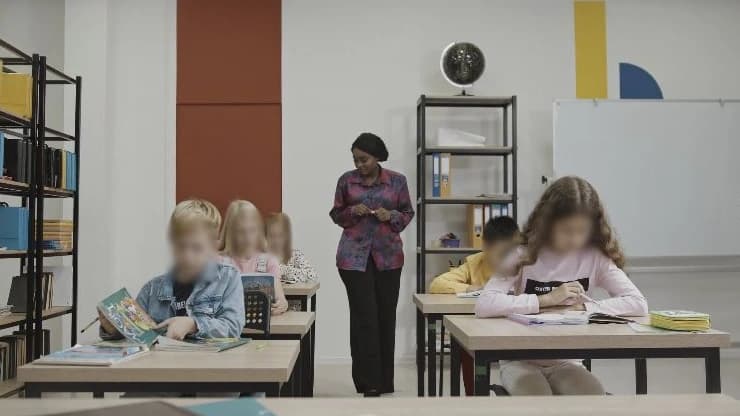
Choose the faces you want to hide in event or group photos. Keep selected people visible and review the result before downloading.
Detect faces, people, vehicles, and license plates in your photos. Choose what to hide with blur, pixelation, or a solid cover.
No install, no sign-up, no high-end PC. All you need is a browser.
Click a face to keep it visible.
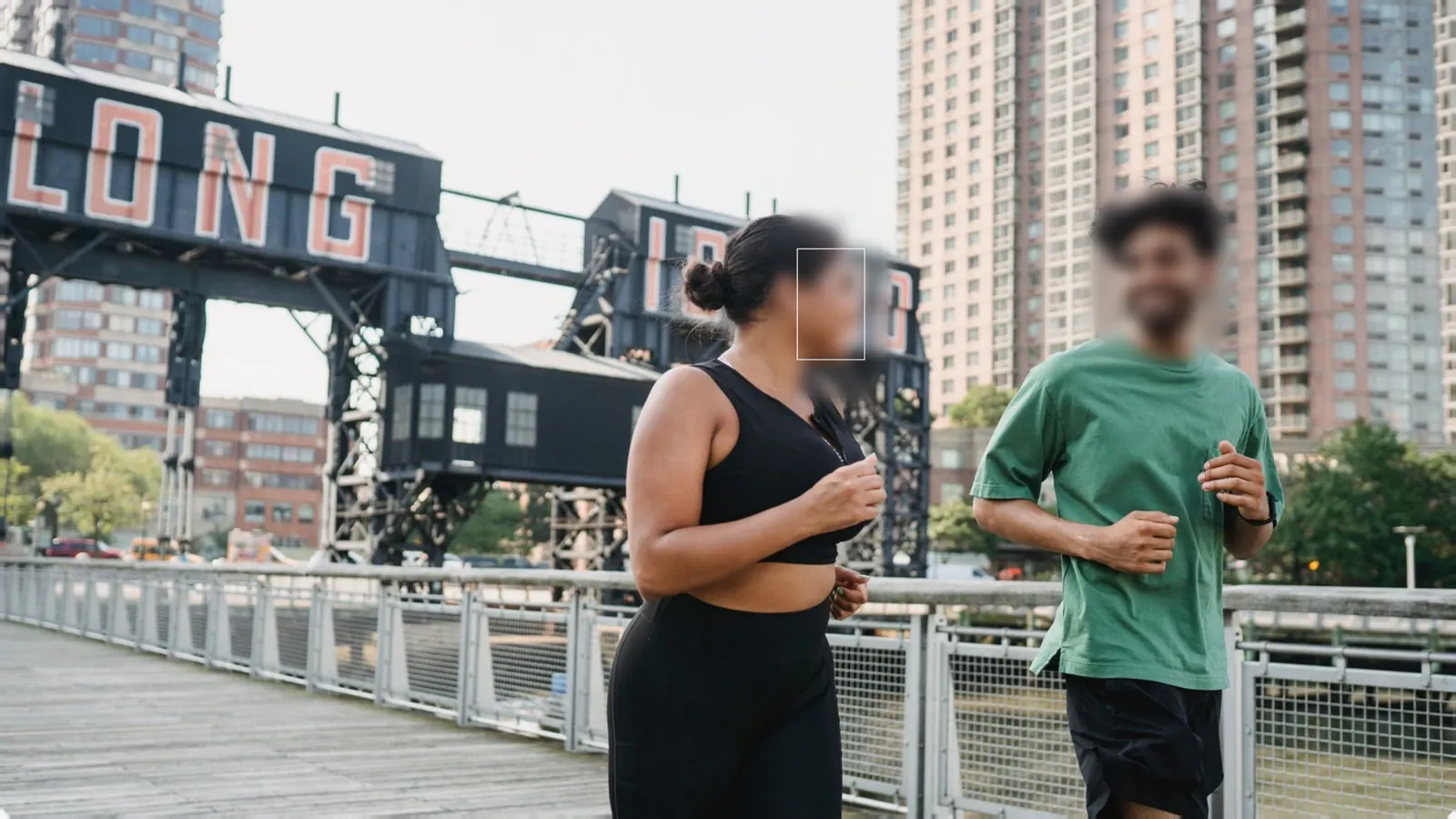
Click a face to keep it visible.
Detect faces, people, vehicles, and license plates in your photos. Choose what to hide with blur, pixelation, or a solid cover.

Upload multiple photos in your browser and move through the gallery to check each selection and result. Export the reviewed files together when you are ready.
Click an object to create a selection, then review and refine it.
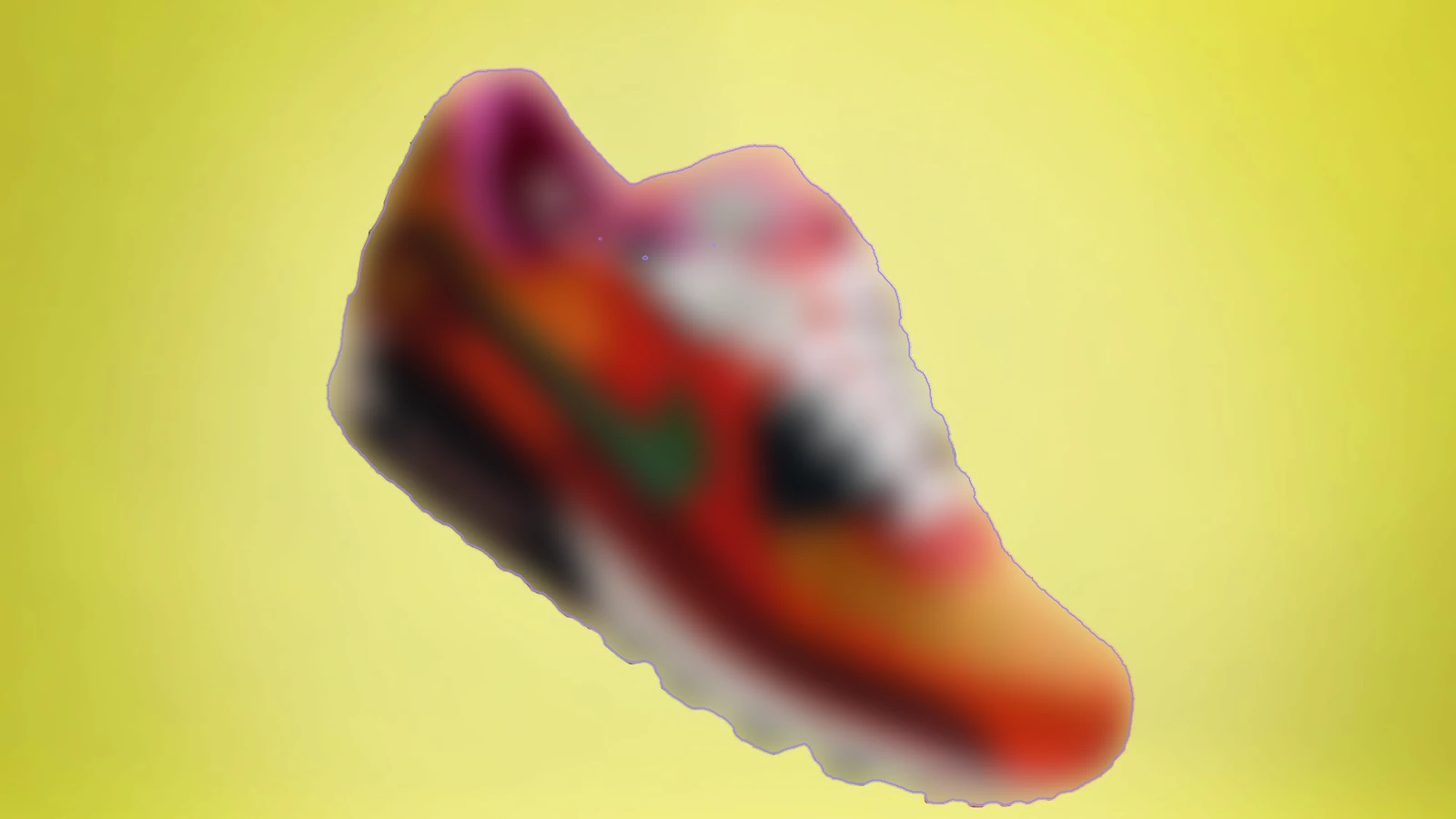
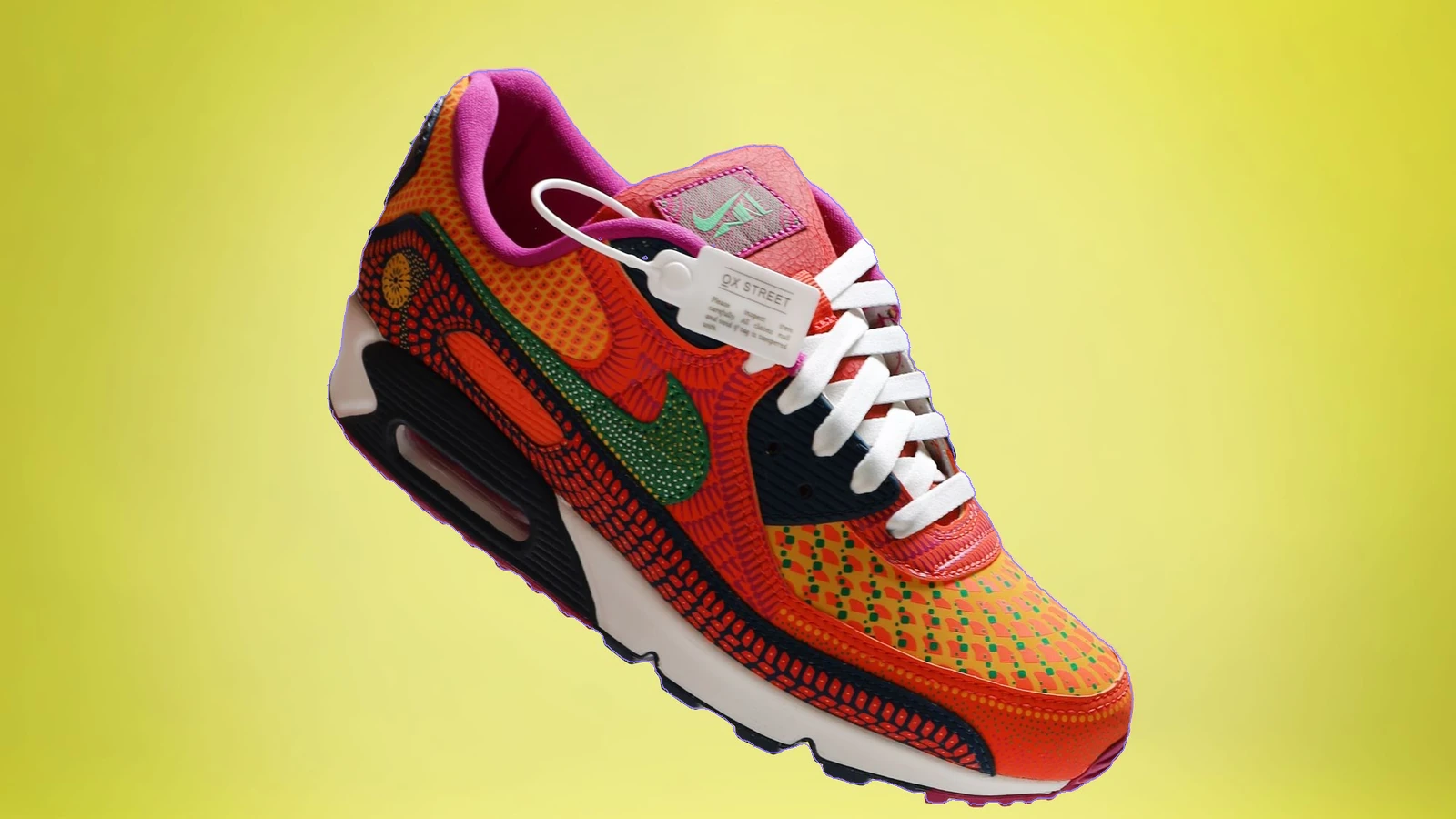
Keep your subject and blur everything around it — or use background magic blur to remove the background entirely.
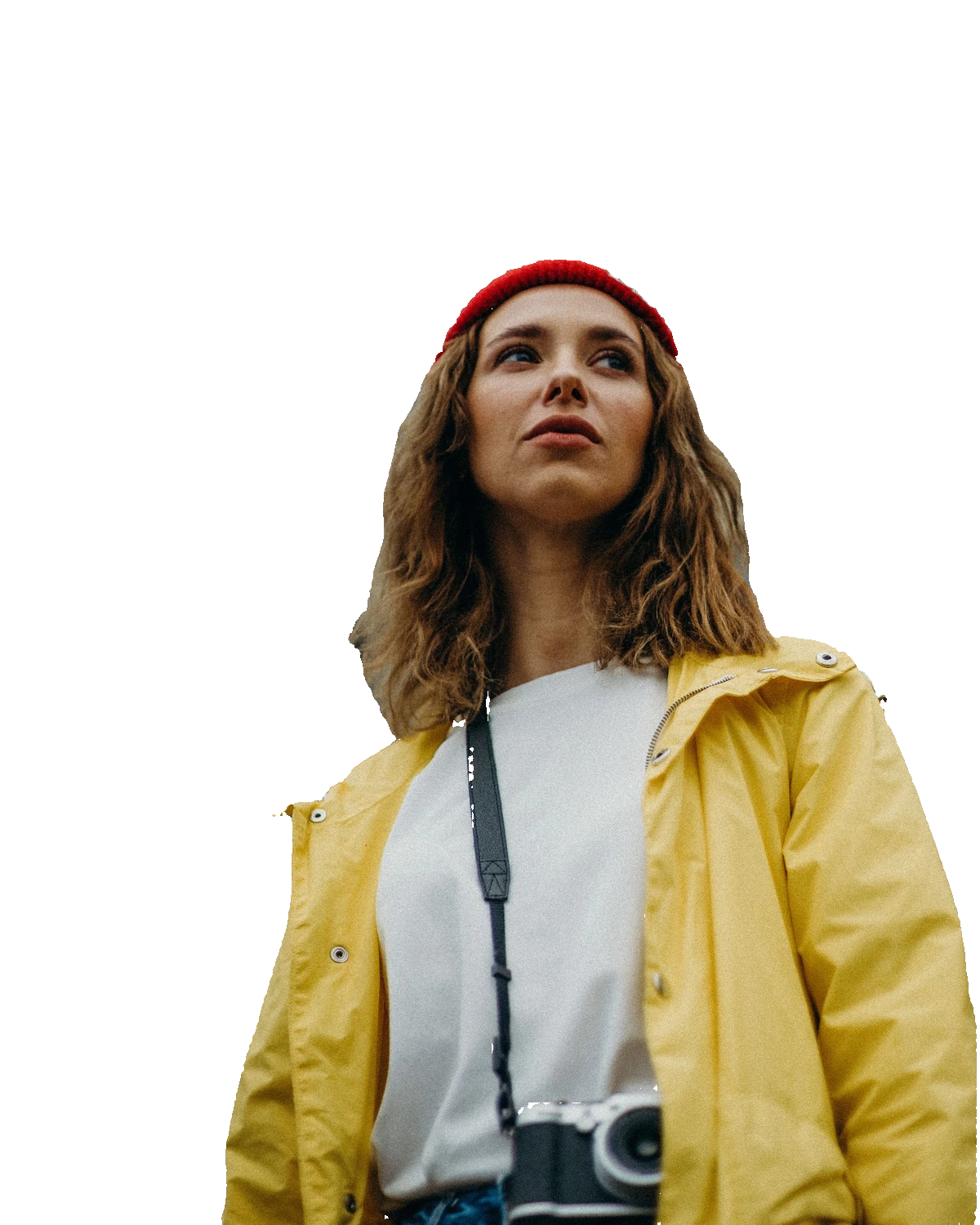
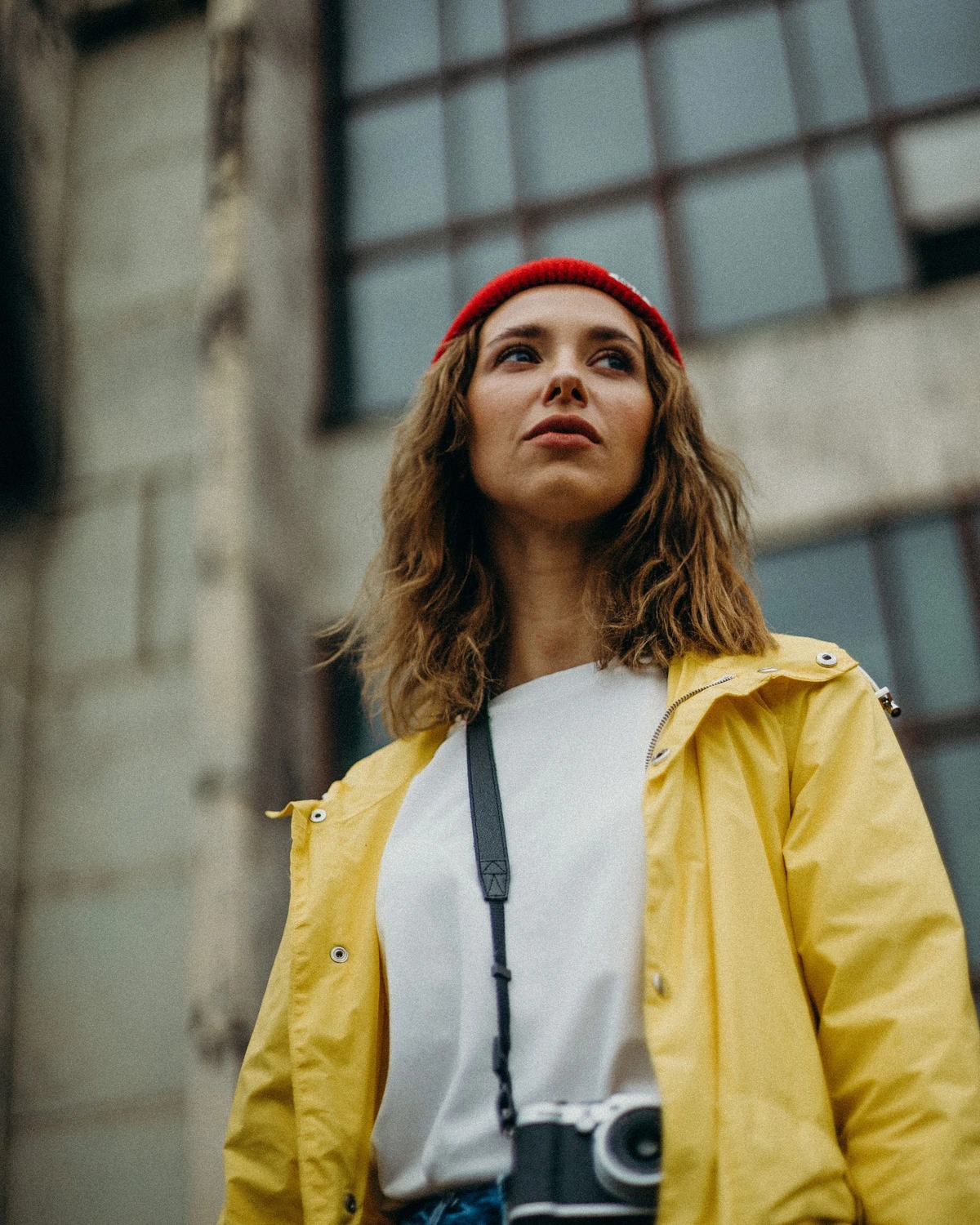
Blur one target, pixelate another, cover a third — every target keeps its own effect and strength.

PNG · JPG · WebP. Create a free account to download. Free exports include a watermark.
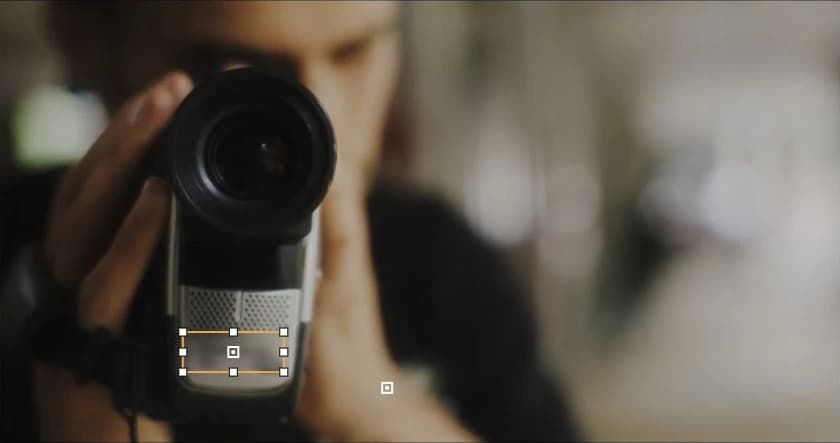
Choose the faces you want to hide in event or group photos. Keep selected people visible and review the result before downloading.

Before posting photos of a vehicle or building, blur license plates and the faces of people nearby. Review the detected areas and add anything that was missed.
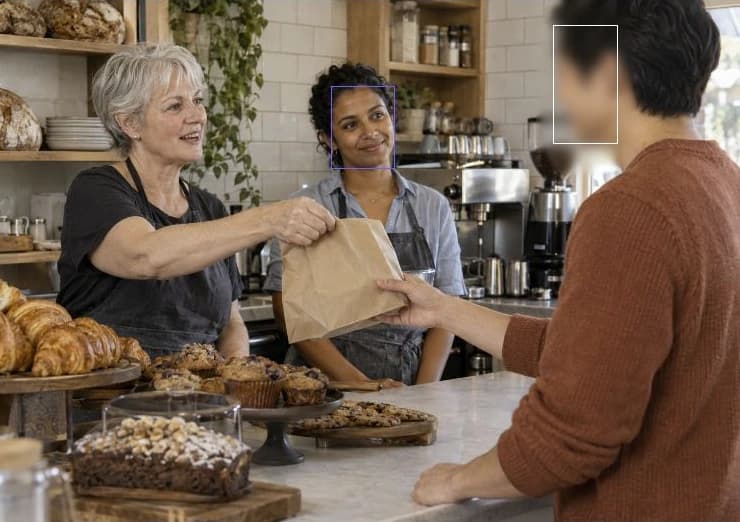
Blur customers’ faces in photos of your shop. Keep staff and products visible, and check the result before posting.
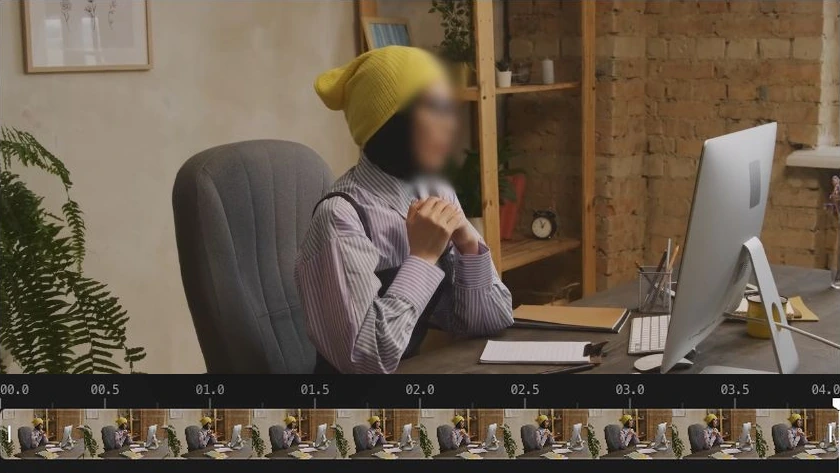
Detect subjects and follow their movement with a mask. Play back the result and adjust any missed areas before exporting.