




Blur Video Online

A browser-based video blur tool: draw over anything you want to hide and the blur follows it as it moves. AI can also find and blur every face.

Hide
Effect
No file? Try a sample video →
  • Try without signing up
  • Nothing to install

Here's what you get

The screen of a handheld device, outlined once and kept blurred as the hand moves. A real result.

Real result

A real result: the screen of a handheld device is outlined once in BlurMe, and the blur follows it as the hand moves it around

Companies, universities and nonprofits around the world blur their footage with BlurMe

  • Samsung
  • Hyundai
  • Oracle
  • Johns Hopkins University
  • New York University
  • TLScontact

How to Blur a Video Online

Blur a video in three steps, with nothing to install.

  1. Upload your video

    Click Upload video or drop the file anywhere on the page. MP4, MOV and WebM are supported.

  2. Draw over what to hide

    Choose Draw an area and outline it with a rectangle, ellipse or polygon. Click Follow motion and the blur moves with it. Then pick blur, pixelate or solid and the strength.

  3. Export

    Click Export to save the blurred video.

A blur video editor that follows the motion

Blur any part of a video. It follows the motion.

Outline a phone screen, a logo, a sign or a license plate with a rectangle, ellipse or polygon. Click Follow motion and the blur stays on that area through the clip, so you don't redraw it frame by frame. Follow motion runs in your browser and uses no credits.

Real result
A real result: a phone held in a café is outlined once with a polygon that matches its shape, and the blur keeps that shape as it follows the moving hand

Faces are blurred automatically by AI

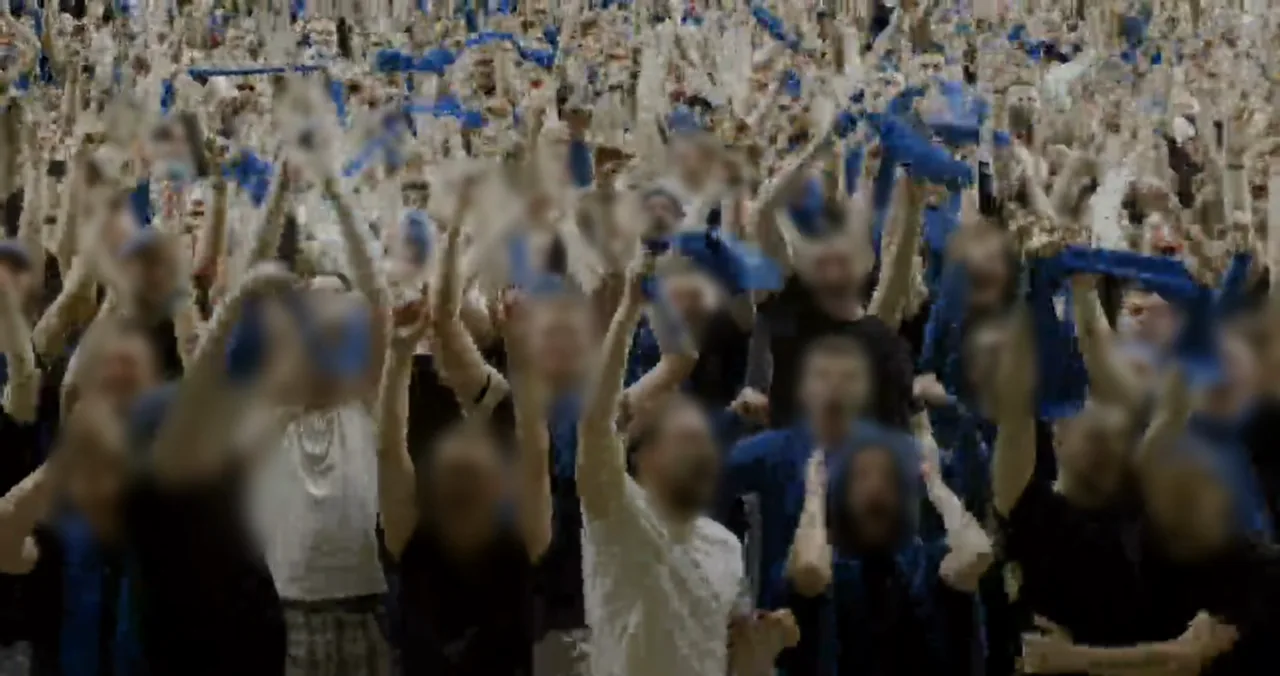
Choose Faces (auto) and AI finds every face and keeps it blurred to the last frame, even as people move. Click a face to keep it visible.

A real result: the faces of a festival crowd found and blurred automatically by AI

Video blur effects, from light to strong

Add a blur effect to your video, or use pixelate or a solid cover instead, and set the strength and size. Keep it light to soften a background detail, or strong when it must not be readable.

  • Light
  • Medium
  • Strong
A real result: the same classroom scene with light, medium and strong blur

Can CapCut blur part of a video?

Yes. On PC you copy the clip to a second track, put the blur on one and a mask on the other, and track the mask when the subject moves; on mobile and web you move the mask with keyframes. In BlurMe you draw the area once and it follows the motion.

CapCutBlurMe
Setting up the areaCopy the clip, blur one track, mask the other (PC)Draw a rectangle, ellipse or polygon
When it movesMask tracking on PC, keyframes on mobile and webFollow motion keeps the blur on it
FacesA mask per face (PC also has Face Mosaic)AI finds every face automatically

CapCut steps are based on CapCut's official guides, How to Blur Videos With CapCut in 2025 and How To Blur Face in Videos in 10 Effective Ways.

Made for videos like these

Blur video online: FAQ

How do I blur a video online?

Upload your video and choose Draw an area or Faces (auto). Draw over what you want to hide, or let AI find the faces, then pick the effect and strength and click Export. On Pro and above you can upload several clips and blur them in one batch.

Can I blur a video online for free?

Yes. You can try it in your browser, on a computer or an iPhone, without signing up or installing anything. Free exports are watermarked and limited to 10 seconds; longer videos and watermark-free results need a paid plan.

Can I blur parts of a video?

Yes. Choose Draw an area and outline only the part you want to hide with a rectangle, ellipse or polygon. The rest of the frame stays as it was.

Can the AI track objects if the camera is moving?

Yes. Faces found by AI stay blurred as people or the camera move. For anything else, draw the area and click Follow motion, and the blur moves with it. If the object is covered or leaves the frame, following stops at that point so you can check it and continue.

How to blur a video background?

Turn on background blur in the editor: the background is blurred while the people stay sharp. The Blur Background tool opens with this already set.

How do I blur a video without losing quality?

Only the areas you cover are changed. You choose the export resolution: free exports go up to 1080p, and 4K is available on Pro and above.

How do I censor a video?

Draw over text, logos or screens, or let AI find the faces, then cover them with blur, pixelate or a solid box before you export.

Is online video blurring secure for sensitive content?

Uploads are stored encrypted and you can delete them at any time. Uploaded videos are never used for AI training.

More blur tools

All tools →

Blur your video now

No sign-up to try · Nothing to install