Zaczernij i zanonimizuj PDF online
Prześlij plik PDF, a BlurMe automatycznie znajdzie dane osobowe. Sprawdź każdą pozycję, dodaj własne obszary i pobierz zanonimizowany plik.
Jak zanonimizować PDF
- Krok 1: Prześlij plik PDF
Przeciągnij do obszaru przesyłania plik PDF o rozmiarze do 50 MB i liczbie stron do 100.
- Krok 2: Sprawdź, co zostało znalezione
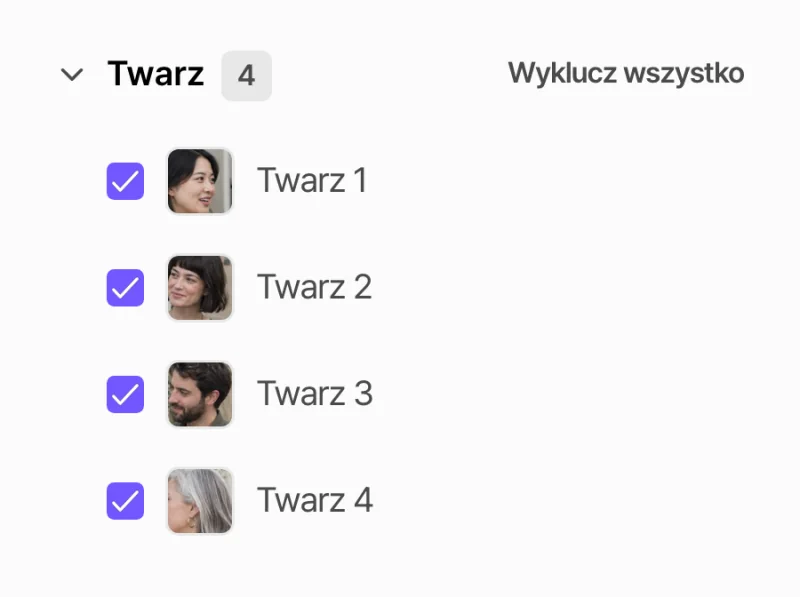
BlurMe wyświetla listę znalezionych danych osobowych i twarzy. Zachowaj lub wyłącz każdą pozycję i narysuj ramki na wszystkim innym.
- Krok 3: Pobierz zanonimizowany PDF
Wyeksportuj plik PDF. Tekst pod czarnym paskiem zostaje usunięty z pliku, a nie tylko zasłonięty.
Automatyczne wykrywanie danych osobowych
BlurMe wykrywa numery telefonów, adresy e-mail, numery kont i kart, numery paszportów, daty urodzenia i nie tylko. Imiona, nazwiska i adresy są wykrywane w planie Starter i wyższych.
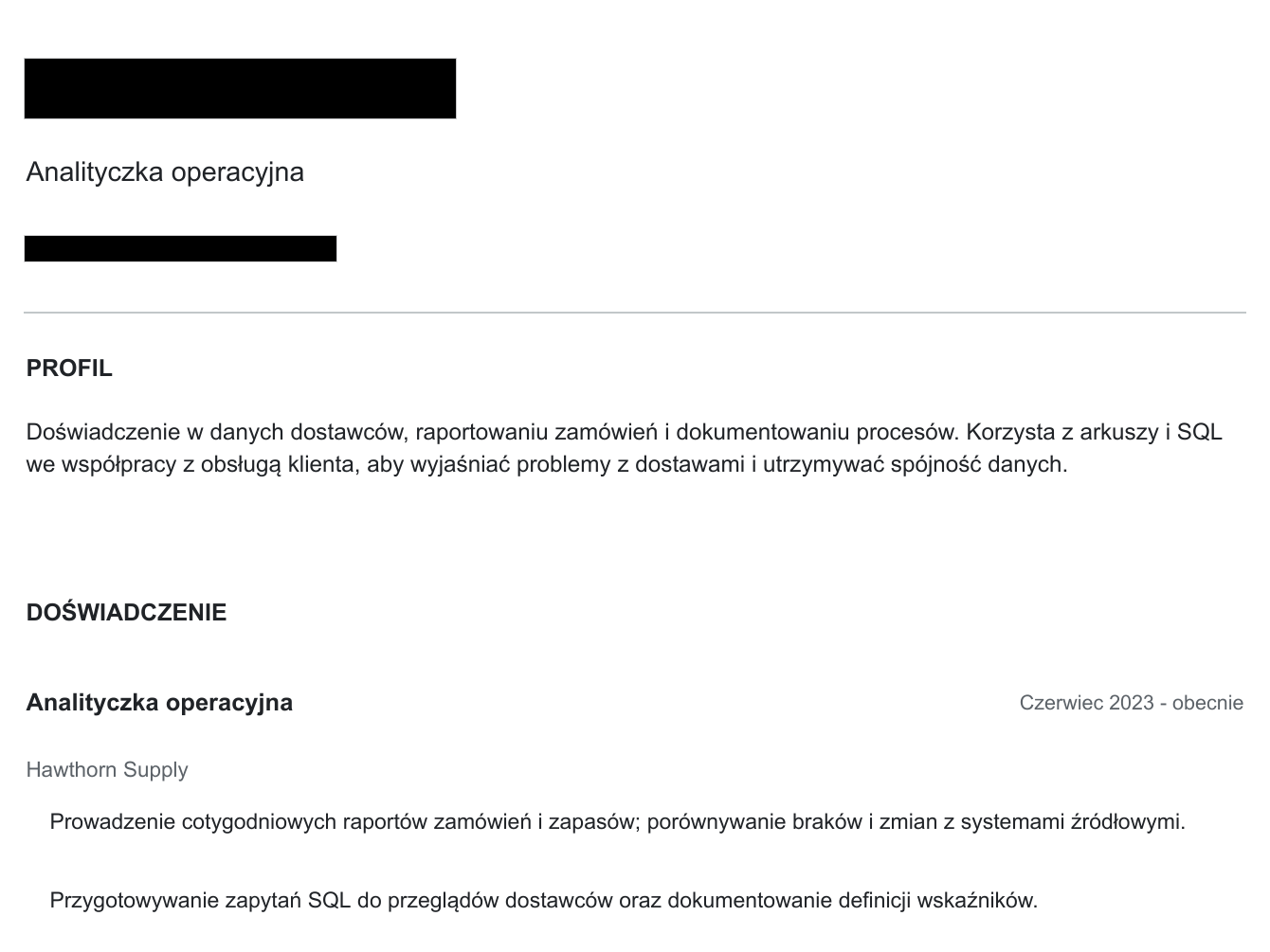
Twarze, tablice rejestracyjne i zeskanowane strony
Zdjęcia w pliku PDF są sprawdzane pod kątem twarzy i tablic rejestracyjnych, a zeskanowane pliki PDF są odczytywane przez OCR, dzięki czemu ich tekst także można zaczernić.
Czarne paski, rozmycie lub mozaika
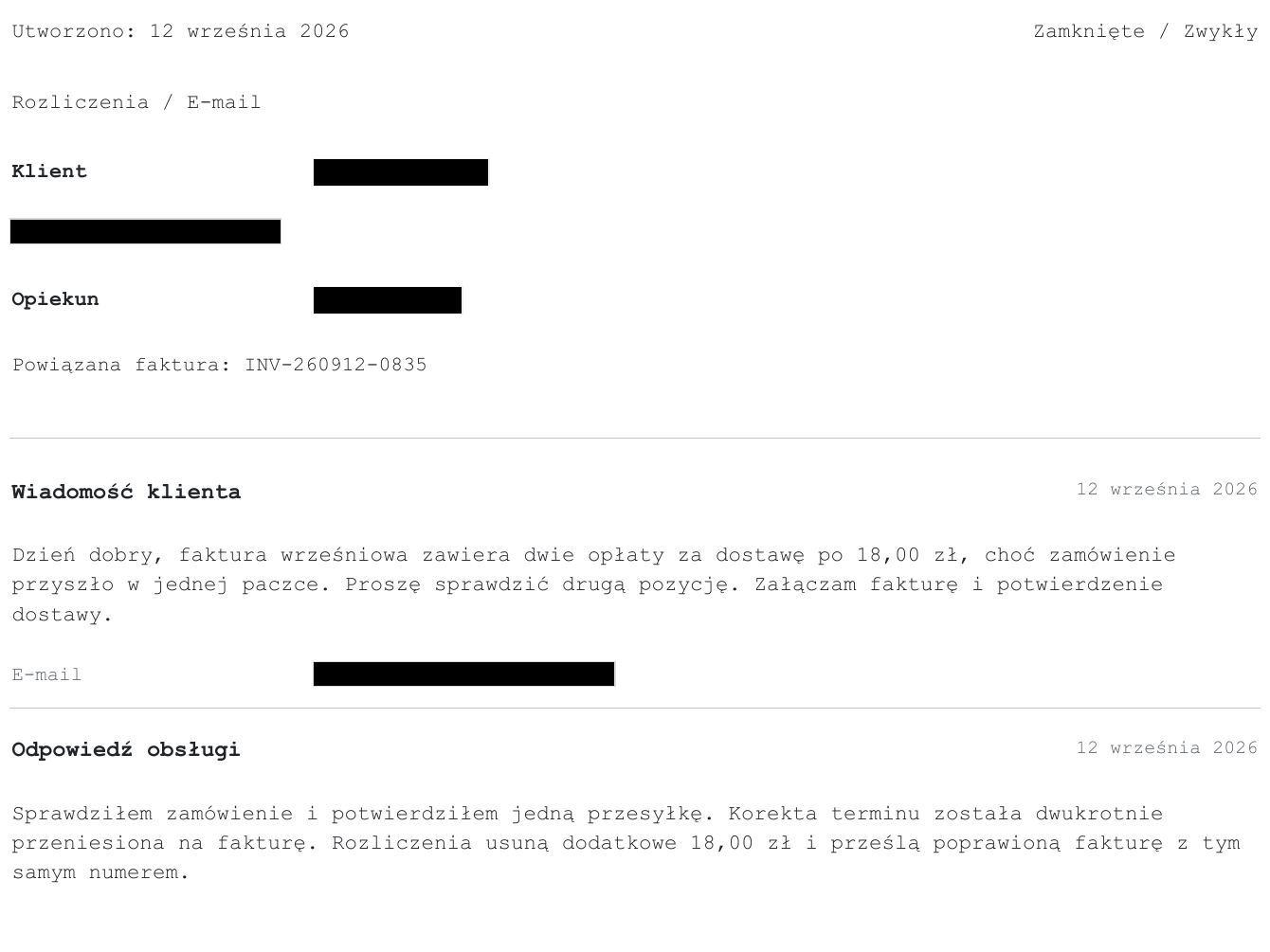
Zakryj tekst czarnym, białym lub szarym paskiem, a twarze rozmyj lub spikselizuj. Dostosuj siłę i rozmiar efektu do dokumentu.
Dlaczego warto anonimizować pliki PDF w BlurMe
- Sprawdzenie przed eksportem
Każda wykryta pozycja trafia na listę, więc możesz ją sprawdzić, zanim cokolwiek zostanie usunięte.
- Tekst jest usuwany, a nie ukrywany
Tekst pod czarnym paskiem zostaje usunięty z wyeksportowanego pliku PDF, więc nie da się go skopiować ani wyszukać.
- Zeskanowane dokumenty
OCR odczytuje zeskanowane pliki PDF i pliki PDF oparte na obrazach.
- Ręczne obszary
Rysuj ramki na podpisach, logo lub czymkolwiek innym.
- Działa w przeglądarce
Bez instalowania edytora PDF.
- Zacznij za darmo
Możesz przesłać i sprawdzić plik PDF za darmo. Darmowe eksporty mają limity, które znikają w płatnych planach.