HWP to PDF
Convert HWP and HWPX documents into a PDF with searchable text.
Opens HWP 5 and HWPX. A fallback font is used, so the layout can differ from the original.
- Free
- No sign-up
- No file upload
Example result
 HWP
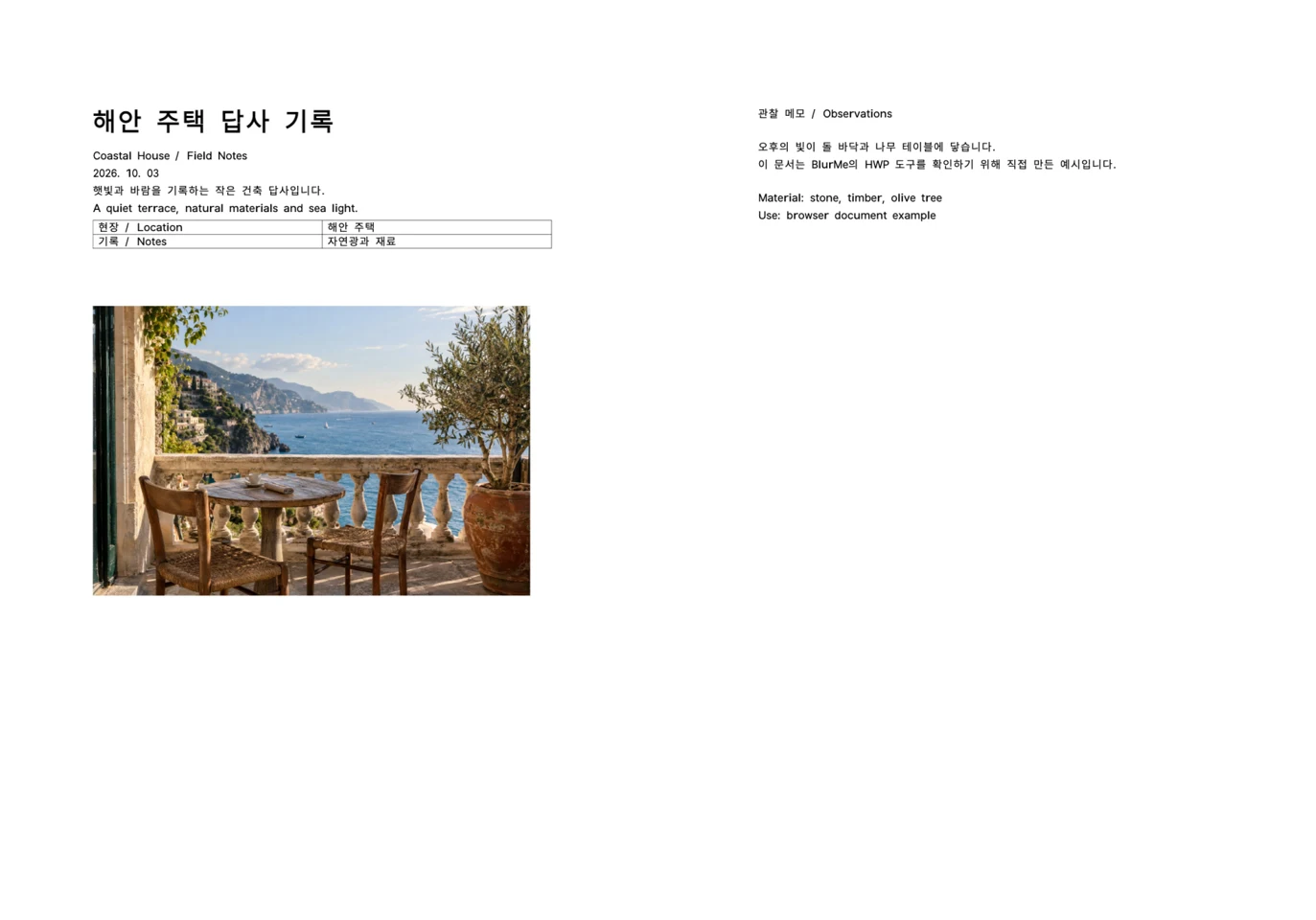 PDF
Saving HWP as PDF
Choose an HWP or HWPX document.
Enter the pages to convert, or leave it empty for all pages.
Download the PDF.
How HWP PDF rendering works
This conversion creates a PDF that can be opened on devices without HWP support. Text, tables, lines and images on each selected page keep their positions, and the text stays selectable.
The PDF does not keep form fields or links. Because a fallback font is used, an official submission is more accurate as a PDF exported from the original word processor.
Frequently asked questions
Related tools
All toolsDocument to PDF
Convert DOCX, XLSX, PPTX, HWP or HWPX with one file selector.
HWP Viewer
Open HWP and HWPX documents and read their pages in your browser.
Merge PDF
Combine PDF documents in the order shown in the file list.
Split PDF
Split a PDF into separate files using page groups.
Redact PDF
Edit in StudioFind and remove personal information in PDFs.
HWP to TXT
Extract readable text from HWP and HWPX into a UTF-8 text file.