Image converter
Convert JPG, PNG, WebP, AVIF and HEIC/HEIF images to your choice of JPG, PNG or WebP in one batch.
- Free
- No sign-up
- No file upload
Example result
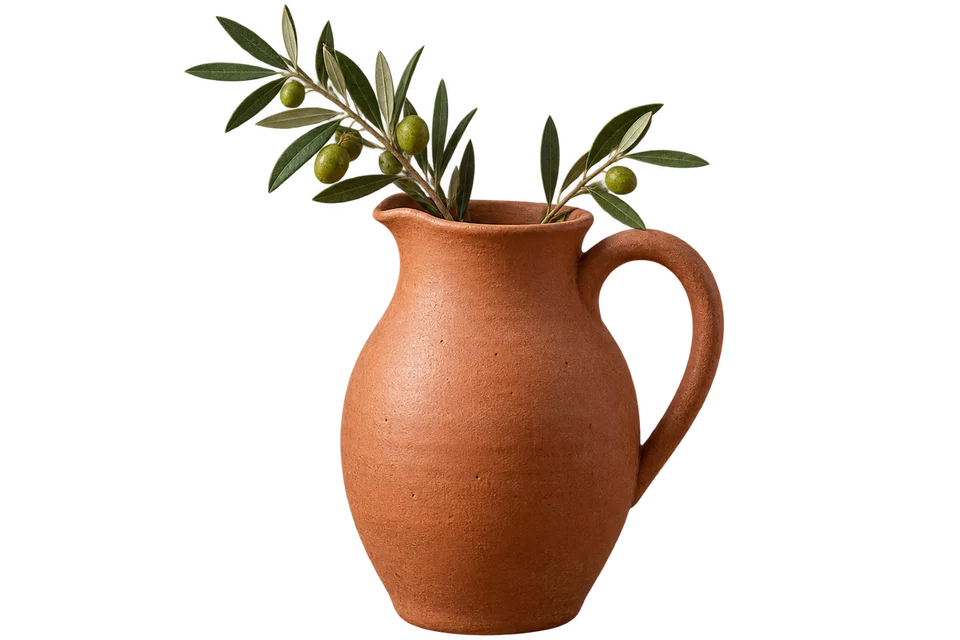


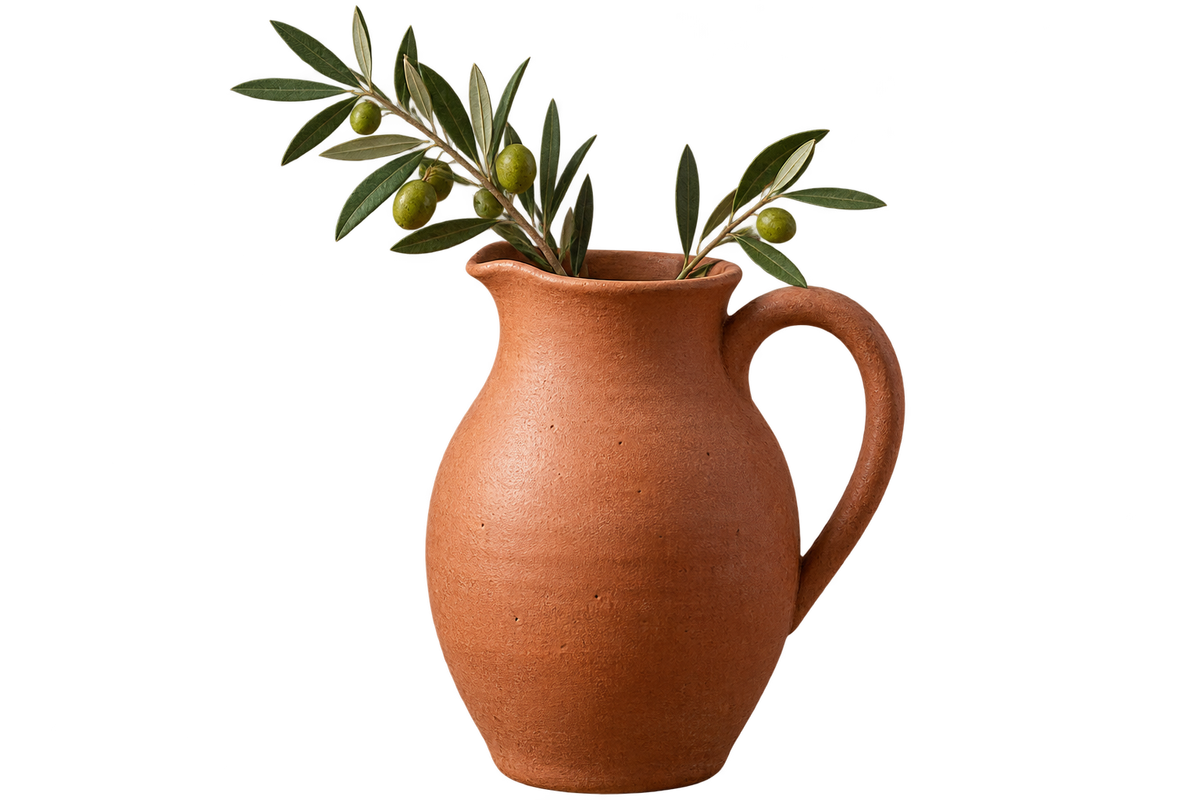



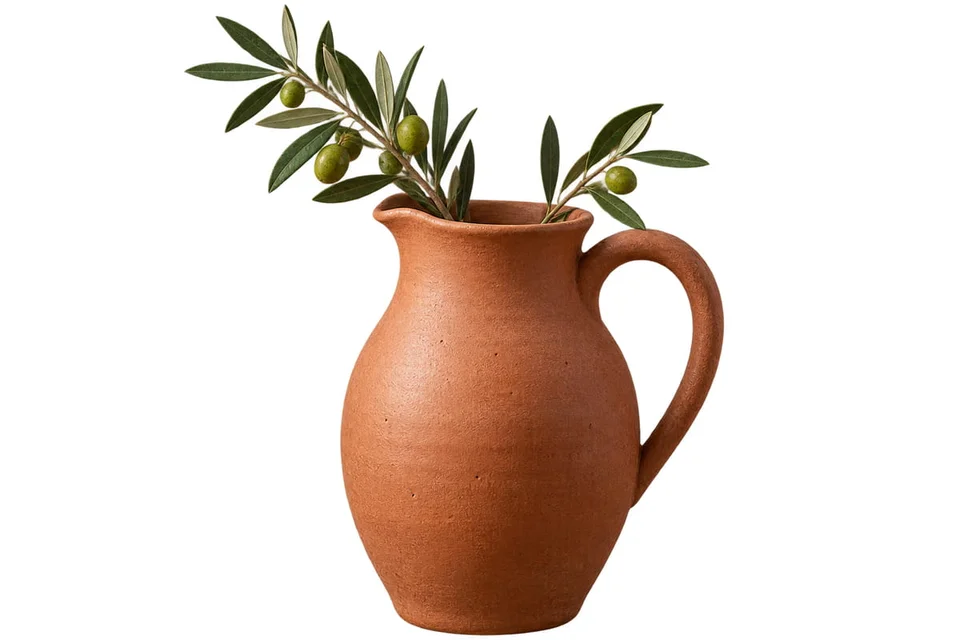
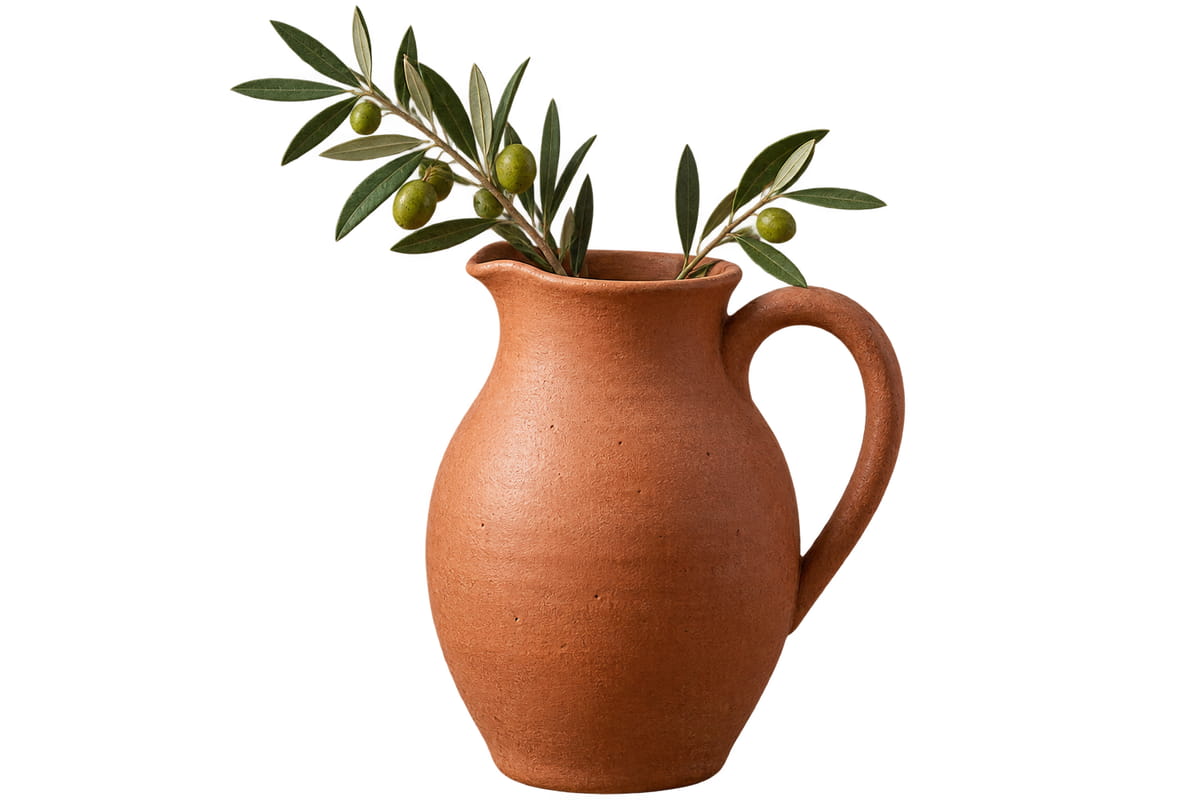


Choose one format for a mixed batch

Choose JPG, PNG, WebP, AVIF or HEIC files together.
Pick JPG, PNG or WebP as the output.
Download each file or all of them as a ZIP.
Choose the output for its intended use
JPG suits photos when transparency is unnecessary. PNG preserves decoded pixels and transparency but may make photographs much larger. WebP supports transparency with adjustable lossy quality. Conversion cannot restore detail already lost in the source. AVIF still images are also accepted. Outputs use 8-bit pixels; HDR appearance is not guaranteed.
The example turns a JPG photo, a transparent PNG and a WebP image into JPG files at quality 80. The PNG gets a white background. Dimensions stay unchanged, except that a photo stored with orientation metadata is saved in its displayed orientation.
Frequently asked questions
Related tools
All toolsImages to PDF
Combine mixed image formats into one PDF.
Image compressor
Compress a mixed batch of photos and graphics.
HEIC → JPG
Convert an iPhone HEIC photo to a widely accepted JPG.
PNG → JPG
Flatten a transparent PNG onto a chosen background and save it as JPG.
Blur Face in Photo
Edit in StudioAutomatically detect and blur faces in photos.
JPG → PNG
Save a JPG as PNG for an editor or upload form that requires PNG.