Convert WebP to JPG
Turn a WebP image into a JPG for software that requires JPEG.
- Free
- No sign-up
- No file upload
Example result
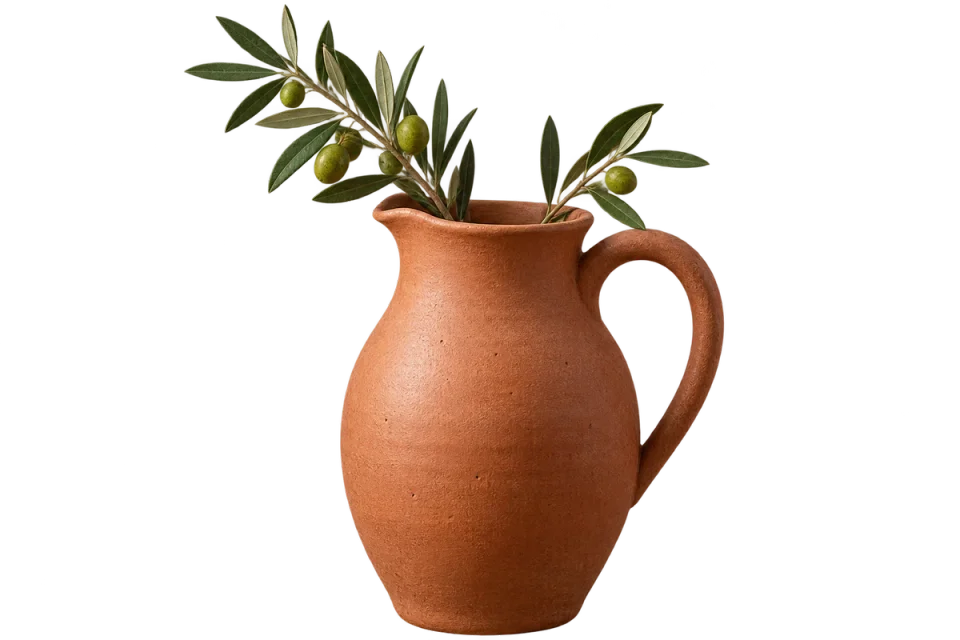 WEBP
WEBP
 JPG
JPG
How to convert WebP to JPG
Choose your still WebP images.
If they have transparent areas, pick a background color to fill them.
Set the quality and download the JPGs.
How WebP and JPG lose detail differently
WebP and JPG are both lossy, but they lose detail in different ways. JPG compresses the image in 8×8 pixel blocks, which can show as blockiness or ringing near edges at low quality. WebP tends to smooth fine texture instead. Converting decodes the WebP, smoothing included, and adds JPG compression on top at the Quality you set.
A JPG can be larger or smaller than its WebP source, so compare the actual sizes shown below before you replace files. Convert each image once and avoid turning the JPG back into WebP later, since every lossy round trip removes a little more detail.
Frequently asked questions
Related tools
All toolsImage converter
Turn mixed image formats into one chosen format.
JPG → WebP
Create a WebP copy of a JPG for web publishing.
Compress JPG
Reduce JPG file size for an upload or email attachment.
JPG → PDF
Arrange JPG photos into a single PDF document.
Remove Photo & Video Backgrounds
Edit in StudioTransparent PNGs for photos; green-background video for chromakey.
WebP → PNG
Export a static WebP as PNG for editing and compatibility.