Blur License Plates Online
Upload a photo or video and BlurMe finds license plates automatically. Review the results, cover anything it missed, and download your file.

Select File
Drag and drop your file here or click to upload.


How to blur a license plate
- Step 1: Upload your photo or video
Drag your file into the upload area. BlurMe works in your browser, so there is nothing to install.
- Step 2: Check the detected plates
License plate detection is already turned on. Review each plate BlurMe finds and draw a box over any plate it missed.
- Step 3: Download
Click Export to download your photo or video with the plates blurred.
Find license plates automatically
BlurMe's AI detects license plates on vehicles in photos and in every frame of a video, so you don't have to box each one by hand.

Keep moving plates covered in video
In video, BlurMe tracks each plate from frame to frame. Check the tracking on the timeline and fix any frame before you export.
Blur, pixelate, or cover with a solid color
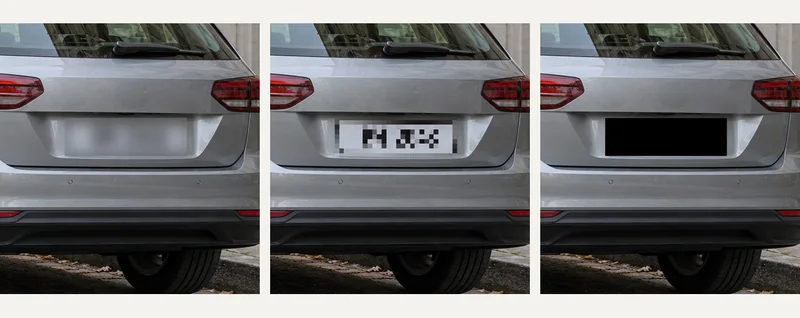
Pick the look that fits your content. Adjust the strength and size of the blur, switch to pixelation, or cover plates with a solid block.
Why blur license plates with BlurMe
- Photos and videos
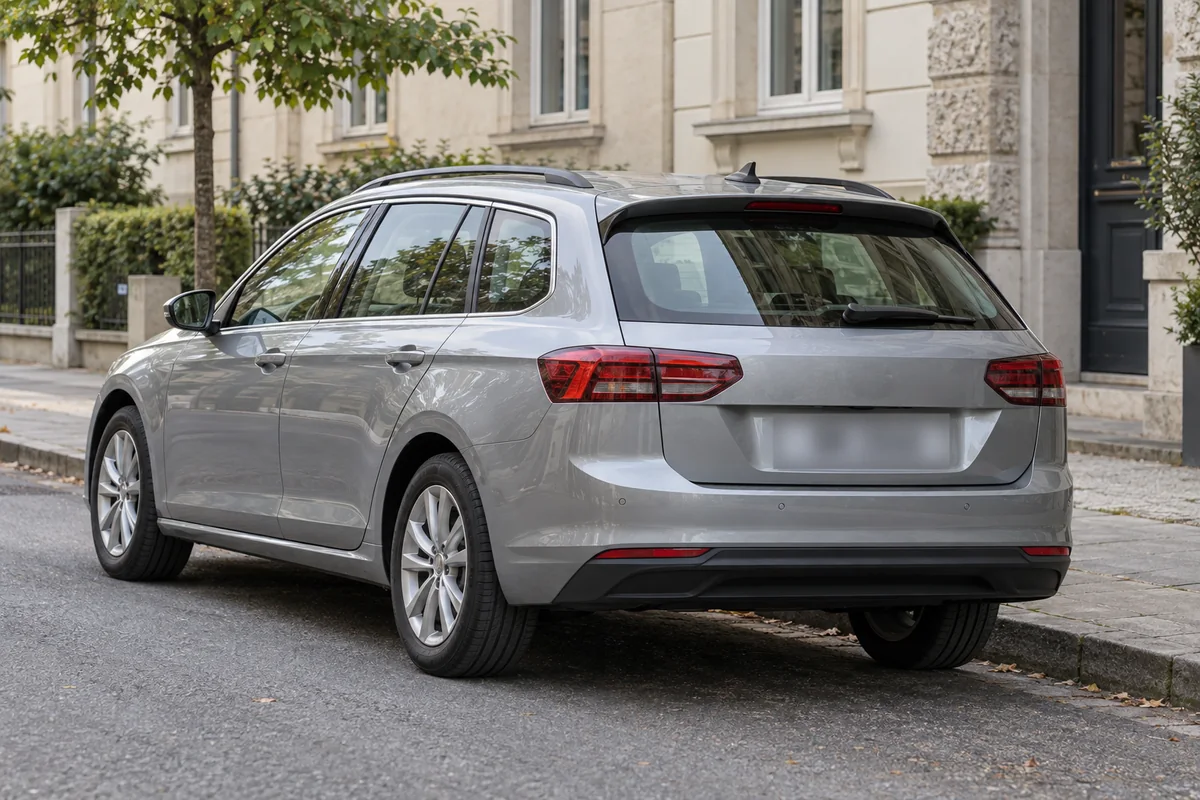
Blur plates in dashcam clips, car listings, street photos, and CCTV footage with the same tool.
- Faces too
Turn on face detection when you also need to hide the people in your footage.
- Manual boxes
Draw your own box over any plate, sign, or object. In video, the box can follow it as it moves.
- Review before export
Every detection appears as a target you can check, adjust, or turn off.
- Works in your browser
No software to install. Upload from your computer or your phone.
- Free to start
You can start for free. Free exports have limits, and paid plans remove them.