Blur Face in Photo Online
Easily blur faces with AI detection and face blurring. Simply upload your photo and use our face blur tool to apply the perfect blur effect.


Select File
Drag and drop your file here or click to upload.


How to blur a face in a picture
- Step 1: Upload Image
Click the Upload button or drag your photo into BlurMe Studio. You can blur PNG, JPG and more.
- Step 2: Blur Face
Automatically detect and blur faces using blur or pixelation filters. Adjust the blur effect as needed.
- Step 3: Download Image
Click Export to save your blurred image. Download it directly to your device or share online.
Instantly blur every face in your photo with AI
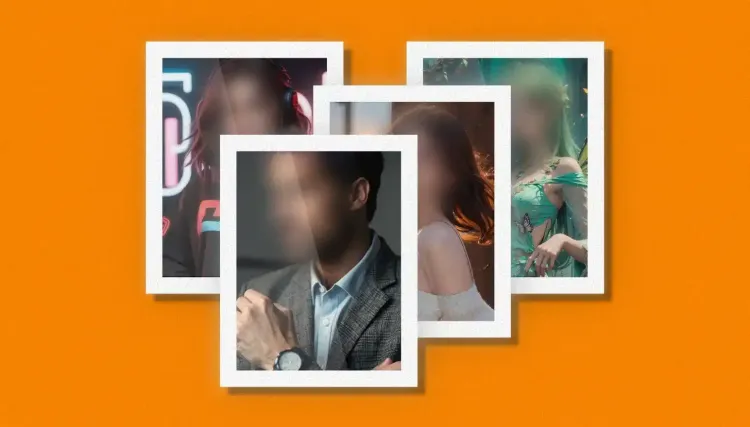
BlurMe’s face blur tool uses AI to detect every face in your photo instantly. With one click, you can blur all faces at once or unblur the ones you want to keep visible. Easy to blur someone out of a picture in seconds.
Blur faces in hundreds of photos in one click!
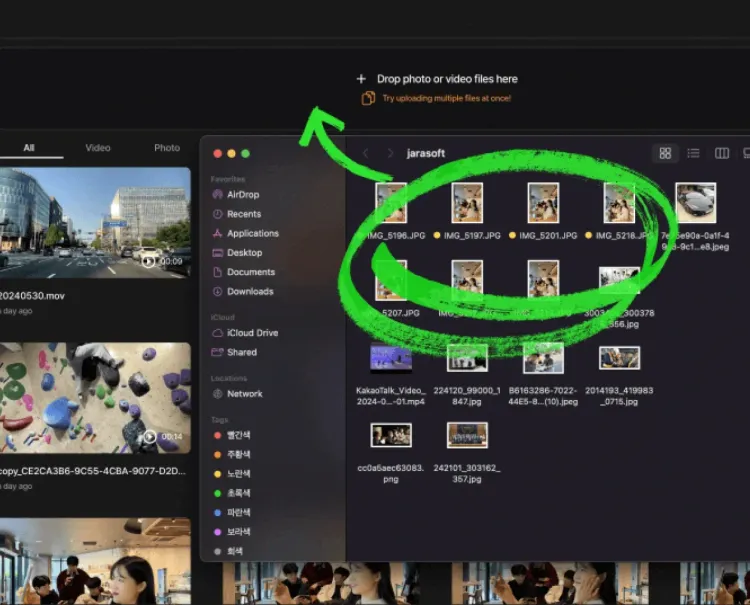
Upload multiple images to BlurMe and let our AI-powered face blur tool blur them all. In seconds, it automatically detects and blurs every face across all your photos. Perfect for photographers or anyone who needs to blur multiple faces in photos effortlessly.
Customize face blurs exactly how you want
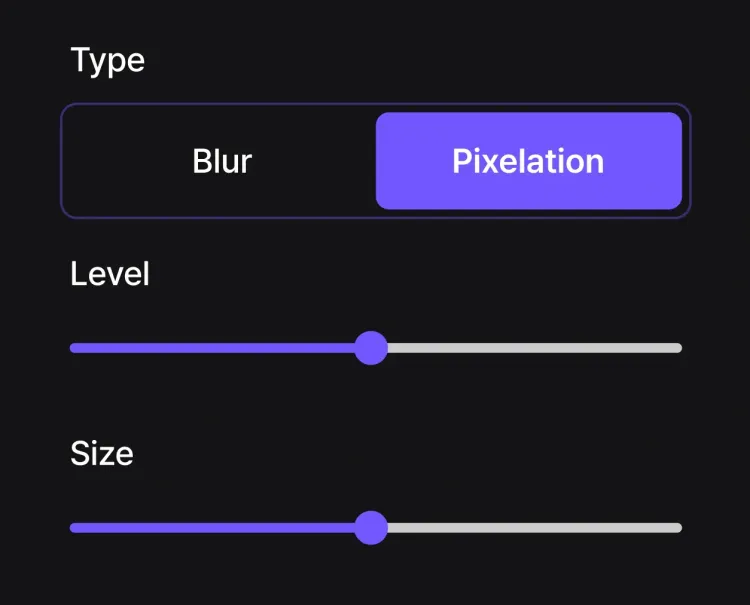
Take full control with BlurMe’s face blur tool. Adjust the size, intensity, and style of the blur for each face in your photo. Choose from soft blur, mosaic, or pixelate effects to get the perfect blur face effect.
Blur faces on any device, anytime
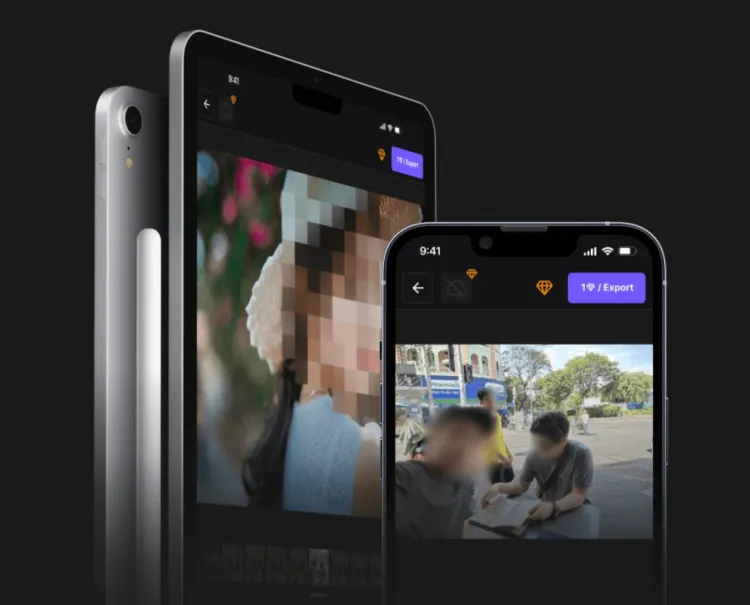
Blur faces in photos on iPhone, Android, or desktop with ease. Just open our site in your browser, upload your image, and apply face blur to anonymize people instantly. Professional-grade face blurring that works on any device.
The PowerBlur™ Dual-Engine: Why Our Face Blurring Technology Leads the Industry
BlurMe doesn't just "cover" faces like other generic photo editors; it utilizes a proprietary Hybrid Engine architecture to achieve 100% detection accuracy with zero processing lag.
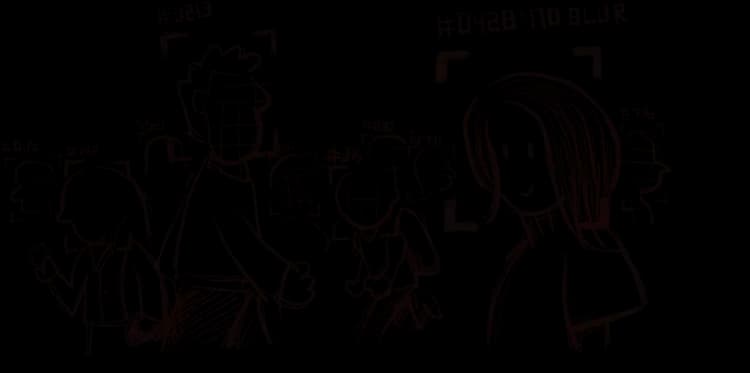
- High-Speed Browser Engine (Edge-Side Processing)
Utilizing native-performance browser technology, our tool performs initial face detection and landmarking locally on your device. By executing the inference process within your browser environment, BlurMe identifies facial saliency points in real-time. This allows for an instant, zero-latency preview of your face blur with 8x the speed of standard JavaScript editors, ensuring your sensitive biometric data remains private on your device before the final render.
- PowerBlur™ Cloud Pipeline (Hardware-Accelerated)
For high-resolution exports and bulk processing, our Cloud Inference Pipeline takes over. Leveraging specialized server-side hardware acceleration, our engine renders permanent, metadata-secure masks onto your photos. By optimizing the rendering process for high-fidelity formats, we ensure that the face is irreversibly de-identified while the original sharpness and HD quality of the rest of the image are perfectly preserved.
- Precision Detection at Any Angle
Our engine is specifically trained to handle complex real-world imagery. Unlike basic filters that only recognize straight-on portraits, our Inference Pipeline identifies faces that are tilted, in profile, or partially obscured. This "Target Lock" ensures the mask stays perfectly centered on the facial boundaries, providing the high-stakes accuracy required for GDPR, HIPAA, and FOIA compliance.
Specialized Security for Sensitive Biometric Data
As a trusted utility for PII (Personally Identifiable Information) de-identification, BlurMe is built for high-security workflows. Handling human faces requires a higher tier of digital ethics. BlurMe is built as a Privacy-First Entity to help you manage sensitive visual data.
- Biometric Sovereignty:
We never store or "harvest" facial data to train our recognition models. Your photos remain your intellectual property, and our AI relies solely on pre-validated synthetic datasets to ensure 100% accuracy without compromising users' identities.
- No Unauthorized AI Training:
We have a strict policy against data harvesting. Your personal photos and faces are never used to train our AI models. Our inference engine relies exclusively on our pre-trained, proprietary datasets to ensure your privacy remains absolute.
- Compliance-Ready Redaction:
Our tool is engineered to help you meet GDPR, CCPA, and HIPAA standards. Whether you are blurring faces for public records or medical case studies, BlurMe ensures that anonymization is secure and metadata-clean.
How Professional Industries Use BlurMe for Image Face Redaction
- Law Enforcement & FOIA Compliance
Public agencies use BlurMe to sanitize evidence photography for Freedom of Information Act (FOIA) and public record requests. Our AI ensures the permanent de-identification of bystanders, victims, and witnesses in crime scene and investigation photos. This process is critical for protecting the legal discovery record while meeting strict transparency and privacy mandates.
- Event & Wedding Photography
Professional event photographers use BlurMe to blur faces of un-consented background guests in large galleries. If a photographer is publishing a "highlight reel" on social media or their portfolio, they utilize our Bulk AI Detection to mask bystanders who haven't signed a model release. This maintains professional ethics and protects the photographer from potential "Right of Publicity" legal claims.
- Healthcare & Medical Case Studies
Clinical researchers use BlurMe to blur patient faces in pathology or procedural photos. To meet strict HIPAA "Safe Harbor" de-identification standards, medical teams utilize our irreversible mosaic shaders to mask the face while keeping the medical subject in high-definition focus. This allows for the sharing of vital medical data in journals without compromising patient confidentiality.
- Journalists & News Media
Photojournalists use BlurMe to blur faces of minors or witnesses in sensitive news photos. Whether covering a protest or a crime scene, media organizations utilize our Inference Engine to perform high-fidelity redaction. This ensures the permanent de-identification of vulnerable individuals, allowing the story to be told while adhering to international ethical reporting standards and child protection laws.
- School & Year-Book Photography
Educational photographers use BlurMe to blur faces of students who are on "Do Not Photo" lists. Schools often have specific students whose parents have opted out of media sharing for safety reasons. Administrators utilize our Inference Pipeline to identify and mask those specific individuals in group shots or assembly photos, ensuring full FERPA compliance across digital and print media.
- NGO & Humanitarian Field Documentation
Non-governmental organizations (NGOs) use BlurMe to protect vulnerable populations in field reports and humanitarian photography. Our AI ensures that the identities of refugees, disaster victims, or minor beneficiaries are secured before photos are used for fundraising or advocacy. This ensures compliance with international protection standards and prevents the accidental endangerment of individuals in sensitive regions.
The Best Way to Blur Faces in Photos Online
- Selective Face Blur
Choose which faces or areas to blur with custom blur.
- Legal Identity Protection
Comply with GDPR and privacy laws by blurring faces in photos.
- Privacy and Consent
Respect personal privacy and control who appears in your images.
- Safe Content Sharing
Share photos online confidently without exposing identities.
- Batch Face Blurring
Save time by applying face blur to multiple photos at once.
- Secure & Private
Your data is private, secure, and accessible only by you.
Common Use Cases for BlurMe AI Face Blurring
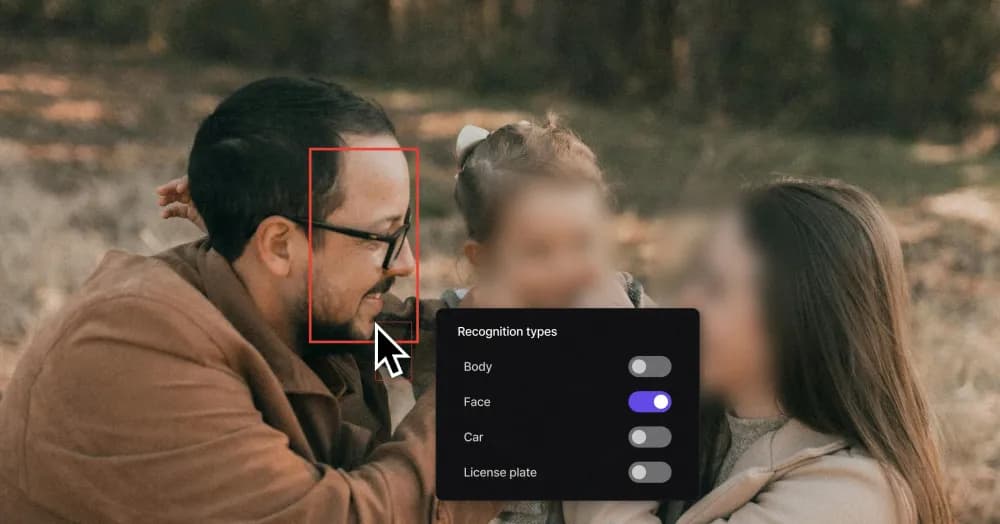
Protect vulnerable subjects
Ideal for social workers, foster parents, or journalists. You can use BlurMe to securely mask the faces of minors or individuals in sensitive environments, such as foster care or social work. This ensures institutional safety compliance and protects personal identities while allowing the context of the story or environment to be shared safely.
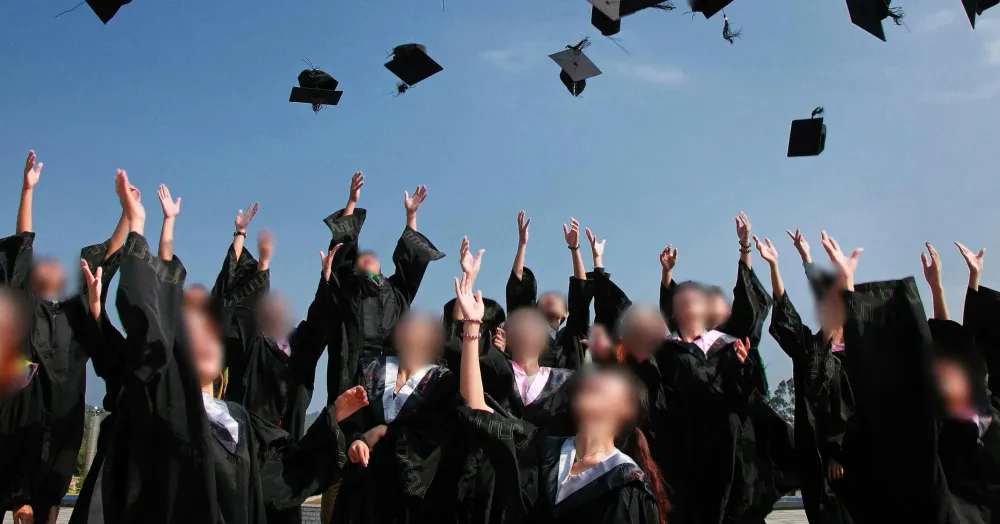
Redact unconsented bystanders
You can use BlurMe to easily redact the identities of bystanders in public event photos and crowds. If you don't have a signed model release for everyone in the frame, BlurMe allows you to safely publish your galleries by anonymizing the "un-consented" faces instantly. This allows photographers to publish professional highlights while meeting strict GDPR and "Right of Publicity" legal standards.
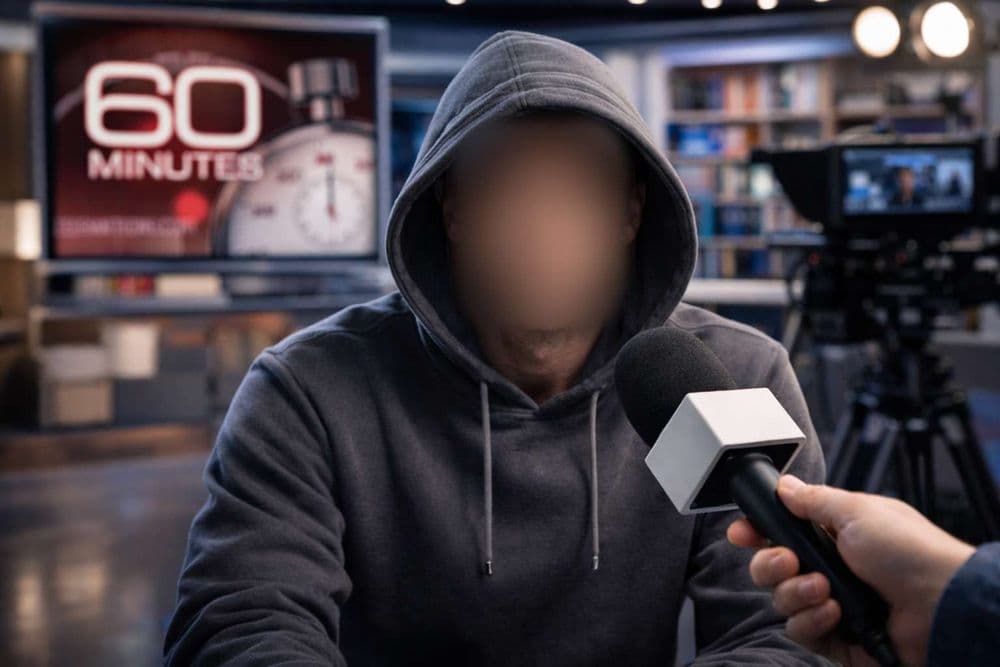
Safeguard witness identities
You can use BlurMe to apply irreversible identity redaction to high-stakes investigative or legal imagery. Our AI ensures that whistleblowers and sources remain 100% anonymous, providing a secure solution for environments where exposure could lead to legal or personal endangerment.
Explore More Tools and Features
Blur Image
Easily blur images online. Blur parts of an image or apply full screen blur with BlurMe’s image blur tool.

Pixelate Image
Pixelate images online with BlurMe’s fast and free image pixelator. Add a pixelation effect easily.
Image Converter
Convert images online for free. Use BlurMe’s image converter to change JPG, PNG, WEBP, and more.