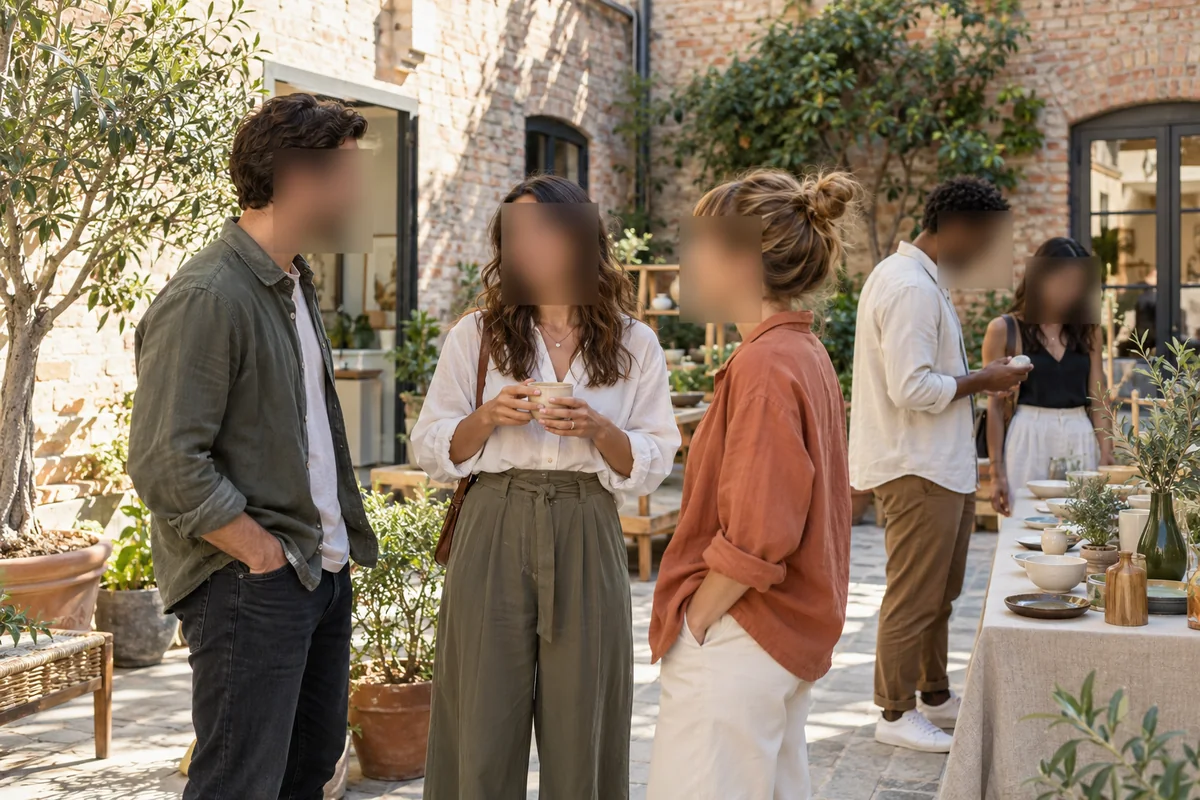
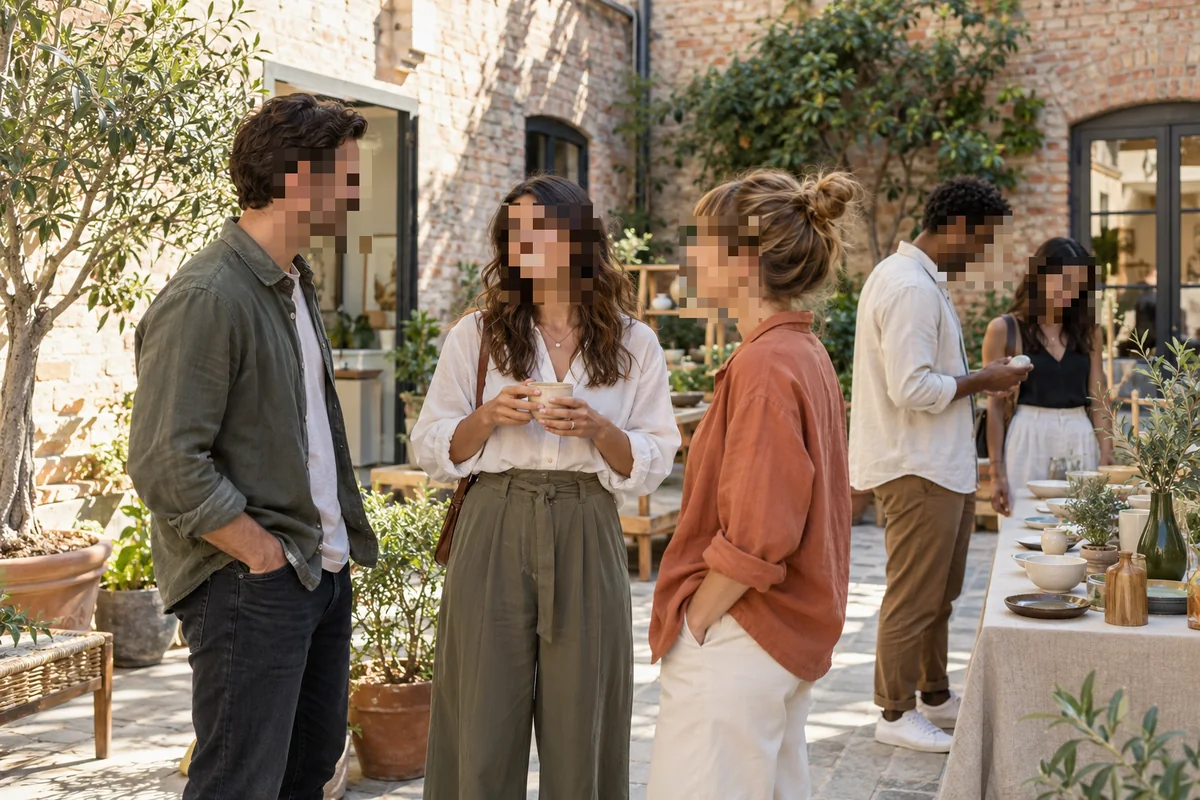
Censor Images Online
Upload an image and BlurMe covers faces with a black bar automatically. Add boxes over text or anything else you need to hide, then download.

Select File
Drag and drop your file here or click to upload.


How to censor an image
- Step 1: Upload your image
Drag a JPG, PNG, WebP, or HEIC image into the upload area.
- Step 2: Cover what you need to hide
Faces are covered with a black bar automatically. Draw boxes over names, text, or other details.
- Step 3: Download
Click Export to download the censored image.
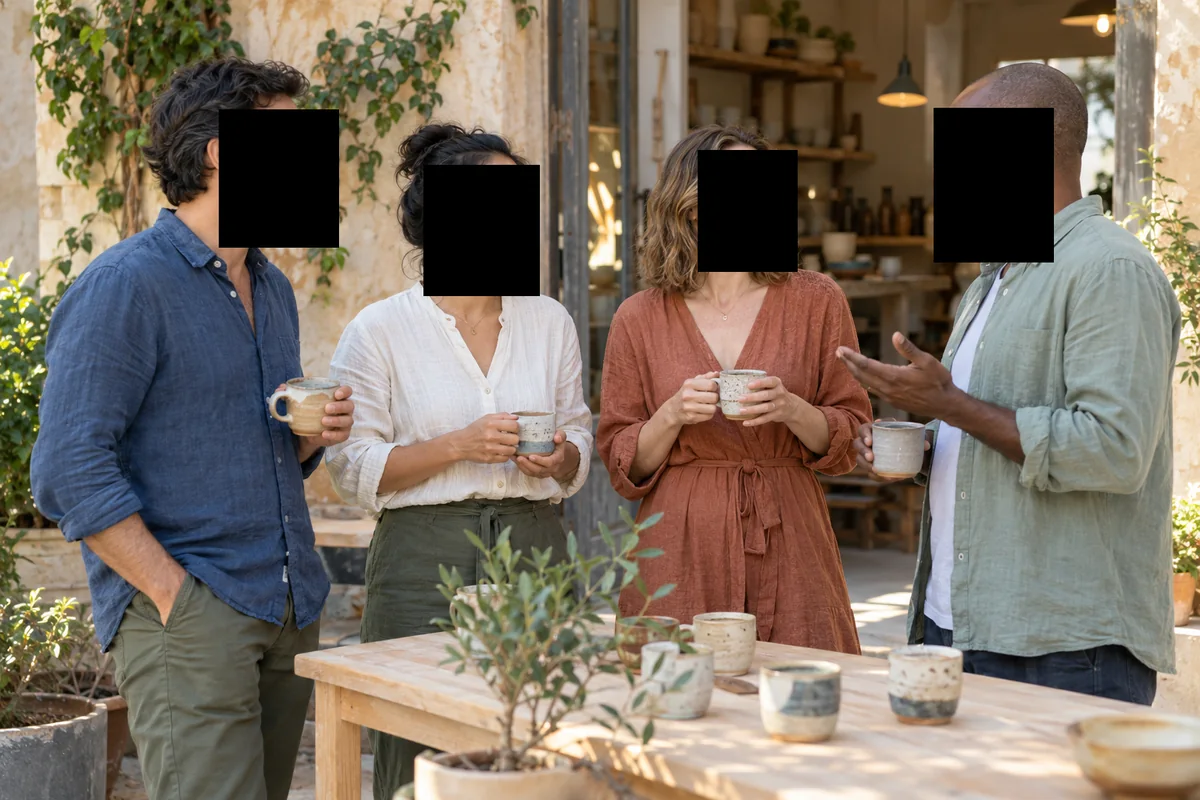
Black bars on faces, automatically
BlurMe's AI finds the faces in your image and covers each one with a solid black bar. You can turn any of them off.
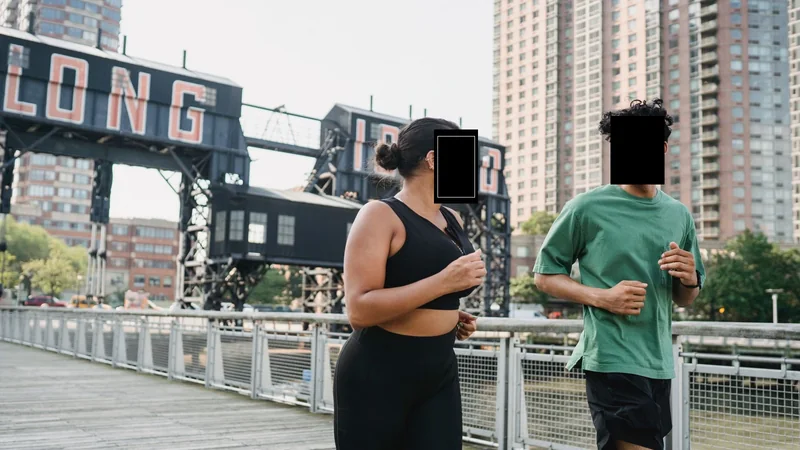
Hide text in screenshots and photos
Draw a box over names, messages, or numbers to cover them with a solid block.
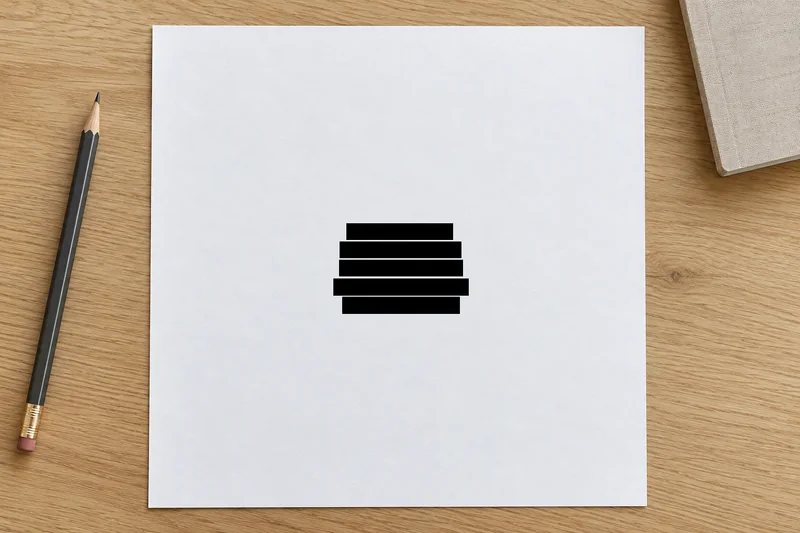
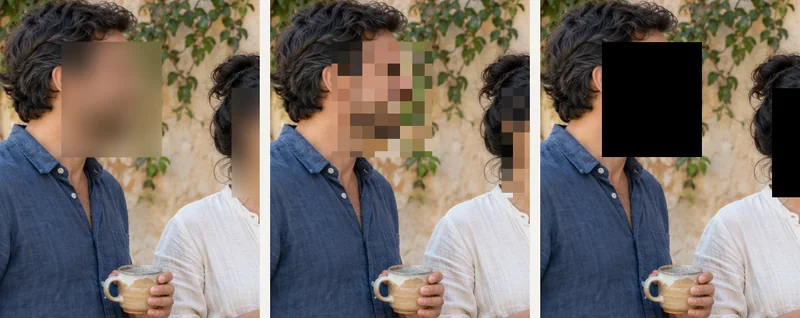
Switch between a black bar, blur, and pixelation
Pick the censor style that fits. Change the color of the bar, or switch to a blur or pixel effect.
Why censor images with BlurMe
- Automatic face detection
Faces are found for you, even in group photos.
- Solid color bars
Cover details with a black bar, or pick another color.
- Manual boxes
Draw boxes over any text, logo, or object.
- Blur and pixelation too
Switch the effect when a softer look fits better.
- Works in your browser
No software to install. Use it on your computer or your phone.
- Free to start
You can start for free. Free exports have limits, and paid plans remove them.