Compress JPG
Reduce JPG file size for an upload or email attachment.
- Free
- No sign-up
- No file upload
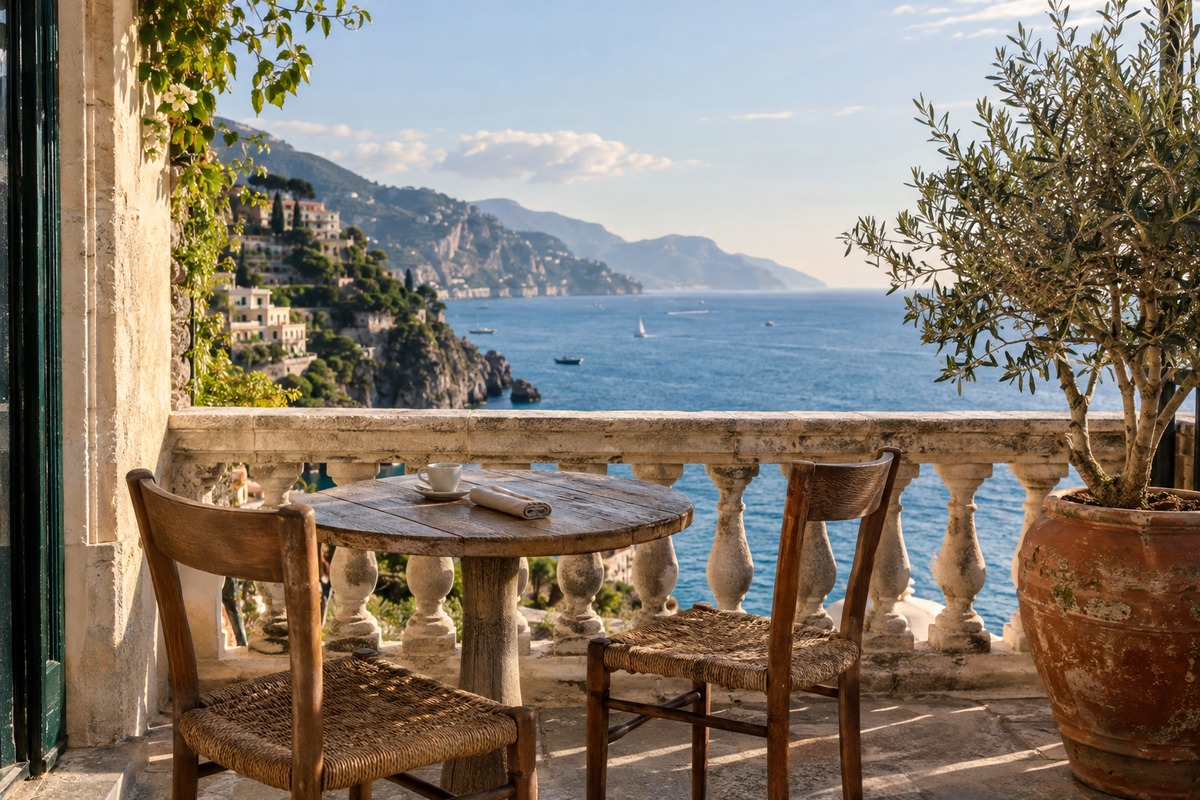
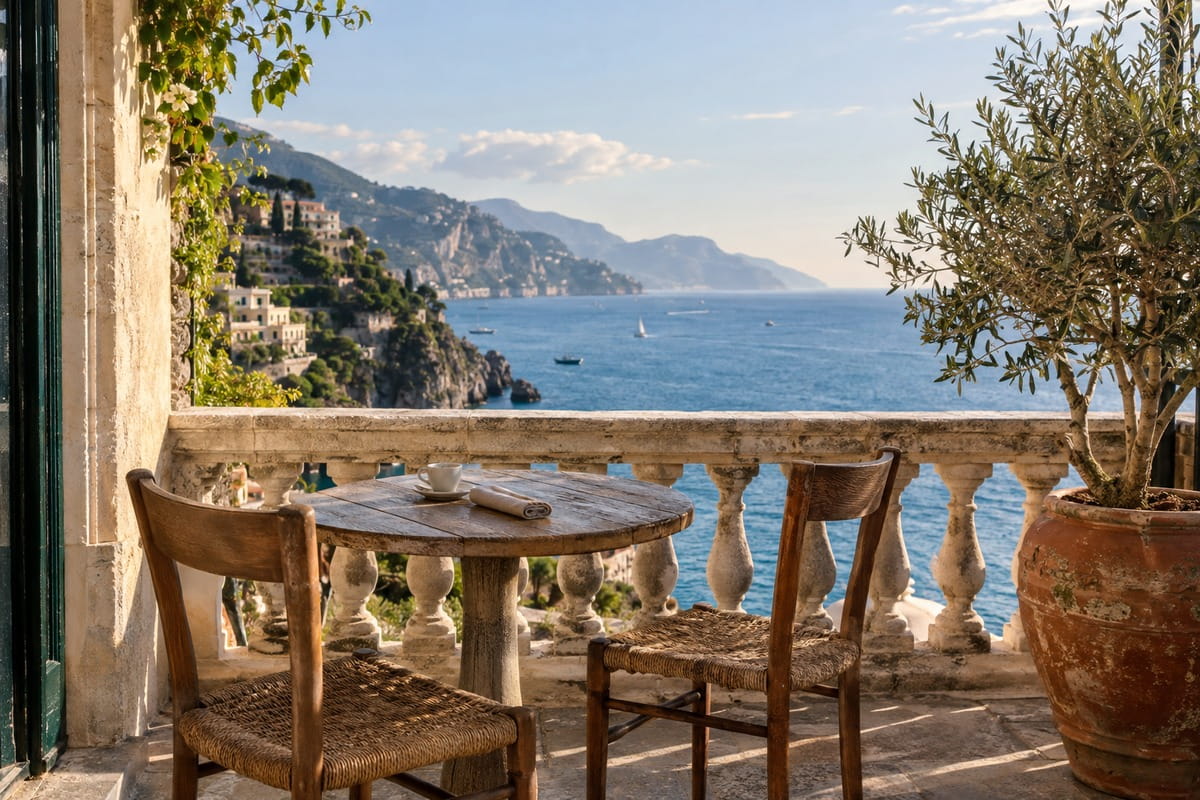
Example result
How to compress a JPG
Choose your JPG photos.
Lower the quality or enter a target size in KB.
Allow smaller dimensions only if a smaller image is acceptable.
Check the new sizes and download.
How quality and target size work together
Quality is not a percentage of the original file size. It tells the MozJPEG encoder how much fine detail it may simplify, and the file shrinks as the value drops. Without a target, every photo is saved once at your Quality, 80 by default. Dimensions stay the same unless you allow resizing.
With a target, your Quality becomes the upper limit. If the first result is too big, the tool searches lower values, down to 5, for the highest quality that fits. If none fits and resizing is allowed, the image is scaled to 80% of its width and height at a time and saved at quality 40 until it fits or becomes very small. Start from the original photo, since each new JPG generation loses a little more detail.
Frequently asked questions
Related tools
All toolsImage compressor
Compress a mixed batch of photos and graphics.
Image converter
Turn mixed image formats into one chosen format.
JPG → PNG
Save a JPG as PNG for an editor or upload form that requires PNG.
PNG → JPG
Flatten a transparent PNG onto a chosen background and save it as JPG.
Censor Image
Edit in StudioCover faces and text in images with a black bar.
Compress PNG
Optimize a PNG without changing its pixels or transparency.