Convert PNG to JPG
Flatten a transparent PNG onto a chosen background and save it as JPG.
- Free
- No sign-up
- No file upload
Example result
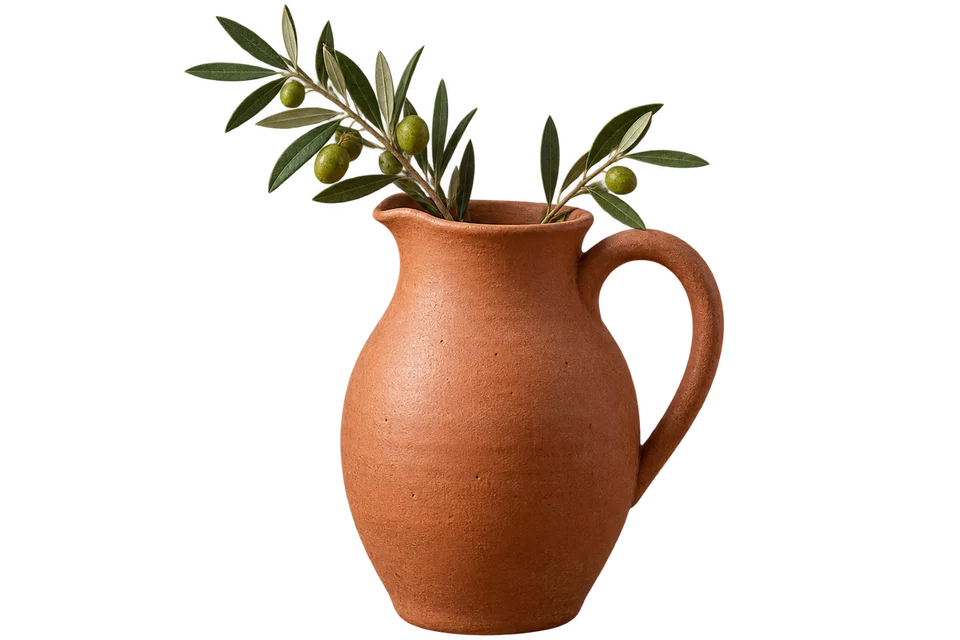 PNG
PNG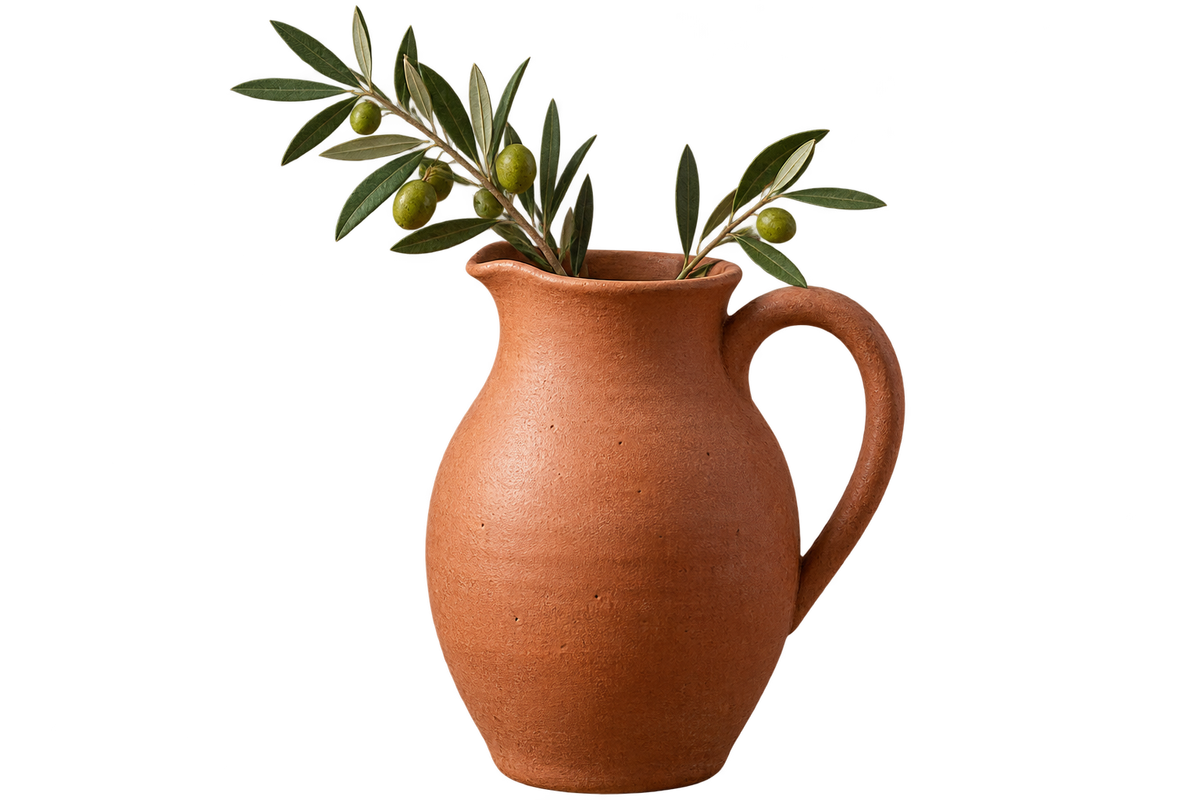
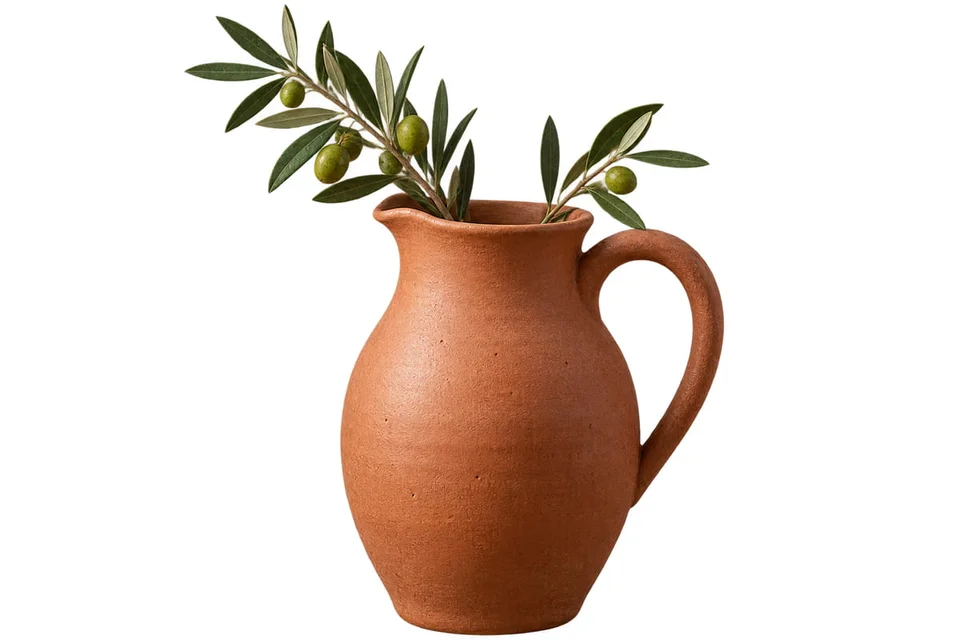 JPG
JPG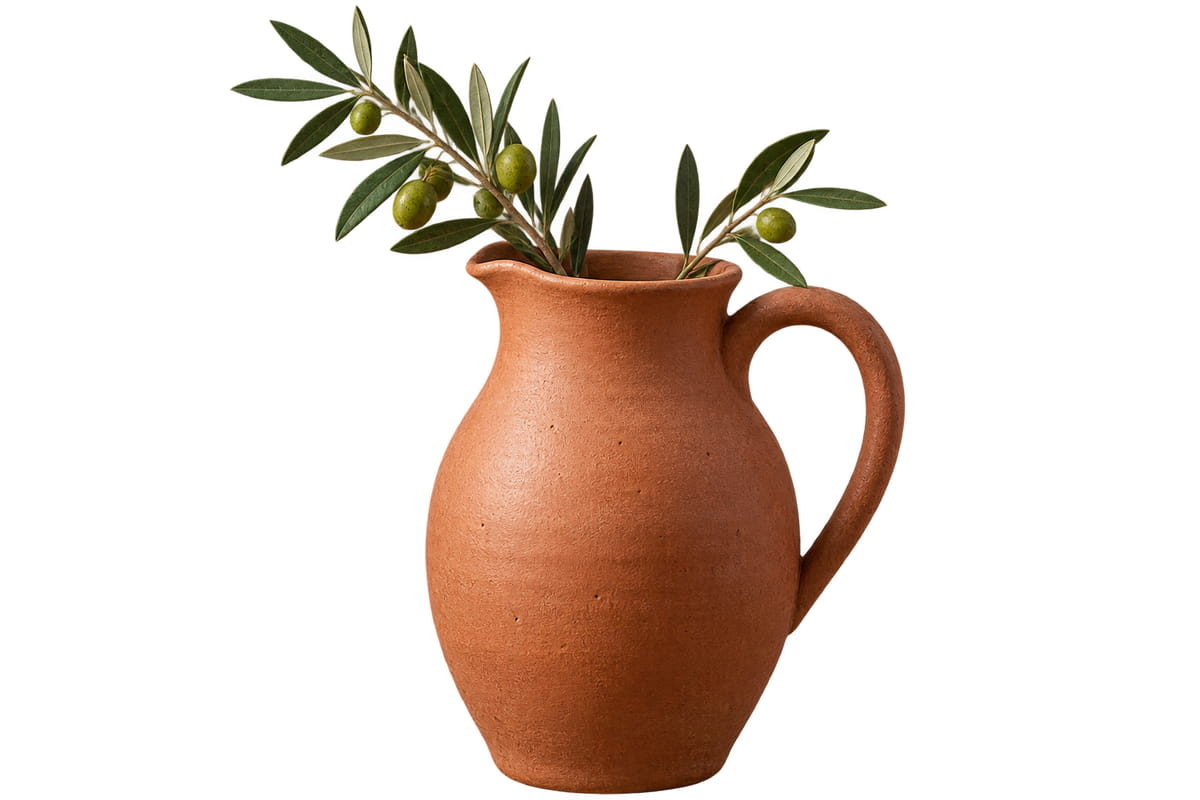
How to convert PNG to JPG
Choose your PNG images.
Pick a background color for transparent areas. White is the default.
Set the quality. Raise it above 80 for small text.
Download the JPGs.
When a PNG is better saved as JPG
PNG keeps every pixel exactly and supports transparency, which suits logos, screenshots and interface graphics. For photographs, that precision makes files heavy. JPG discards detail the eye is unlikely to miss, so a photo stored as JPG is usually far smaller. Almost any app, website or email client can open it.
The trade-off shows on hard edges. Text, line art and flat color can pick up faint noise around their outlines. JPG also has no alpha channel, so transparent pixels are filled with your Background color. If a graphic needs to stay crisp, keep it as PNG and run it through Compress PNG instead.
Frequently asked questions
Related tools
All toolsImage converter
Turn mixed image formats into one chosen format.
JPG → PNG
Save a JPG as PNG for an editor or upload form that requires PNG.
Compress JPG
Reduce JPG file size for an upload or email attachment.
JPG → PDF
Arrange JPG photos into a single PDF document.
Pixelate Image
Edit in StudioPixelate full or selected parts of an image.
JPG → WebP
Create a WebP copy of a JPG for web publishing.