Convert JPG to PNG
Save a JPG as PNG for an editor or upload form that requires PNG.
- Free
- No sign-up
- No file upload
Example result
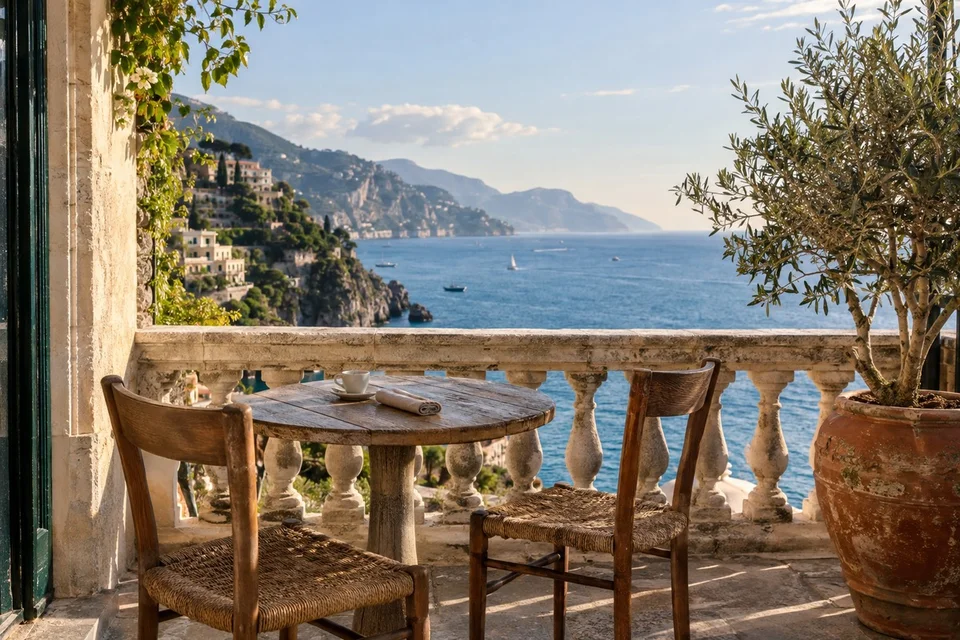 JPG
JPG
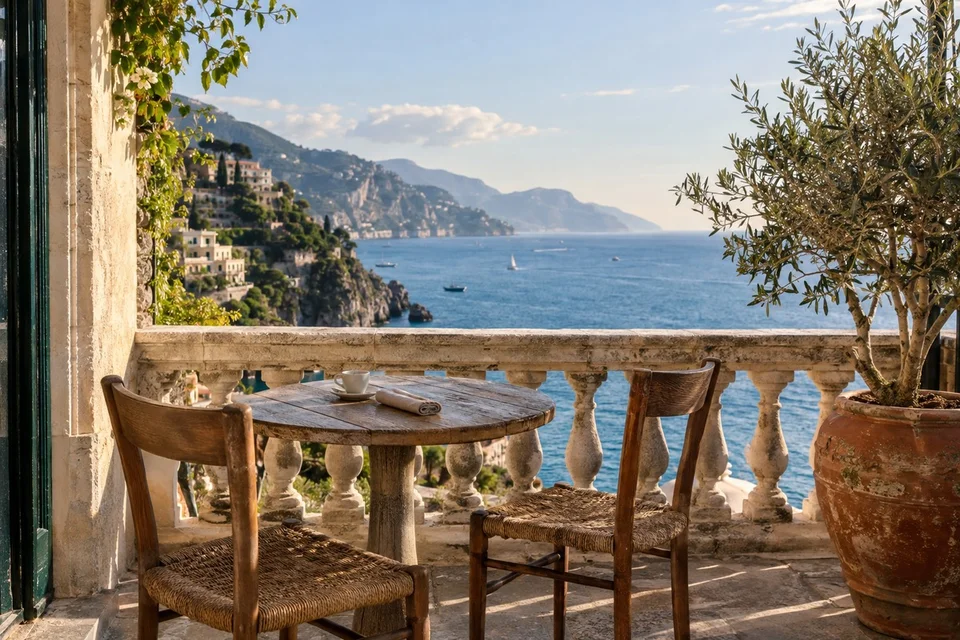 PNG
PNG
How to convert JPG to PNG
Choose your JPG photos.
Convert them. PNG adds no further quality loss, so there is nothing to set.
Download each PNG or get them all as a ZIP.
What changes when a JPG becomes a PNG
JPG uses lossy compression and discards fine detail when a photo is saved, to keep the file small. PNG is lossless, so the converter stores the JPG's decoded pixels exactly, compression artifacts included. The picture does not get better, but it stops losing quality. Use the PNG as an editing copy, or for forms that only accept PNG.
Lossless compression handles flat color and sharp edges well but has little to work with in the grain of a photo, so the file usually grows. Compare the actual file sizes in the example below. The dimensions stay the same. The browser writes the PNG without extra optimization, so Compress PNG often makes it smaller without changing a pixel.
Frequently asked questions
Related tools
All toolsImage converter
Turn mixed image formats into one chosen format.
PNG → JPG
Flatten a transparent PNG onto a chosen background and save it as JPG.
Compress PNG
Optimize a PNG without changing its pixels or transparency.
PNG → PDF
Put PNG images into a PDF for sharing or printing.
Blur Background Online
Edit in StudioBlur the background of a photo or video while keeping the subject visible.
JPG → WebP
Create a WebP copy of a JPG for web publishing.