Convert AVIF to PNG
Decode still AVIF images into PNG files while preserving transparency and the decoded pixel dimensions.
Free · No sign-up · No file upload
Save an AVIF graphic with its transparent edges
Choose your still AVIF images.
Convert them. Transparency stays, and there is nothing to set.
Download the PNGs.
PNG for further editing and compositing
PNG keeps the transparent area around an object, so you can place it on any background. Even if a viewer shows white, the PNG still has its transparency.
PNG often takes more space than AVIF, especially for photos. The output is an 8-bit decoded image, so this conversion is not an archival method for preserving HDR source data.
Example result
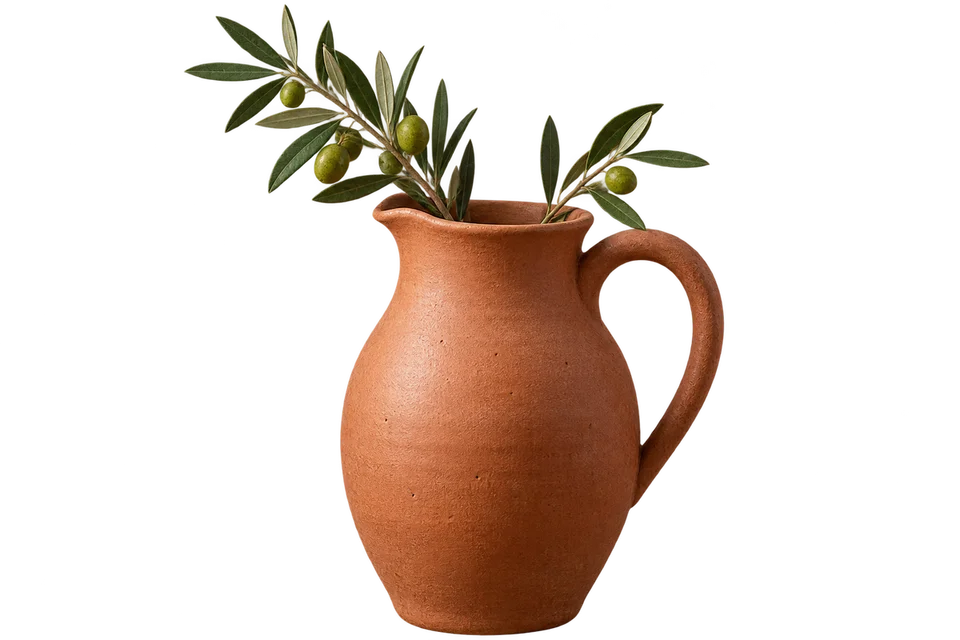
Before
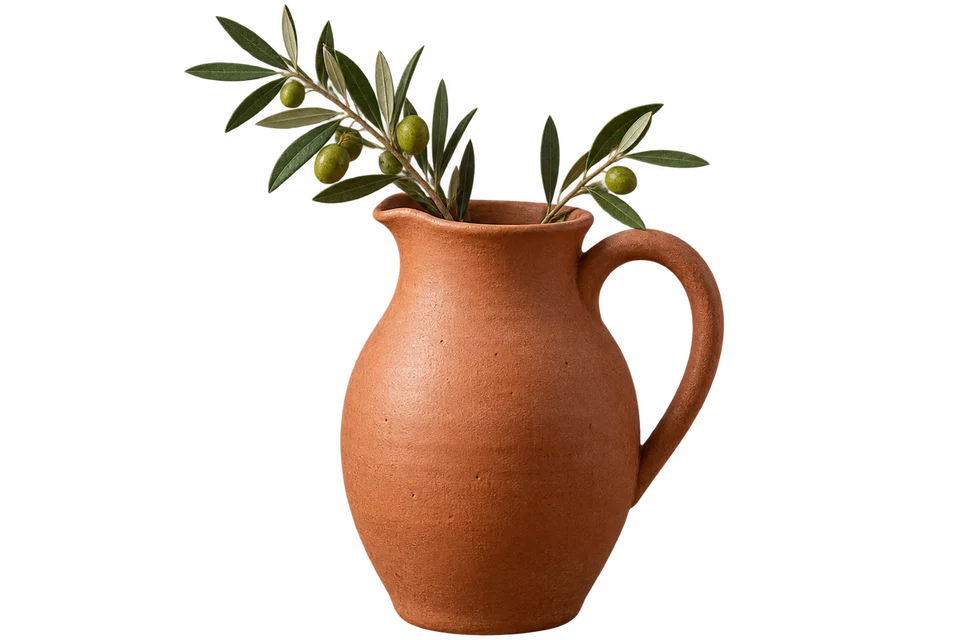
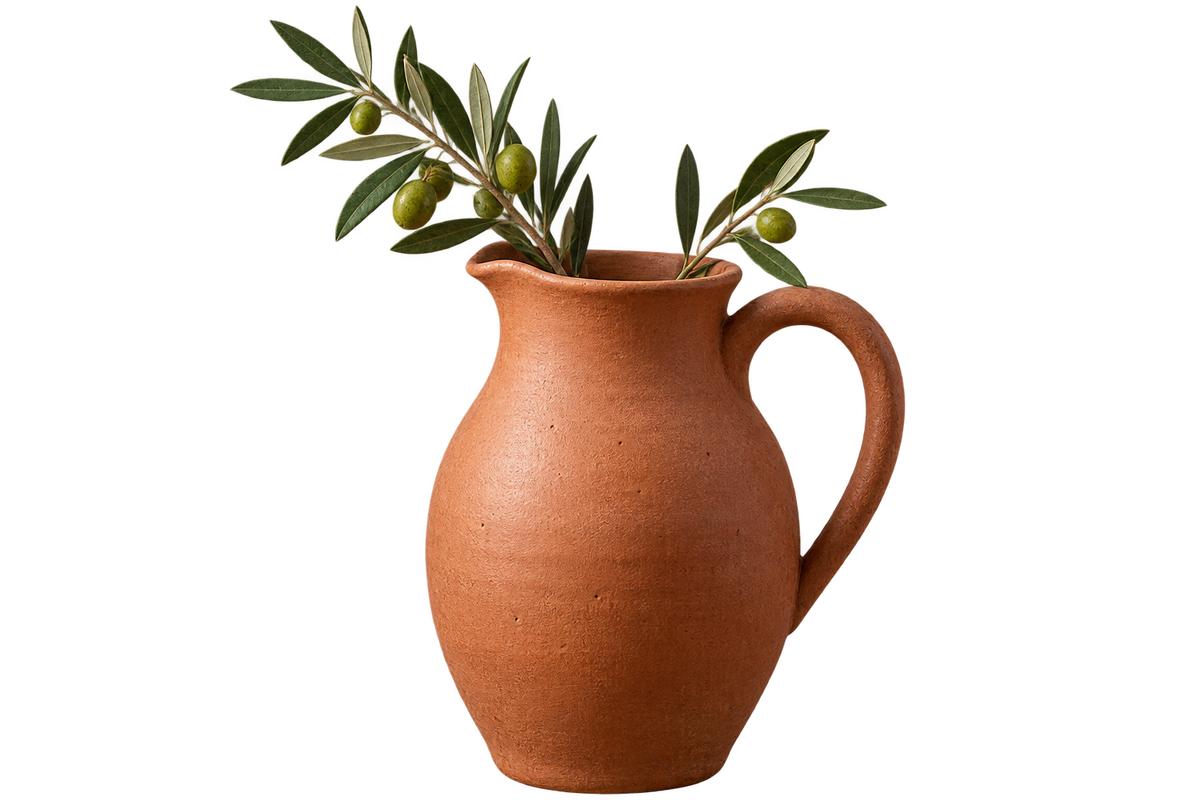
After
 PNG · 1200×800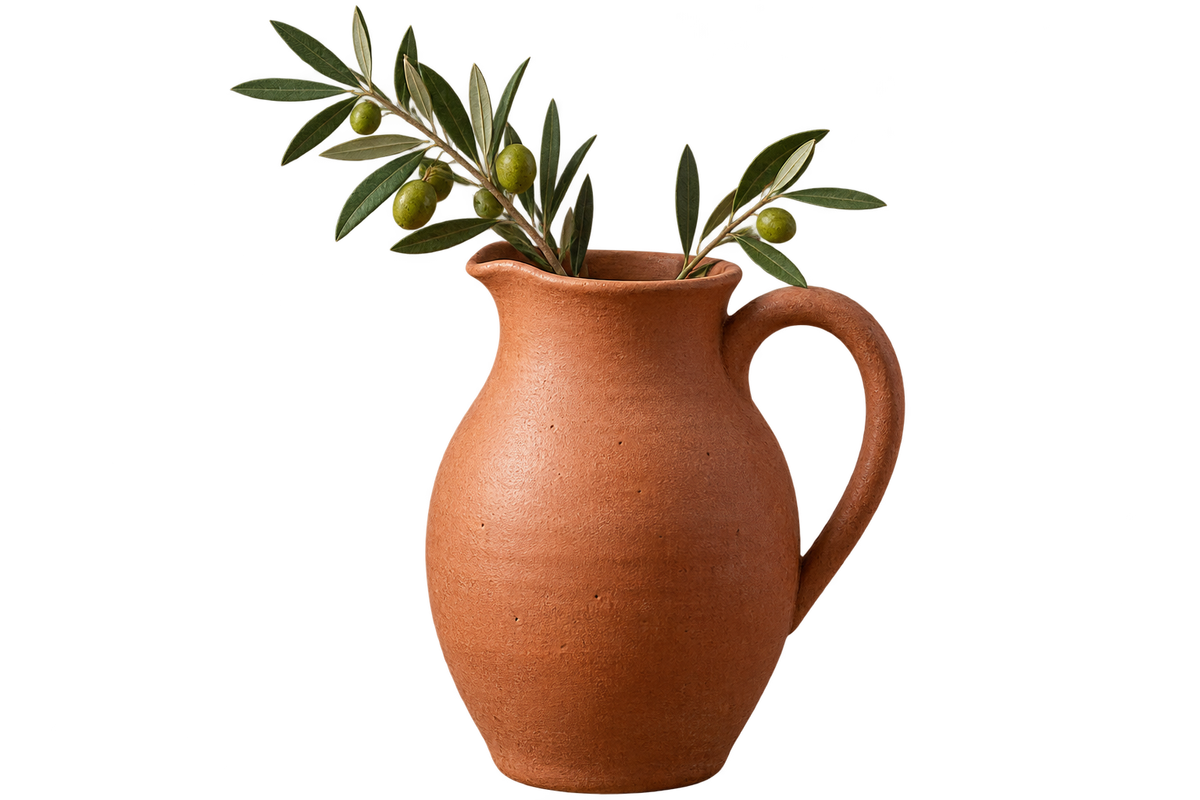
Frequently asked questions
- Does a PNG restore detail missing from the AVIF source?
- No. PNG preserves the decoded pixels without an additional lossy encoding step, but it cannot undo compression already present in the AVIF.
- Why can the PNG be much larger than its AVIF source?
- PNG uses lossless compression for the decoded image. AVIF can represent photographs far more compactly.
- Does AVIF to PNG add a white rectangle behind the image?
- No. Existing alpha transparency is retained. A viewer may display transparent areas against white.
- Can the PNG conversion keep AVIF animation?
- No. Animated AVIF is rejected; this converter produces one still PNG per input file.
- Are my files uploaded to a server?
- No. Files are processed in your browser on this device and are not sent to BlurMe servers.
Related tools
All toolsImage converter
Turn mixed image formats into one chosen format.
Compress PNG
Optimize a PNG without changing its pixels or transparency.
PNG → PDF
Put PNG images into a PDF for sharing or printing.
AVIF → JPG
Make AVIF photos usable as JPG files.
Censor Image
Edit in StudioCover faces and text in images with a black bar.
Compress JPG
Reduce JPG file size for an upload or email attachment.