Remove PDF pages
Remove selected pages and download the remaining PDF.
- Free
- No sign-up
- No file upload
Example result
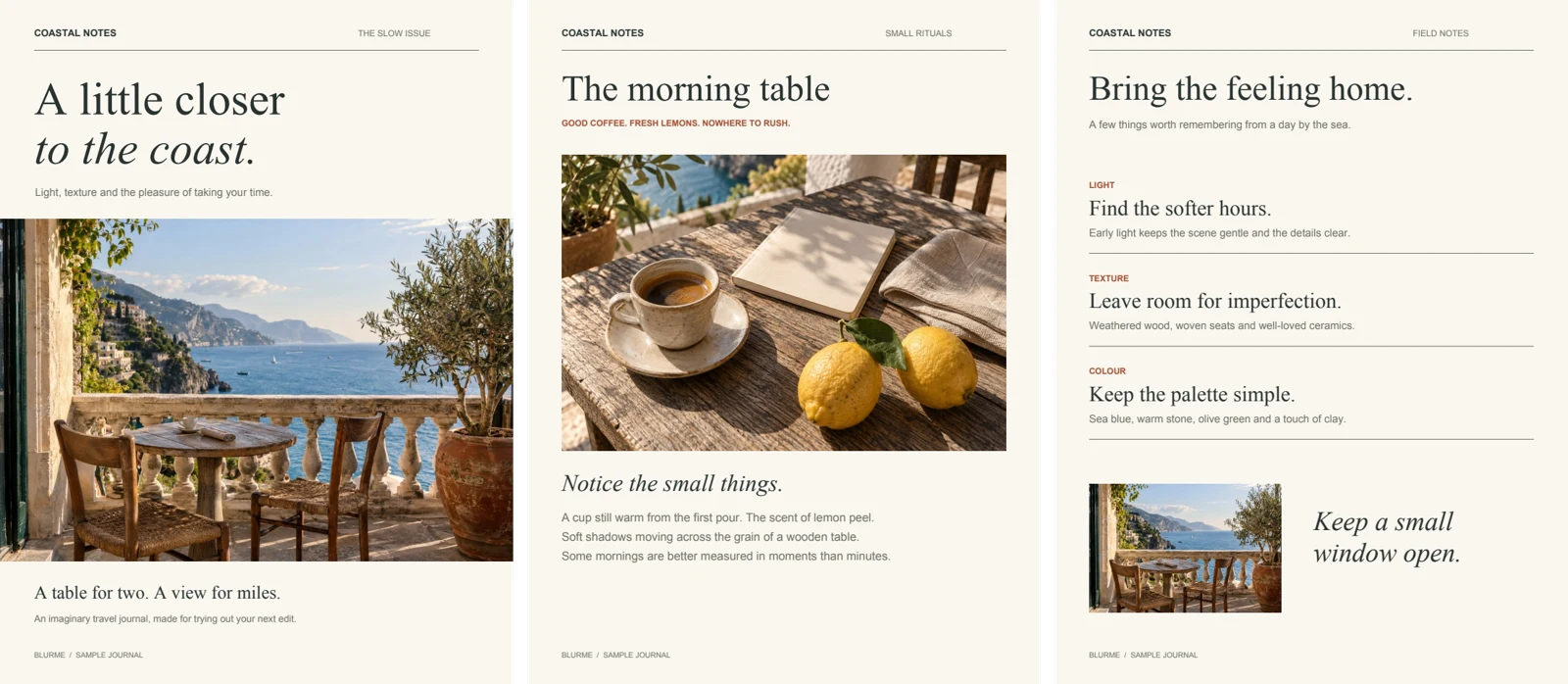 PDF
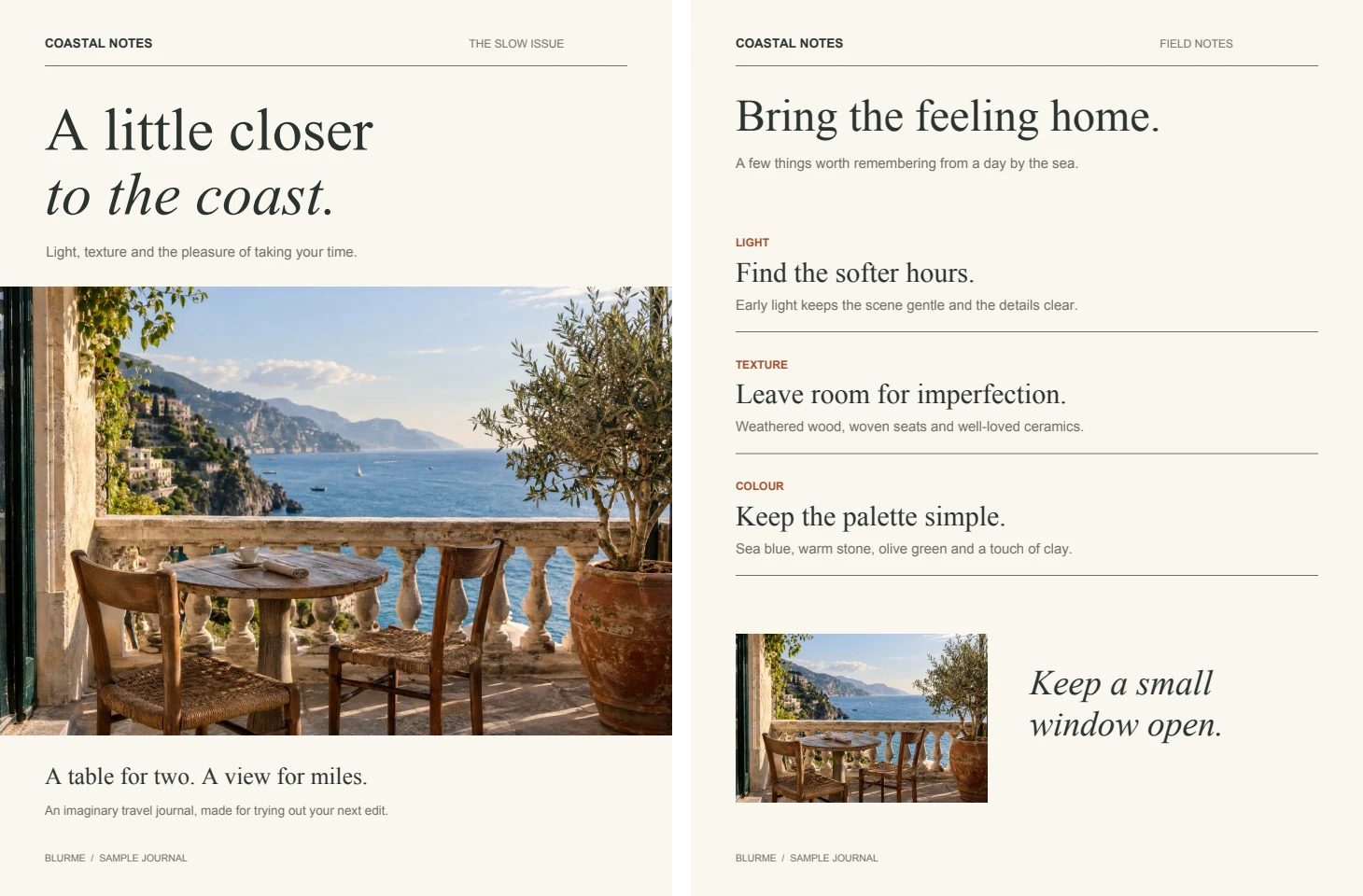 PDF
How to remove pages from a PDF
Choose a PDF.
Enter the pages to delete, for example 2,7-9.
Download the PDF with the remaining pages.
What happens to the pages you keep
Use this tool to drop a blank scan, a duplicated page or an outdated cover sheet. It copies every page you did not list into a new PDF without redrawing it, so the text stays selectable and scanned pages look exactly as before.
Bookmarks are stored for the whole document, not for individual pages, so they are not copied. A report with a detailed outline will lose it. When you want only a handful of pages from a long file, listing them in Extract PDF pages takes less typing than listing everything you want gone.
Frequently asked questions
Related tools
All toolsRedact PDF
Edit in StudioFind and remove personal information in PDFs.
Organize PDF
Arrange PDF pages in an explicit new order.
Rotate PDF
Rotate selected PDF pages without rendering them as images.
JPG → PDF
Arrange JPG photos into a single PDF document.
PNG → PDF
Put PNG images into a PDF for sharing or printing.
HEIC → PDF
Arrange HEIC phone photos into a PDF.