Organize PDF
Arrange PDF pages in an explicit new order.
- Free
- No sign-up
- No file upload
Example result
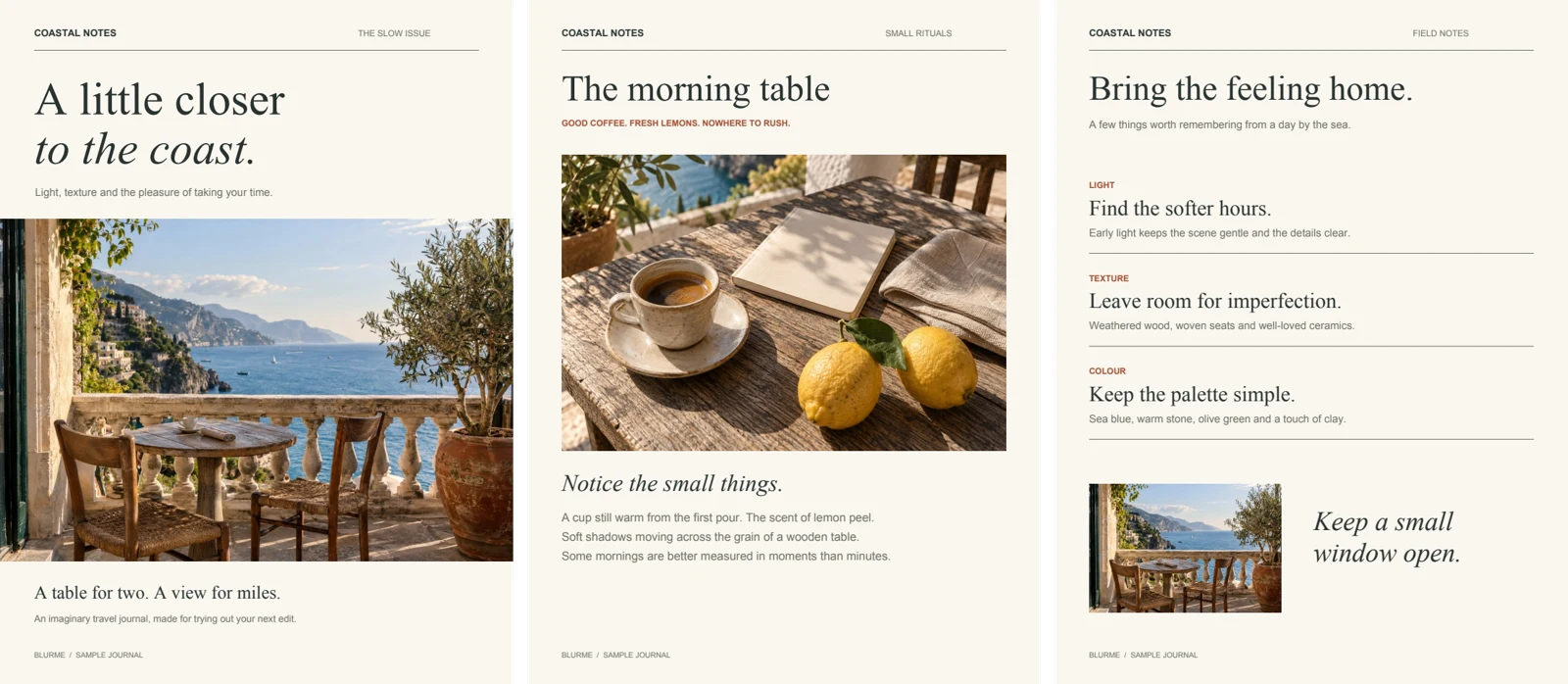 PDF
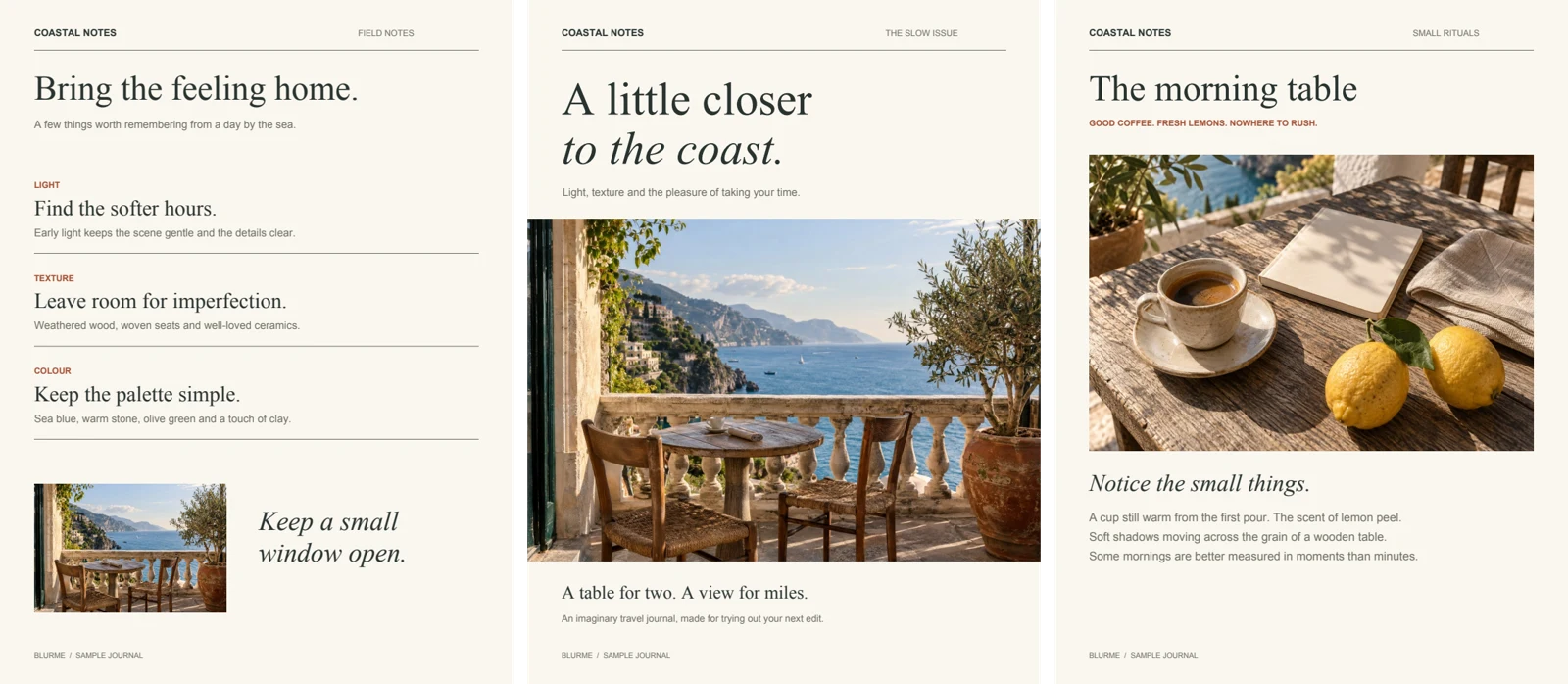 PDF
How to reorder PDF pages
Choose a PDF.
Enter the new order, for example 1,4,2-3,5. Pages you leave out are dropped.
Download the reordered PDF.
Writing a page order with numbers and ranges
The Pages field is read from left to right as the complete order of the new document. Ranges save typing for pages that stay together, so 7-10,1-6 moves the last four pages of a ten-page file to the front. Leaving the field empty keeps the original order.
Pages are copied into a new PDF without being redrawn, so text, image quality, page size and rotation stay the same. Typical jobs are pulling an appendix forward or moving a signature page to the end. Bookmarks belong to the whole document and are not carried over. If some pages are also sideways, turn them afterwards with Rotate PDF.
Frequently asked questions
Related tools
All toolsRedact PDF
Edit in StudioFind and remove personal information in PDFs.
Rotate PDF
Rotate selected PDF pages without rendering them as images.
JPG → PDF
Arrange JPG photos into a single PDF document.
PNG → PDF
Put PNG images into a PDF for sharing or printing.
HEIC → PDF
Arrange HEIC phone photos into a PDF.
PDF → JPG
Render selected PDF pages as JPG images.