PDF to text
Extract text from selected PDF pages, preview it and download a UTF-8 text file without converting page images with OCR.
- Free
- No sign-up
- No file upload
Example result
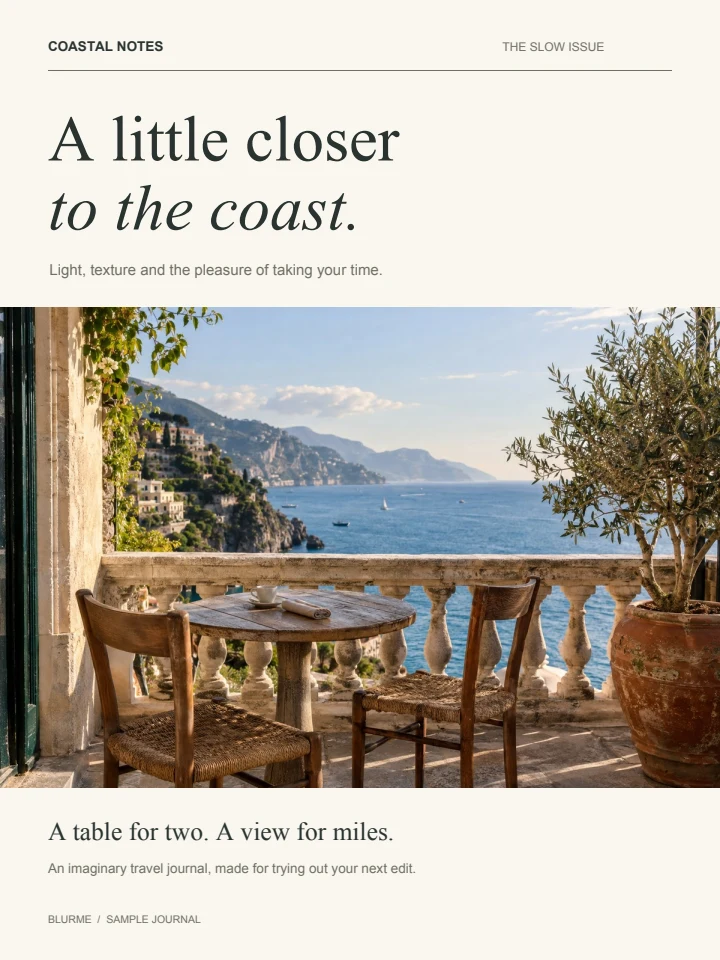 PDF
COASTAL NOTES THE SLOW ISSUE
BLURME / SAMPLE JOURNAL
A little closer
to the coast.
Light, texture and the pleasure of taking your time.
A table for two. A view for miles.
An imaginary travel journal, made for trying out your next edit.
Read a PDF's text layer into a plain text file
Choose a PDF with selectable text.
Check the extracted text in the preview.
Download the TXT file.
Text extraction follows the document's text layer
Turning a PDF into plain text drops fonts, pictures and layout and leaves only the words, which are easy to move into another editor.
PDF text order is not always the visual reading order. Columns, tables, unusual fonts and missing character mappings can affect the result. Empty or scanned pages produce a notice when other pages contain text.
Frequently asked questions
Related tools
All toolsExtract PDF pages
Copy selected PDF pages into a new document.
PDF to images
Export PDF pages as JPG, PNG or WebP.
Redact PDF
Edit in StudioFind and remove personal information in PDFs.
Merge PDF
Combine PDF documents in the order shown in the file list.
Add page numbers to PDF
Add original page numbers at the bottom center of a PDF.
Watermark PDF
Add a centered text watermark to selected PDF pages.