Compress WEBP Images Online
Compress WEBP images and reduce image file size online. Get the best image compression using BlurMe's WEBP compressor.

Select File
Drag and drop your file here or click to upload.
How to compress WEBP file sizes
- Step 1: Upload WEBP Image
Click the Upload button or drag and drop your WEBP images into BlurMe Studio.
- Step 2: Compress WEBP
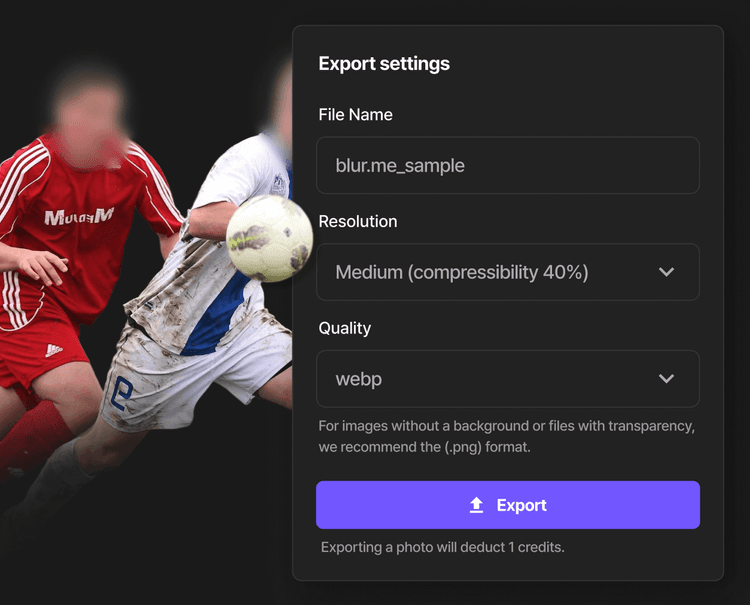
Click Done to open Export Settings, choose the compression level to get high-quality compression.
- Step 3: Download WEBP Image
Click Export to save your compressed WEBP file. Download it directly to device or share online.
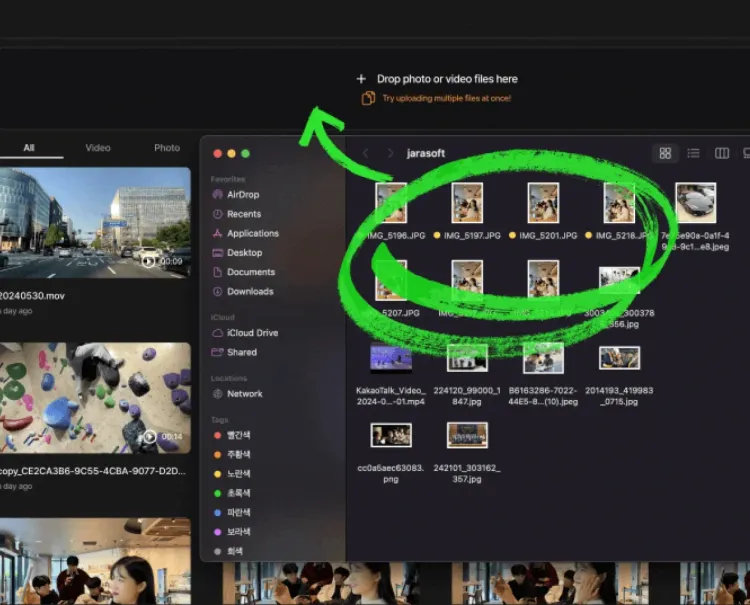
Bulk compression for images
Upload and compress multiple WEBP or WEBP files at once. BlurMe is the fastest way to reduce WEBP file size in bulk right from your browser.
Advanced compression settings
Choose between High, Default, or Low compression levels to control your WEBP image quality and file size. Balance visual clarity with optimal compression.
High-quality WEBP compression
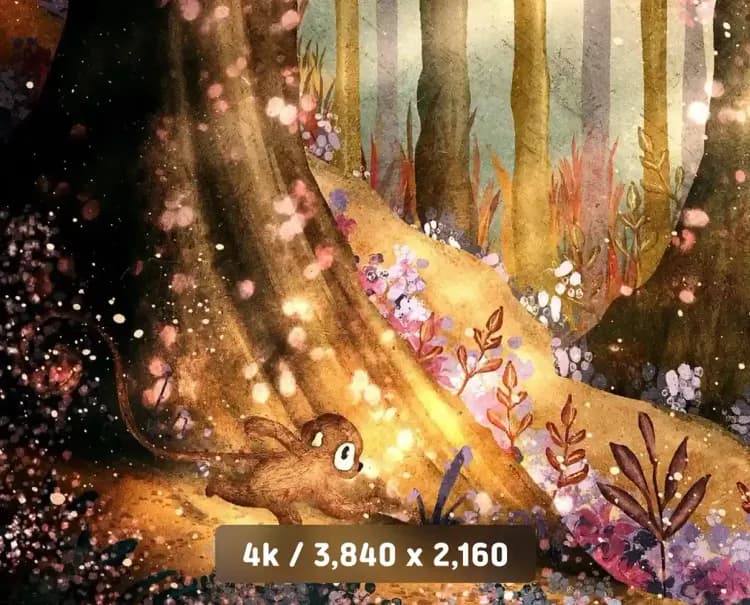
Reduce WEBP file size without losing quality, resolution or visual clarity. BlurMe’s smart compression keeps your images sharp, clean, and true to the original.
Compress Other Image Files
Explore More Tools and Features

Image Converter
Convert images online for free. Use BlurMe’s image converter to change JPG, PNG, WEBP, and more.

Pixelate Image
Pixelate images online with BlurMe’s fast and free image pixelator. Add a pixelation effect easily.

Blur Image
Easily blur images online. Blur parts of an image or apply full screen blur with BlurMe’s image blur tool.
Compress WEBP Images
Quickly reduce WEBP file size without losing quality. Upload your images and compress with the best image compressor online.