

Remove Text from Video
Need to remove text from video? Use AI-powered tools to erase watermarks, captions, or unwanted text effortlessly. Learn the best methods and techniques.
Danielle King is a global marketing strategist with a computer science background and 5 years experience in tech, specializing in face blur and video redaction tools for safer digital experiences.
Need to remove text from video? Use AI-powered tools to erase watermarks, captions, or unwanted text effortlessly. Learn the best methods and techniques.

Wondering, "Does TikTok notify screenshots?" Find out if TikTok tells if you screenshot or shows when someone takes a screenshot. Learn all about TikTok's privacy policies.

Struggling with blurry photos? Learn how to unblur images online with AI-powered photo blur removers for clear, high-quality results.

Discover the best subtitle download sites for MP4 movies and TV shows. Get English subtitles, SRT file downloads, and more.
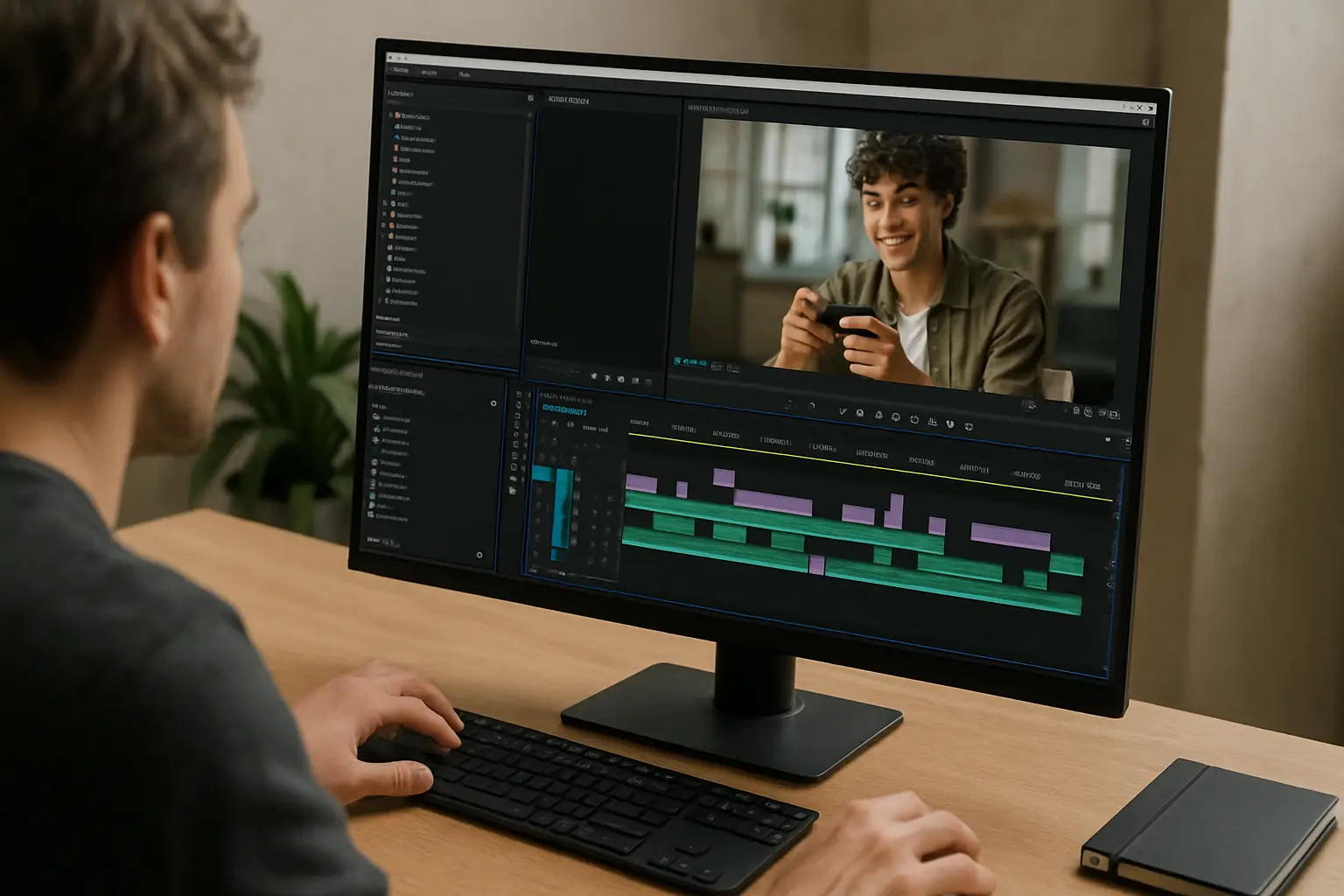
Learn how to edit MP4 movies online. Blur faces, hide sensitive details, and convert MP4 movie files directly in your browser.

Learn how to download CapCut for PC and get great CapCut alternatives for Windows and online video editing.

Using a 100KB image resizer ensures the perfect balance between file size and clarity. Learn the best tools and methods to reduce image size to 100KB efficiently.

Confidently convert Twitter to MP4, edit your videos for professional use, and ensure privacy when sharing content online with BlurMe.

Looking for a safe and free YouTube to MP4 converter? Discover the best tools to download YouTube videos in MP4 format securely and easily.

Easily remove text from images online for free with AI-powered tools. Clean up photos, erase unwanted text, and keep image quality intact.

Easily clean up pictures by hiding objects, blurring backgrounds, and removing unwanted elements with AI-powered image cleanup tools.

How many FPS can the eye see? Exploring human vision and video editing, and how the FPS limits of the human eye affect video editing and video redaction effectively.
Try it out with your own video or photo.
Free yourself from the risks of ignoring others' privacy.
