
How to Blur Moving Object in Video
Blur moving objects in video with step-by-step methods using BlurMe and popular video editing blur tools. Track and blur logos, text, and sensitive content easily.
Author
Danielle King is a global marketing strategist with a computer science background and 5 years experience in tech, specializing in face blur and video redaction tools for safer digital experiences.
4 posts
Blur moving objects in video with step-by-step methods using BlurMe and popular video editing blur tools. Track and blur logos, text, and sensitive content easily.

How to blur logos in video online. Track and blur moving logos, text, and branding using BlurMe’s Custom Blur and Keyframe Mode.

BlurMe Custom Blur now lets you move blur with Keyframe Mode. Track and blur moving objects like logos, text, and background objects in video.
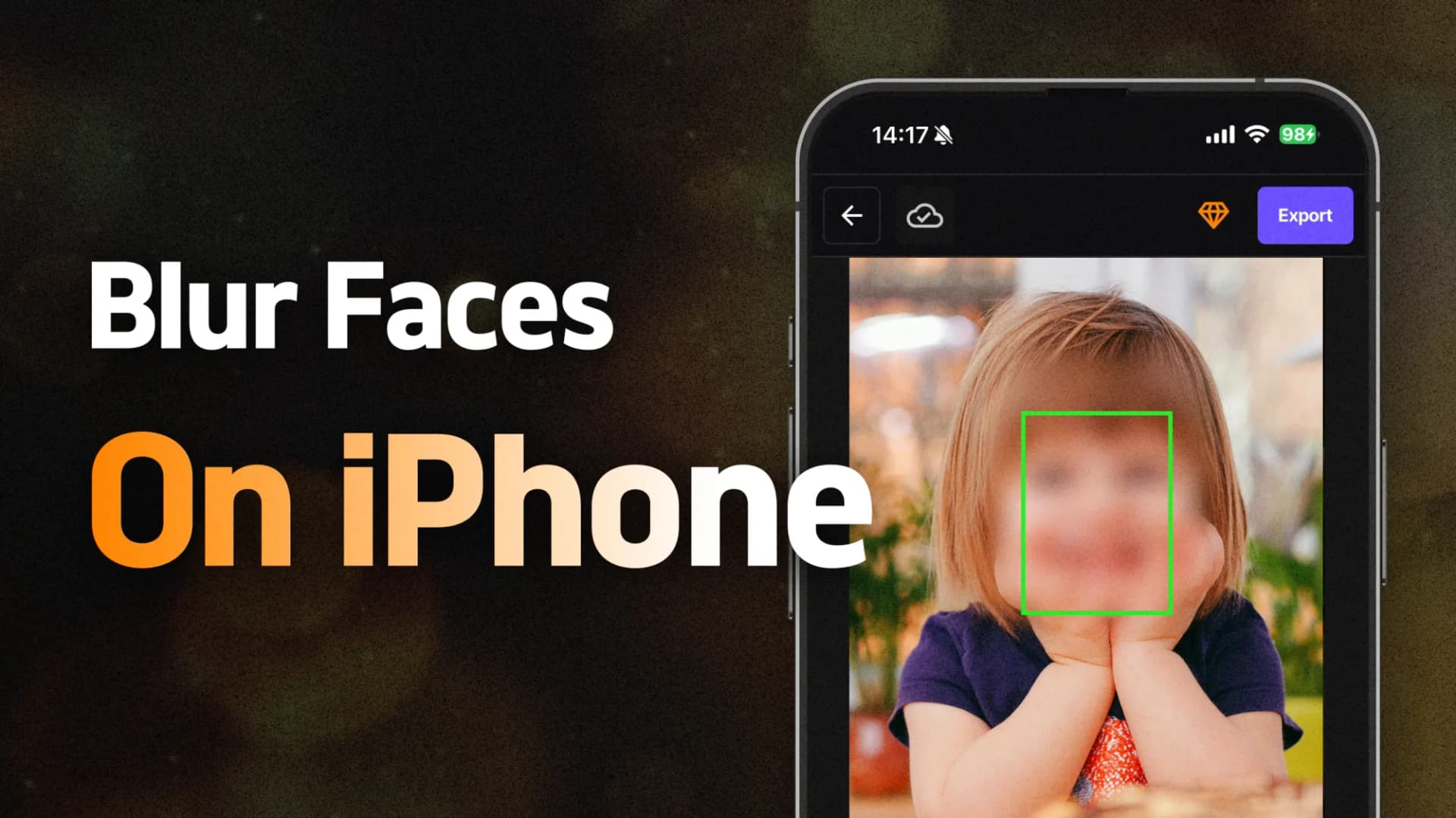
Learn how to blur faces on your iPhone without downloading or installing any apps. Use BlurMe’s browser-based tool to protect privacy with ease. Blur photos and blur videos.