Converting images online is a routine task, but most image converters quietly trade quality, compatibility, or privacy for speed. BlurMe Image Converter was built to solve those exact failures.
Instead of forcing you to choose between formats, file size, and image clarity, BlurMe combines high-quality image conversion with AI-powered image tools so you can convert images online correctly and safely.
This guide explains how image conversion works, which formats to use, and why BlurMe is the most reliable way to convert images online without losing resolution.
How to Convert Images Online (Recommended Method)
This is the simplest and safest way to convert images online.
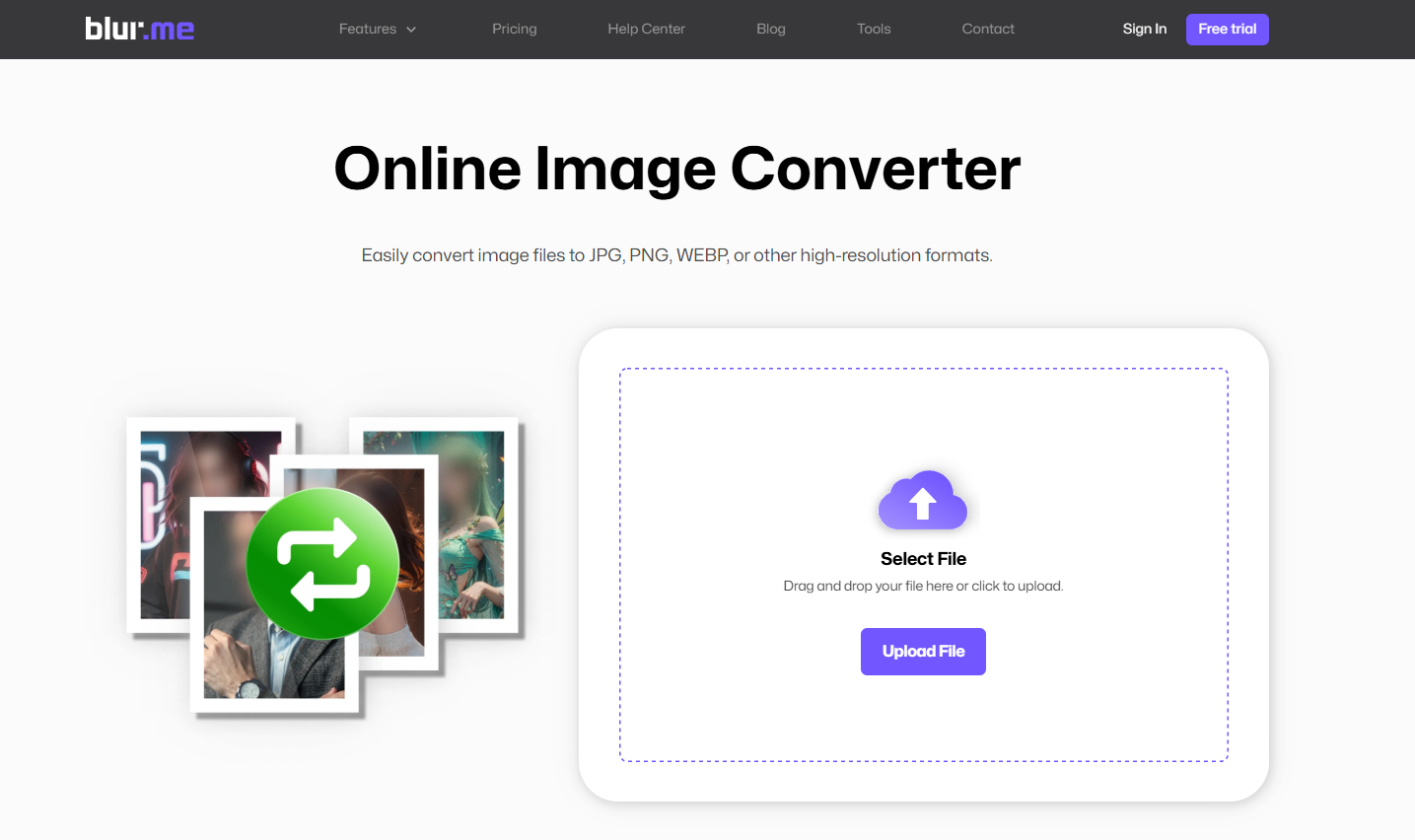
Step 1: Go to the Image Converter page
Open Image Converter in your browser.
Step 2: Upload your images
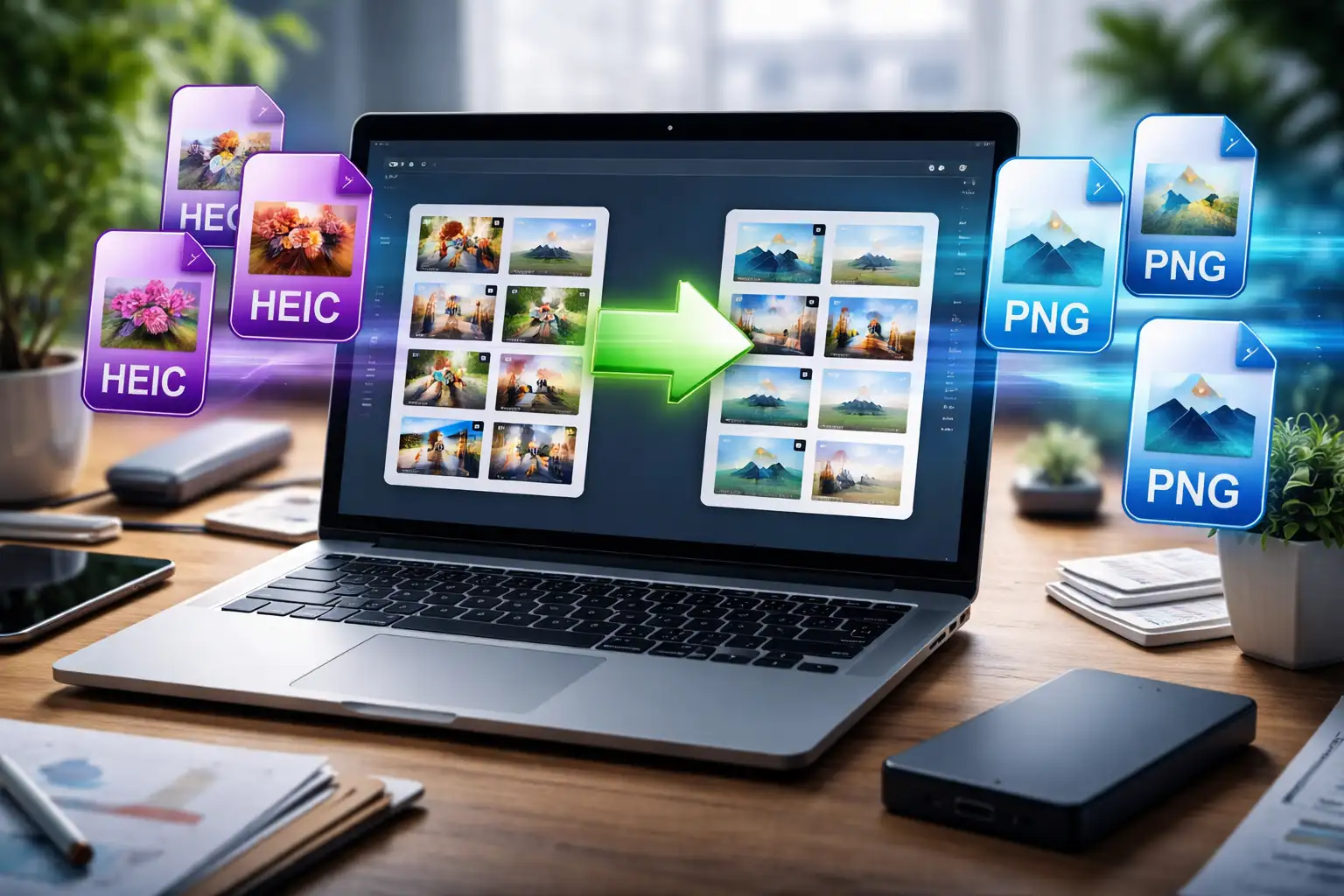
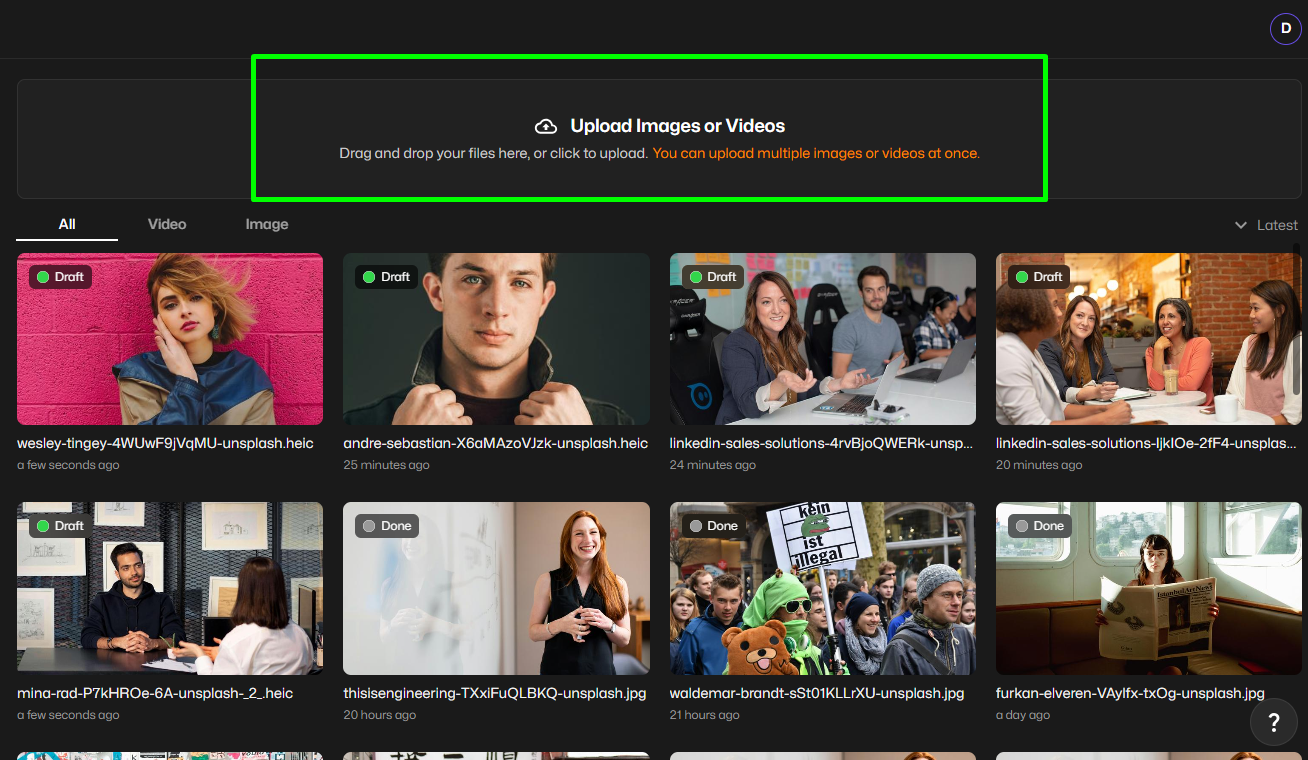
Upload one or multiple image files. BlurMe supports JPG, PNG, WEBP, and HEIC formats.
Step 3: Select your images
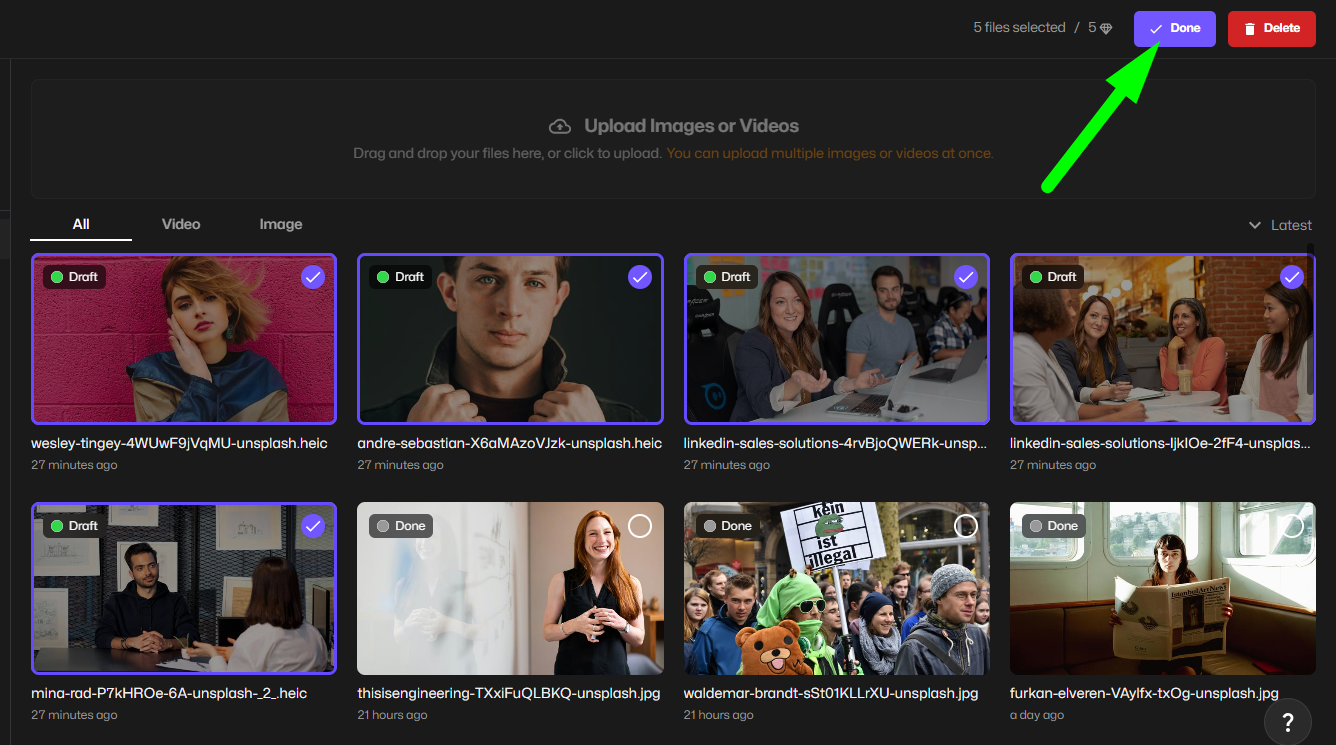
Choose the images you want to convert, then click Done to proceed.
Step 4: Convert images
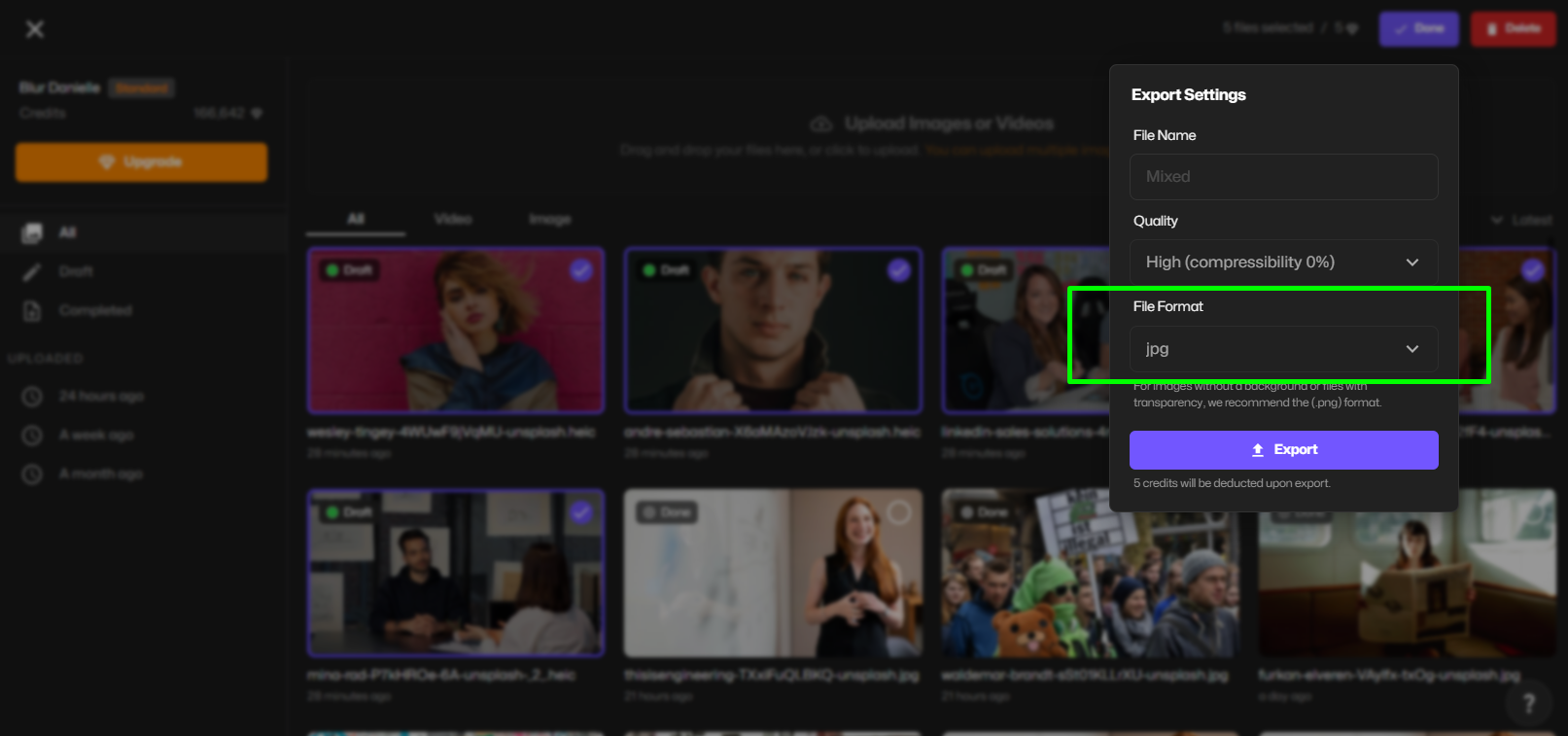
Select the output format, such as JPG, PNG, or WEBP, depending on your needs. This will convert your image into that file format.
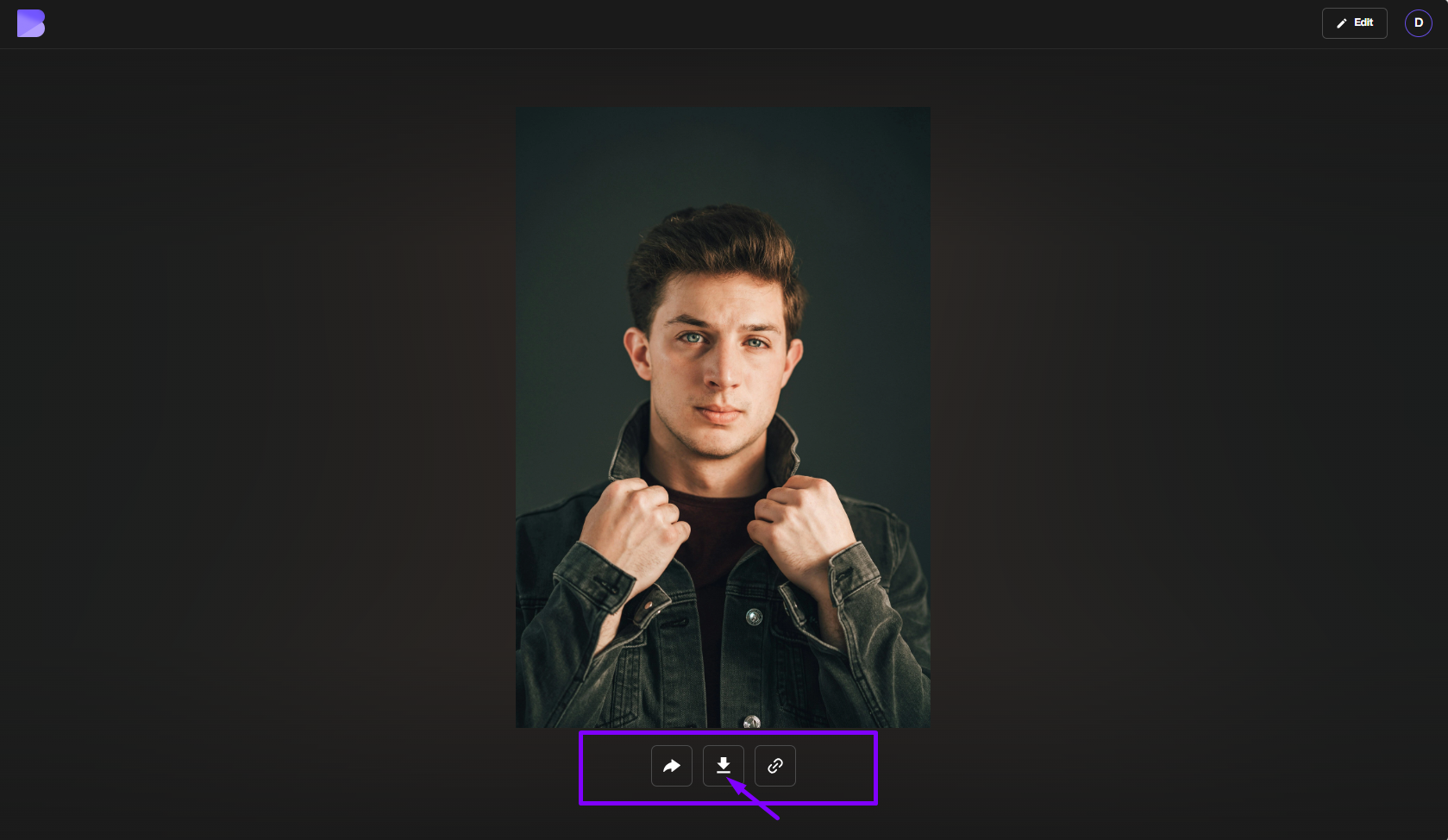
Step 5: Export your converted images
Click Export to convert your images and download the final files instantly.
Why BlurMe Is the Best Way to Convert Images Online
Most free online image converters do one thing: change file formats. BlurMe goes further. BlurMe is designed as a high-quality image conversion platform, not a one-off converter.
What Makes BlurMe Different
- Preserves original resolution during conversion
- Handles sensitive images safely
- Integrates AI tools like blur image and blur face
This is why BlurMe isn’t just an image converter online free, it’s a professional image workflow tool.
Image Formats BlurMe Supports (And Why That Matters)
BlurMe supports all major image formats used today:
- JPG / JPEG
- PNG
- WEBP
- HEIC
Each format is handled by a dedicated image format converter, ensuring accurate conversion rather than generic re-encoding
Format-Specific Conversions Powered by BlurMe
Convert HEIC Images with BlurMe
Apple images require proper handling. BlurMe offers:
These tools preserve clarity and color accuracy often lost in basic converters.
Convert JPG Images with BlurMe
Ideal for web optimization and design workflows.
Convert PNG Images with BlurMe
Perfect for balancing transparency and performance.
Convert WEBP Images with BlurMe
Ensures compatibility with editors and platforms that don’t support WEBP.
Convert Images Without Losing Quality (BlurMe Advantage)
BlurMe avoids the most common quality-loss mistakes:
- no forced downscaling,
- no unnecessary recompression,
- no metadata stripping unless required.
You can also compress image without losing quality after conversion, which is how professionals optimize images.
Blur Images After Conversion (Only Possible with BlurMe)
Unlike basic image converters, BlurMe lets you:
- blur image regions,
- automatically blur face,
- blur face in photo for privacy and compliance.
This makes BlurMe the best choice for users who care about both image format and image privacy.
Who BlurMe Is Built For
BlurMe is trusted by:
- content creators,
- journalists and media teams,
- educators and schools,
- businesses and public-sector users.
It’s built for real workflows, not one-off file changes.
Frequently Asked Questions
Is BlurMe a free online image converter?
Yes. BlurMe offers a free online image converter for common formats.
Can I convert images and blur faces in one tool?
Yes. BlurMe combines image conversion with AI blur tools.
Does BlurMe reduce image quality?
No. BlurMe is designed to preserve quality during image conversion with HD conversion.
Convert Images Online with BlurMe
If you want the fastest, safest, and highest-quality way to convert images online, BlurMe is the answer.
Convert images. Blur sensitive content. Optimize performance.
All in one platform.