DOCX提取文本

将Word中的文字保存为UTF-8 TXT。

免费 · 无需注册 · 无需上传文件

将文件拖放到此处

支持的文件: DOCX · 1 个文件 · 最多 25 MB

→ TXT

不支持旧版格式、加密文档或含宏的文档。

如何使用DOCX提取文本

  1. 选择一个DOCX文件。不支持旧版Office格式、宏或加密文档。

  2. 选择DOCX并提取文字,查看文本预览。

  3. 在操作面板检查结果;生成文件后即可下载。

了解DOCX提取文本的输出

提取书面内容及段落分隔,便于搜索、引用或继续编辑草稿。

不会保留图片、颜色和表格布局,也不会识别图片内的文字。

支持的文件

DOCX → TXT

  • 1 个文件 · 最多 25 MB
  • 输入总大小: 300 MB
  • 输出总大小: 150 MB
  • 页码: ≤ 50

结果示例

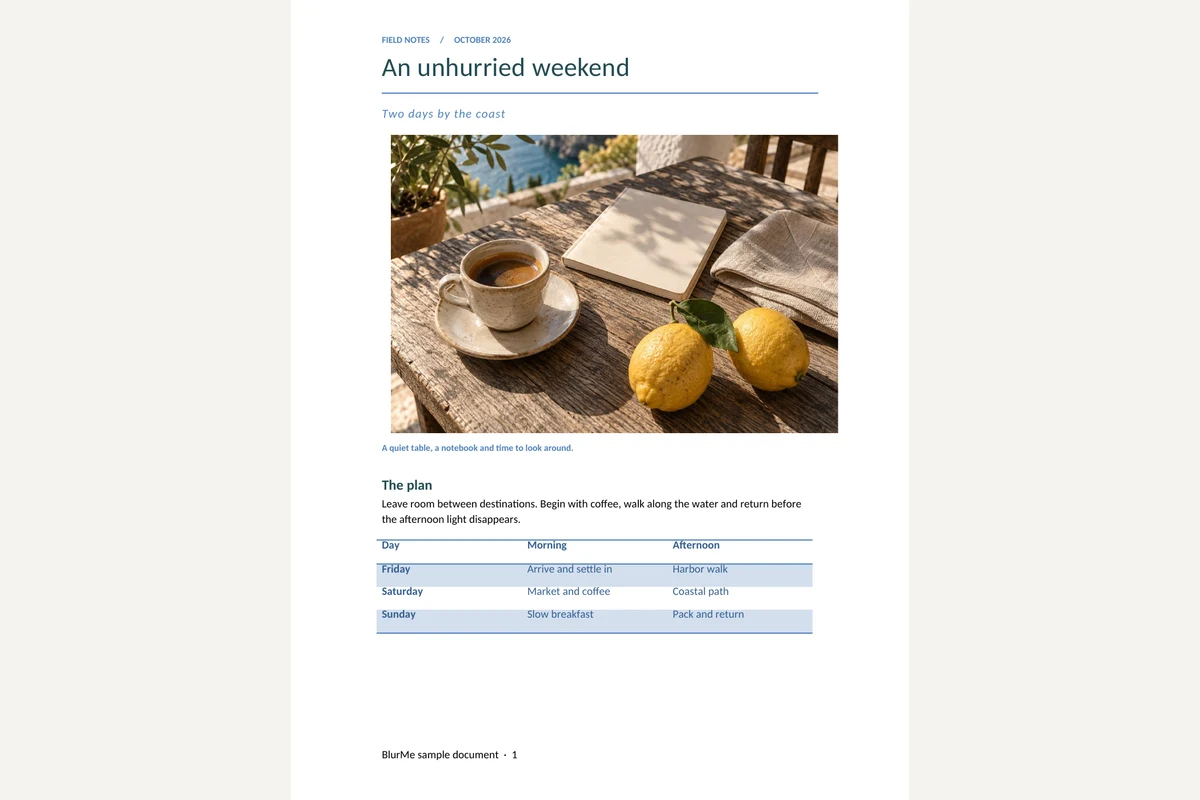
原始文件

结果

An unhurried weekend

Two days by the coast


A quiet table, a notebook and time to look around.

The plan

Leave room between destinations. Begin with coffee, walk along the water and return before the afternoon light disappears.

Day

Morning

Afternoon

Friday

Arrive and settle in

Harbor walk

Saturday

Market and coffee

Coastal path

Sunday

Slow breakfast

Pack and return


Details worth keeping

The itinerary is a suggestion, not a timetable. Keep the afternoon free if the weather is good.

Packing list

Notebook and a pen

Water bottle and a light jacket

A camera, with room for more pictures

Shared notes

한국어 문서 · 日本語の文書 · العربية · Grüße aus Berlin

Reference: 001234567890123456789

Prepared as an original BlurMe example. All names and amounts are fictional.

More information: BlurMe

常见问题

DOCX提取文本会保留哪些内容?
提取书面内容及段落分隔,便于搜索、引用或继续编辑草稿。
使用DOCX提取文本时需要检查什么?
不会保留图片、颜色和表格布局,也不会识别图片内的文字。
如何使用DOCX提取文本的结果?
用TXT进行搜索或编辑;原有格式保留在DOCX中,也可将原文转为PDF。
如何使用DOCX提取文本
选择DOCX并提取文字,查看文本预览。
文件会上传到服务器吗?
不会。文件在本设备的浏览器中处理,不会发送到 BlurMe 服务器。

相关工具

全部工具