AI redaction software has become essential as video is increasingly used for evidence sharing, surveillance, public records, healthcare, education, and online publishing. Unlike traditional redaction tools built for documents, video redaction service must identify, track, and permanently obscure sensitive visual information across every frame.
This guide explains what AI redaction software is, how automated video redaction works, and most importantly how to redact video using BlurMe’s AI-powered Video Redaction Service.
What Is AI Redaction Software?
AI redaction software is a category of tools that automatically detect and obscure sensitive information using artificial intelligence. In video, this typically includes:
- Faces and full bodies
- License plates
- Other personally identifiable information (PII)
Unlike manual editing, AI-powered tools apply redaction consistently across the entire video, even when subjects move, turn, or temporarily leave the frame.
How to Redact a Video Using AI (BlurMe Tutorial)
Most users searching for AI redaction software want to see the product immediately. Below is a practical, step-by-step walkthrough using BlurMe’s AI Video Redaction tool.
Step-by-Step: Redact Video Automatically with BlurMe
- Go to BlurMe Studio
Open BlurMe's video redaction tool in your browser.
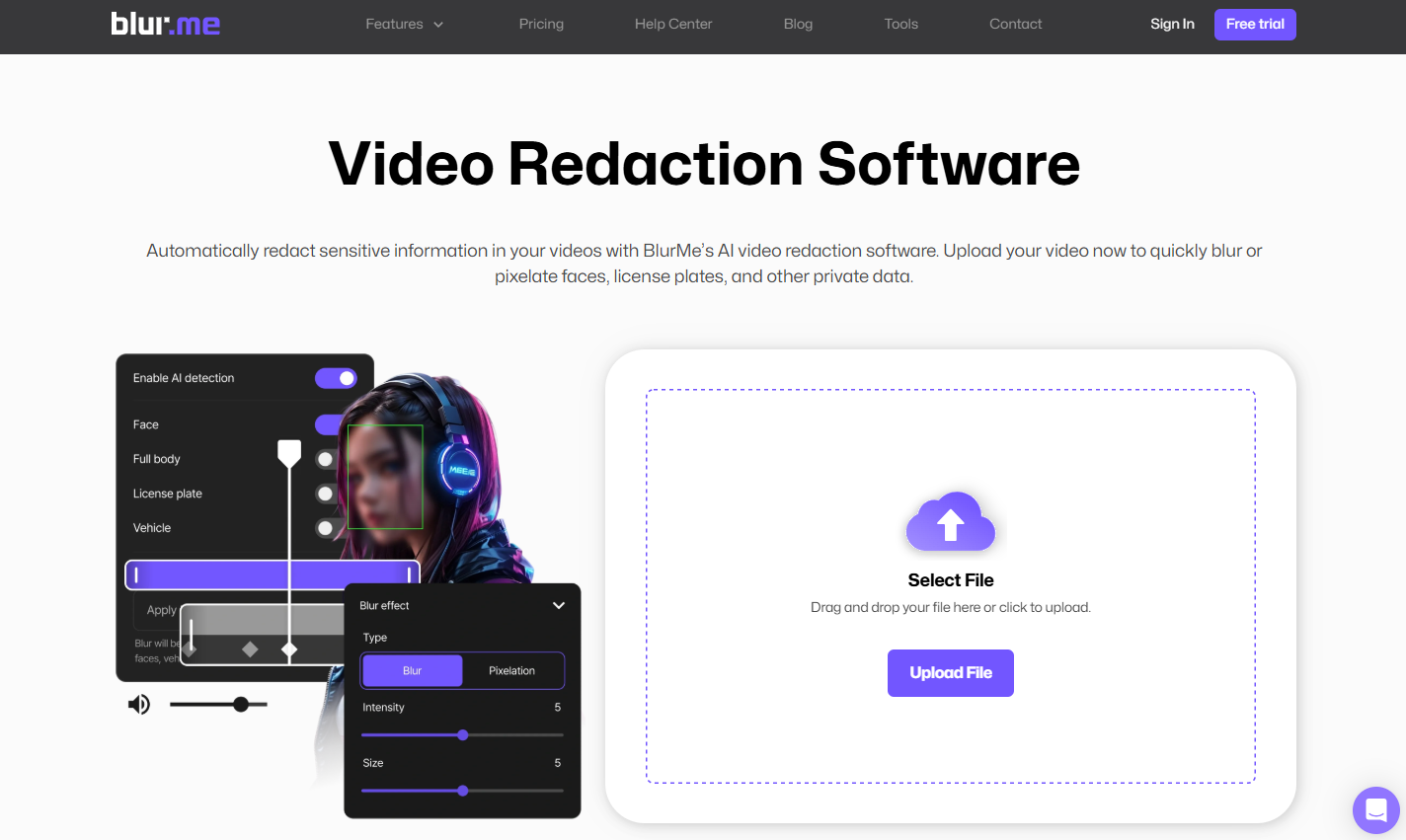
- Upload Your Video
Drag and drop your .video file or click upload. BlurMe supports large and high-resolution videos.
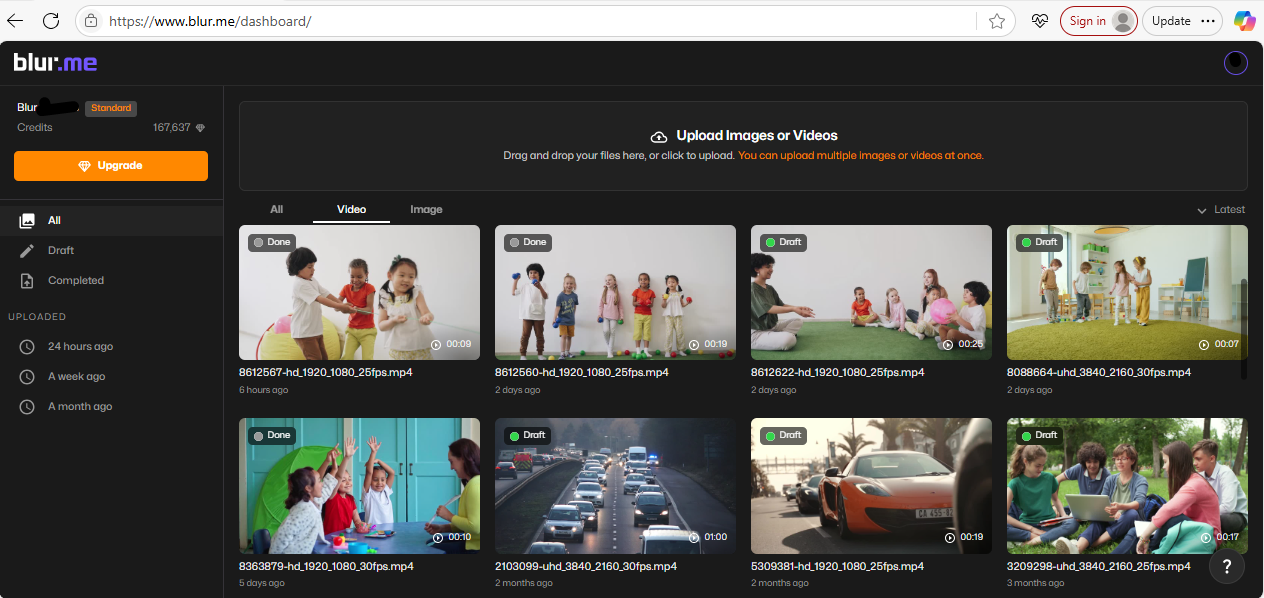
- Enable AI Detection
Turn on AI detection to automatically identify faces, people, or other sensitive elements in the video. - Choose a Redaction Method
Select blur or pixelation depending on your needs. BlurMe supports blurring people and objects such as license plates and cars.
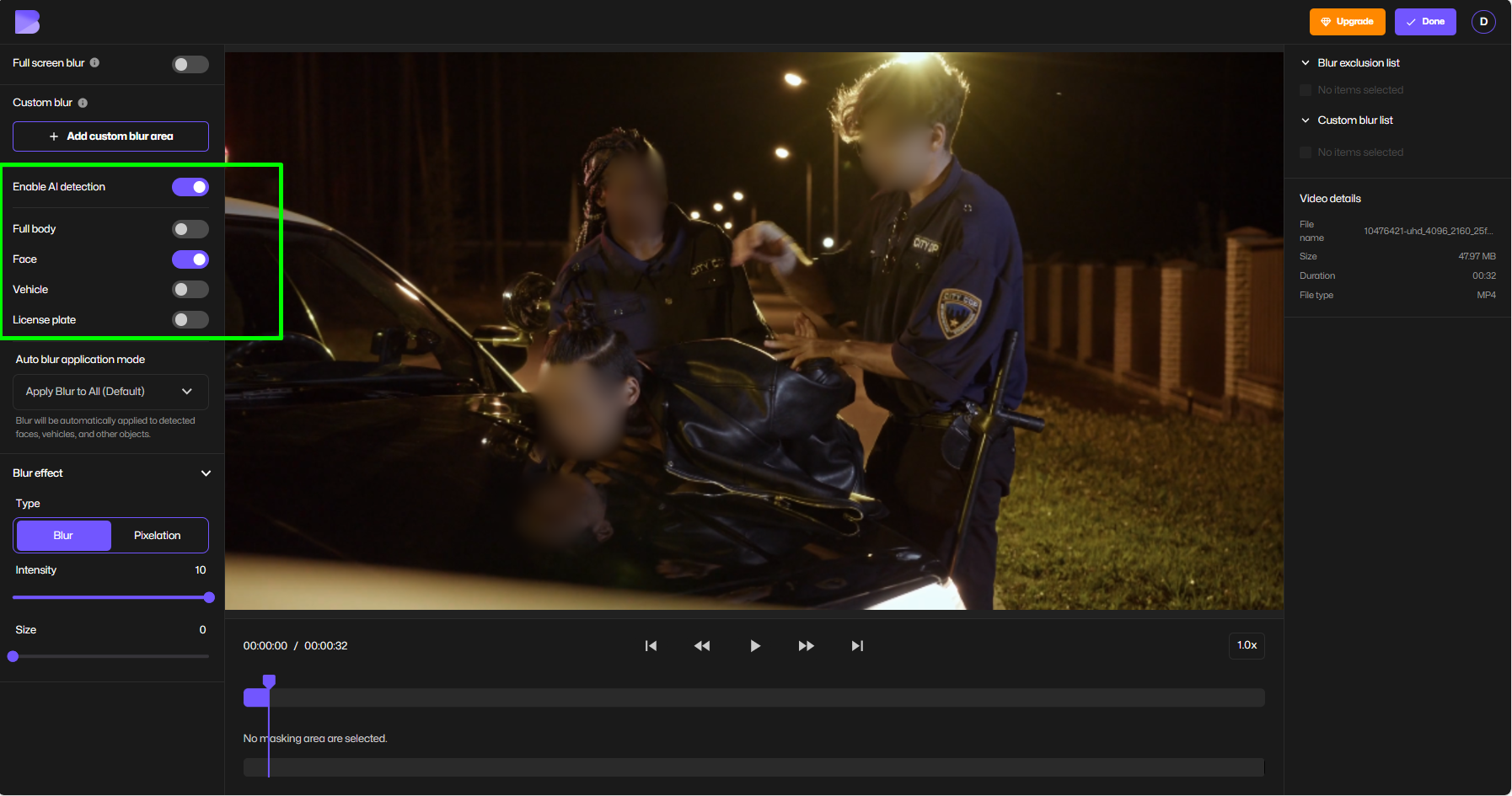
You can also add a video blur effect manually where needed using the Custom Blur tool.
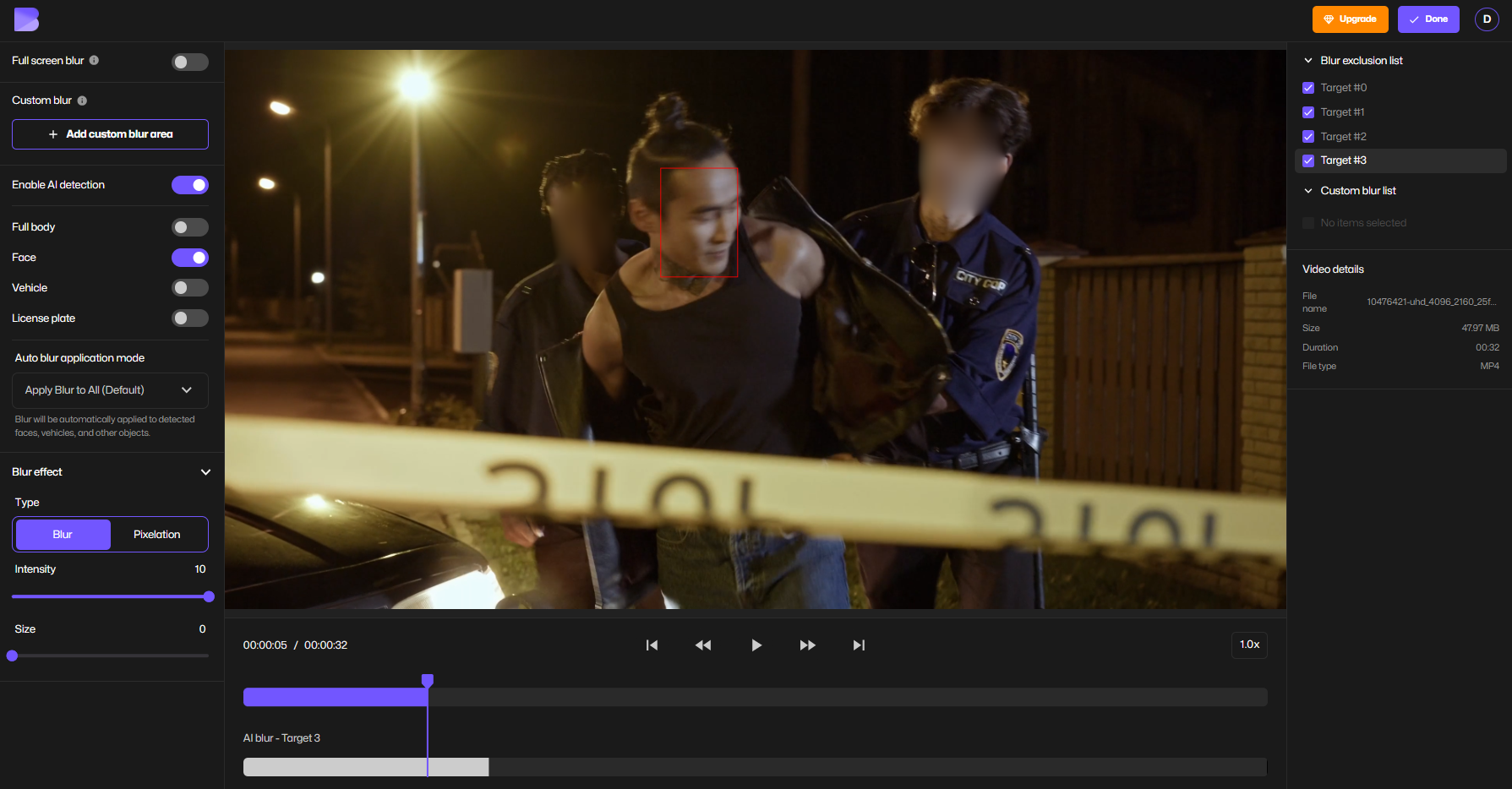
- Adjust Redaction Areas
Add or remove redaction areas to select exactly what is blurred and what remains visible in the video.
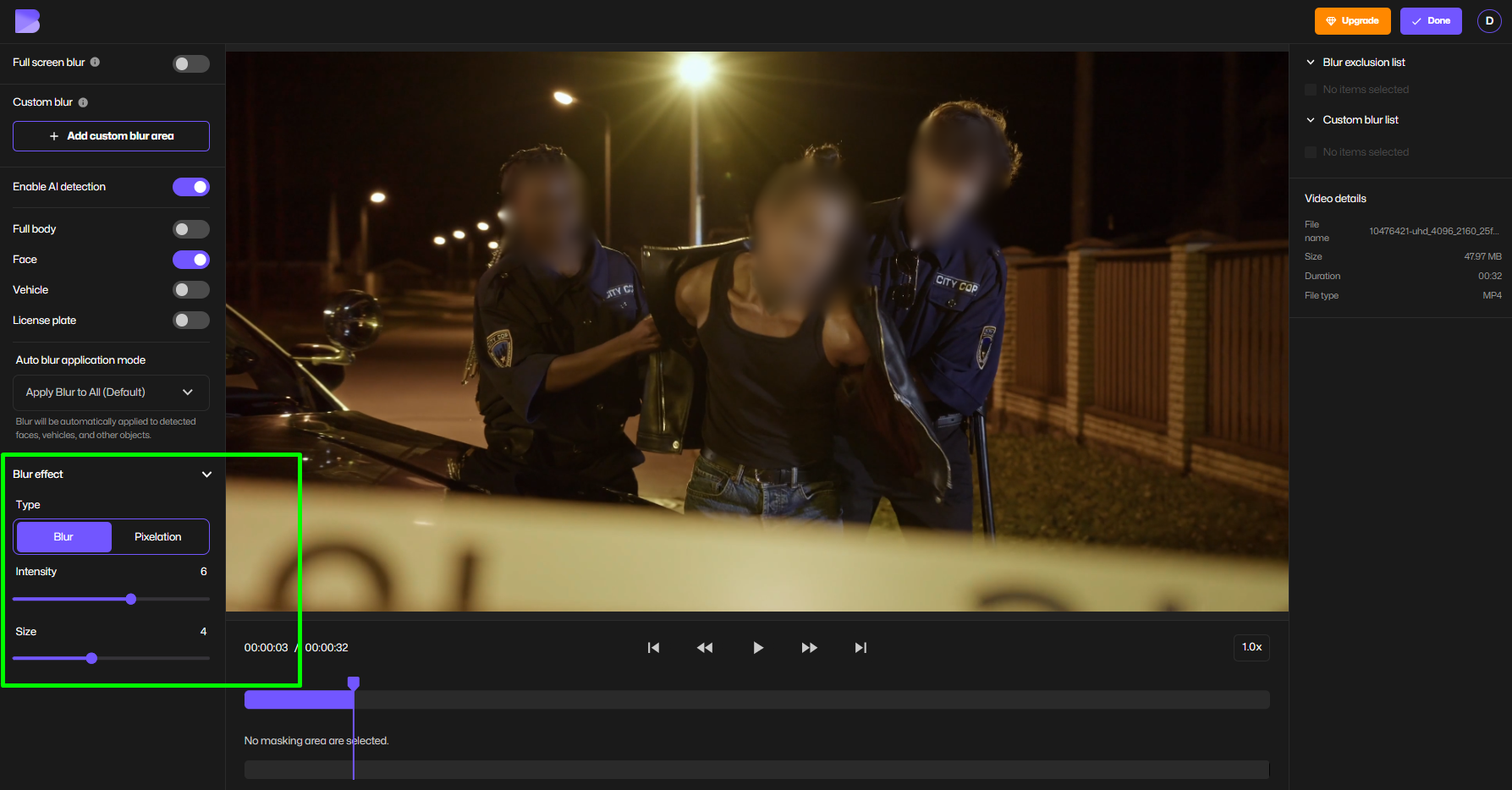
- Adjust Blur Style
Change the blur size and intensity to match your privacy or visual preferences.
- Export the Redacted Video
Download your video with redaction permanently applied.
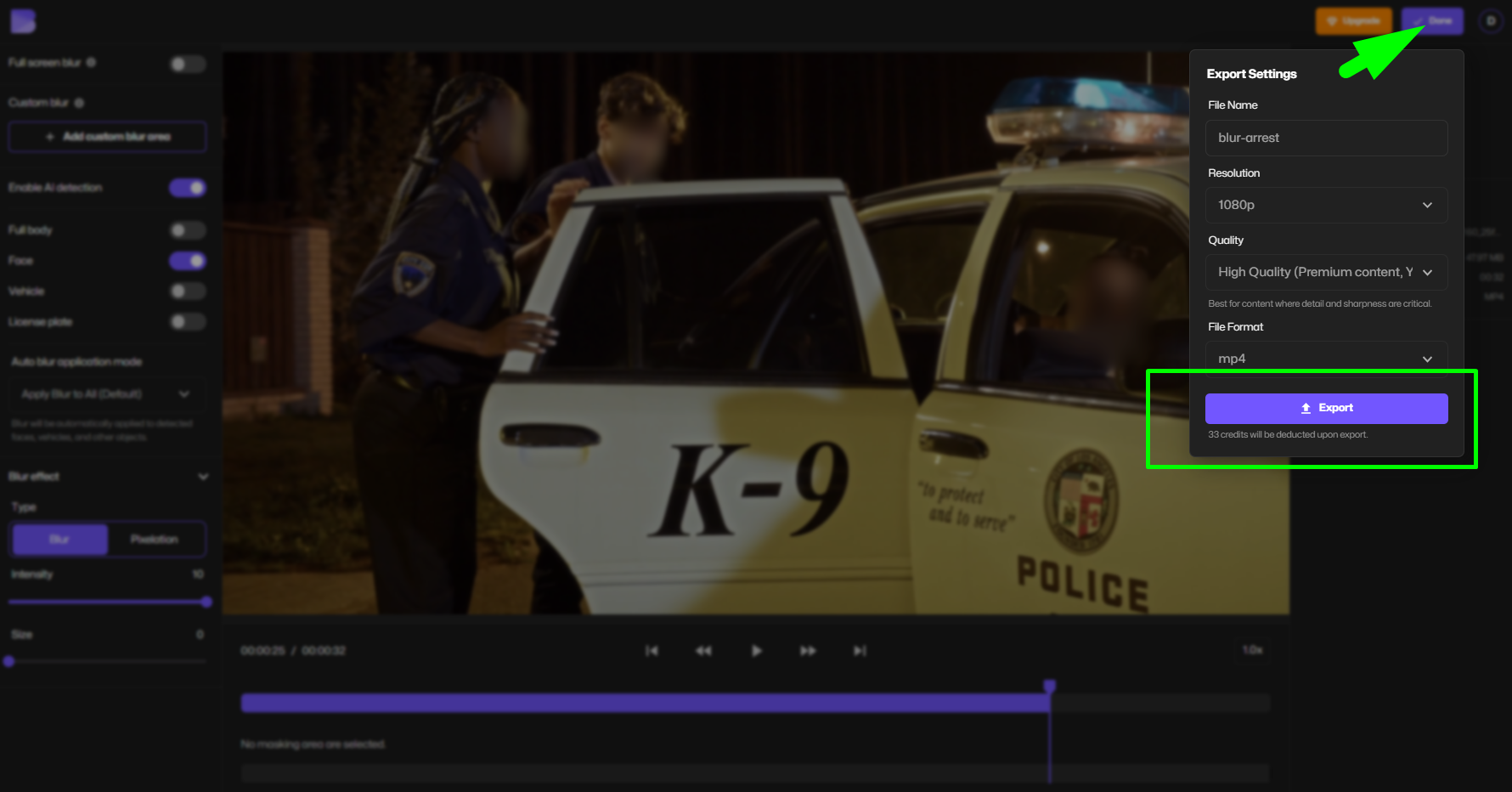
BlurMe is designed to handle everything from simple social videos to CCTV redaction and professional compliance use cases.
Why AI-Powered Video Redaction Is Better Than Manual Editing
Manual redaction requires frame-by-frame editing, which introduces several risks:
- Missed frames exposing sensitive data
- Inconsistent masking
- Extremely long processing times
Automated redaction software eliminates these issues by tracking detected objects across the entire video. AI-powered tools ensure that once a face or object is redacted, it stays redacted throughout the clip.
This is why AI redaction tools are now standard for organizations handling large volumes of video.
How Automated Video Redaction Software Works
Most modern video redaction tools follow the same core process:
- AI Detection
The software identifies faces, people, or license plates using computer vision models. - Frame-by-Frame Tracking
Detected elements are tracked across all frames even during movement or partial obstruction. - Redaction Application
Users choose blur or pixelation, depending on privacy or regulatory requirements. - Secure Export
The redacted video is exported with obscured areas permanently applied.
This approach enables accurate face anonymization at scale without manual effort.
Video Redaction Software Use Cases
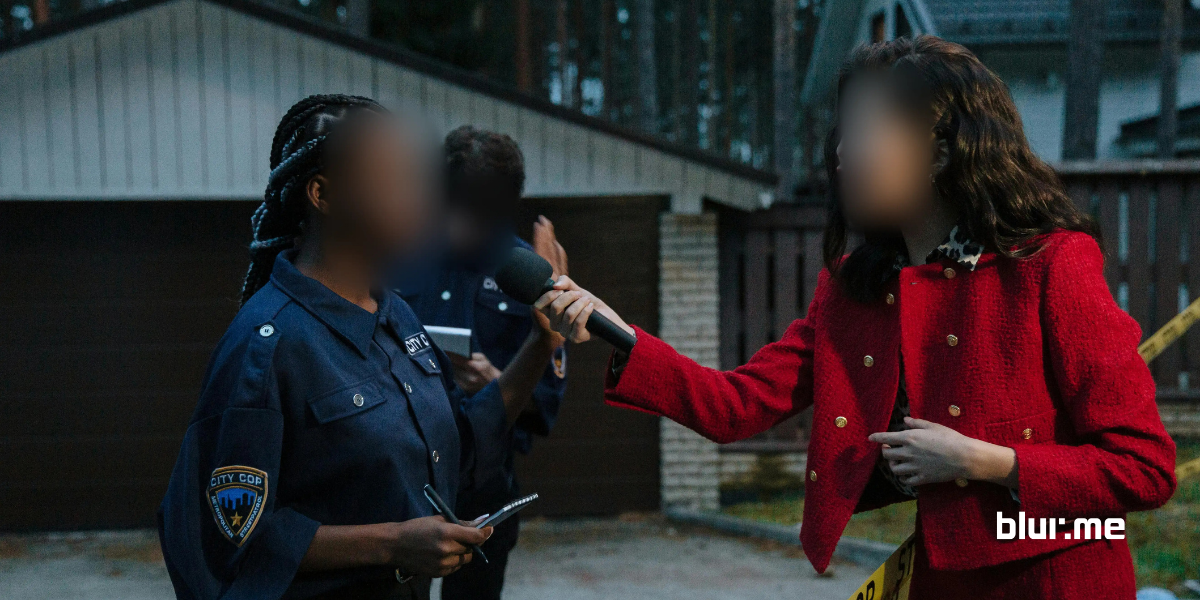
Law Enforcement & FOIA Requests
Redaction software for FOIA requests is commonly used to:
- Protect bystander identities
- Redact minors and victims
- Prepare footage for public release
AI-based tools significantly reduce processing time while helping agencies limit unnecessary exposure of personal data.
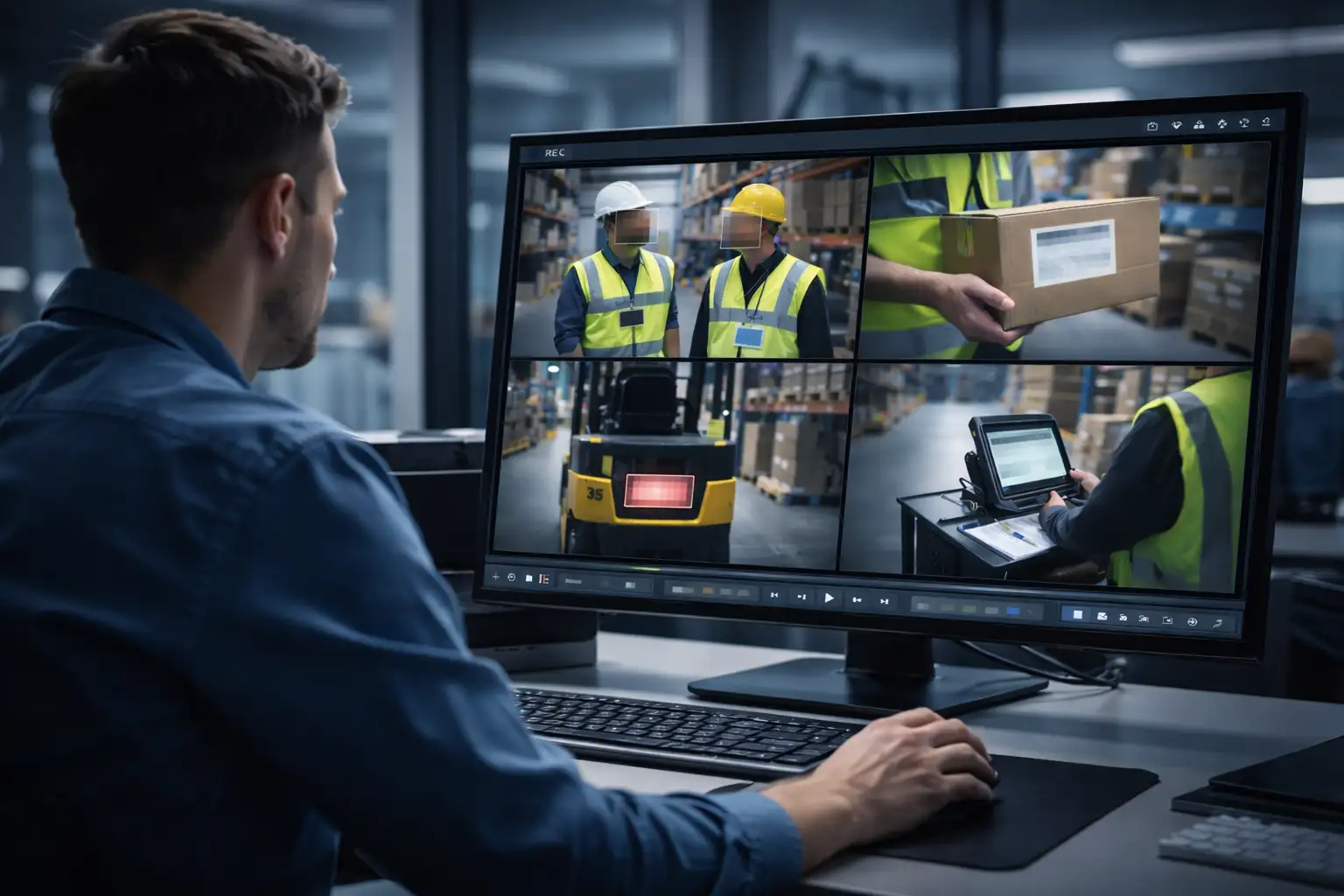
CCTV and Surveillance Footage
CCTV redaction software is essential for protecting privacy in public and semi-public spaces. Common redaction targets include:
- Faces of non-subject individuals
- License plates
- Private property details
BlurMe supports workflows for blurring CCTV surveillance footage while preserving the evidentiary value of the video.
Healthcare and HIPAA-Related Video
Healthcare organizations rely on PII redaction software and video redaction to reduce the risk of exposing protected health information (PHI). Redaction allows videos to be shared internally or externally while limiting unnecessary data exposure.
Education and FERPA Compliance
In schools and universities, video redaction is used to obscure:
- Student faces
- Name tags
- Identifying classroom details
This enables safer sharing of recordings for training, safety reviews, or public communication.
Video Redaction vs Blur vs Pixelation
Although often used interchangeably, these techniques serve different purposes:
Blur Video
- Smooth concealment
- Common in content creation
- Less resistant to reconstruction
Pixelate Video
- Block-based masking
- More aggressive privacy protection
- Frequently used in surveillance and news
Full Video Redaction
- Designed for compliance-driven workflows
- Focused on permanently obscuring sensitive data
BlurMe supports both blurring video and video pixelation options so users can choose the appropriate level of privacy.
Face Anonymization and AI-Based Privacy Protection
Face anonymization ensures that individuals cannot be identified in video content. AI-based face anonymization tools automatically detect and obscure faces without requiring manual tracking.
Modern AI tools for face anonymization are critical for:
- Surveillance footage
- Public records disclosures
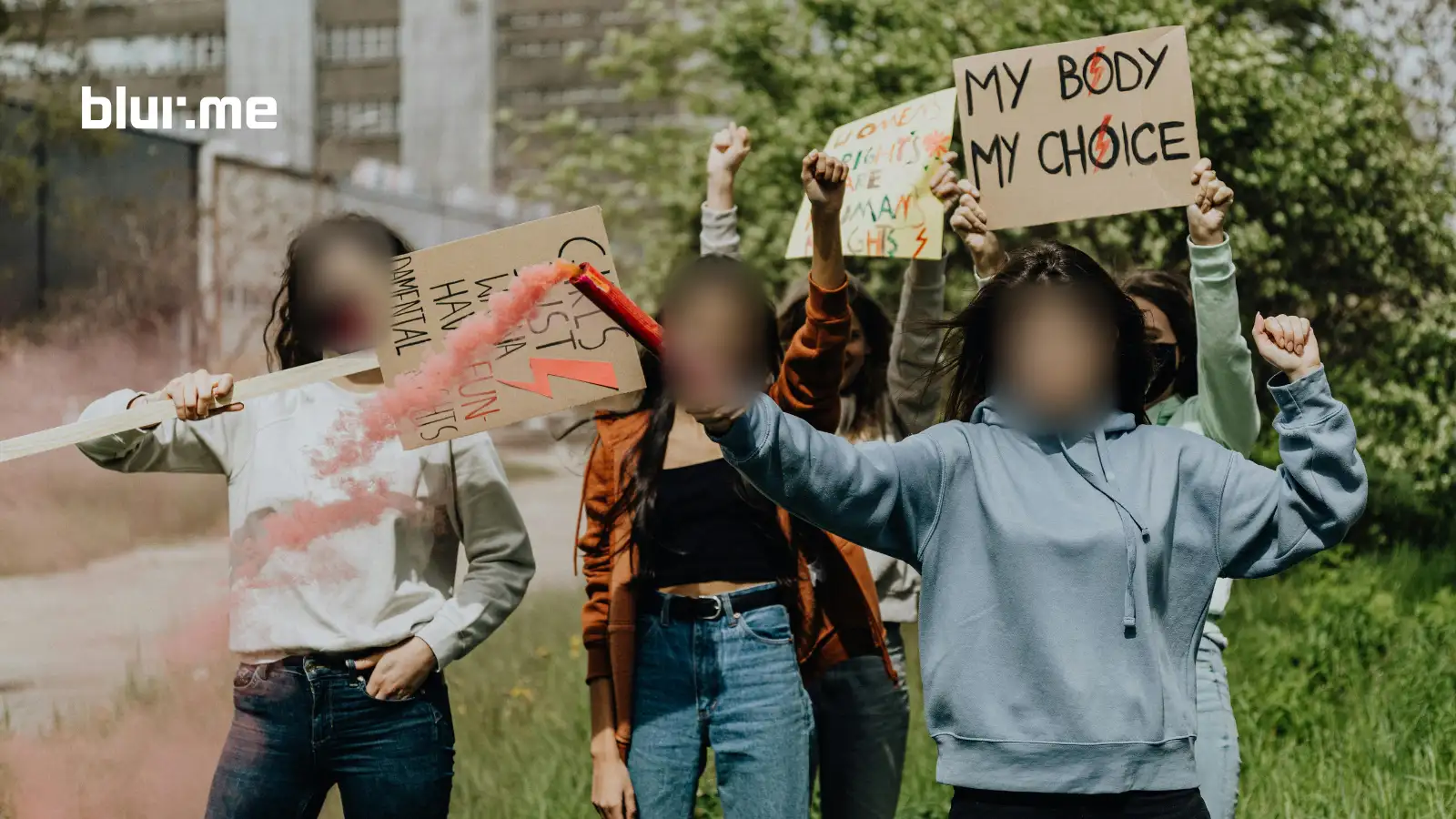
- Online publishing involving people who did not consent to appear
BlurMe supports automatic face detection and anonymization for both recorded and live workflows, including blur live video scenarios.
Video Redaction Software vs Data Redaction Software
While data redaction software focuses on text and documents, video redaction software must:
- Detect visual elements
- Track movement across frames
- Preserve context while protecting identities
This makes AI detection and tracking essential for any serious video redaction solution.
What Makes the Best Video Redaction Software?
When evaluating redaction tools, look for:
- AI-powered face and object detection
- Manual override and customization
- Support for blur and pixelation
- Secure export and handling
- Ease of use without technical expertise
A strong video redaction service balances automation with user control—especially in high-risk or compliance-related workflows.
Secure Redaction and Privacy Regulations
Video redaction plays a key role in supporting privacy frameworks such as:
- GDPR
- CCPA
- HIPAA
- FERPA
While software alone does not guarantee compliance, secure redaction helps minimize unnecessary exposure of personal data when sharing or publishing video content.
Frequently Asked Questions (FAQ)
What is redaction software?
Redaction software is used to permanently obscure sensitive information before content is shared. In video, this includes faces, license plates, and other identifiable details.
How do I blur a face in a video?
To blur a face in video, upload the clip to BlurMe, enable AI detection, and apply automatic face blurring. You can manually adjust results if needed.
Is pixelation better than blur for privacy?
Pixelation is generally more aggressive and harder to reverse than blur. Many users choose to pixelate video when dealing with surveillance footage or public disclosures.
Can I redact CCTV footage automatically?
Yes. AI-powered tools like BlurMe function as CCTV redaction software, automatically detecting and blurring faces or license plates in surveillance video.
Does BlurMe support background blurring?
Yes. BlurMe allows you to blur video background areas manually or automatically, depending on the use case.
What is face anonymization?
Face anonymization refers to obscuring faces so individuals cannot be identified. BlurMe provides AI-driven face anonymization using automatic detection and tracking.
Can AI redaction software be used for live video?
Some workflows support blur live video, which applies real-time face blurring during streaming or monitoring scenarios.
Final Thoughts
As video continues to dominate communication, evidence sharing, and surveillance, AI redaction software is no longer optional. Automated video redaction allows organizations to protect privacy, reduce risk, and scale workflows efficiently.
Whether you need to blur faces, pixelate sensitive areas, redact CCTV footage, or support FOIA and compliance-driven workflows, tools like BlurMe Face Blur provide a practical, AI-powered solution for modern video redaction.