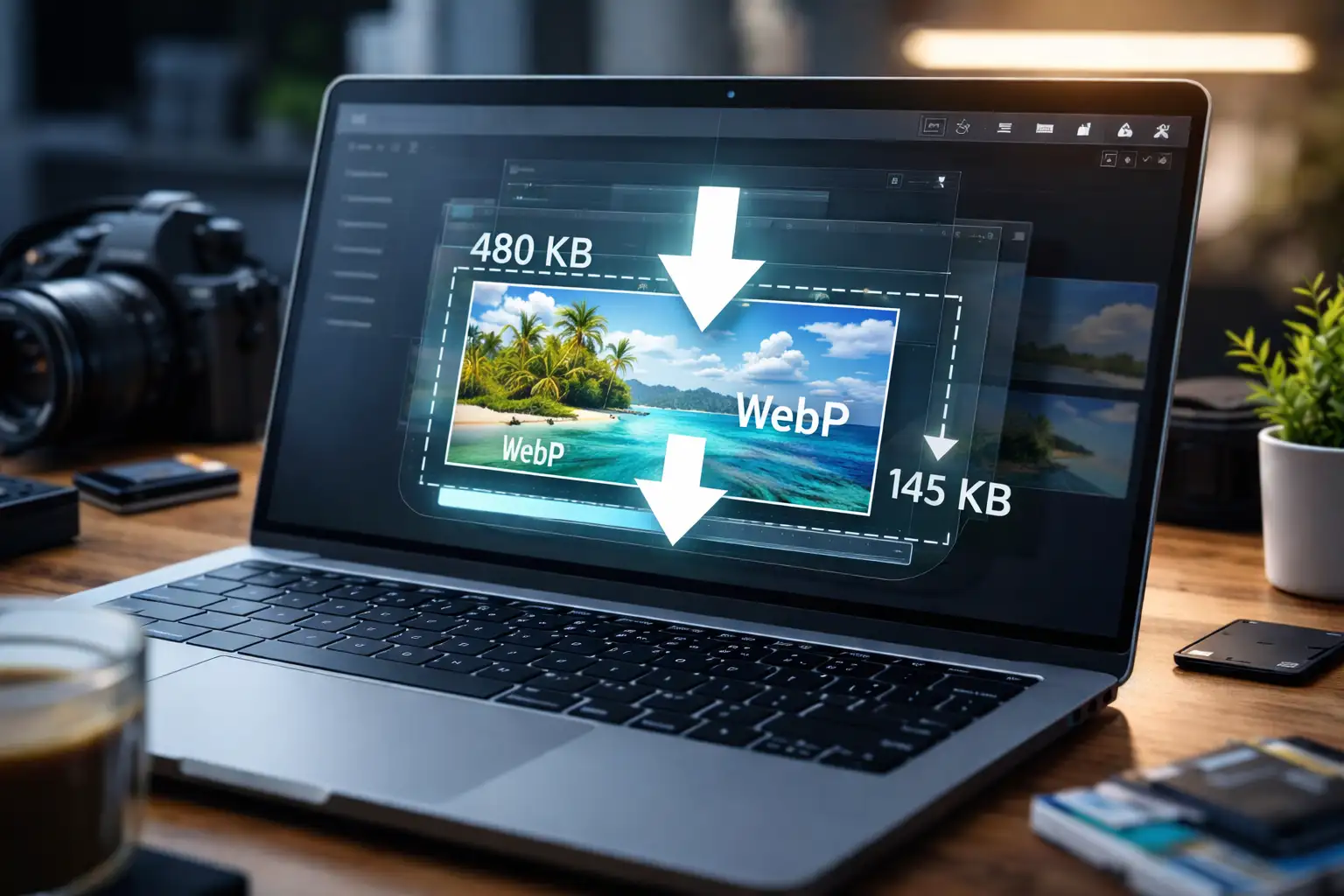
WEBP compressor tools make it easy to reduce image file size without sacrificing quality. Faster load times, better SEO, and improved user experience all depend on optimized images.
In this complete guide, you’ll learn how to compress WEBP images for free online, how WEBP compression works, best practices for webp optimization, and how to use BlurMe’s online image compressor to optimize WEBP images efficiently.
What Is a WEBP Image and Why Compress It?
WEBP is a modern image format developed by Google that provides superior compression compared to JPG and PNG. While WEBP images are already smaller, WEBP compression further reduces file size to improve performance—especially for websites with heavy image usage.
Google explicitly recommends optimizing images for web online, making WEBP compression a best practice rather than a nice-to-have.
How to Compress WEBP Images for Free Online
BlurMe offers a fast, browser-based WEBP compressor that works on any device—no downloads, no watermark, no technical skills required.
Step-by-Step: Compress WEBP Image Using BlurMe
- Go to BlurMe Studio – WEBP Compressor
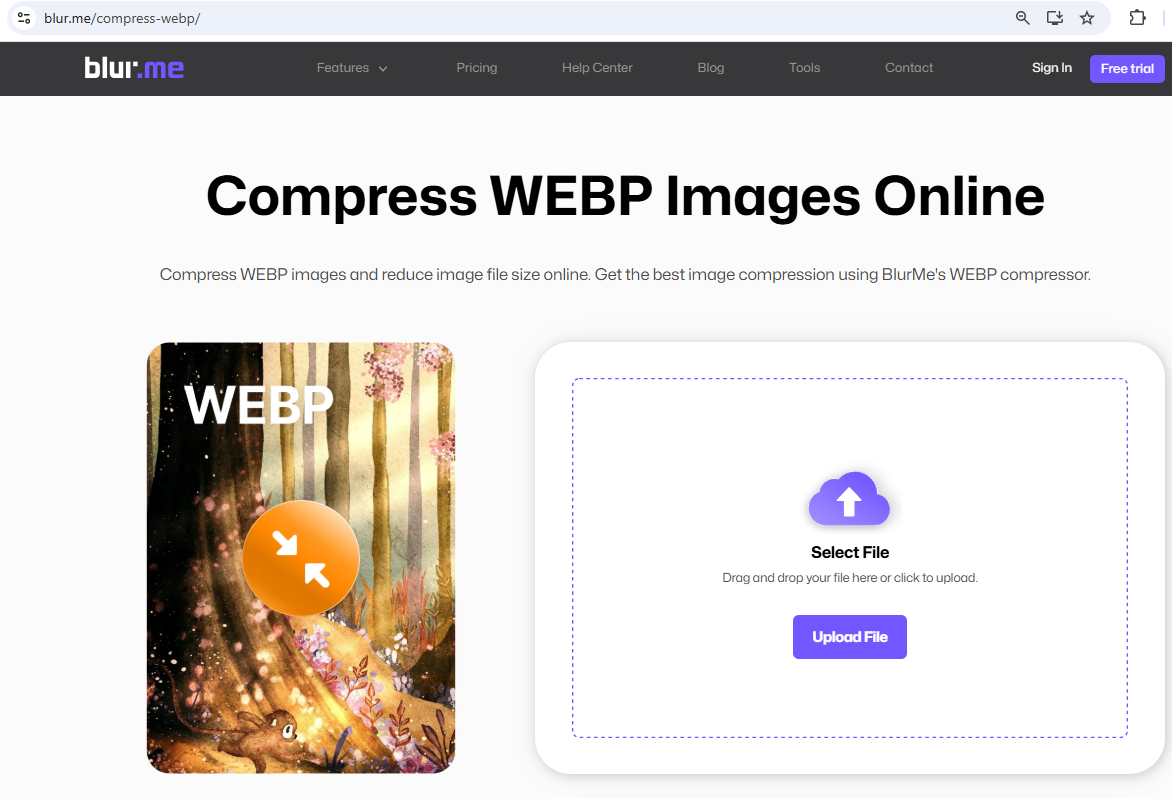
- Upload your WEBP image

- Choose your compression level
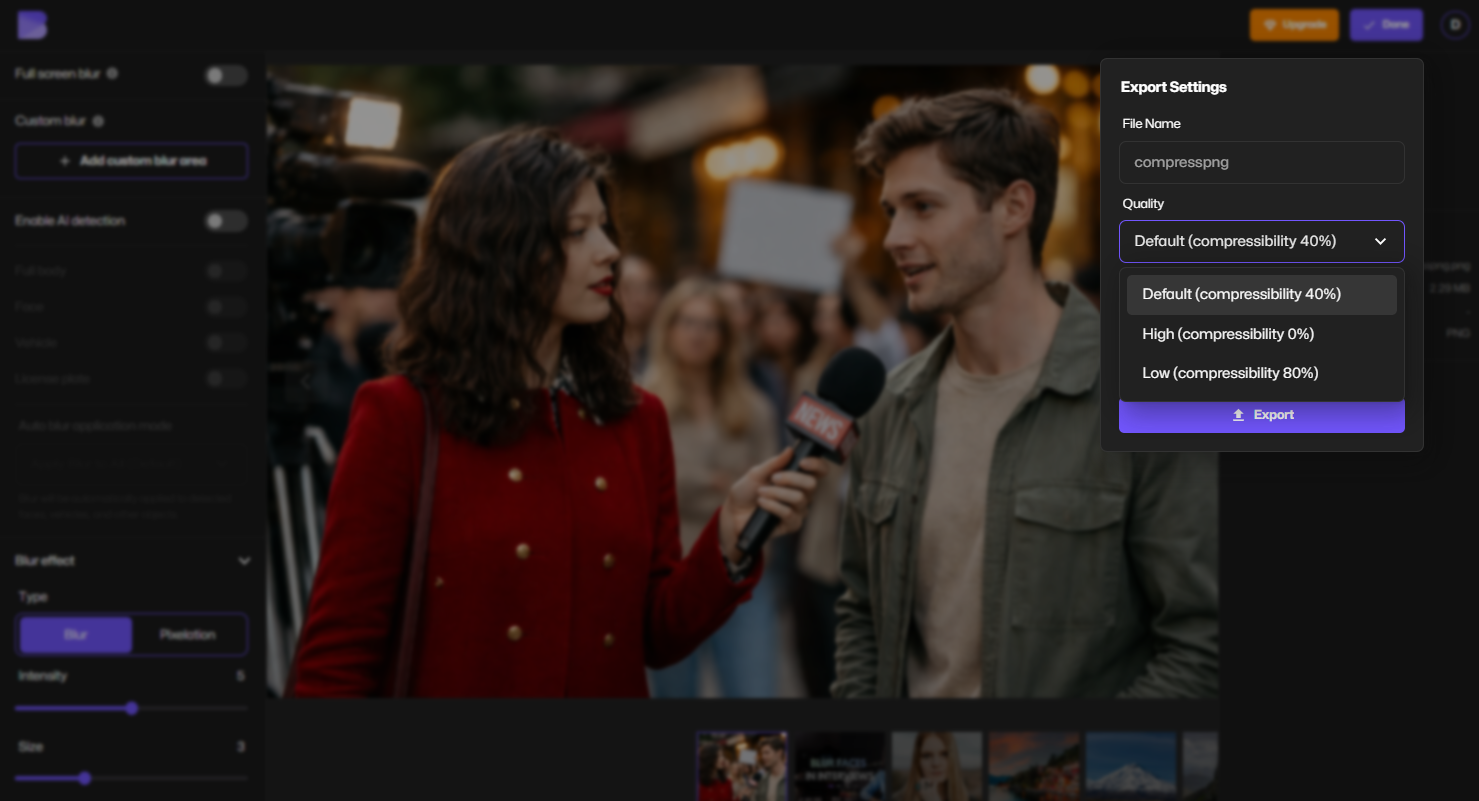
- Click Export to download your compressed WEBP instantly
BlurMe automatically balances WEBP optimization to preserve clarity while significantly reducing file size.
Key Features of BlurMe’s WEBP Image Compressor
BlurMe isn’t just a basic tool—it’s built for creators, marketers, and website owners who care about quality and speed.
Why BlurMe Is One of the Best Online Image Compressors
- Advanced WEBP compression algorithm
- No visible quality loss
- 100% online (no software installation)
- Works on desktop and mobile
- Supports bulk image compression
- Secure file handling
How WEBP Compression Works (Lossy vs Lossless)
Understanding compression types helps you choose the right settings when using a WEBP image compressor.
Lossy WEBP Compression
- Removes non-essential image data
- Produces much smaller files
- Ideal for web photos, blogs, and ecommerce
Lossless WEBP Compression
- Preserves original image data
- Slightly larger file size
- Best for graphics, UI elements, and logos
BlurMe supports image compression with losing quality only when you choose it, giving you full control over the final output.
Optimize WEBP Images for Web Online (Best Practices)
To get the best results from your WEBP optimizer, follow these professional tips.
Best WEBP Optimization Tips
- Resize images before uploading (avoid oversized files)
- Use lossy compression for photos
- Use lossless compression for UI graphics
- Compress images before publishing to your site
- Combine compression with proper image dimensions
BlurMe allows both WEBP resize and compression, helping you reduce file size even further.
JPG to WEBP Compressor: Convert and Compress in One Workflow
Many users start with JPG images. Converting them properly is essential for performance.
Why Convert JPG to WEBP?
- Smaller file sizes
- Better browser performance
- Improved SEO scores
BlurMe functions as a JPG to WEBP converter, letting you convert and optimize images in one seamless online process.
WEBP Compression vs PNG and JPG Compression
| Format | File Size | Transparency | Best Use |
|---|---|---|---|
| JPG | Medium | ❌ | Photography |
| PNG | Large | ✅ | Graphics |
| WEBP | Smallest | ✅ | Web optimization |
For more format-specific guides, see:
Common WEBP Compression Mistakes to Avoid
Even with a powerful image compressor WEBP tool, mistakes can hurt quality.
Avoid These Errors
- Over-compressing hero images
- Using lossless compression unnecessarily
- Uploading oversized originals
- Ignoring mobile optimization
BlurMe’s preview feature helps you avoid these issues before downloading.
Frequently Asked Questions (FAQ)
What is the best WEBP compressor online?
BlurMe is one of the best online image compressors for WEBP, offering high compression with minimal quality loss.
Does WEBP compression affect image quality?
When done correctly, WEBP compression maintains visual clarity while significantly reducing file size.
Can I compress images for my website using BlurMe?
Yes. BlurMe is designed as an image compressor for website performance and SEO.
How do I compress other image formats?
Check out these guides:
Why BlurMe Is Trusted for Image Optimization
BlurMe is used by content creators, marketers, educators, journalists, and businesses worldwide. Its tools are built with performance, privacy, and ease of use in mind—aligned with Google’s best practices for modern web optimization.
Unlike many tools, BlurMe combines image compression, resizing, format conversion, and AI-powered blurring in one secure online platform.
Compress WEBP Images Now with BlurMe (Free)
If you want faster websites, better SEO, and beautifully optimized visuals, BlurMe’s free WEBP compressor is the smartest choice.
👉 Try BlurMe’s face blur and WEBP Image Compressor now and optimize your images in seconds—no signup required.