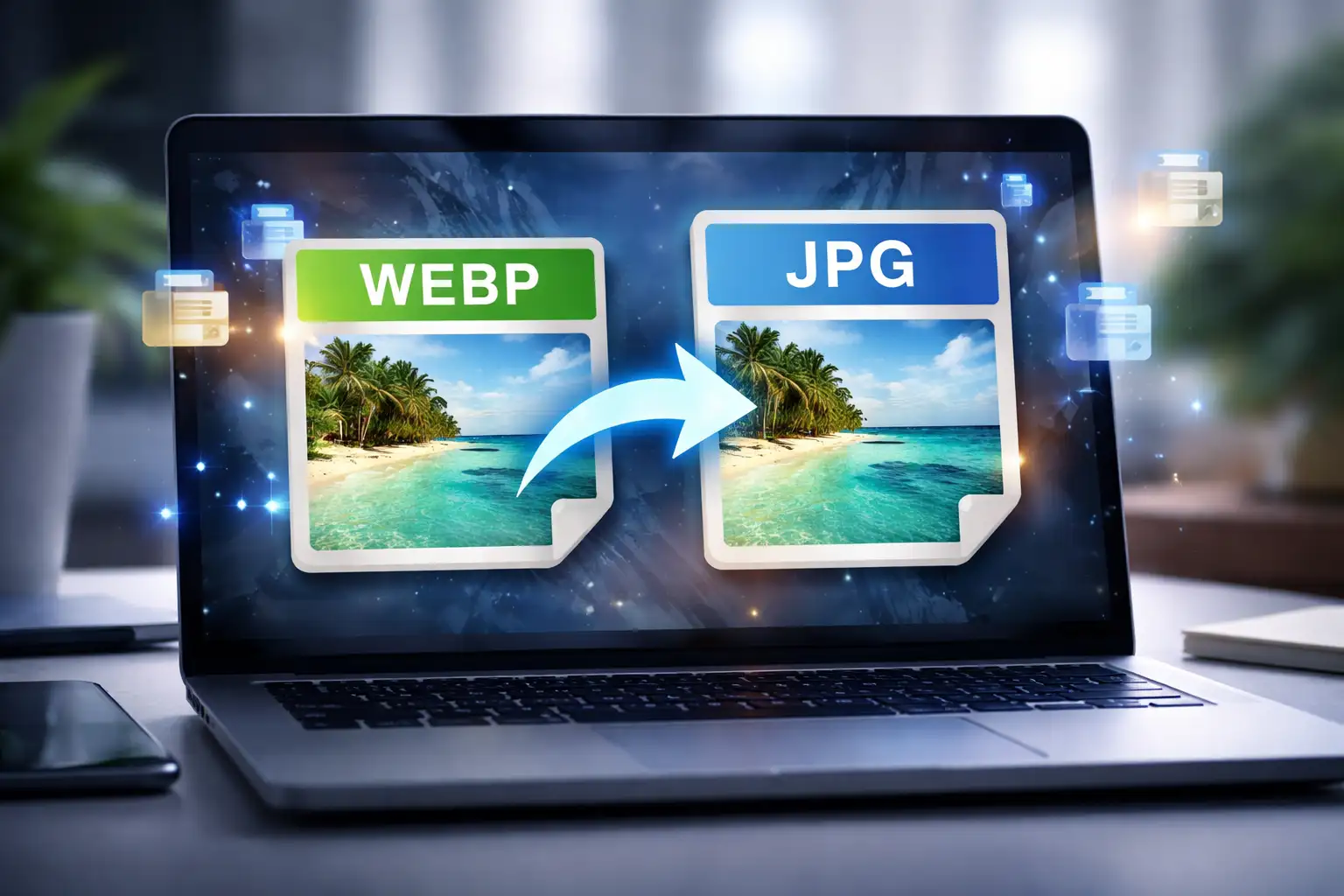
WEBP to JPG is often the quickest fix when an image won’t upload, open, or display correctly on certain platforms. While WEBP files are great for web performance, JPG remains the most universally supported image format.
In this guide, you’ll learn how to convert WEBP to JPG step by step using BlurMe WEBP to JPG Converter, a fully online, browser-based tool that lets you convert images instantly.
How to Convert WEBP to JPG Online Using BlurMe (Step-by-Step)
BlurMe lets you convert a WEBP file to JPG directly in your browser—no installations, and no quality loss.
Step 1: Open BlurMe’s Image Tool
Go to BlurMe's website and open the WEBP to JPG converter.

Step 2: Upload Your WEBP Image
Upload your .webp file. BlurMe supports single images and batch uploads.

Step 3: Convert WEBP to JPG
Select the images you want to convert and then select JPG as the output format. BlurMe handles the conversion instantly.

Step 5: Download Your JPG Image
Download the converted JPG file—ready to upload, edit, or share anywhere.
This process works on Windows, macOS, tablets, and mobile devices, making it ideal for quick conversions.
Convert WEBP to JPG on Windows (Without Installing Software)
If you’re on Windows, you might notice that some .webp files won’t open correctly by default. Instead of installing plugins or desktop converters, BlurMe offers a faster solution.
With BlurMe, you can:
- Convert WEBP to JPG on Windows using any browser
- Avoid Windows codec issues
- Skip third-party software downloads
Just upload, convert, and download—done.
WEBP to JPG vs WEBP to PNG: Which Should You Choose?
Choosing the right output format matters.
Convert WEBP to JPG if:
- You want maximum compatibility
- File size matters
- The image is a photo (not transparent)
Convert WEBP to PNG if:
- You need transparency
- The image contains text, logos, or UI elements
BlurMe supports both, so you can choose the best option per image.
Tips for Better WEBP to JPG Conversion Results
- Use JPG for photos, not icons or logos
- Avoid excessive recompression if image quality matters
- Blur sensitive content before converting to prevent reuse
- Batch convert images to save time
- Always preview the final JPG before publishing
Common Problems When Converting WEBP to JPG (And How BlurMe Solves Them)
| Problem | Solution |
|---|---|
| Image won’t open | Convert WEBP to JPG online |
| Platform doesn’t support WEBP | Use JPG for compatibility |
| Privacy concerns | Blur faces before conversion |
| Software installs required | Use BlurMe in-browser |
| Quality loss | BlurMe preserves resolution |
FAQ: WEBP to JPG Conversion
How do I convert WEBP to JPG?
Upload your WEBP file to BlurMe, select JPG as the output format, and download the converted image.
Can you convert a WEBP file to JPG for free?
Yes. BlurMe lets you convert WEBP to JPG online without installing software.
How to change a WEBP file to JPG without Photoshop?
Use an online image converter like BlurMe—no desktop editor required.
Is JPG better than WEBP?
JPG offers wider compatibility, while WEBP is better for web performance. The right choice depends on usage.
Can I blur an image while converting WEBP to JPG?
Yes. BlurMe face blur tool allows you to blur faces or backgrounds before converting.
Related Image Conversion & Blur Tools on BlurMe
If you need other image formats or editing options, BlurMe also offers dedicated online tools:
- Convert Images – Convert images between formats online with no software required
- WEBP Converter – Convert WEBP images to multiple formats instantly
- WEBP to JPG Converter – Dedicated tool to convert
.webpfiles to JPG - WEBP to PNG Converter – Convert WEBP images while preserving transparency
- JPG to WEBP Converter – Turn JPG images into optimized WEBP files
- Blur Image – Blur faces, backgrounds, or specific areas in photos
- JPG Converter – Convert JPG images to other popular formats online
Why Use BlurMe for WEBP to JPG Conversion?
BlurMe isn’t just a WEBP to JPG converter—it’s a complete image privacy and editing tool.
With BlurMe, you get:
- Fast online conversion
- AI face blurring
- Manual background blur
- No software installation
- Secure, browser-based processing
Perfect for content creators, journalists, educators, businesses, and anyone handling sensitive images.
Convert WEBP to JPG Online Now
If you need a fast, reliable way to convert WEBP to JPG, BlurMe makes it simple—while giving you full control over image privacy.
👉 Convert your WEBP image to JPG with BlurMe now
Upload your image, blur what matters, and download a JPG that works everywhere.