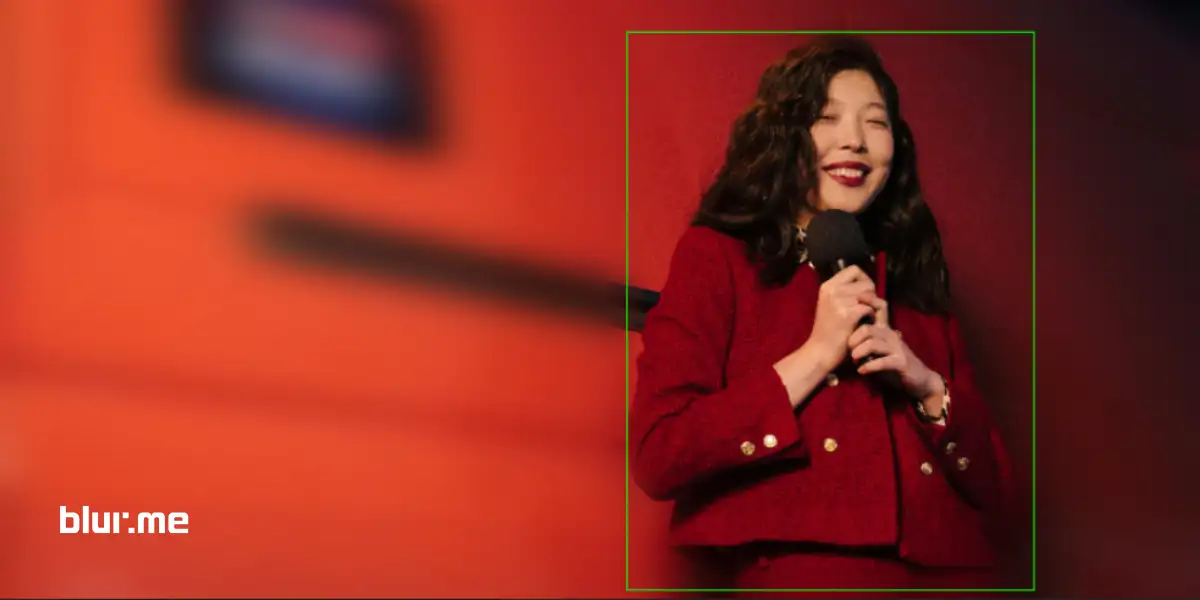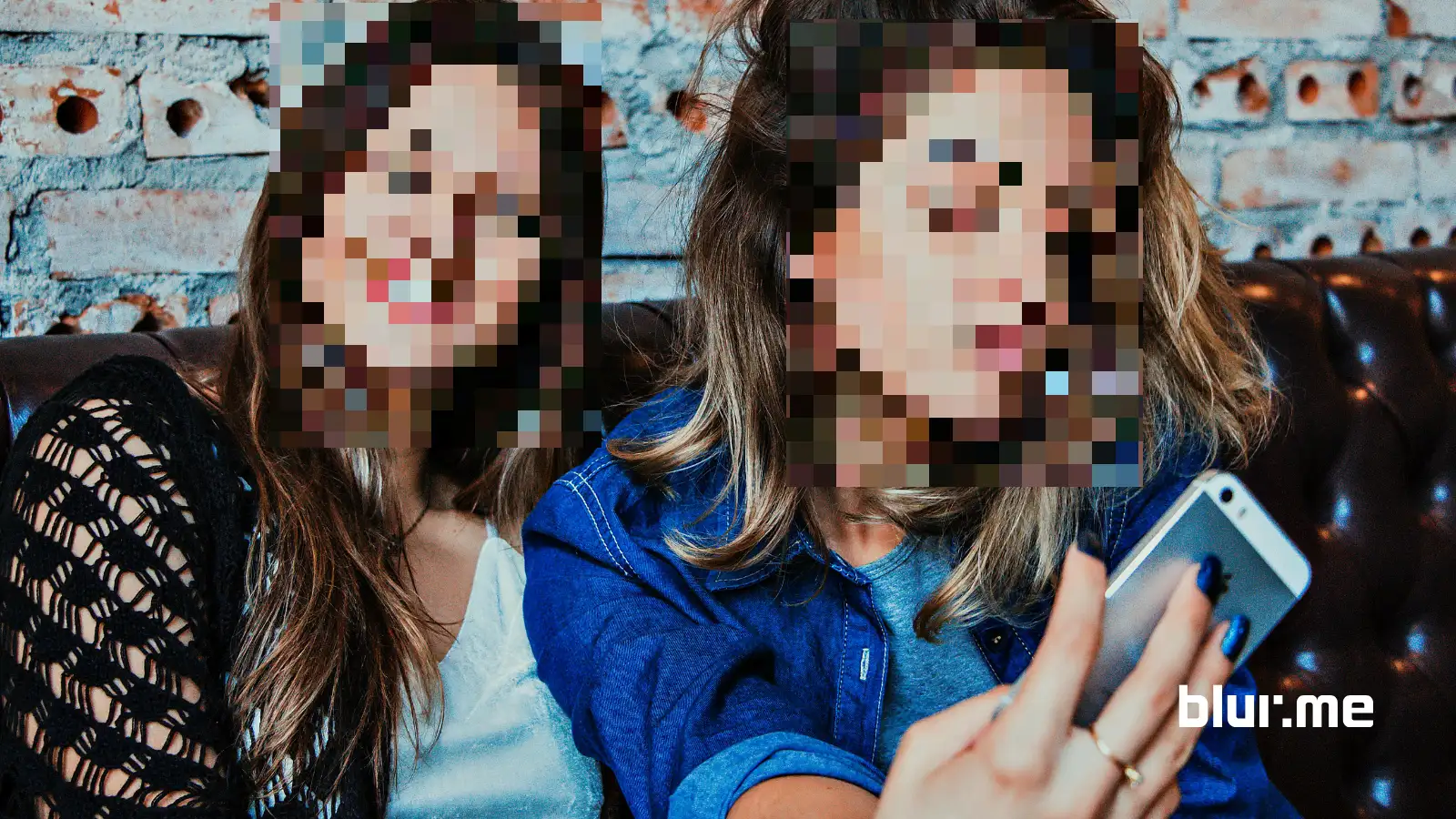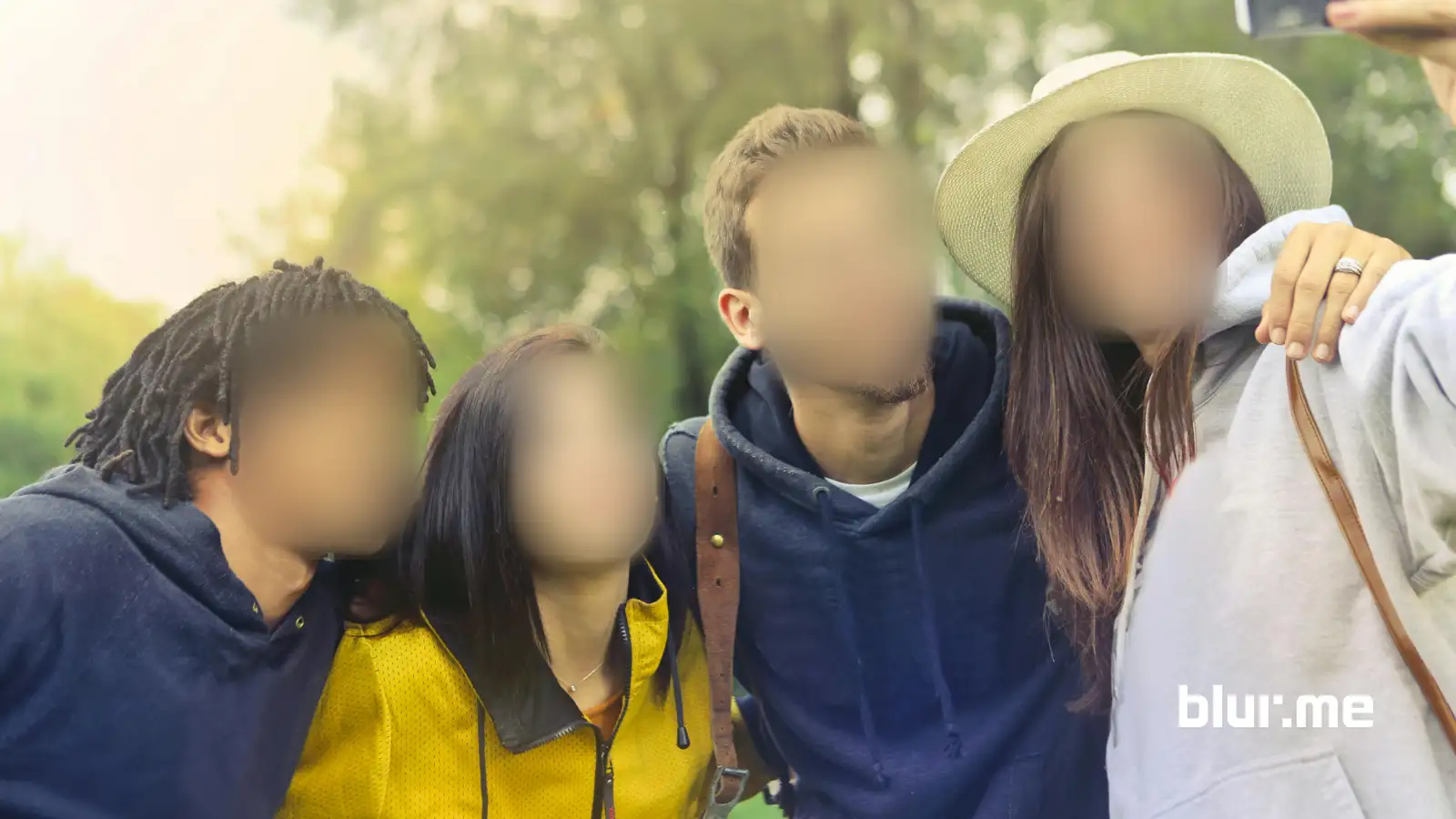
BlurMe is a secure, cloud-based image blurring platform built for journalists, content creators, educators, law enforcement, and everyday users who need to blur photos online. With BlurMe’s AI face blur engine, you can blur:
- Faces & people
- Backgrounds
- License plates
- Sensitive objects
- Any custom area
This makes BlurMe far more powerful than basic apps like Facetune blur background tools.
How to Blur a Photo Online with BlurMe (Step-by-Step)
Here’s how to blur an image online using BlurMe's Blur Photo tool in under 30 seconds.
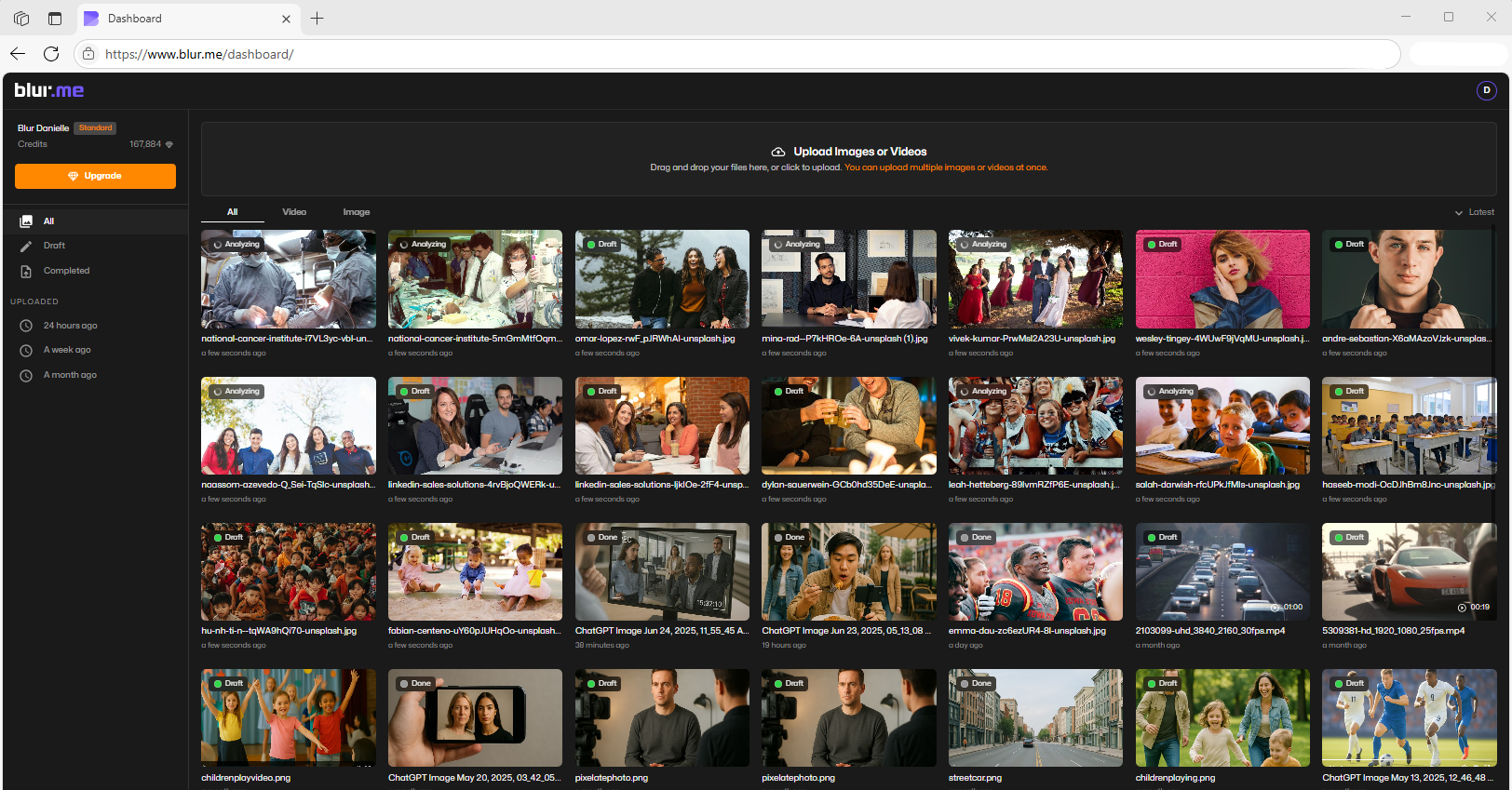
Step 1 – Upload Your Photo
Go to BlurMe Studio and upload your image.
JPG, PNG, and high-resolution photos are supported.
Step 2 – Choose Your Blur Mode
BlurMe gives you multiple ways to blur photos:
| Blur Type | Best For |
|---|---|
| AI Face Blur | Blurring people automatically |
| AI Fullscreen Blur | Making the background of a picture blurry |
| Custom Blur Brush | Blurring specific objects |
| Pixelation | Heavy privacy masking |
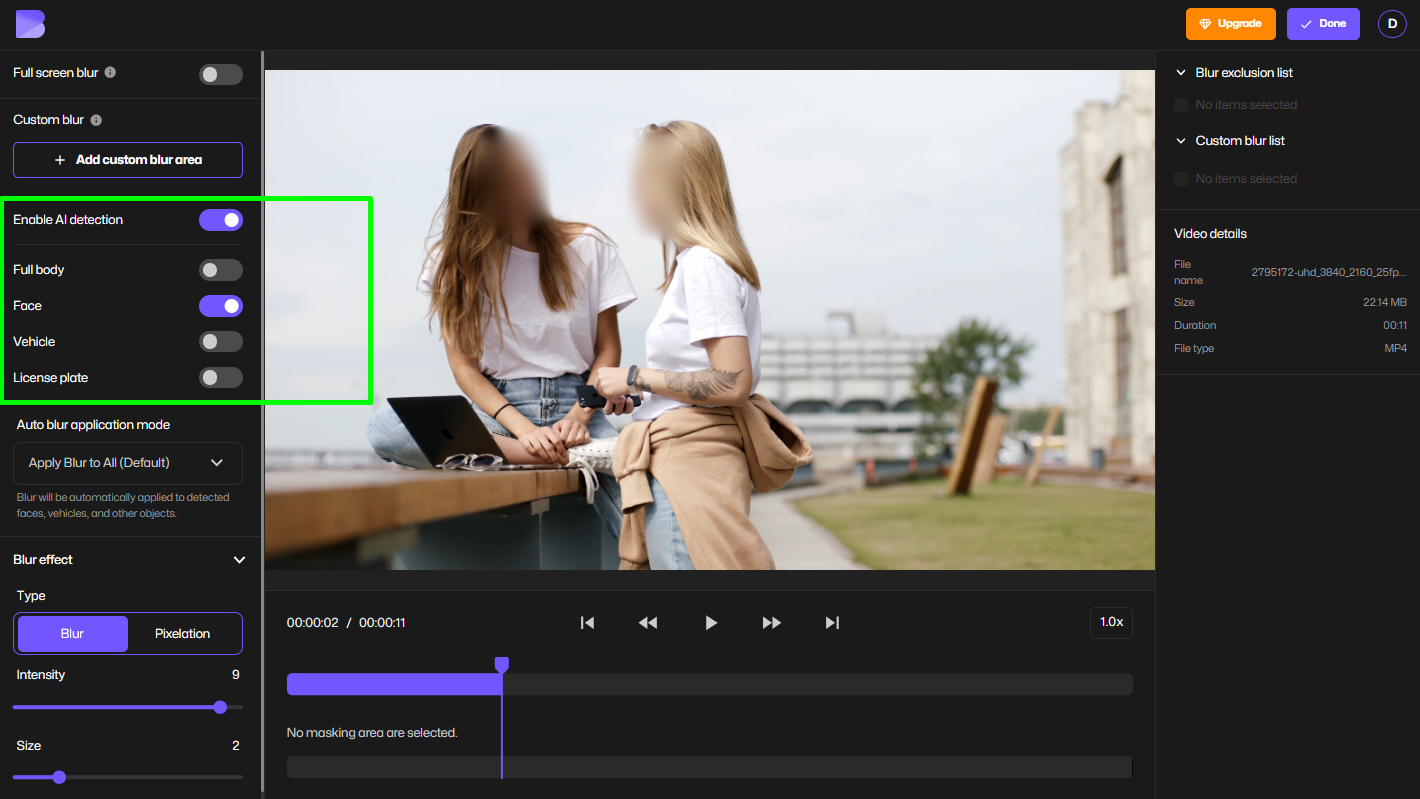
Step 3 – Blur Faces Automatically
Click AI Face Blur and BlurMe instantly detects all faces.
You can:
- Blur one face
- Blur multiple faces
- Blur faces in the background
This replaces apps like Facetune and manual blurring.
➡ Try our dedicated Blur Face in Photo for one-click face protection.
Step 4 – Blur the Background of a Photo
Choose AI Fullscreen Blur to automatically separate the subject from the background and blur the background of the subject.
This gives you:
- Professional portrait-style blur
- Bokeh & depth effects
- No messy cutouts
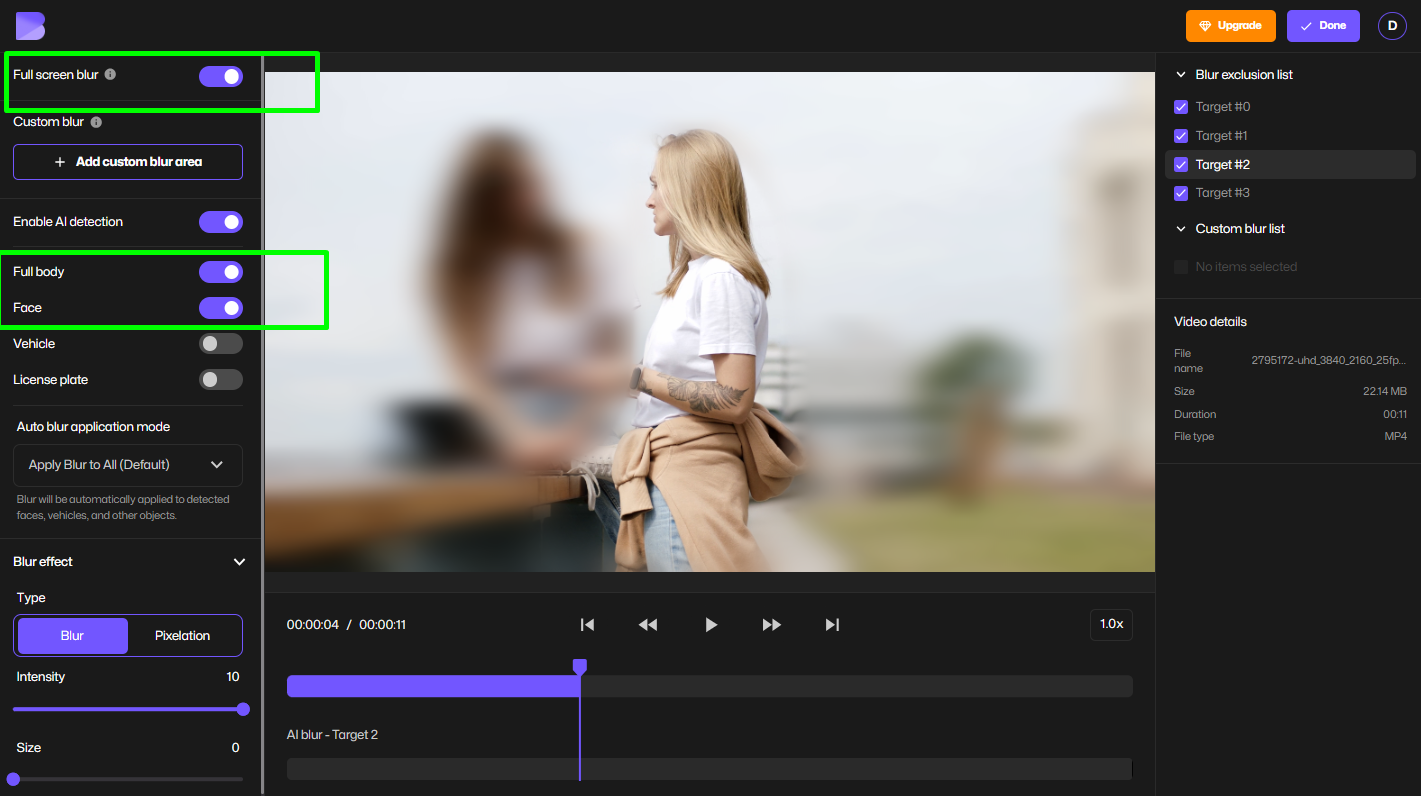
➡ Use the Blur Image Background for precise background blur.
Step 5 – Blur Objects or Parts of a Picture
To blur something specific (a tattoo, logo, person, or text):
- Select Custom Blur
- Select the area
- Adjust blur strength
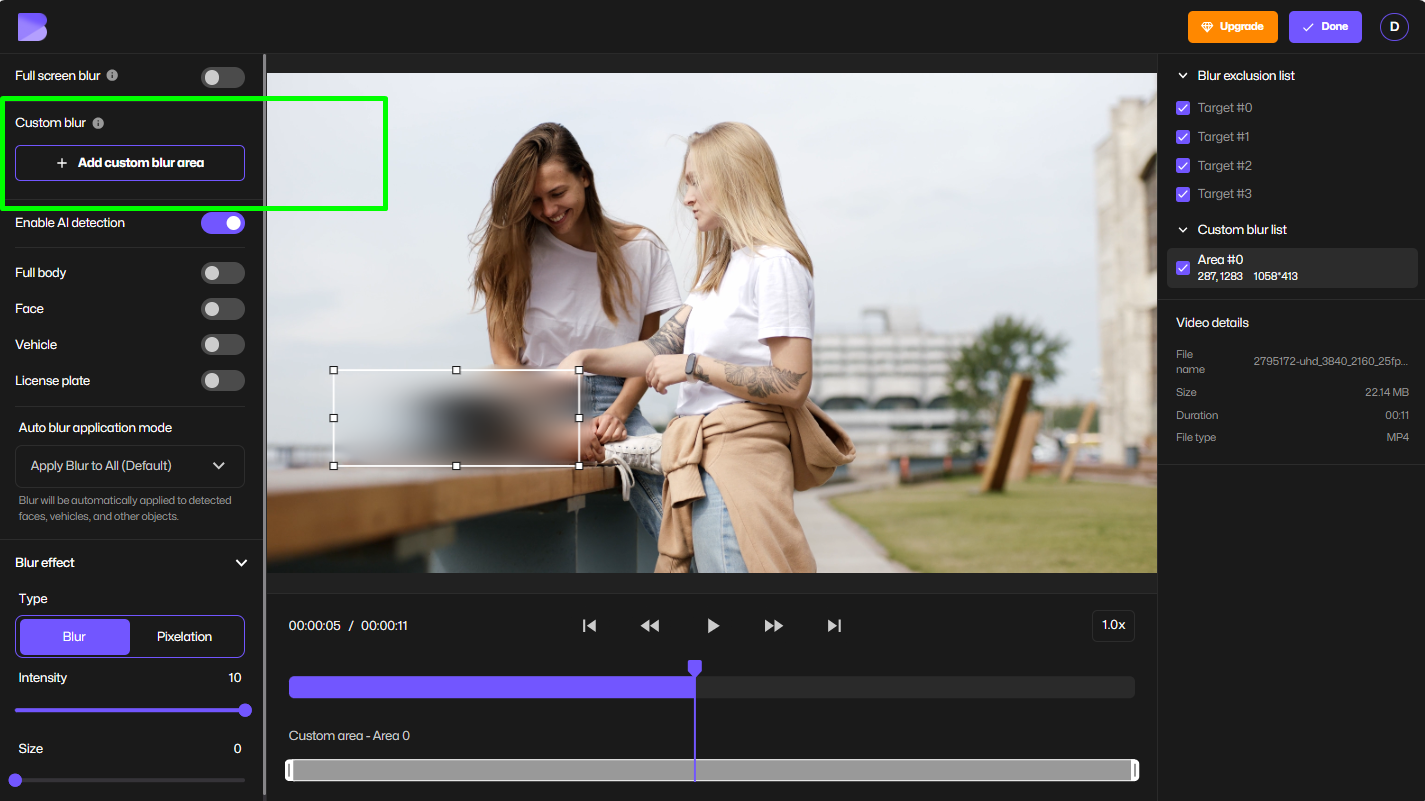
This is how you blur a spot on a photo or blur part of an image.
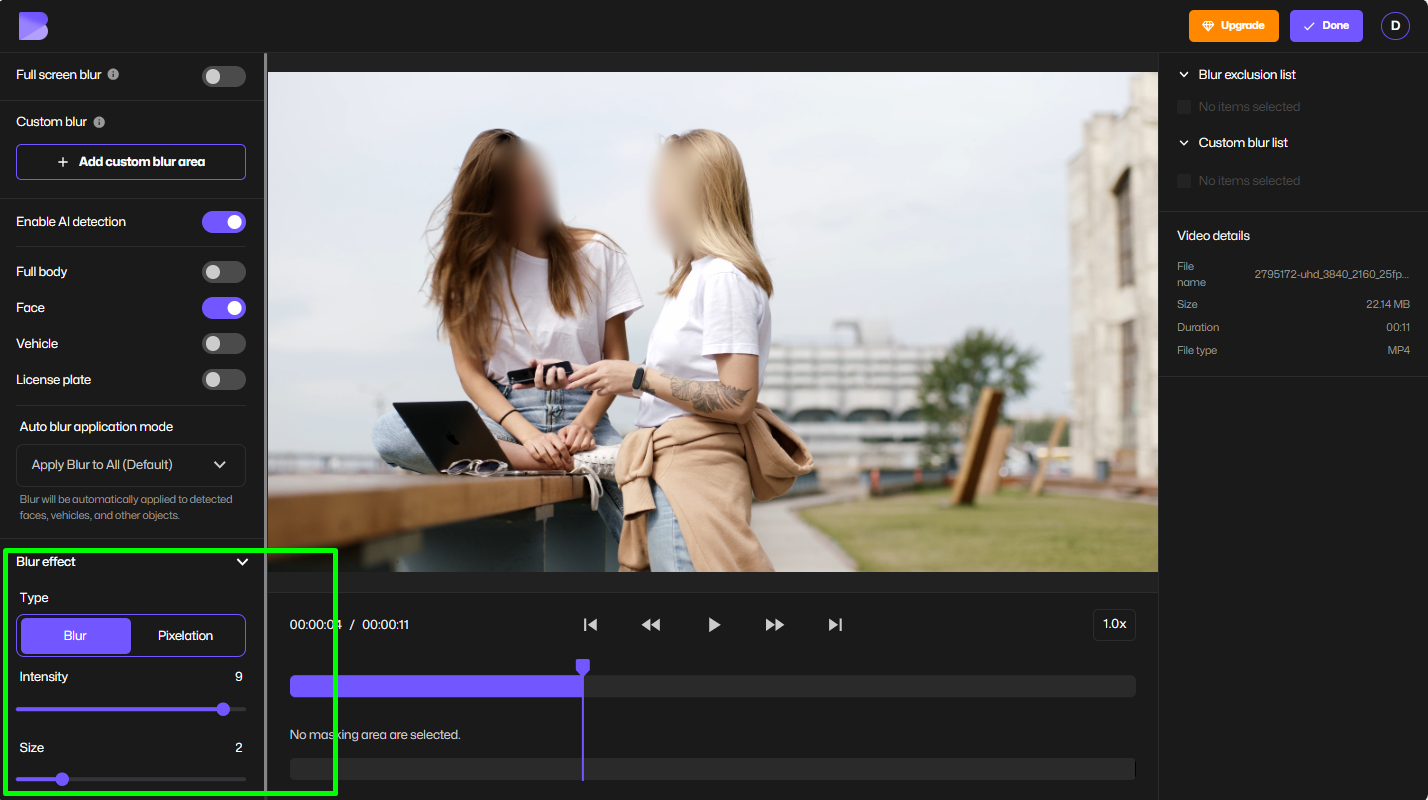
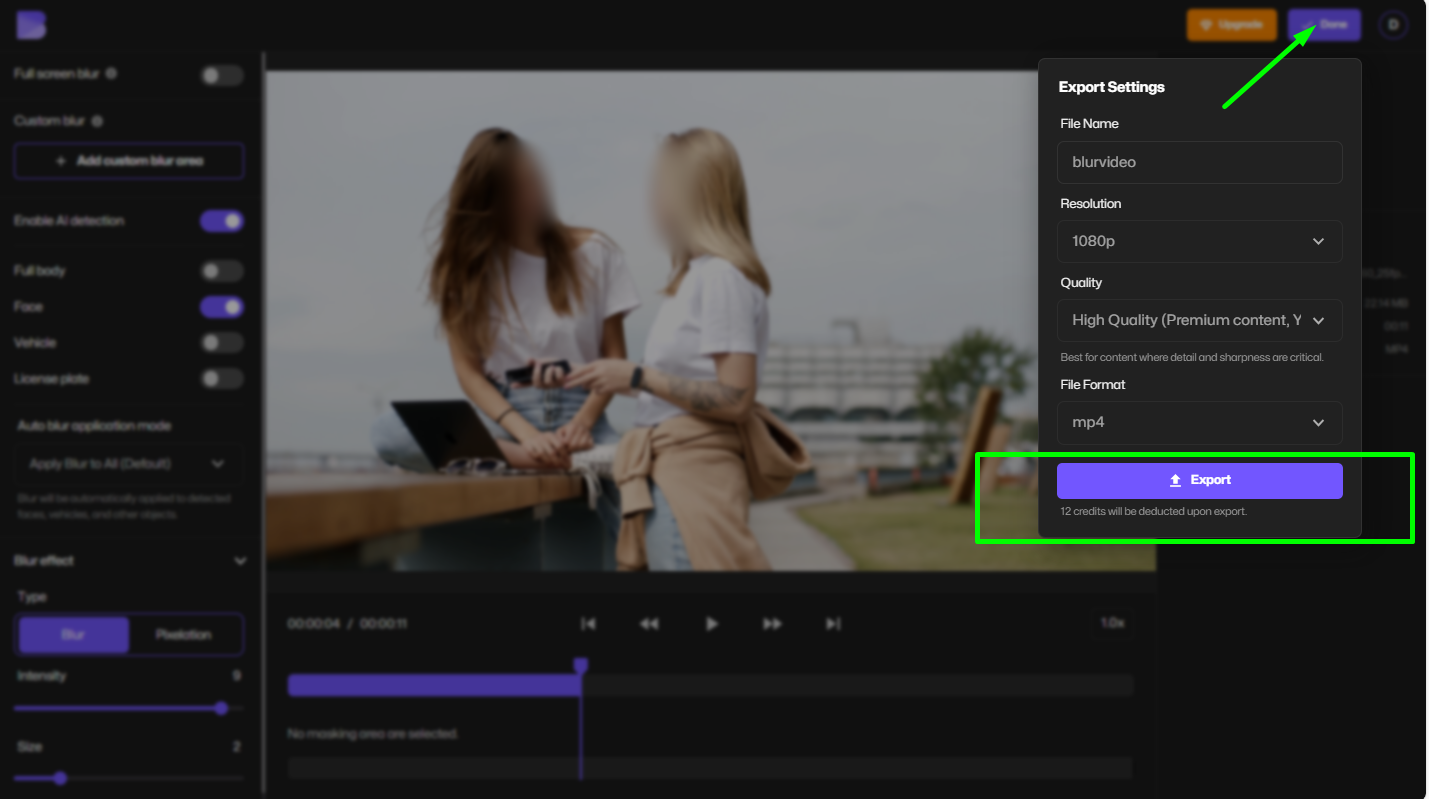
Step 6 – Download Your Blurred Photo
Export in HD, watermark-free, ready for social media, press, or legal use.
Why BlurMe Beats Facetune & Mobile Apps
Mobile apps can’t do professional privacy blur.
| Feature | Facetune | BlurMe |
|---|---|---|
| Face detection | ❌ | ✅ AI |
| Multiple faces | ❌ | ✅ |
| Object blur | ❌ | ✅ |
| Background AI | ❌ | ✅ |
| No watermark | ❌ | ✅ |
| Works on desktop | ❌ | ✅ |
BlurMe is built for real-world privacy, not filters.
Use Cases for Blurring Photos Online
BlurMe is used by:
- Journalists – protect sources
- Content creators – blur faces & backgrounds
- Teachers – anonymize students
- Businesses – hide screens & documents
- Law enforcement – redact images
- Social media users – protect identity
If privacy matters, blur tools are not optional — they’re required.
Blurring vs Pixelation: Which Should You Use?
Blurring softens an image.
Pixelation destroys identifiable detail.
Use blur when:
- You want aesthetic background blur
- You want subtle privacy
Use pixelation when:
- Faces must be unrecognizable
- Legal or GDPR compliance is required
➡ Try the Pixelate Image Tool or read how to pixelate an image.
Is Blurring Required Under Privacy Laws?
In many countries, yes.
Faces, license plates, and private information fall under personal data.
Learn more in:
BlurMe helps you comply without destroying image quality.
FAQ – Blur Photos Online
What is the best way to blur faces in a photo?
Use an AI tool like Blur Face in Photo Tool that detects faces automatically instead of manual brushing.
How do I blur an image online for free?
You can use BlurMe’s free Blur Image Tool or follow our guide in how to blur image online and how to blur faces in photos online.
How do I blur only part of a picture?
Use BlurMe’s custom blur or Blur Image Tool to paint over any area you want hidden.
How do I pixelate instead of blur?
Use the Pixelate Image Tool if you need stronger identity masking.
Is there a face blur effect?
Yes — BlurMe offers a professional face blur effect that works on multiple faces in one image.
Is BlurMe compliant with privacy laws?
Yes. BlurMe is designed for GDPR-safe photo redaction.
Start Blurring Photos Online with AI
If you need to blur photos online, protect identities, or create professional background blur, BlurMe is built for you.
👉 Open BlurMe Studio now and blur your first photo in seconds.