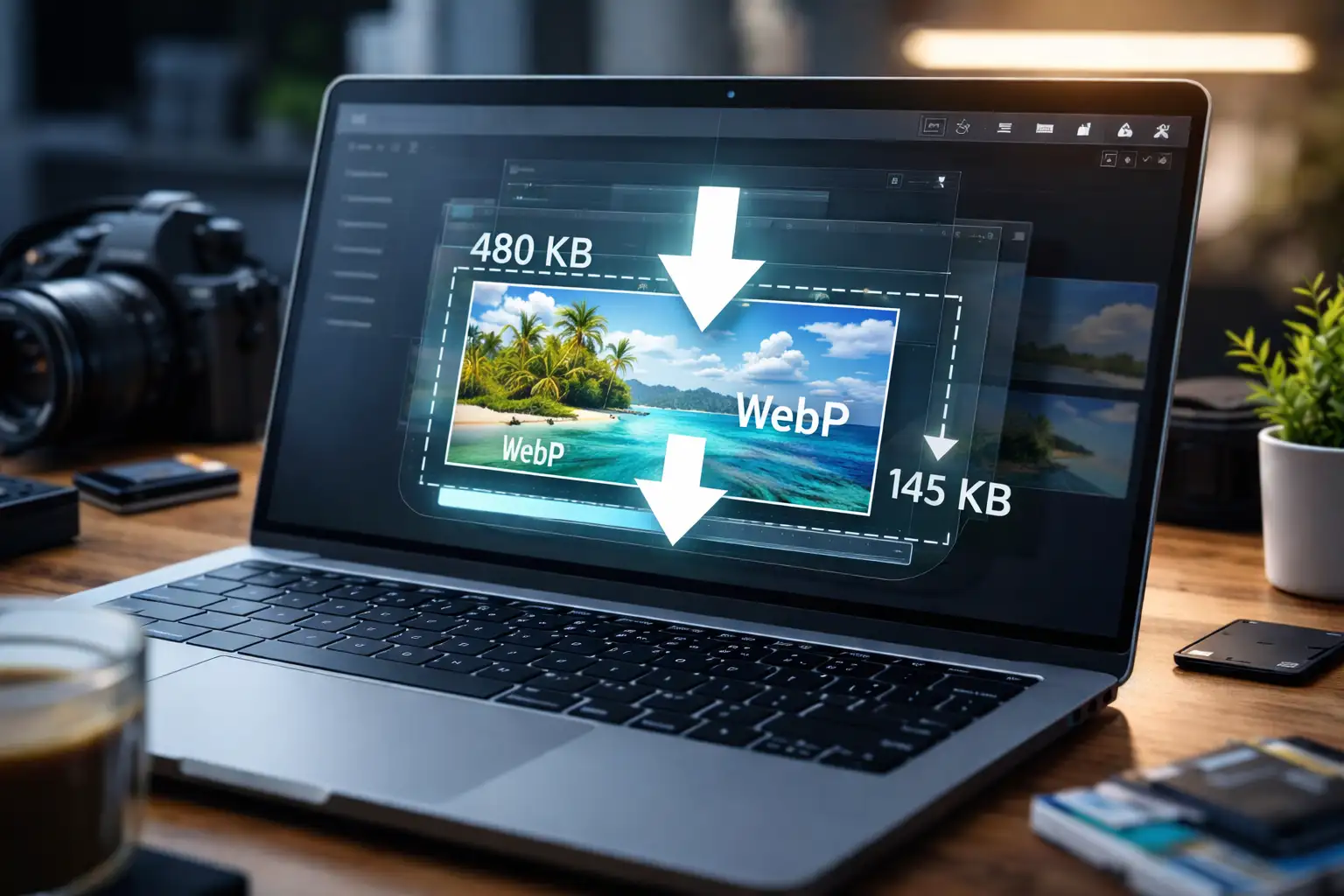
Image compression is the process of reducing an image’s file size so it loads faster, takes up less storage, and is easier to share without ruining visual quality.
Whether you’re uploading images to a website, sending them by email, or posting on social media, understanding image compression helps you get the best balance between file size and image quality.
This guide covers everything you need to know including how to image compress using the best online image compressor.
What Is Image Compression?
Image compression reduces the amount of data required to store or transmit an image.
It works by:
- Removing unnecessary or redundant image data
- Optimizing how color and pixels are stored
- Adjusting resolution and metadata
The goal is simple: smaller file size, same visual result (or as close as possible).
How to Compress an Image Online (Step-by-Step)
Online tools are the easiest way to compress images because they require no installation.
Compress Images Online with BlurMe
BlurMe is a 100% browser-based tool that lets you compress images quickly.
How it works:
- Open BlurMe image compressor in your browser
- Upload your image
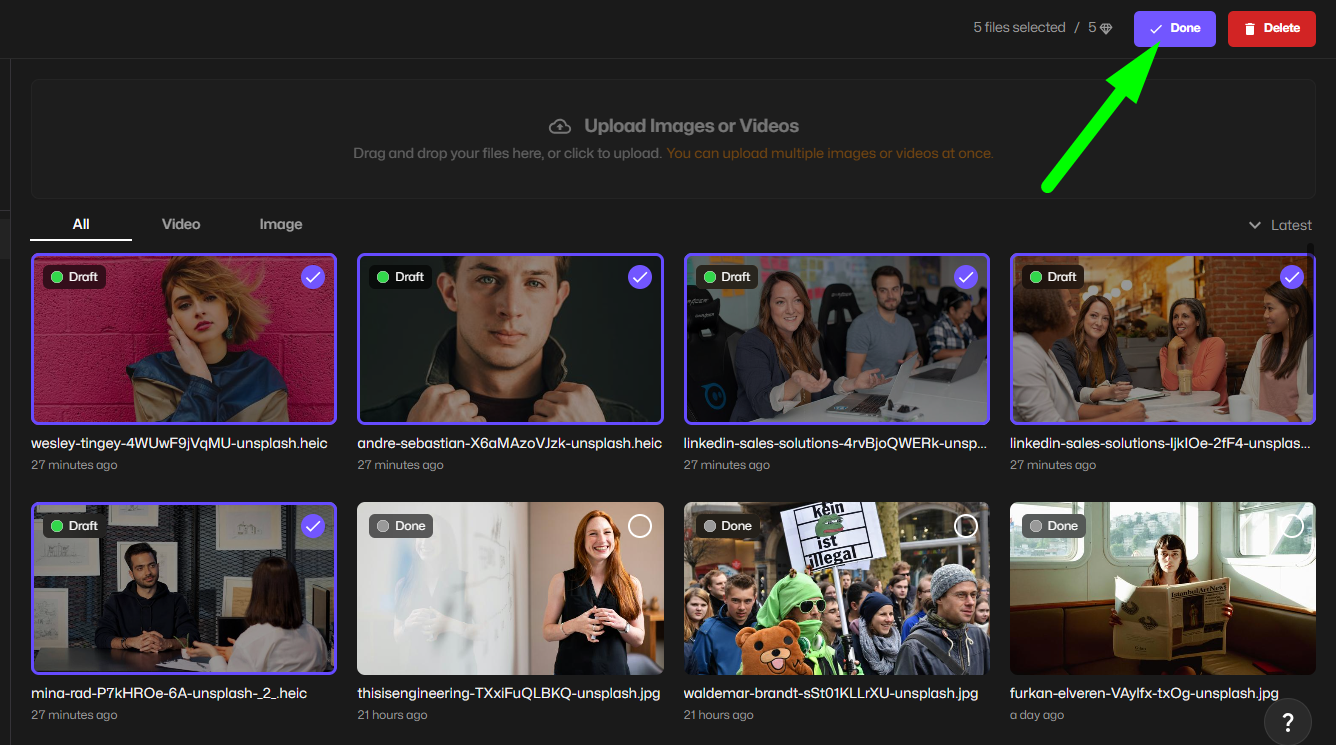
- Choose compression or optimization settings
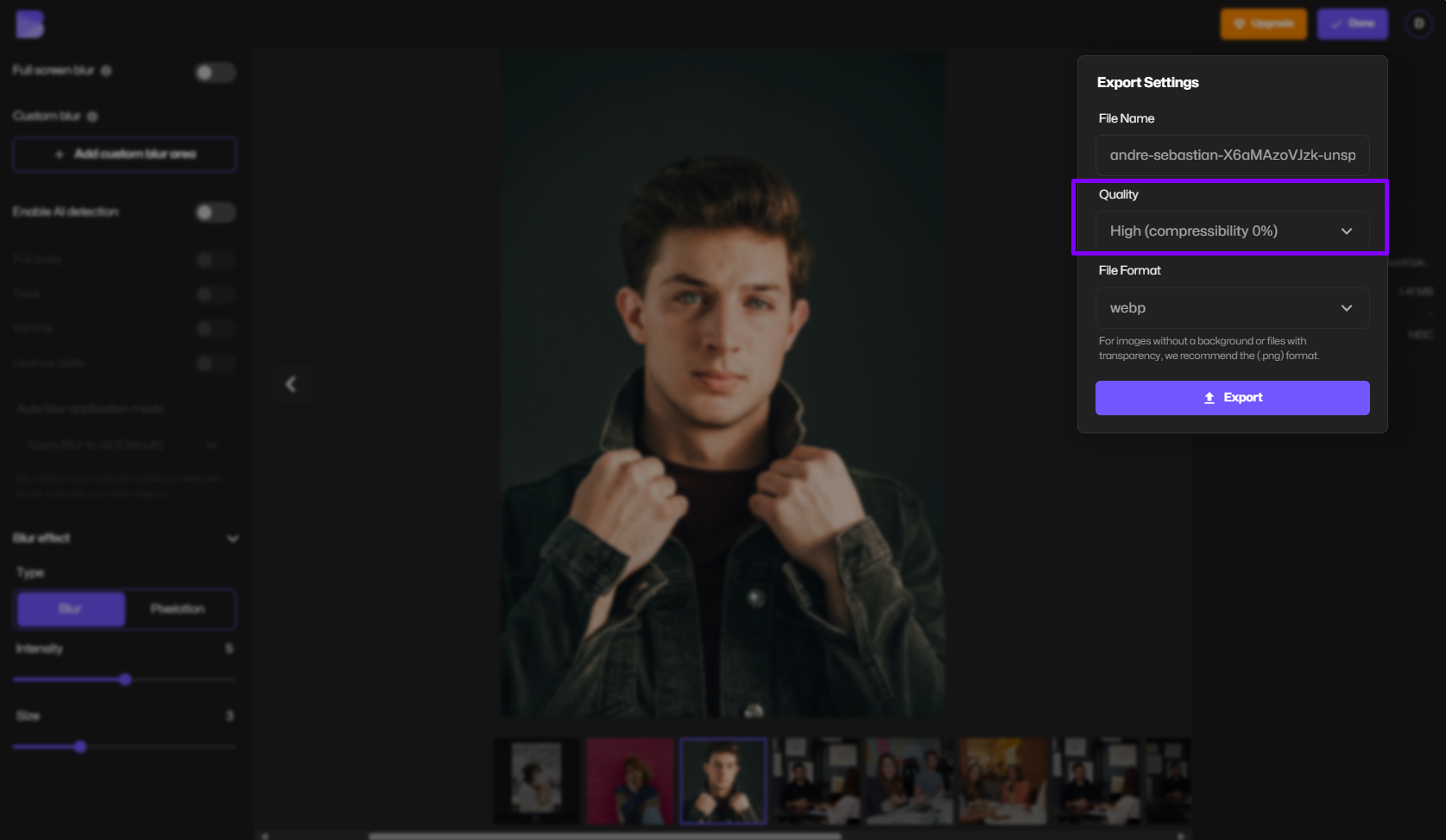
- Preview the result
- Download the compressed image by pressing Export.
No software. No learning curve.
Why Image Compression Matters
Uncompressed images cause real problems:
- Slow website load times
- Poor SEO performance
- Failed uploads due to size limits
- High storage and bandwidth usage
Compressed images:
- Load faster on desktop and mobile
- Improve user experience
- Meet platform size requirements
- Reduce hosting and storage costs
Types of Image Compression
Lossless Image Compression
Lossless compression reduces file size without removing any image data.
Best for:
- Logos
- Icons
- Graphics with text
- Images that need future editing
Common formats:
- PNG
- WebP (lossless mode)
Trade-off: File size reduction is limited.
Lossy Image Compression
Lossy compression removes image data that the human eye is unlikely to notice.
Best for:
- Photos
- Web images
- Social media content
- Blog and marketing visuals
Common formats:
- JPG / JPEG
- WebP (lossy mode)
Trade-off: Smaller file sizes with minimal quality loss.
Image Compression vs Image Resizing
These are often confused—but they are not the same.
- Compression reduces file size by optimizing image data
- Resizing changes the image’s dimensions (width and height)
For best results, resize first, then compress.
How Image Quality Is Affected
Image quality depends on:
- Compression level
- File format
- Image content (photo vs graphic)
- Viewing platform
Smart compression keeps quality high by:
- Preserving edges and details
- Avoiding over-compression artifacts
- Maintaining color accuracy
Best Image Formats for Compression
JPG / JPEG
- Best for photos
- Small file sizes
- Widely supported
PNG
- Best for graphics and transparency
- Larger file sizes
- Lossless only
WebP
- Smaller than JPG and PNG
- Supports transparency
- Excellent for web use
When Should You Compress Images?
You should compress images when:
- Uploading to a website or blog
- Sending images via email
- Posting on social media
- Improving page speed and SEO
- Saving cloud or local storage
Image Compression for Different Use Cases
Website Images
- Use JPG or WebP
- Aim for fast load times
- Compress aggressively without visible loss
Social Media Images
- Compress to meet platform limits
- Maintain sharpness for mobile viewing
Email Attachments
- Compress heavily
- Prioritize file size over perfection
Print Images
- Use minimal compression
- Keep high resolution
Common Image Compression Mistakes
- Over-compressing images
- Using the wrong file format
- Forgetting to resize before compressing
- Re-compressing the same image multiple times
Online vs Desktop Image Compression Tools
Online tools
- No installation
- Faster for one-off tasks
- Ideal for beginners
Desktop software
- More control
- Better for batch workflows
- Requires setup and learning time
Why Use BlurMe for Image Compression?
BlurMe combines speed with simplicity:
- Fully online, browser-based
- No downloads required
- Works on desktop and mobile
- Designed for creators and non-designers
You can compress images in seconds and move on.
Image Compression Tools and Related Workflows
Image compression often works best when paired with the right format and preparation tools. BlurMe’s Image Compressor reduces file size across common formats, while format-specific options like JPG Compressor, PNG Compressor, and WEBP Compressor let you fine-tune compression based on image type and transparency needs. In many cases, converting an image before compression can lead to better results. Tools like the Image Converter help standardize files for optimal compression and faster loading. After compression, utilities such as JPG Converter, PNG Converter, and WEBP Converter make it easy to export images in the format best suited for web, print, or sharing.
For images that need privacy adjustments before publishing, BlurMe also offers Blur Image, Blur Face in Photo, and Pixelate Image, allowing sensitive details to be hidden before or after compression without affecting overall file performance.
Final Thoughts: Image Compression Made Simple
Image compression isn’t about destroying quality, it’s about removing what doesn’t matter.
When done correctly, compressed images look the same, load faster, and work better everywhere.
If you want a simple way to compress images online without technical complexity, BlurMe makes the process fast and accessible.