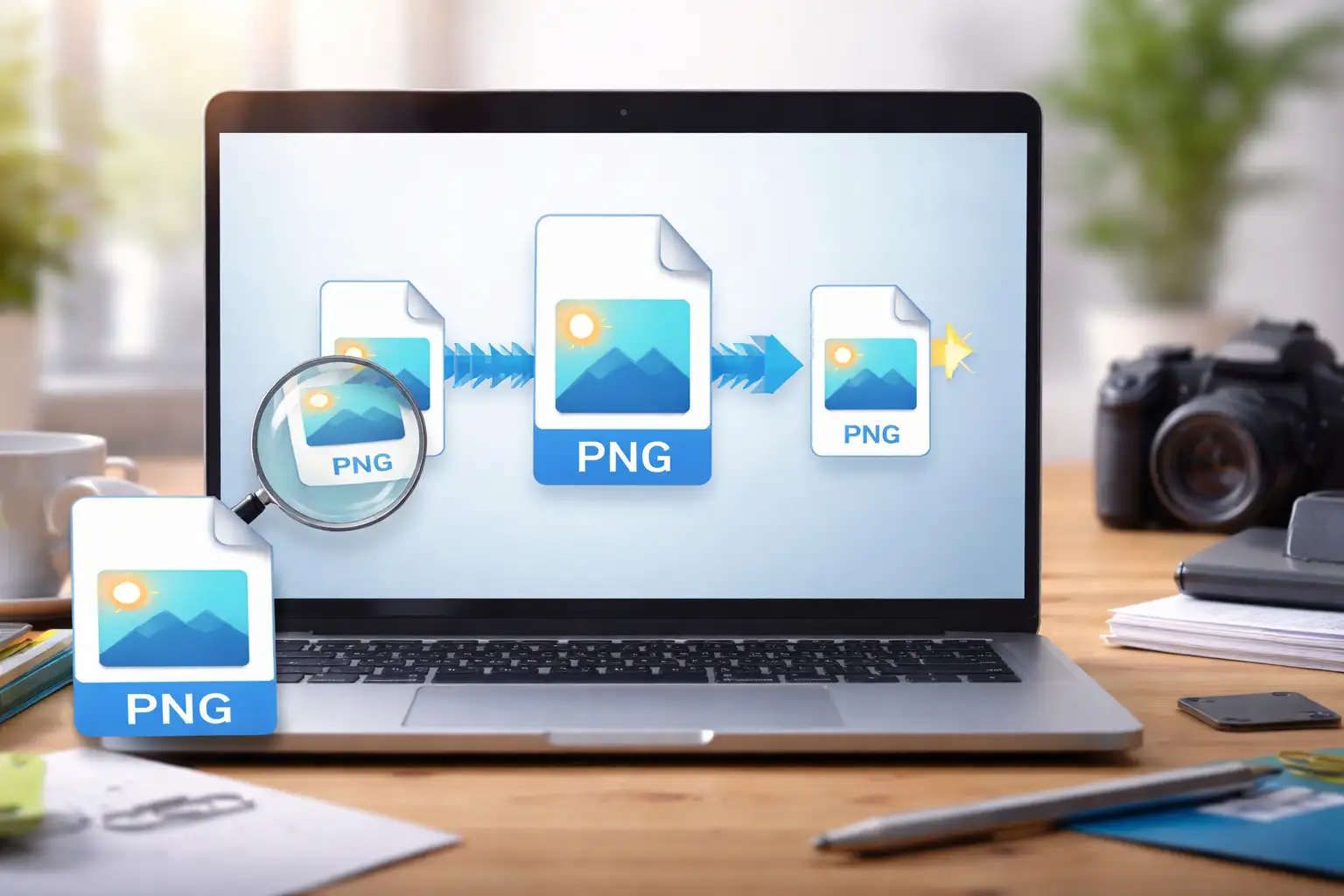
How to compress a PNG without losing quality is a common challenge for designers, marketers, developers, and content creators who need smaller file sizes without visual degradation. PNG files are known for their clarity and transparency support—but they can also be unnecessarily large.
This guide walks you through lossless PNG compression using BlurMe’s online PNG compressor, explains how PNG compression actually works, and shows you how to reduce PNG file size while keeping image quality intact.
What Is PNG Compression and Why It Matters
PNG compression is the process of reducing a PNG file’s size by removing unnecessary data without affecting visual quality. Unlike JPEG compression, which is lossy, PNG compression can be completely lossless.
Using a reliable PNG size reducer helps you keep images sharp while making them easier to store, upload, and share.
How to Compress PNG Without Losing Quality Using BlurMe
Step-by-Step: Compress PNG File Online
- Open BlurMe Image Compressor
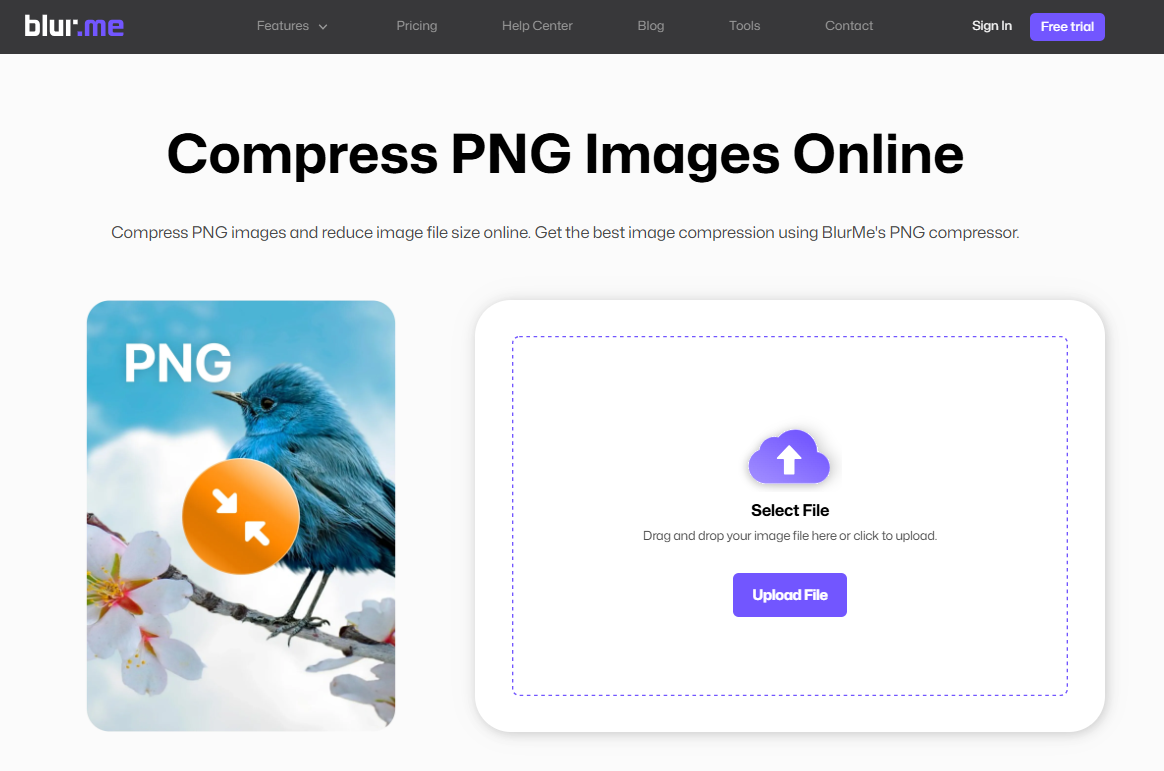
Go to BlurMe and open the PNG Compressor tool.
- Upload Your PNG File
Drag and drop your PNG or click to upload. No account required.
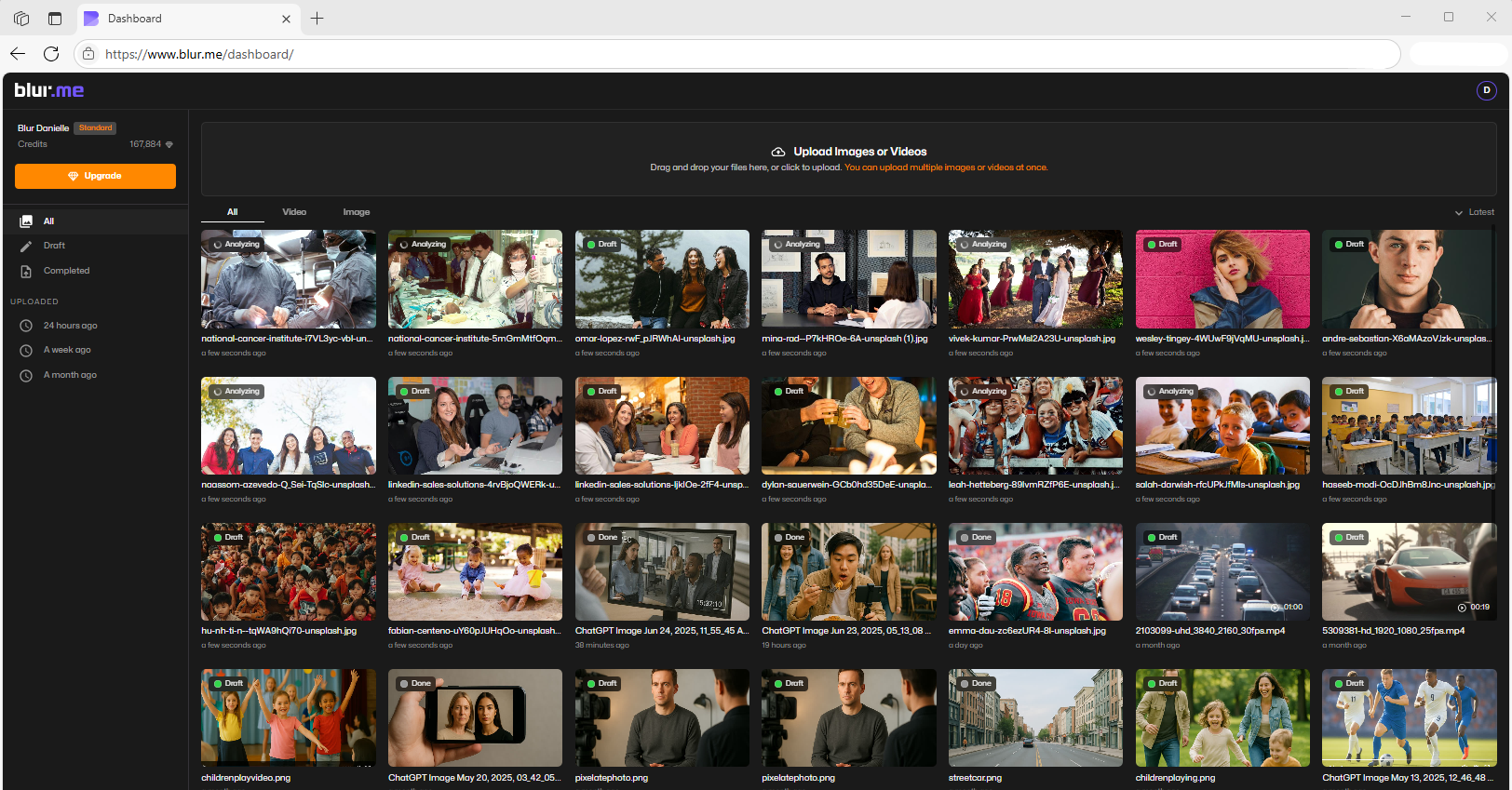
- Select PNG Compression Level
Choose the quality of image compression: High, Low or Default.
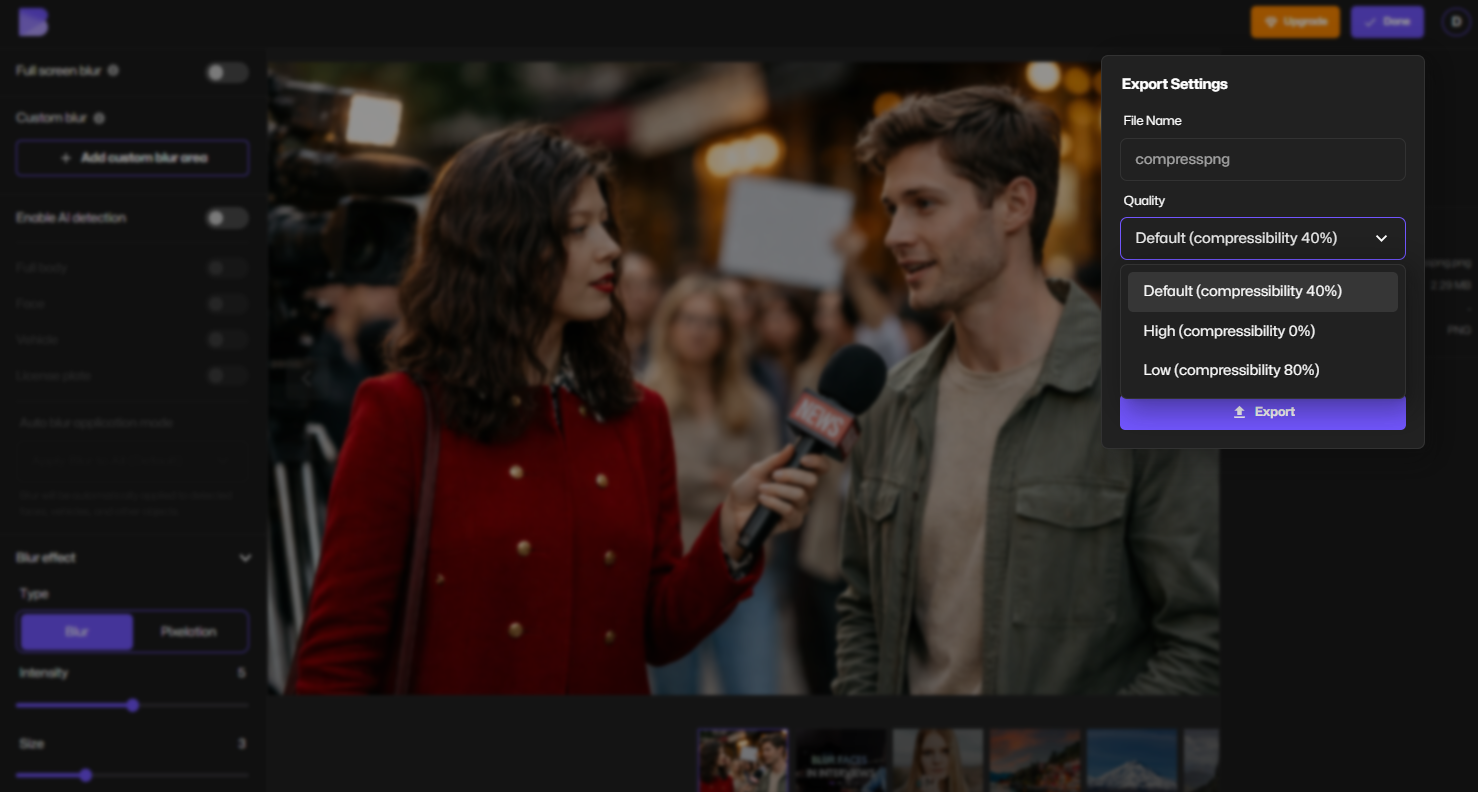
- Preview and Download
Click Export to download your compressed PNG with the same visual quality, just smaller.
That’s it. No sliders. No confusion. No quality loss.
Why BlurMe Is the Best PNG Compressor Online
BlurMe isn’t just another PNG size reducer—it’s built for real-world use cases.
Key Benefits
- Lossless PNG compression
- 100% online, browser-based
- No quality degradation
- Works on desktop and mobile
- Secure file handling
BlurMe is especially useful if you already use the platform for AI image blurring, making it easy to blur and compress images in one workflow.
Lossless PNG Compression Explained (In Simple Terms)
Lossless PNG compression works by:
- Removing redundant metadata
- Optimizing color palettes
- Compressing pixel data without altering visible information
The result: the same image quality, smaller file size.
BlurMe’s PNG compressor applies these optimizations automatically, so you don’t have to worry about technical settings.
Common Use Cases for Compressing PNG Files
Web
Smaller PNG files improve page speed, Core Web Vitals, and search rankings.
Designers & Creators
Maintain crisp edges, text clarity, and transparency without bloated files.
E-commerce
Reduce product image sizes without hurting visual trust or detail.
Social Media & Upload Limits
Make PNGs smaller for platforms with strict file size caps.
PNG vs JPG: Why PNG Needs a Dedicated Compressor
PNG files handle transparency and sharp details better than JPG, but they also:
- Store more data
- Use different compression algorithms
- Require specialized optimization
That’s why using a PNG-specific compressor like BlurMe matters instead of generic tools.
Tips to Reduce PNG File Size Even More (Without Quality Loss)
- Export PNGs only at required dimensions
- Avoid unnecessary alpha transparency
- Remove unused metadata
- Compress before uploading (not after publishing)
- Use BlurMe instead of manual export tweaks
Compress PNG and Blur Images in One Tool
BlurMe is more than a PNG compressor. You can:
- Blur faces
- Blur backgrounds
- Blur images
- Compress the final PNG without quality loss
This makes BlurMe ideal for journalists, content creators, educators, and businesses that need privacy-safe, optimized images.
Frequently Asked Questions (FAQ)
What is the best way to compress PNG without losing quality?
Using a lossless PNG compressor like BlurMe is the safest and fastest method. It reduces file size without altering image pixels.
How do I reduce the file size of a PNG for websites?
Compress PNG images before uploading using an online tool like BlurMe. This improves page speed and SEO performance.
You can also read our full guide: How to Compress Images.
Is PNG compression better than converting to JPG?
If you need transparency or sharp details, PNG compression is better. For photos without transparency, consider using a JPG Compressor.
Can I compress multiple image formats on BlurMe?
Yes. BlurMe supports PNG, JPG, and WEBP formats. Explore:
Is PNG compression really lossless?
With BlurMe, yes. The compression removes unnecessary data without changing visible quality.
Final Thoughts: Make PNG Smaller Without Compromise
If you’re looking to compress PNG files, reduce image size, and keep quality intact, BlurMe offers one of the most reliable lossless PNG compression solutions available online.
Whether you’re optimizing images for SEO, privacy, or performance, BlurMe helps you work faster—without sacrificing clarity.
👉 Compress your PNG images now using BlurMe’s free PNG compressor.