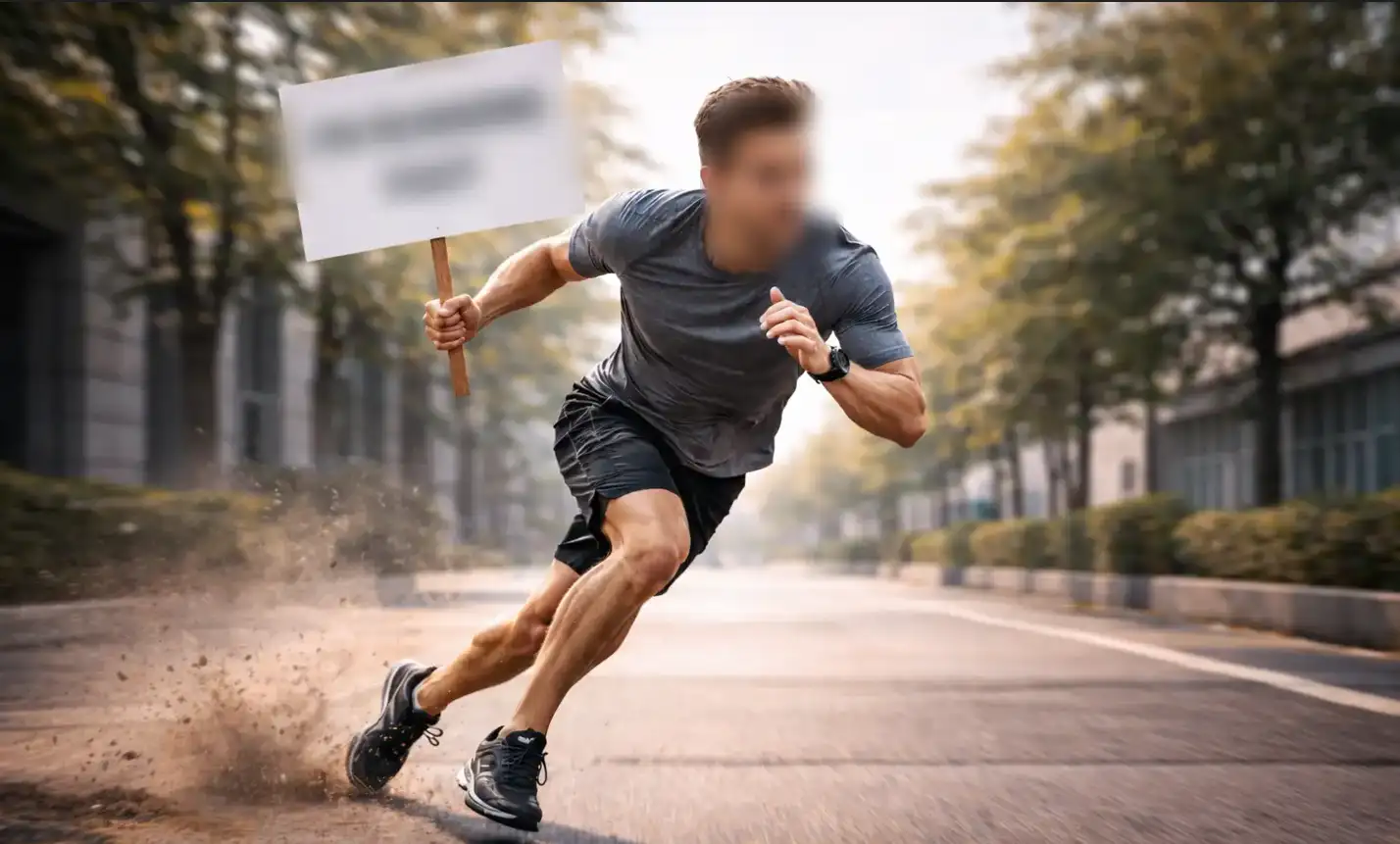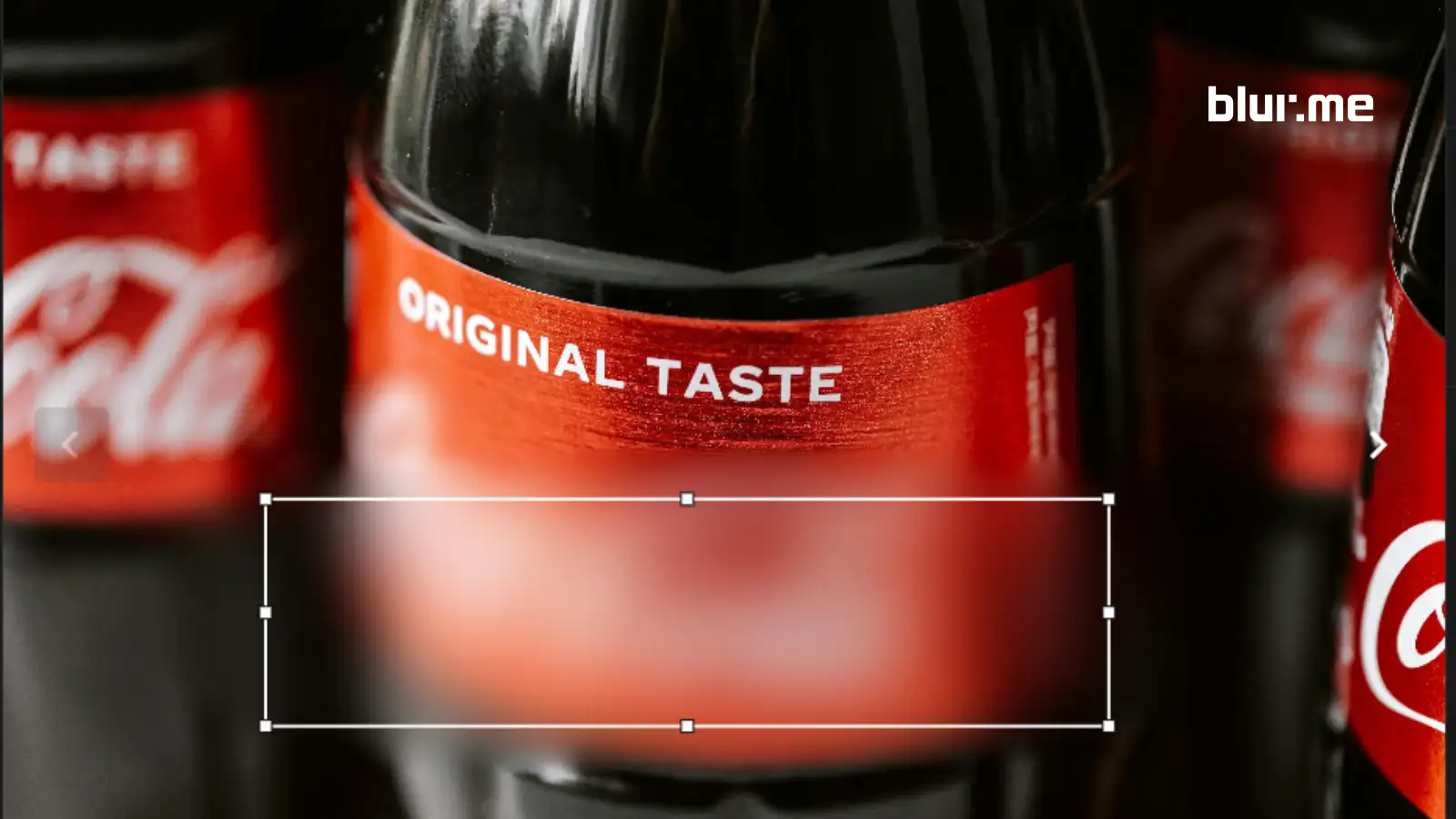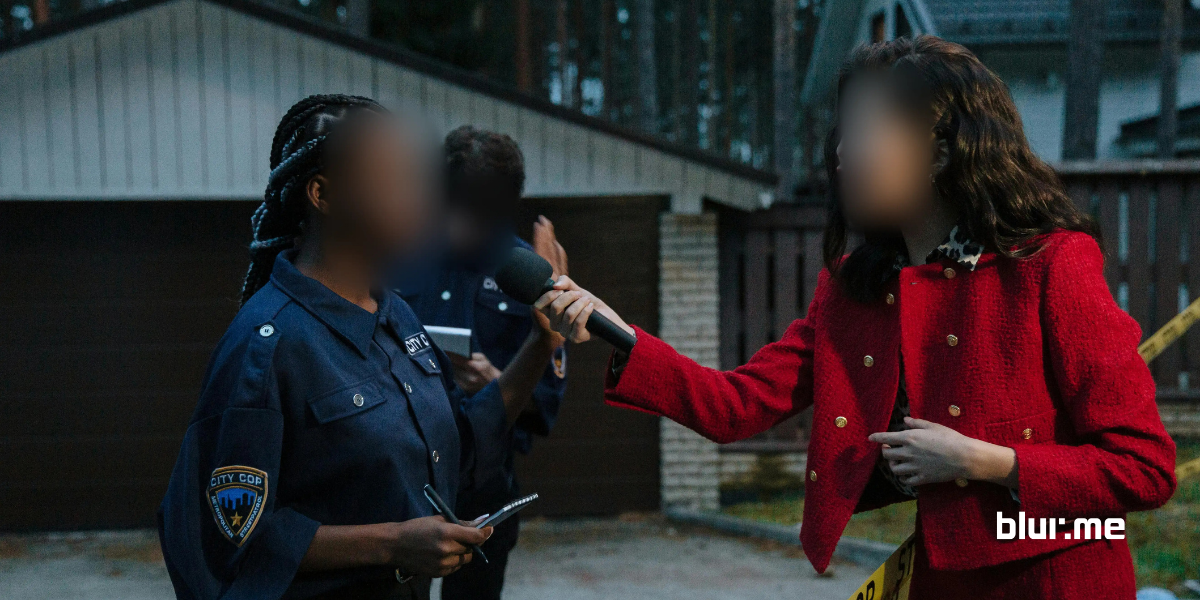
An online background blur tool allows you to upload a photo or video and blur the background directly in your browser. Unlike traditional editing software, online background blur tools use AI detection to separate people, faces, and foreground subjects from the background automatically.
This guide walks through how to blur backgrounds online, how to blur photo and video backgrounds on iPhone, and how to achieve a clean, natural blurred background effect using BlurMe's Background Blur solution.
How to Blur Photo Background Online (Step-by-Step)
If you’re searching for how to blur photo background online, here’s the fastest method using BlurMe.
Step 1: Upload Your Photo
Go to BlurMe’s online background blur tool and upload your image (JPG, PNG, HEIC supported).
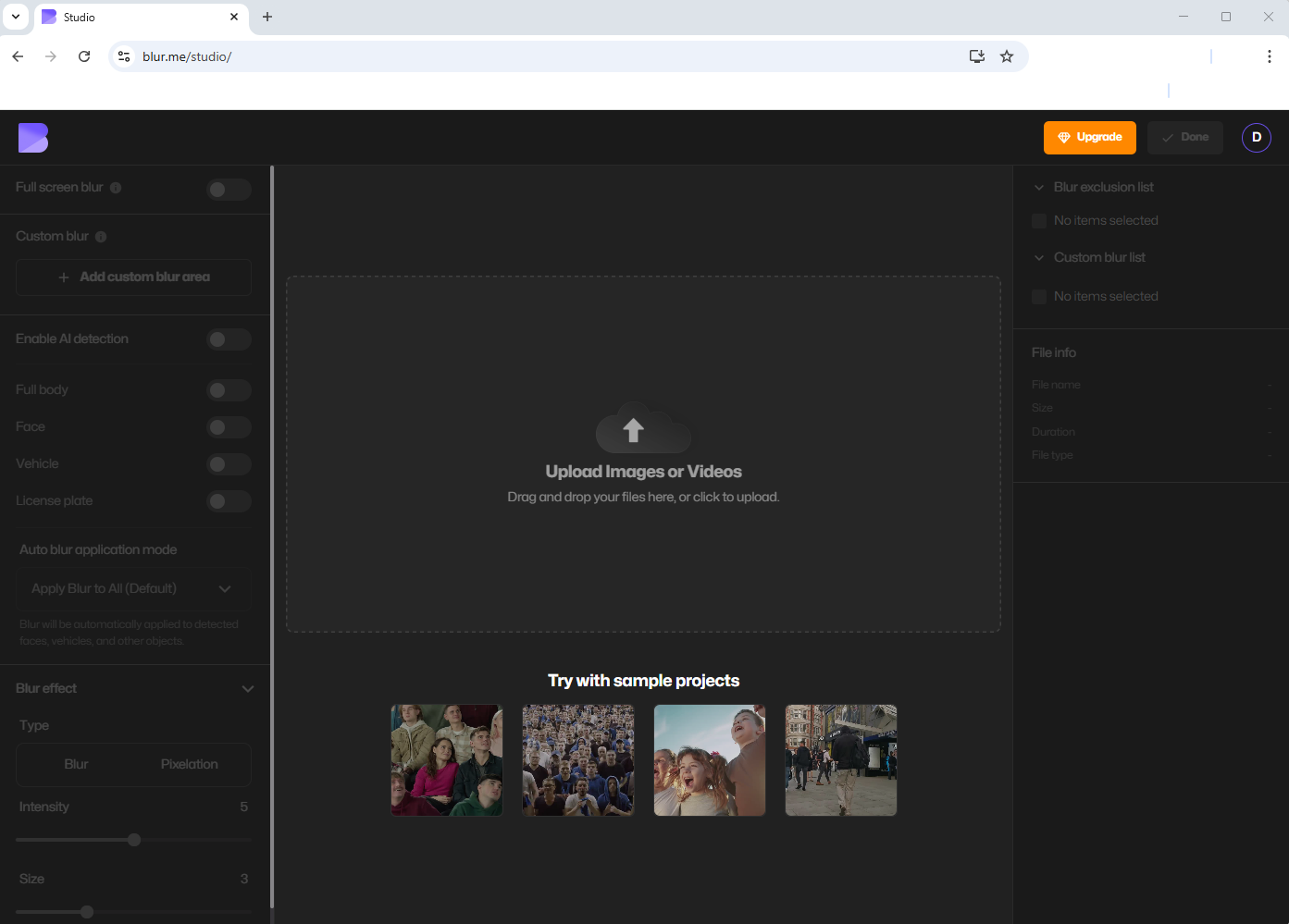
Step 2: Turn on Full Screen Blur
Blur the entire image and video using full-screen blur before selecting what remains blurred in the background and what stays visible.
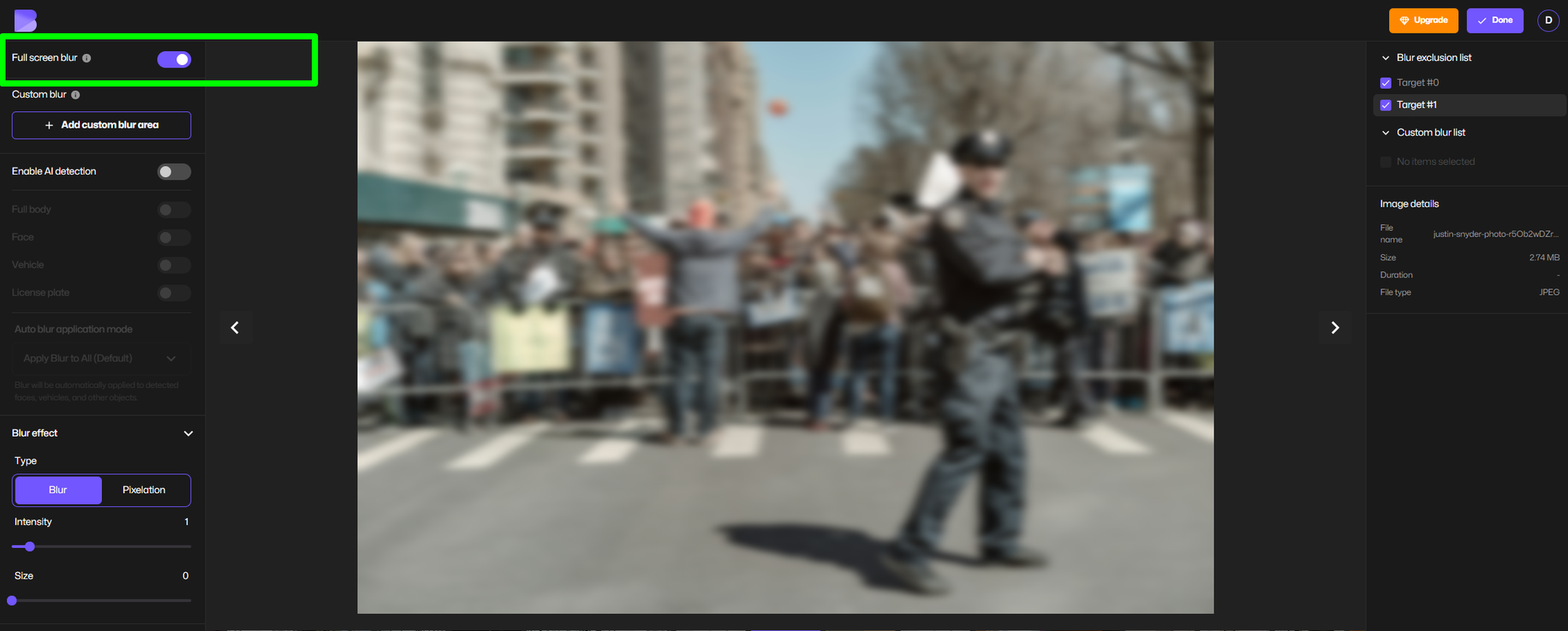
Step 3: Enable AI Background Blur
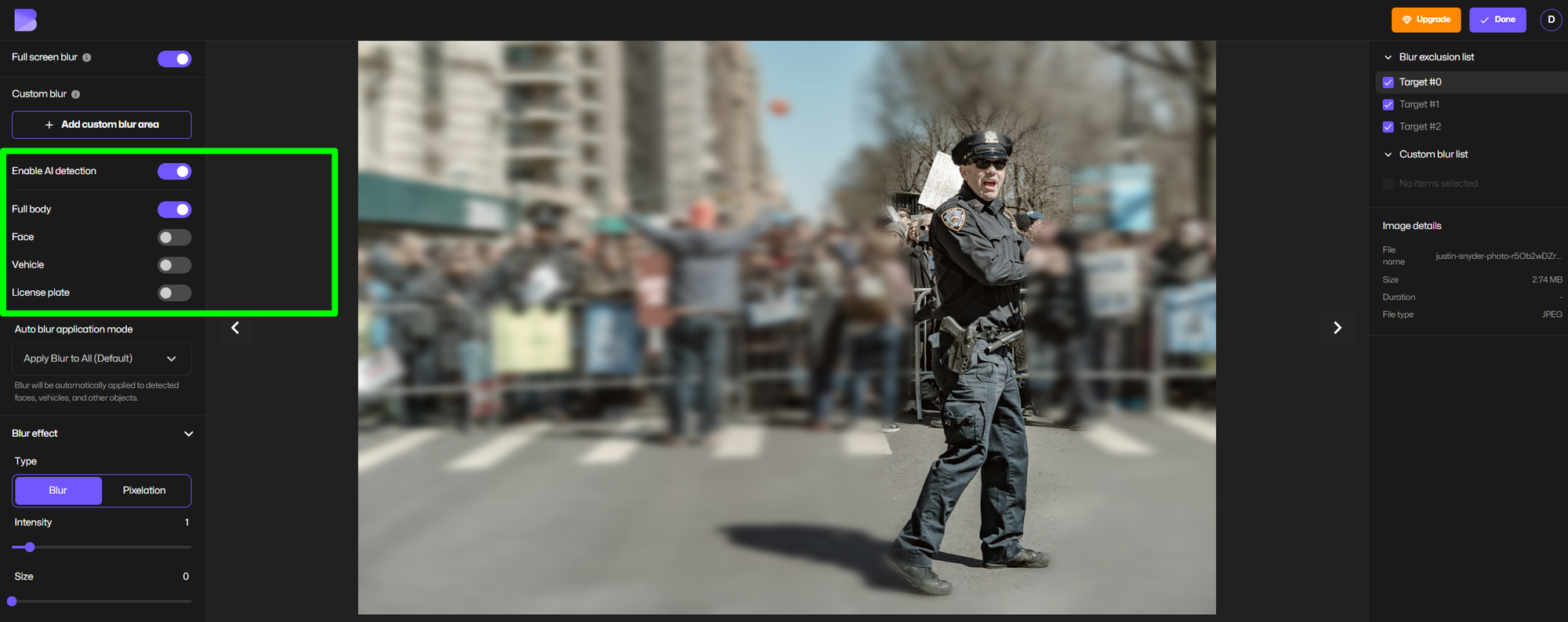
BlurMe automatically detects people, faces, and the background. You can:
- Blur the entire background
- Blur out people in the background
- Blur faces in the background only
- Blur out objects like cars and license plates in the background
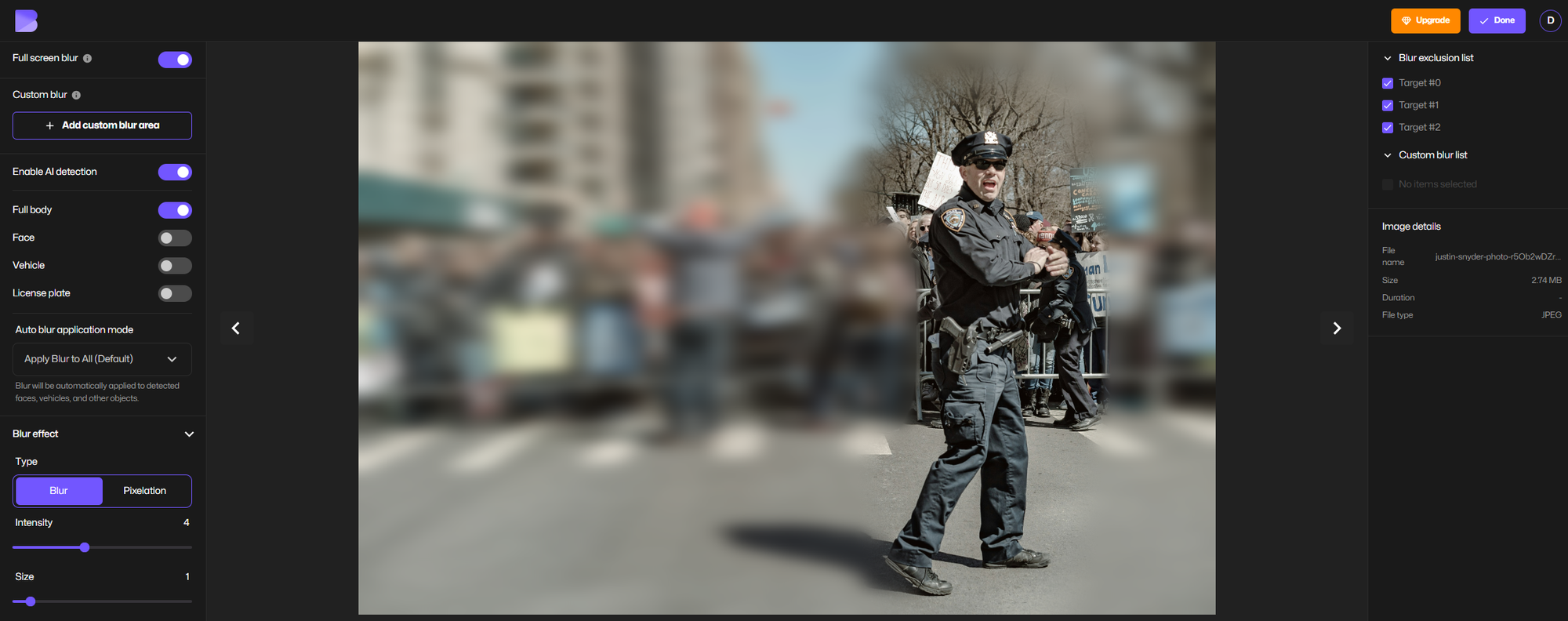
Step 3: Adjust Blur Strength
Control how soft or strong the blur effect appears for a natural blurred background.
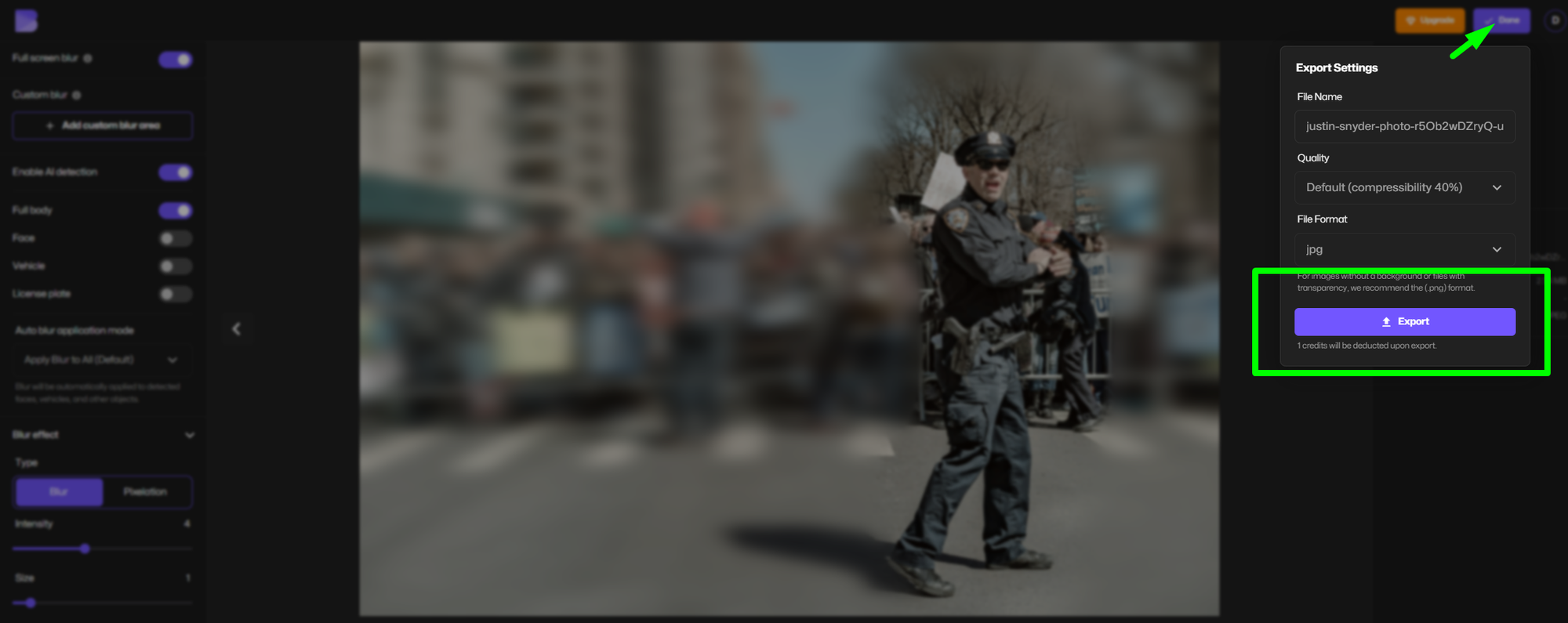
Step 4: Export Your Image
Download your blurred background photo instantly.
Related guide: How to Blur Photo Backgrounds
How to Blur Video Background Online
Looking for how to blur video background online without editing software? BlurMe works the same way for videos.
Step-by-Step Video Background Blur:
- Upload your video (MP4, MOV supported)
- Enable full-screen blur and AI detection
- Choose whether to blur:
- Entire background
- People in the background
- Faces only
- Preview and export
This is especially useful for:
- YouTube videos
- TikTok and Reels
- Interviews and testimonials
- Security or surveillance footage
Learn more: How to Blur Video Backgrounds
How to Blur Background on iPhone (Photos & Videos)
Can I Blur the Background of a Photo on iPhone?
Yes. If you’re wondering can I blur the background of a photo on iPhone, BlurMe works directly in your mobile browser—no app required.
How to Blur Photo Background on iPhone:
- Open Safari or Chrome
- Upload your photo to BlurMe
- Apply background blur automatically
- Download the blurred image
👉 Detailed walkthrough: How to Blur Background on iPhone
How to Blur Background of a Video on iPhone
For creators asking how to blur background of a video on iPhone, BlurMe supports mobile video uploads with AI detection.
You can:
- Blur people in the background of a video
- Blur faces automatically
- Apply a smooth blurred background effect
No iOS apps. No editing timeline. Just upload and blur.
How to Blur Out People in the Background (Photos & Videos)
One of the most common use cases for online background blur is removing unwanted people from the background.
BlurMe’s AI detects:
- Multiple people
- Faces at different angles
- Moving subjects in video
You can:
- Blur all background people automatically
- Keep the main subject clear
- Adjust blur intensity per scene
Automatic Background Blur vs Manual Editing
Why Automatic Background Blur Is Better
Traditional editors require:
- Manual masking
- Frame-by-frame edits for video
- Advanced skills
BlurMe’s automatic background blur:
- Uses AI detection
- Works instantly
- Handles multiple subjects
- Scales for photos and videos
This makes it one of the best online tools to blur backgrounds available today.
Background Blur for Photos vs Background Blur for Videos
| Feature | Photos | Videos |
|---|---|---|
| AI detection | ✅ | ✅ |
| Blur faces in background | ✅ | ✅ |
| Blur people selectively | ✅ | ✅ |
| Automatic tracking | ❌ | ✅ |
| Frame-by-frame editing | ❌ | ❌ |
BlurMe Blur Face technology handles both with the same interface, making it easy to switch between formats.
Best Apps vs Best Online Tools to Blur Backgrounds
Apps
- Limited export options
- Storage heavy
- Often watermark results
Online Background Blur Tools
- No installation
- Works on any device
- Faster updates
- Ideal for privacy edits
BlurMe combines app-level AI power with the convenience of a browser-based tool.
Tips for a Natural Blurred Background Effect
- Use moderate blur strength to avoid artificial edges
- Blur background, not foreground objects
- For videos, preview motion scenes before exporting
- Blur faces separately for compliance use cases
- Combine blur with pixelation when anonymity is required
Frequently Asked Questions
How do I blur backgrounds online for free?
You can use BlurMe’s online background blur tool to blur photo and video backgrounds directly in your browser.
👉 Blur Video Tool
Can I blur the background after taking a photo?
Yes. BlurMe allows you to blur background after taking photo using AI—no retakes needed.
👉 Blur Image Tool
How do I blur faces in the background?
Use BlurMe’s face detection to blur faces in background automatically for photos and videos.
👉 Top Face Blur App
Can I blur people in the background of a video without editing software?
Absolutely. BlurMe is an online background blur tool that works without downloads and can absolutely blur our people in backgrounds.
👉 Blur Face in Video
Is background blur better than pixelation?
Blur creates a softer aesthetic, while pixelation is stronger for anonymity. BlurMe supports both.
👉 Pixelate and Blur Videos Online
Why BlurMe Is the Best Online Background Blur Tool
BlurMe stands out because it offers:
- AI-powered automatic background blur
- Photo and video support
- Face and people detection
- Mobile-friendly (iPhone & Android)
- No complex editing workflows
It’s built for real-world privacy, content creation, and professional use.
Blur Your Background Online in Seconds
If you need a fast, accurate, and reliable online background blur, BlurMe gives you full control without complexity.
👉 Try BlurMe’s Online Background Blur Tool now
Upload a photo or video, blur the background instantly, and download your result in minutes.