
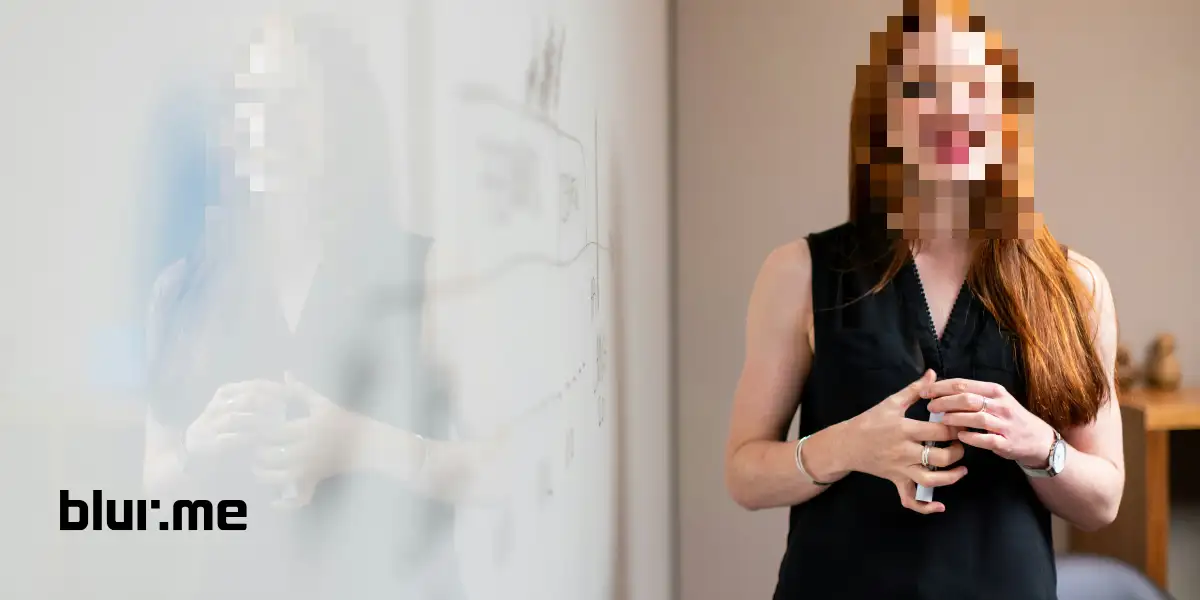
How to Make a Censored Image Online (Fast, Easy & Free)
Make censored images online fast with BlurMe. Blur, pixelate, or block anything in one click using AI-powered censor tools.
Danielle King is a global marketing strategist with a computer science background and 5 years experience in tech, specializing in face blur and video redaction tools for safer digital experiences.
Make censored images online fast with BlurMe. Blur, pixelate, or block anything in one click using AI-powered censor tools.

Explore the best video redaction services for CCTV and bodycams with AI, FOIA, and GDPR compliance. Blur faces fast with BlurMe.
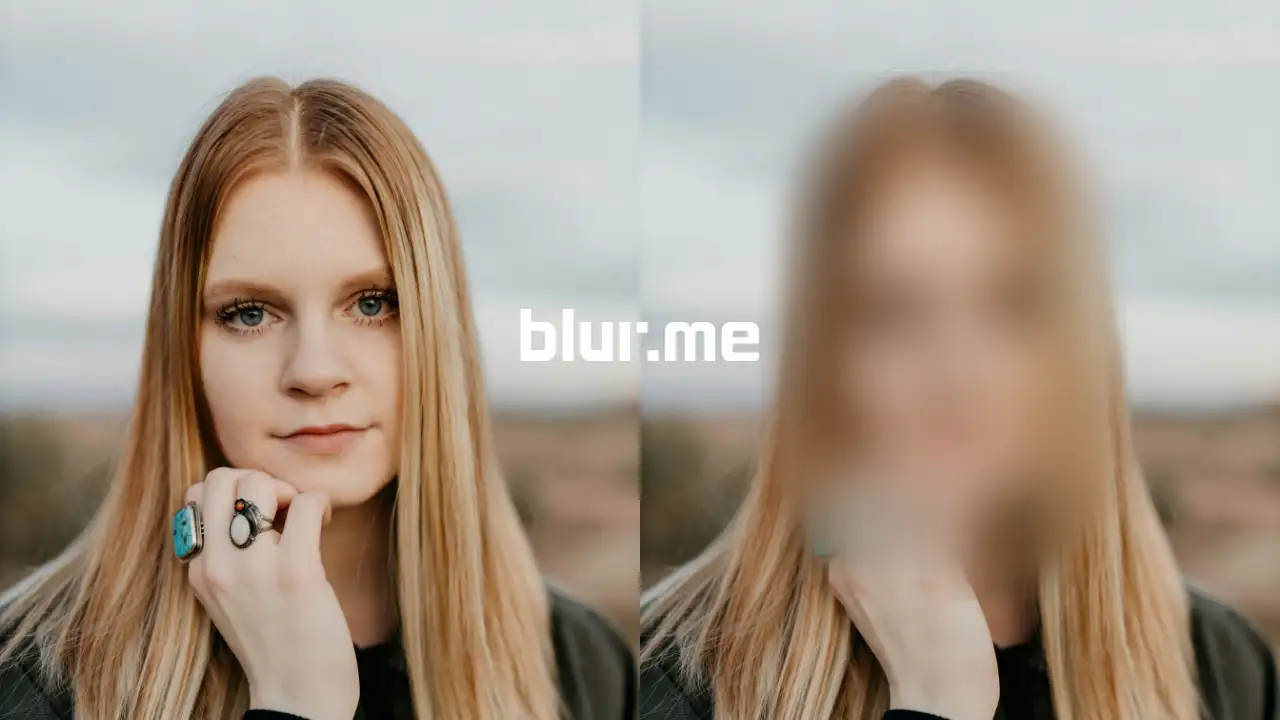
Learn the best ways to add a photo blur effect online. Blur backgrounds, faces, or any part of a photo using BlurMe’s AI blur tool.
Learn how to add video blur online fast using BlurMe. Blur faces, backgrounds, or license plates instantly with BlurMe AI video blur.
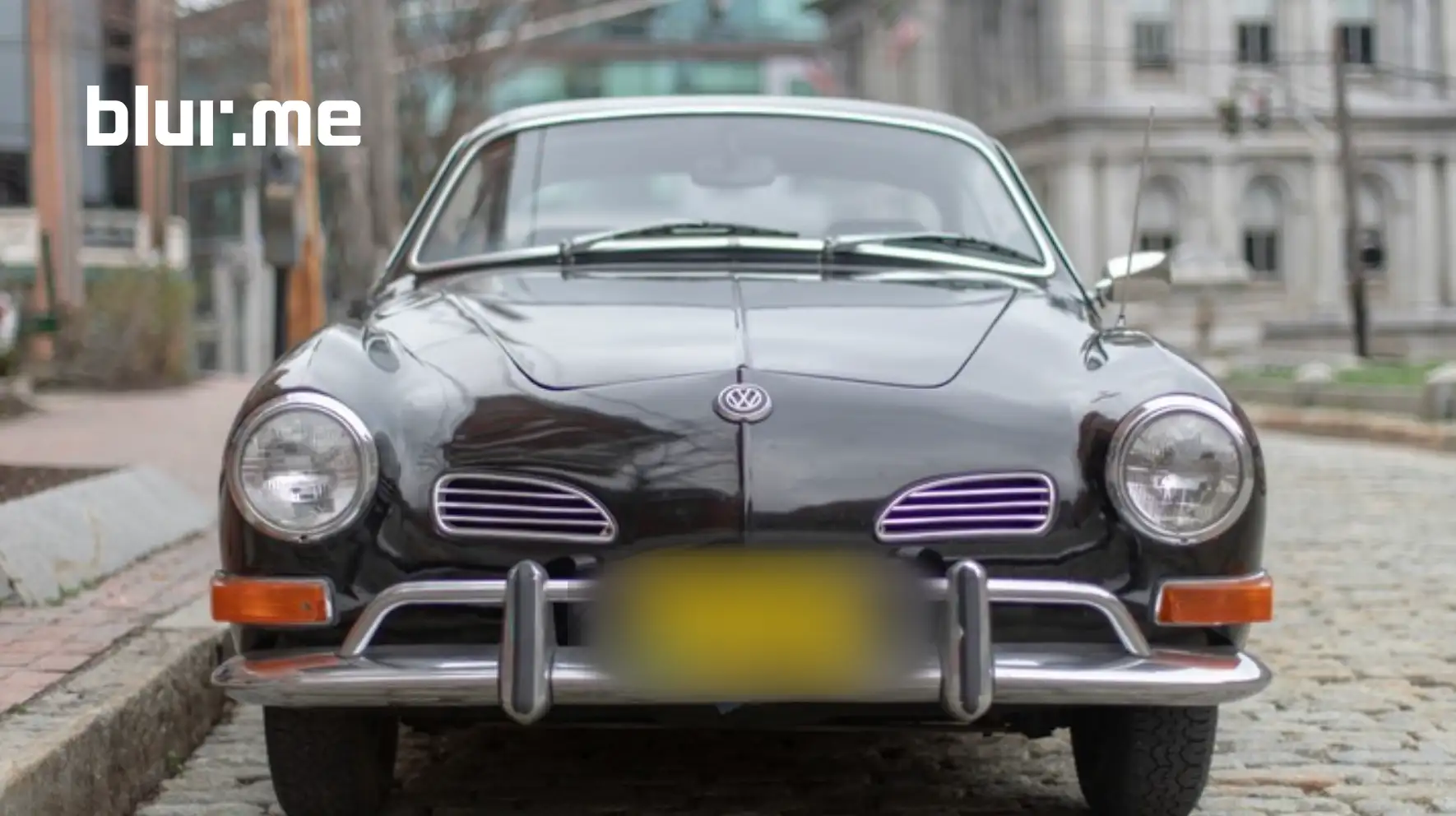
Learn how to blur license plates in videos automatically with AI using BlurMe. Perfect for blurring number plates in YouTube, dashcam, and CCTV footage.
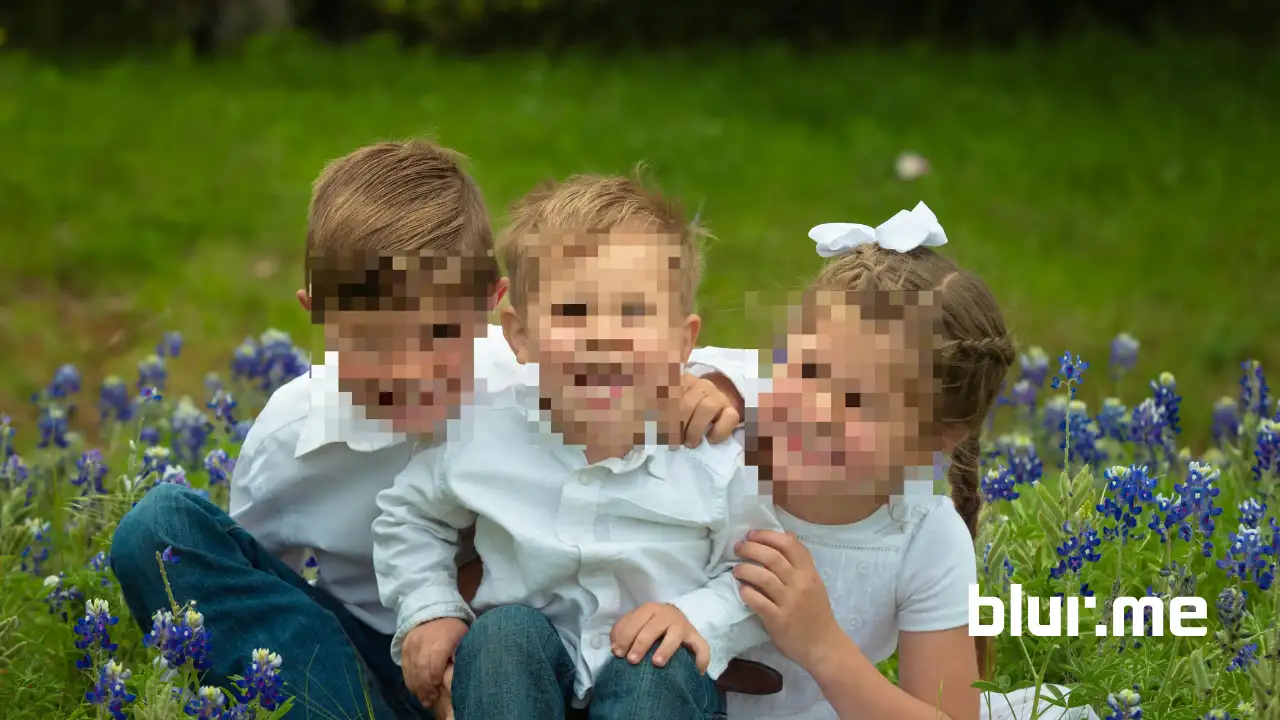
Pixelate pictures on iPhone easily using this step-by-step guide. Learn how to pixelate a picture on iPhone using BlurMe’s online pixelate tool and other methods.
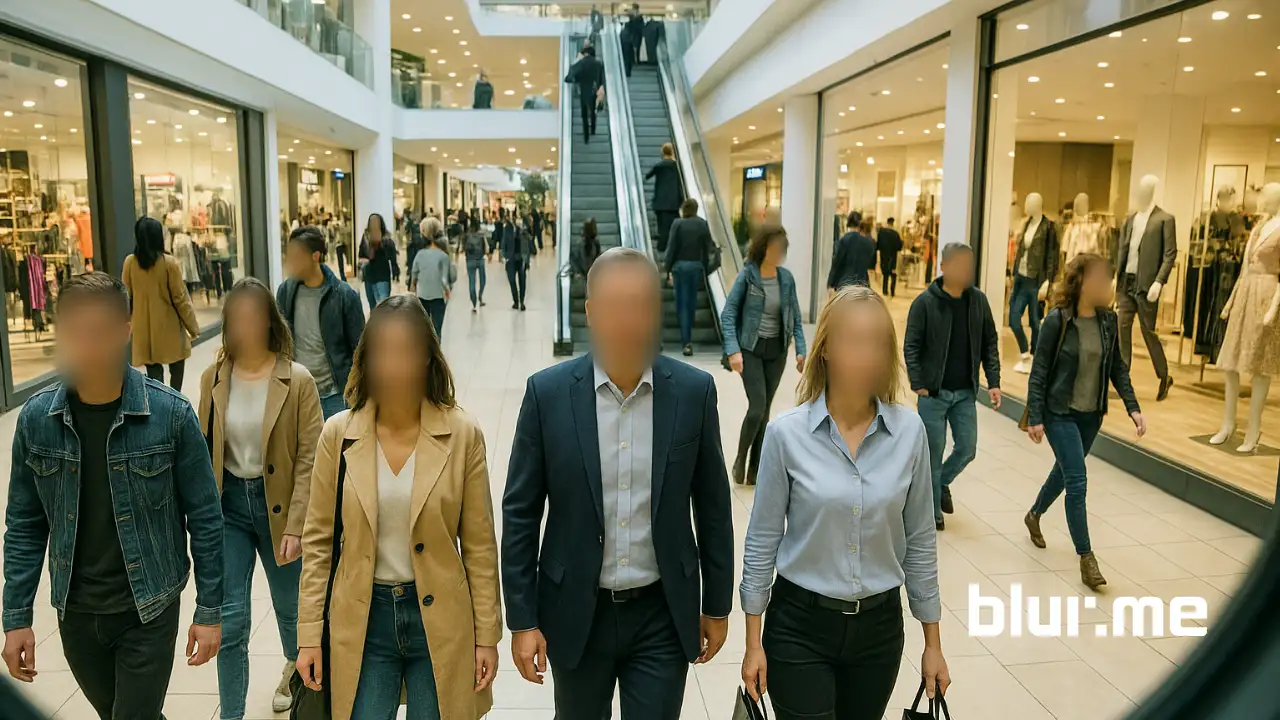
Learn how to blur faces in surveillance videos using AI redaction software for GDPR, HIPAA, and law enforcement compliance.
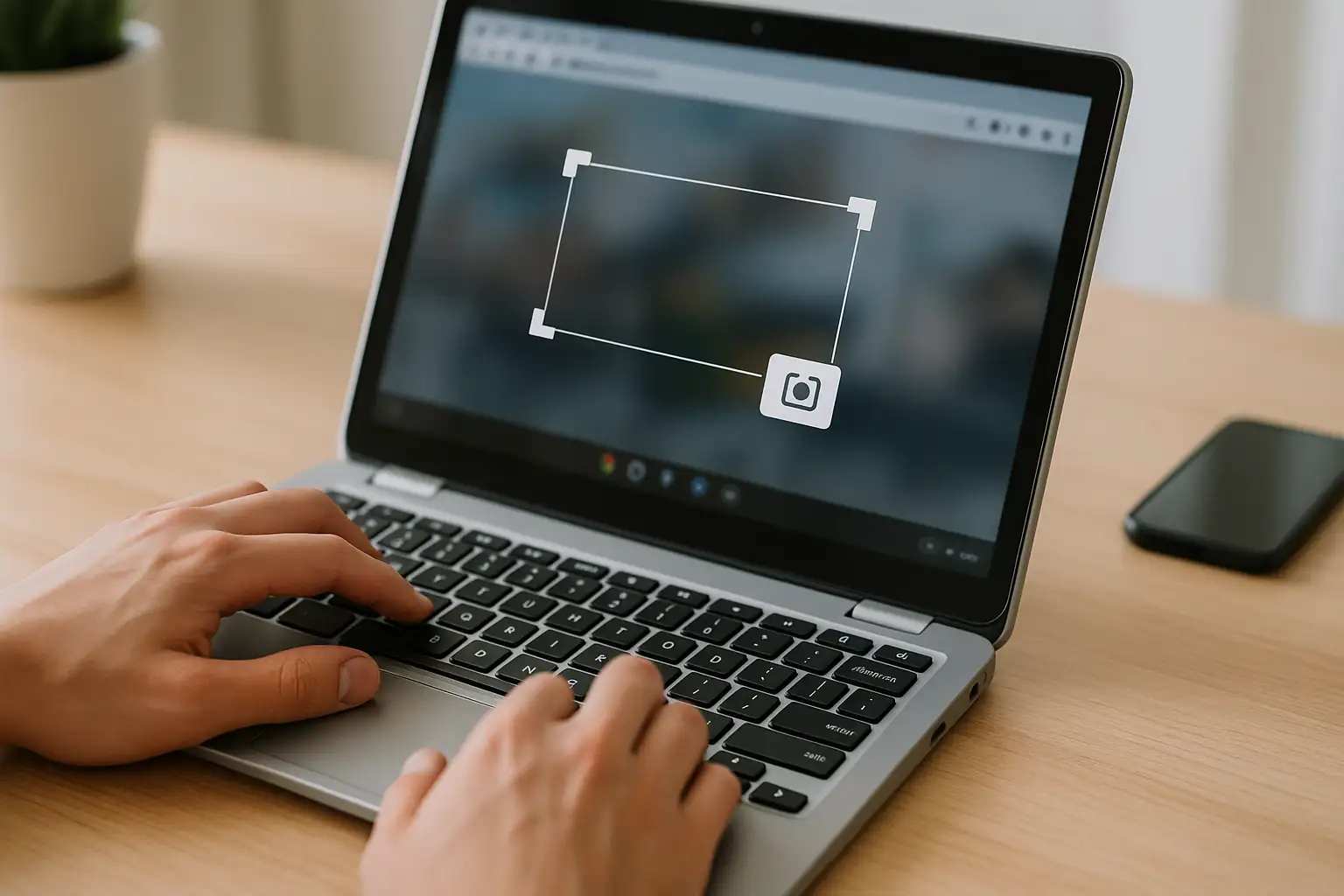
Full tutorial on how to screenshot on Chromebook with keyboard shortcuts, snipping tool, and screen capture shortcuts for HP, Lenovo, Dell and school devices.
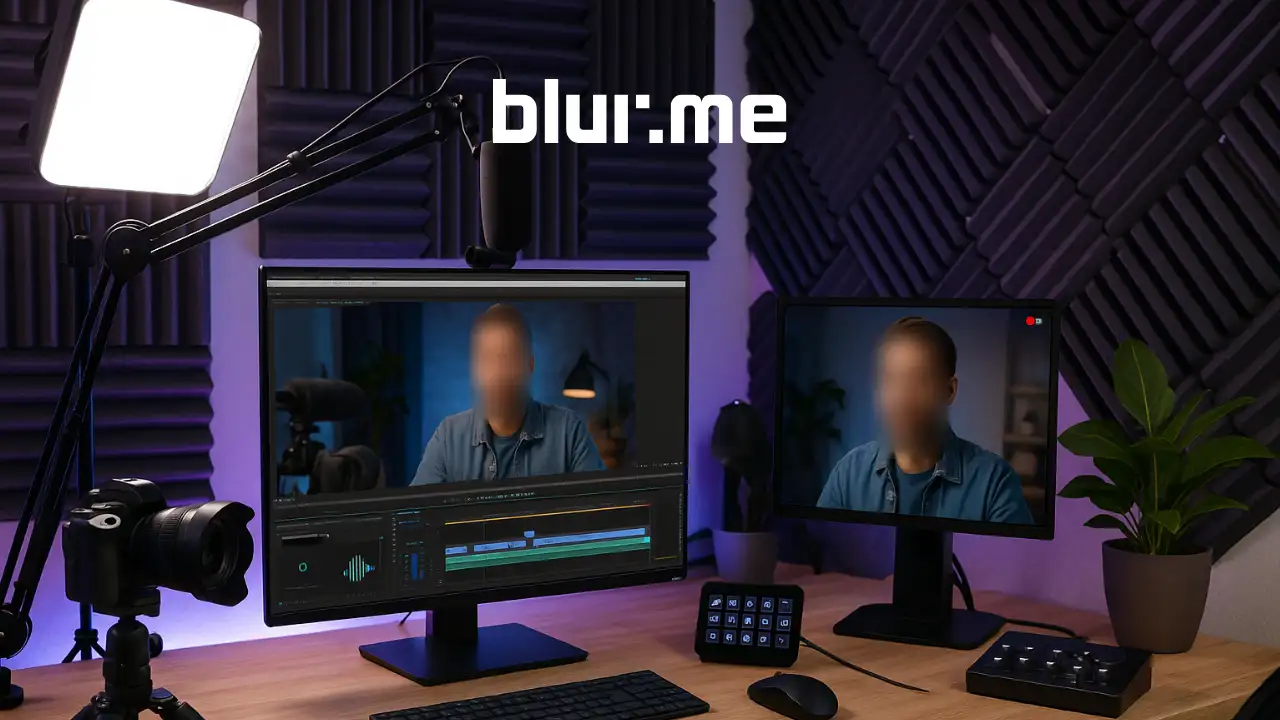
Create faceless videos easily with top AI tools for YouTube & TikTok. Automate short video creation with BlurMe’s AI face blur.
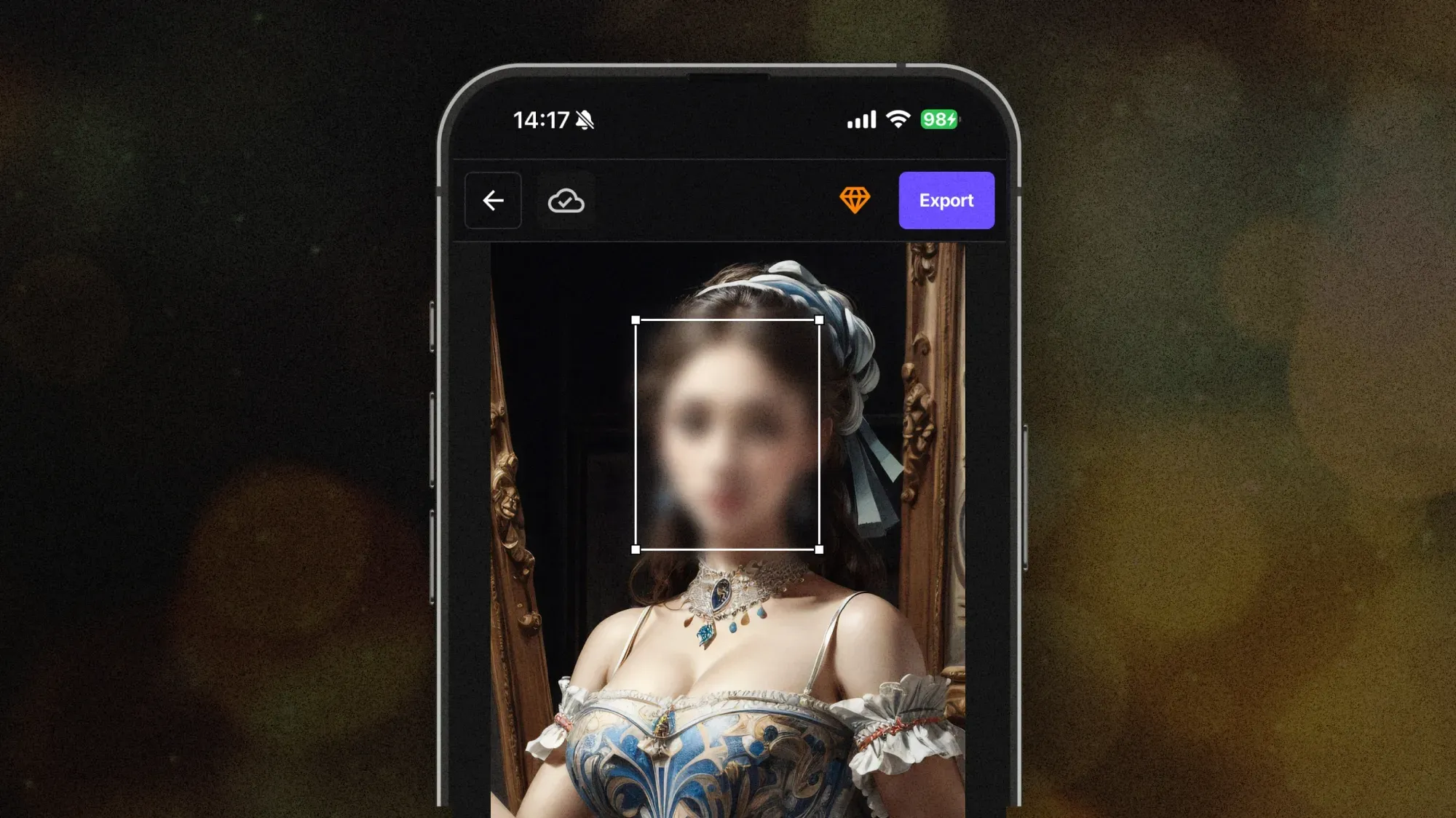
Learn how to anonymize faces for social media using AI blur tools. Protect identities and stay GDPR-compliant with BlurMe’s online face anonymization.
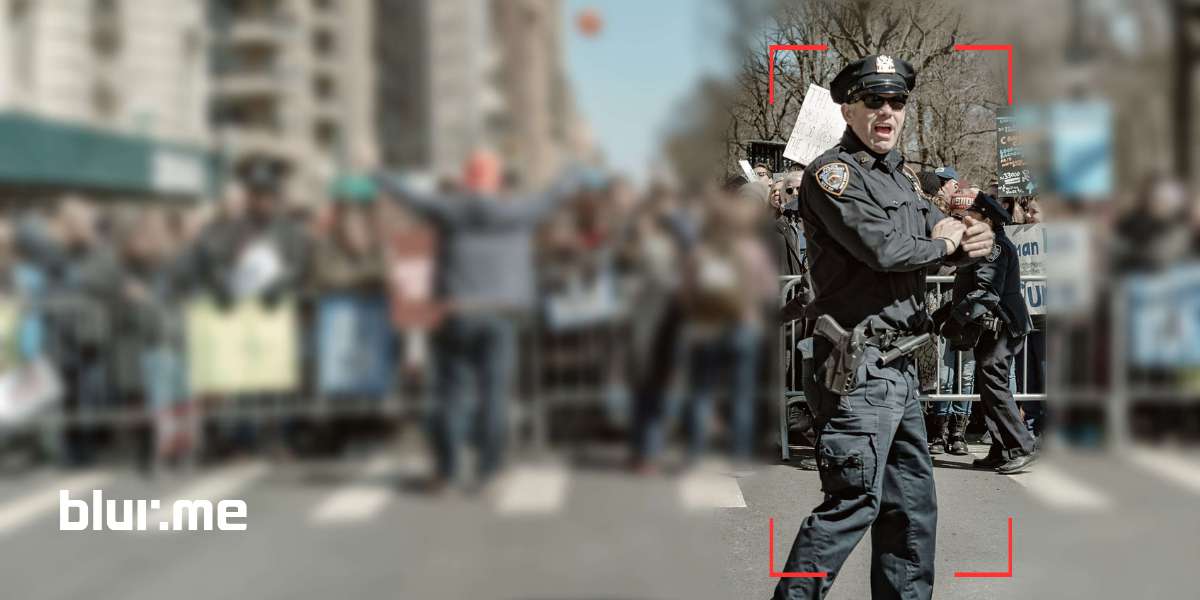
Explore 10 free background blur tools in 2025 to blur images, and videos instantly using AI. Learn how to blur backgrounds with BlurMe and other AI blur tools.
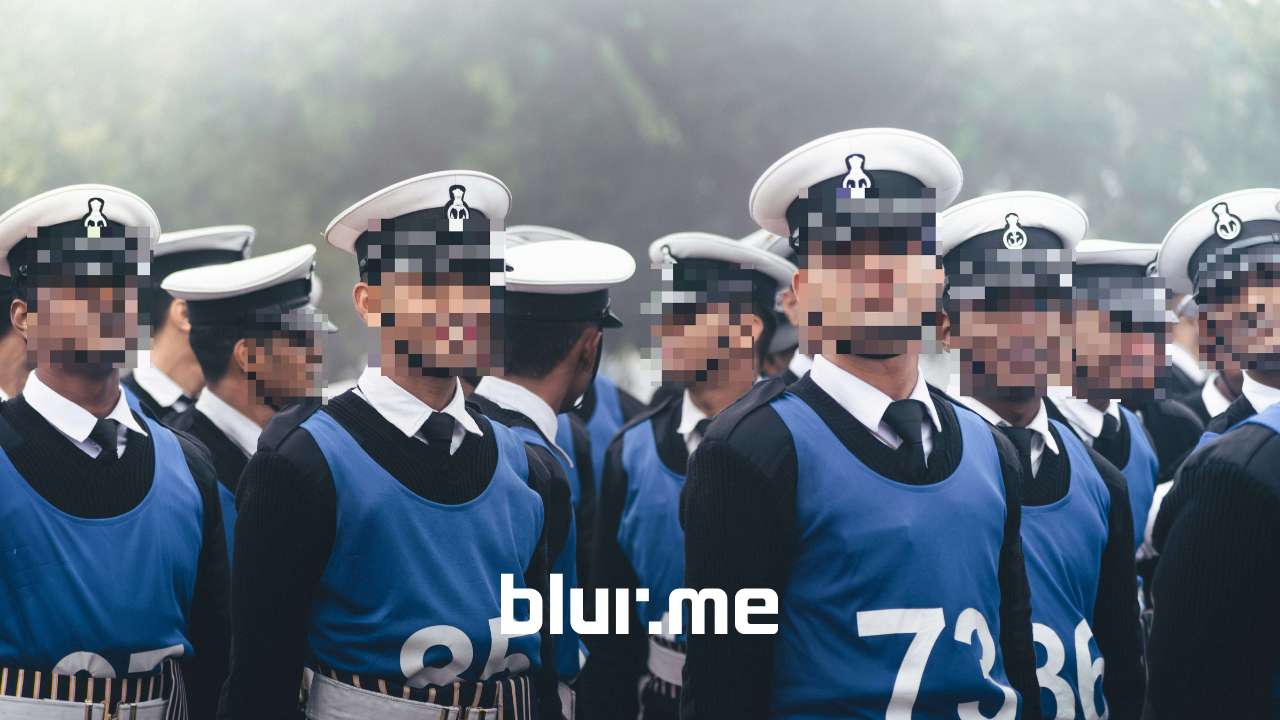
Pixelate faces in photos, anonymize images, and blur faces for privacy easily in 2025. Learn how to pixelate images using the best pixelation tools like BlurMe, Canva and more.
Try it out with your own video or photo.
Free yourself from the risks of ignoring others' privacy.
