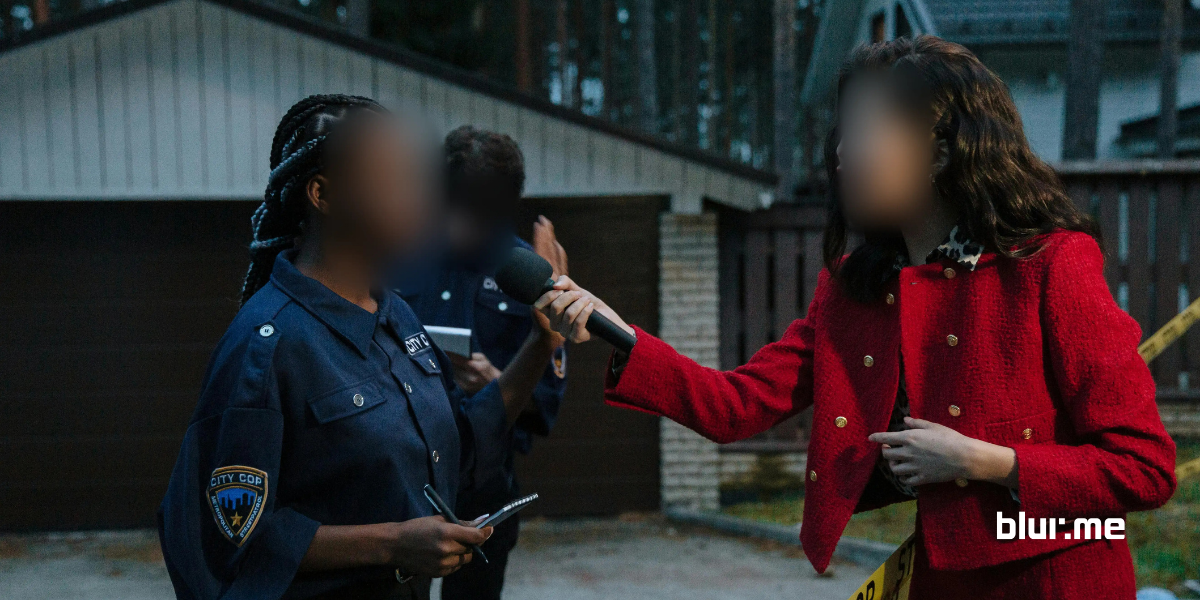
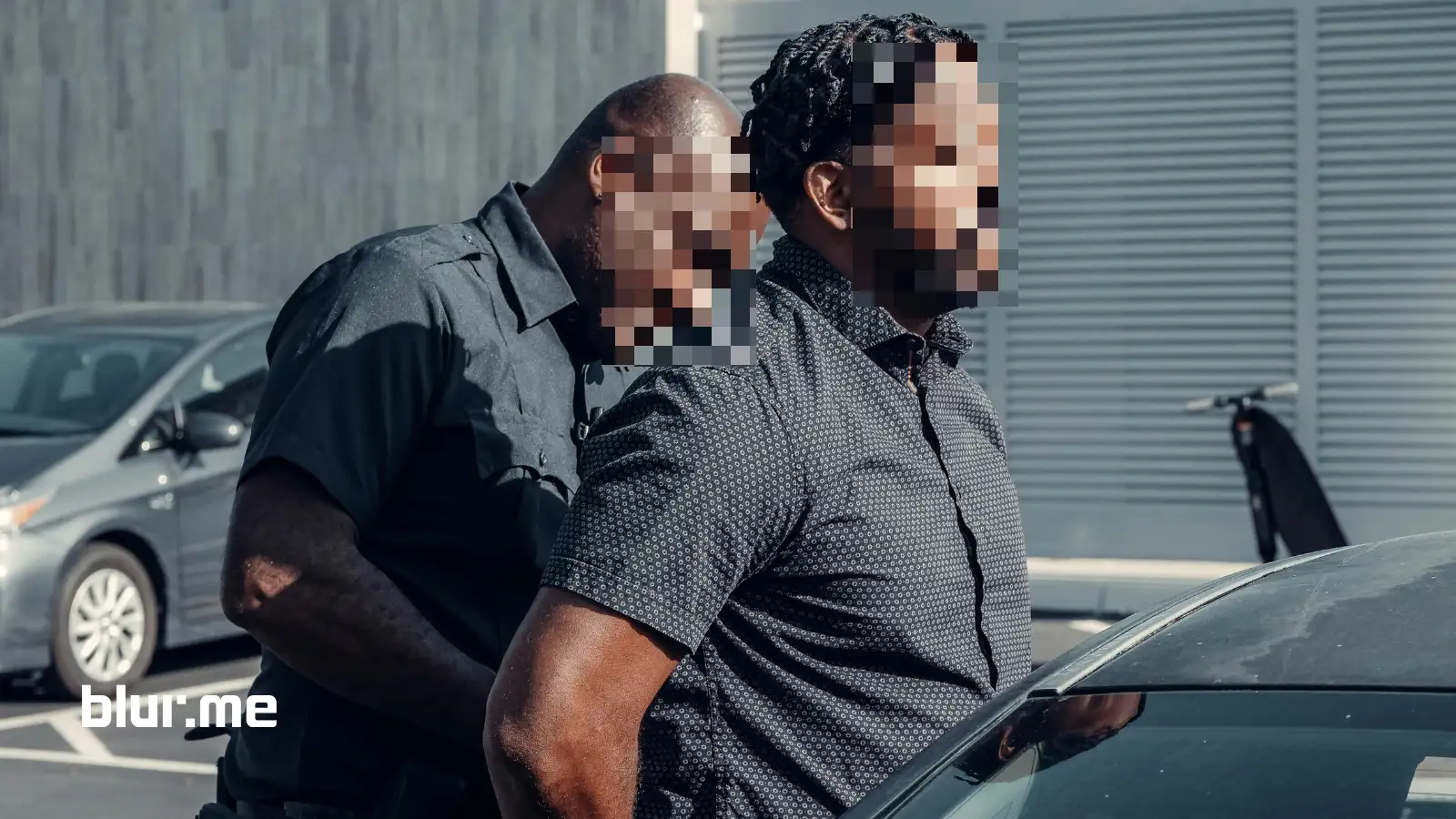
In today’s digital world, protecting privacy in video content has become increasingly important. From social media creators to journalists and security teams, many people need reliable ways to blur face in video footage to keep identities safe. Modern face blur tools now use AI to automatically detect and obscure faces, removing the need for time-consuming manual editing.
If you’ve ever wondered how to blur a face in a video quickly and accurately, online solutions make the process much easier.
Why Blur Faces in Videos?
Blurring faces isn’t just about privacy, it’s about compliance, security, and creative control. Here are a few reasons why people choose to blur faces in videos online:
- Protect Personal Identity – Keep yourself and others anonymous in social media content.
- Comply with Regulations – Ensure your videos meet privacy laws like GDPR and FERPA.
- Censor Sensitive Content – Whether it’s news footage or user-generated content, face blurring helps keep things appropriate.
How to Blur Faces in a Video Online (Step-by-Step Guide)
With BlurMe, you don’t need advanced editing skills to blur a face in a video. Just follow these simple steps:
- Upload Your Video to Blur Face in Video platform– Drag and drop your video file into the Studio. BlurMe supports most video formats like MOV, MP4 and more.

- AI Auto-Detects Faces – No need for manual selection, our smart AI face blur feature finds faces instantly.

- Choose Your Blur Effect – Select from soft blur, pixelation, or full censoring for a customized look.

- Preview and Adjust – Fine-tune the blur size and intensity for accuracy in realtime playback.

- Export to Download Your Video – Save it in high quality, ready to upload or share.
For longer recordings or scenes with multiple people, using an automatic face blur tool helps consistently blur face in video clips without frame-by-frame adjustments. BlurMe isn’t just for faces, you can also blur backgrounds to add a cinematic effect or hide distracting elements.
Blur Videos Easily with AI-Powered Face Blurring
Unlike traditional software, BlurMe’s AI face blur technology automatically tracks moving faces, making it one of the best video face blurring software options available. Whether you're a journalist needing to protect a source or a business redacting sensitive info, our AI video redaction software does the heavy lifting for you.
For those who use CapCut for video editing, you might be a bit familiar with how to blur on CapCut, but with BlurMe, you don’t even need extra software. Our online tool is a faster and easier CapCut alternative for face blurring.
Looking for more professional features? Discover how to blur video with multiple faces automatically with BlurMe's smart tracking tools.
Blur Faces in Videos on Any Device
One of the best things about BlurMe is that it works in the browser of any device, desktop, mobile, and even iPhones. If you’re on the go and need to edit quickly, check out How to Blur Faces on iPhone for an easy mobile-friendly solution.

Who Uses BlurMe Video Editor?
- YouTubers & Content Creators – Ensure privacy while vlogging or creating tutorials. Especially for faceless content creators.
- Journalists & Reporters – Blur moving faces in videos to protect anonymous sources.
- Businesses & Security Professionals – Redact personal data from surveillance footage.
- Social Media Users – Censor sensitive content before posting online.
BlurMe is also a great choice for influencers hoping to protect themselves from NSFW deepfake abuse, allowing them to maintain privacy while creating engaging content.
FAQ – How to Blur Faces in Videos Online
- How do I blur a face in a video quickly?
With the BlurMe face blur app, just upload your video, and the AI will blur faces in the video automatically, no manual work required. - Can I blur multiple faces at once?
Yes! BlurMe's AI detects and blurs all faces in a video, even if they’re moving. - Is there a free app to blur faces in videos?
Yes, BlurMe offers a free trial version that lets you blur a face in a video online free. - What’s the difference between a pixelated face and a blurred face?
A pixelated face uses large squares to obscure details, while a blurred face effect softens features. BlurMe lets you choose both. - How do I censor videos before posting on social media?
To censor a video or create censored faces in a video, simply upload your footage to BlurMe, apply a blur video effect, and download it before posting to YouTube, Instagram, or TikTok. For step-by-step instructions, read our guide on how to add a blur effect to videos.
Blur Faces in Videos Instantly with BlurMe
Whether you need to blur faces in a video online for privacy, security, or professional editing, BlurMe makes it effortless. Say goodbye to manual tracking and hello to AI-powered automation that does the work for you.
Try BlurMe today for free! The easiest, fastest way to blur people's faces in a video online.