Blurring faces in photo and video content is no longer optional, it’s essential for privacy in content creation. Whether you're posting to Instagram, editing a TikTok, or running a faceless YouTube channel, knowing how to blur faces properly protects people, avoids takedowns, and builds trust with your audience.
This guide walks you through how to blur faces in photos and videos, including moving faces, children’s faces, and multiple people using AI-powered BlurMe AI Face Blur and mobile-friendly options.
How to Blur Faces in a Photo (Fast & Accurate)
If you need to blur someone out of a picture, manual tools often fail when there are multiple faces or complex backgrounds. AI face detection solves this instantly.
How to Blur a Face in a Photo Using BlurMe
BlurMe uses automatic AI detection to locate and blur faces in seconds.
Steps:
- Open the Blur Face in Photo tool
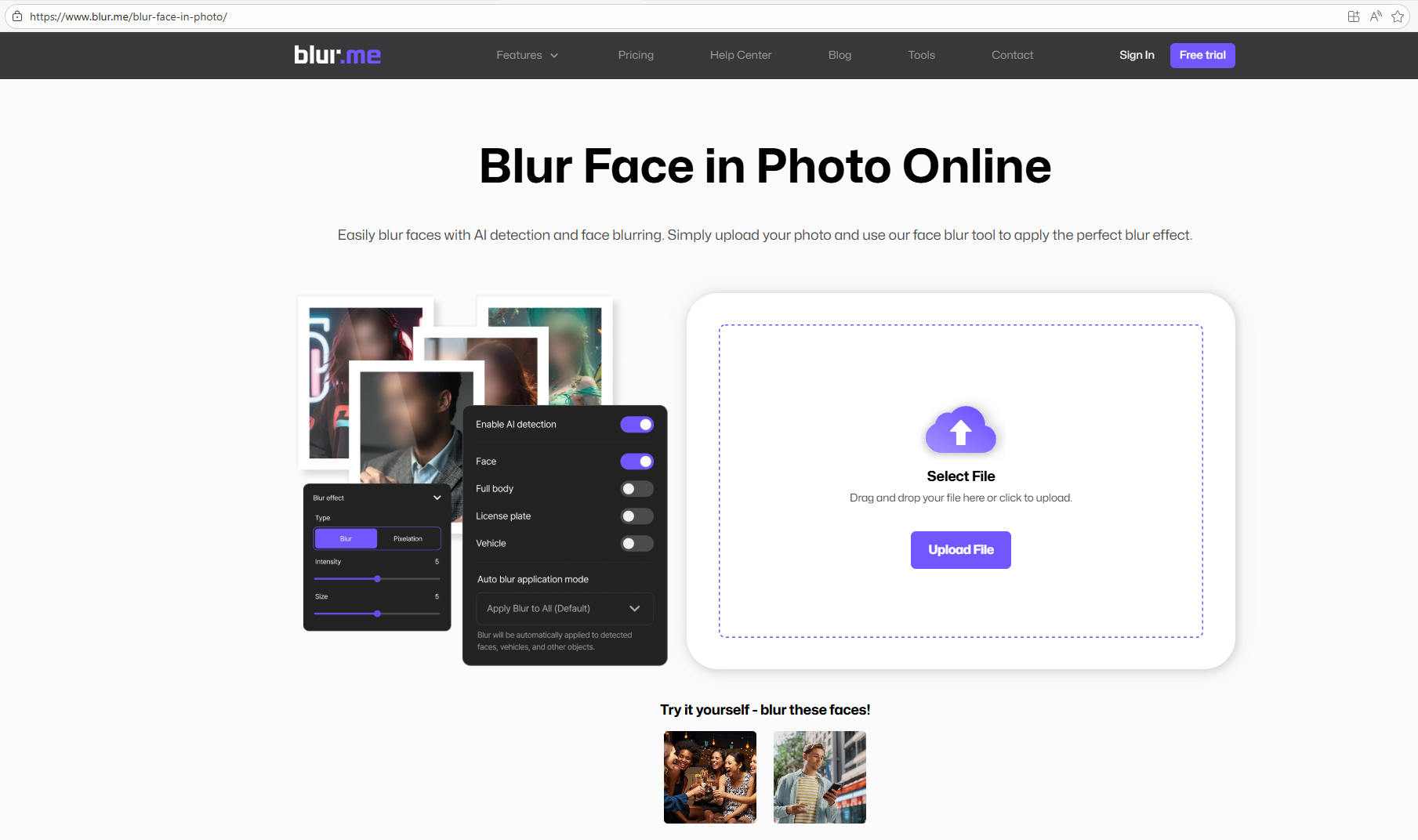
- Upload your image (JPG, PNG, WEBP)
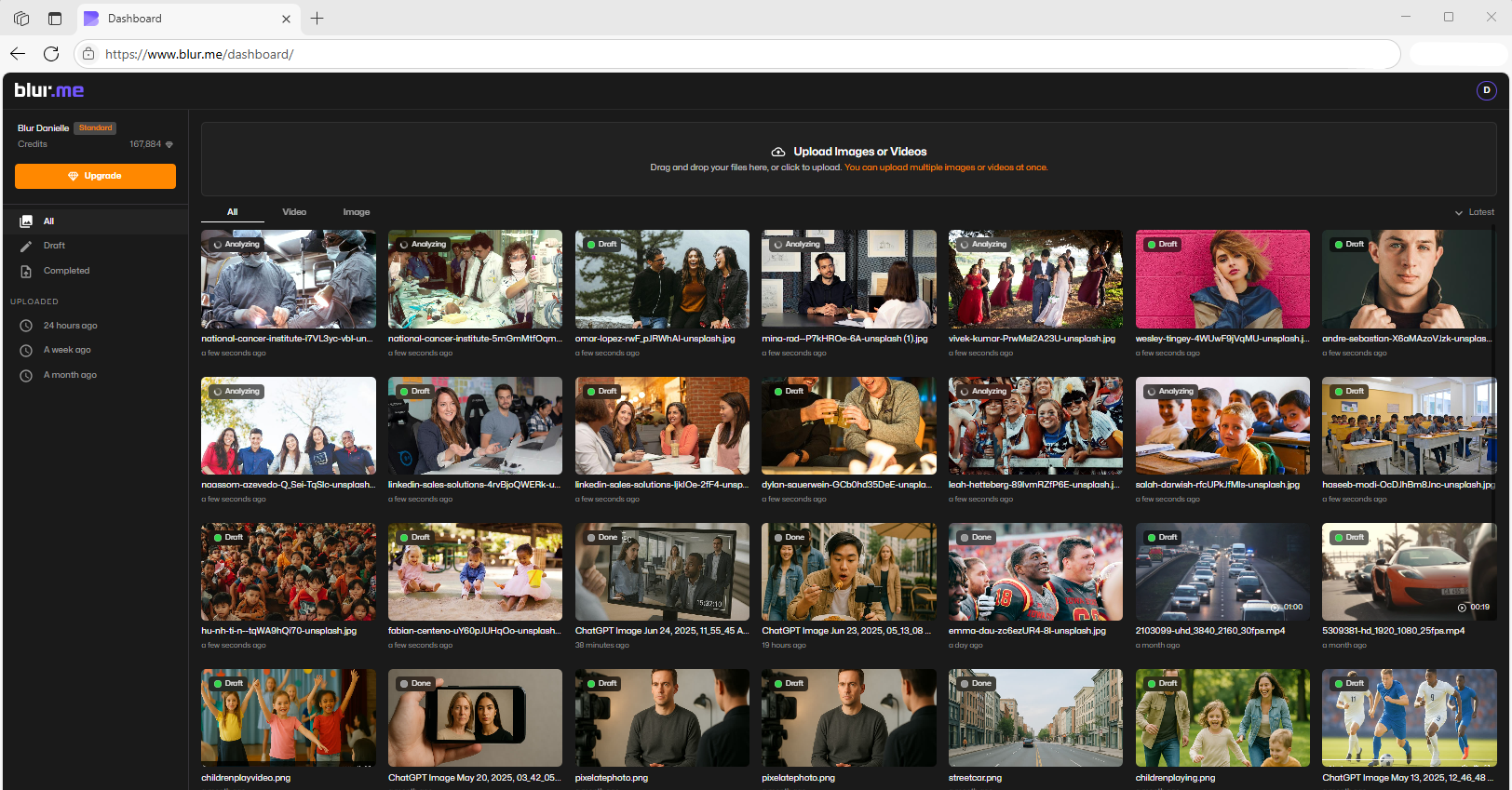
- Enable AI face blur mode and AI detects all faces and blurs them automatically
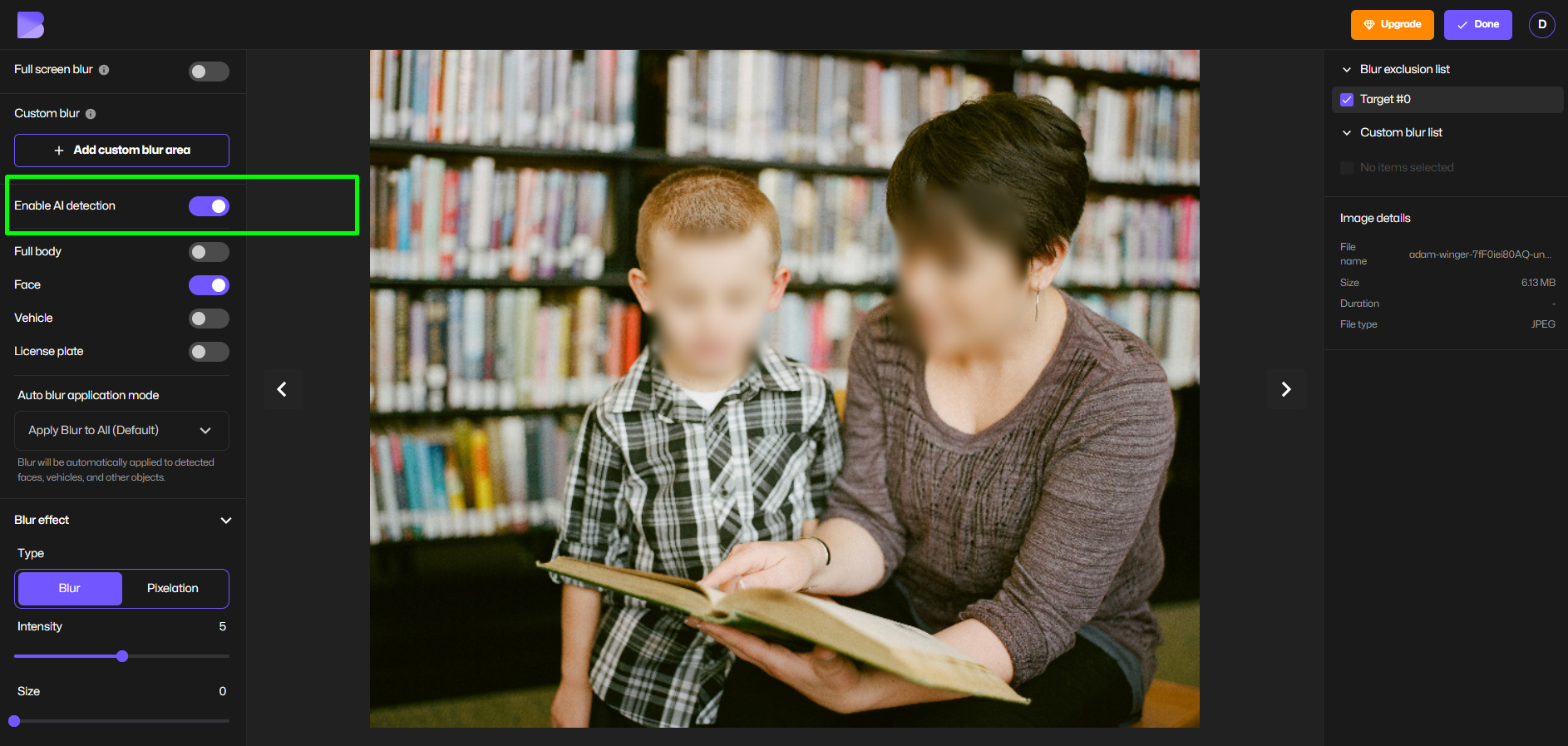
- Choose blur or pixelate to adjust the blur type
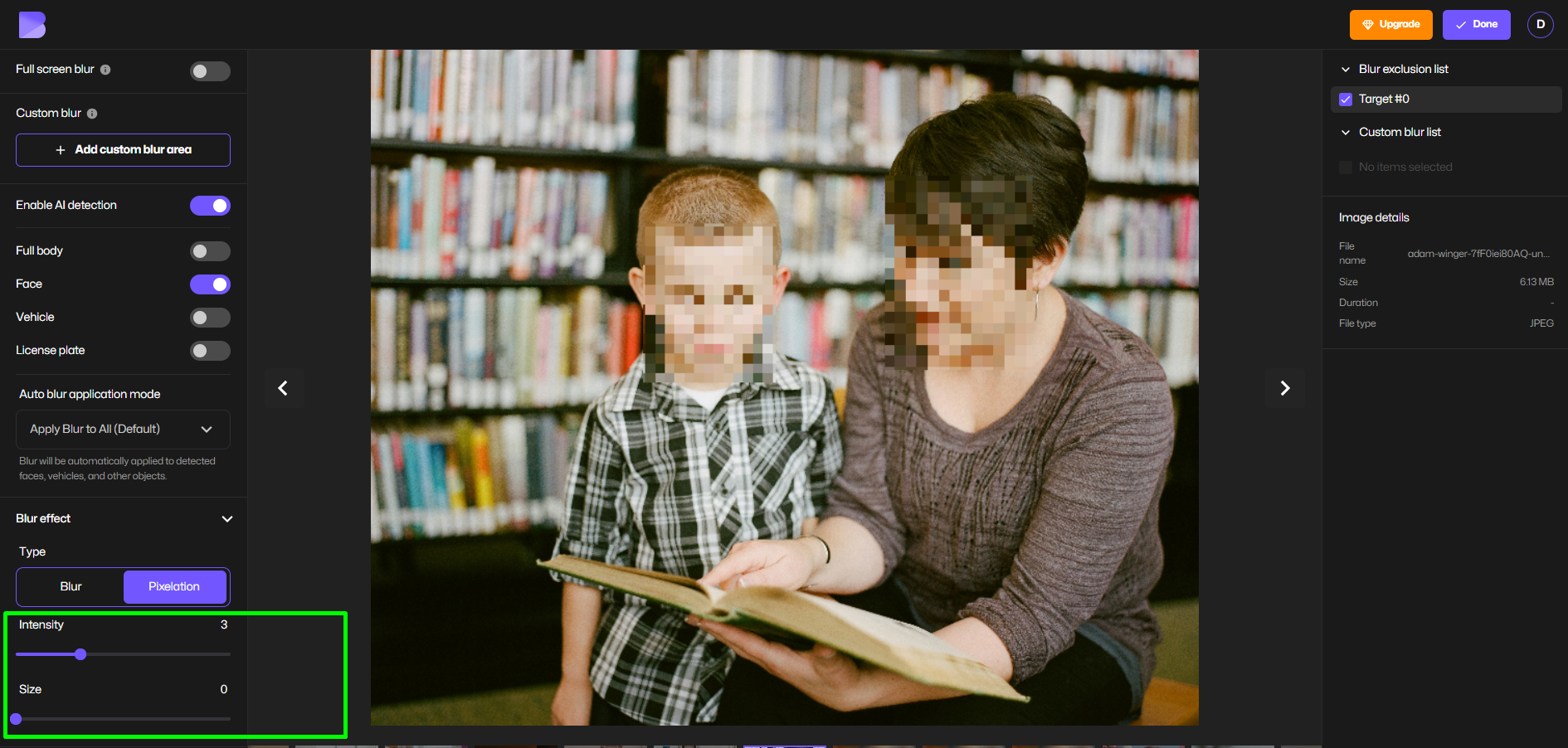
- Adjust intensity or exclude specific faces
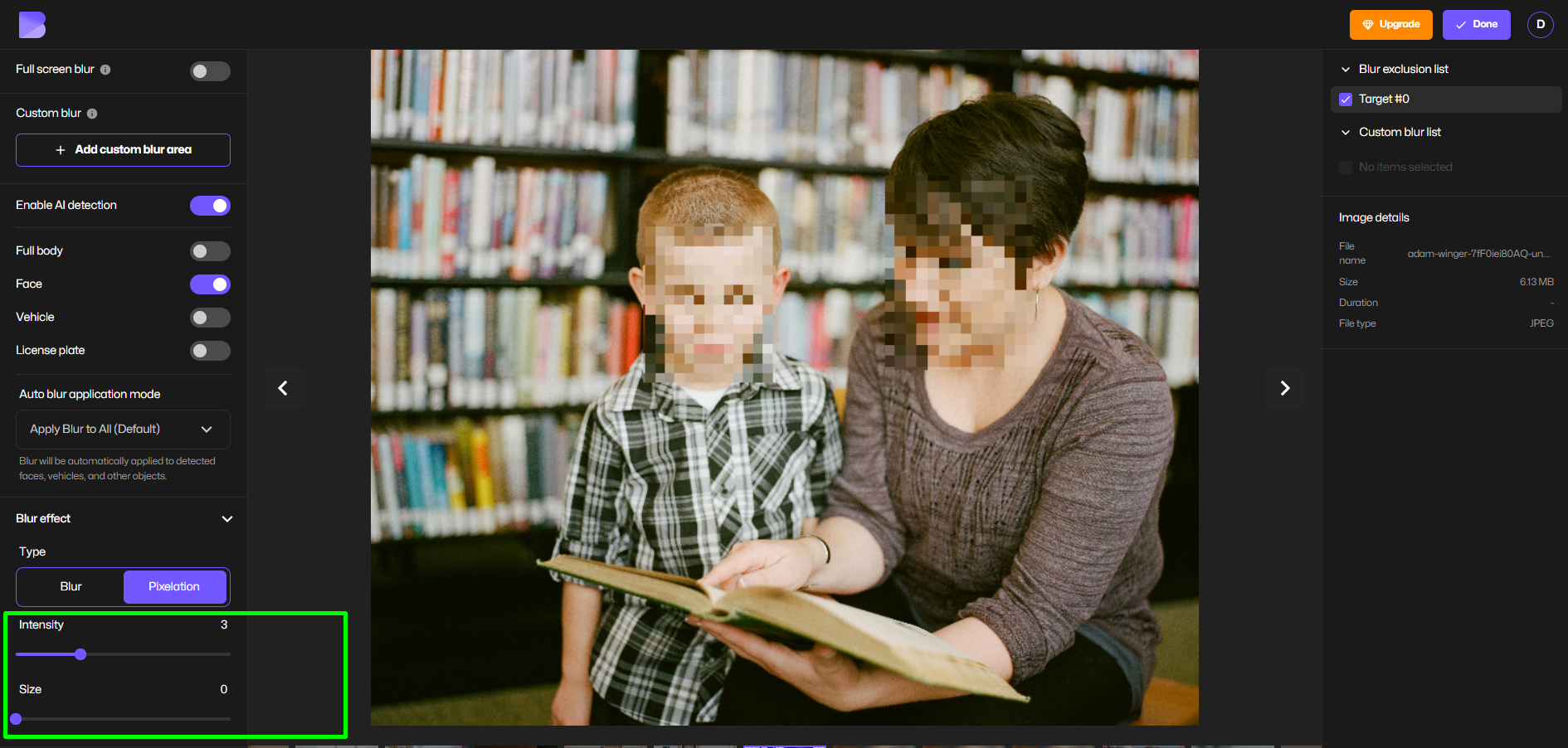
- Download instantly.
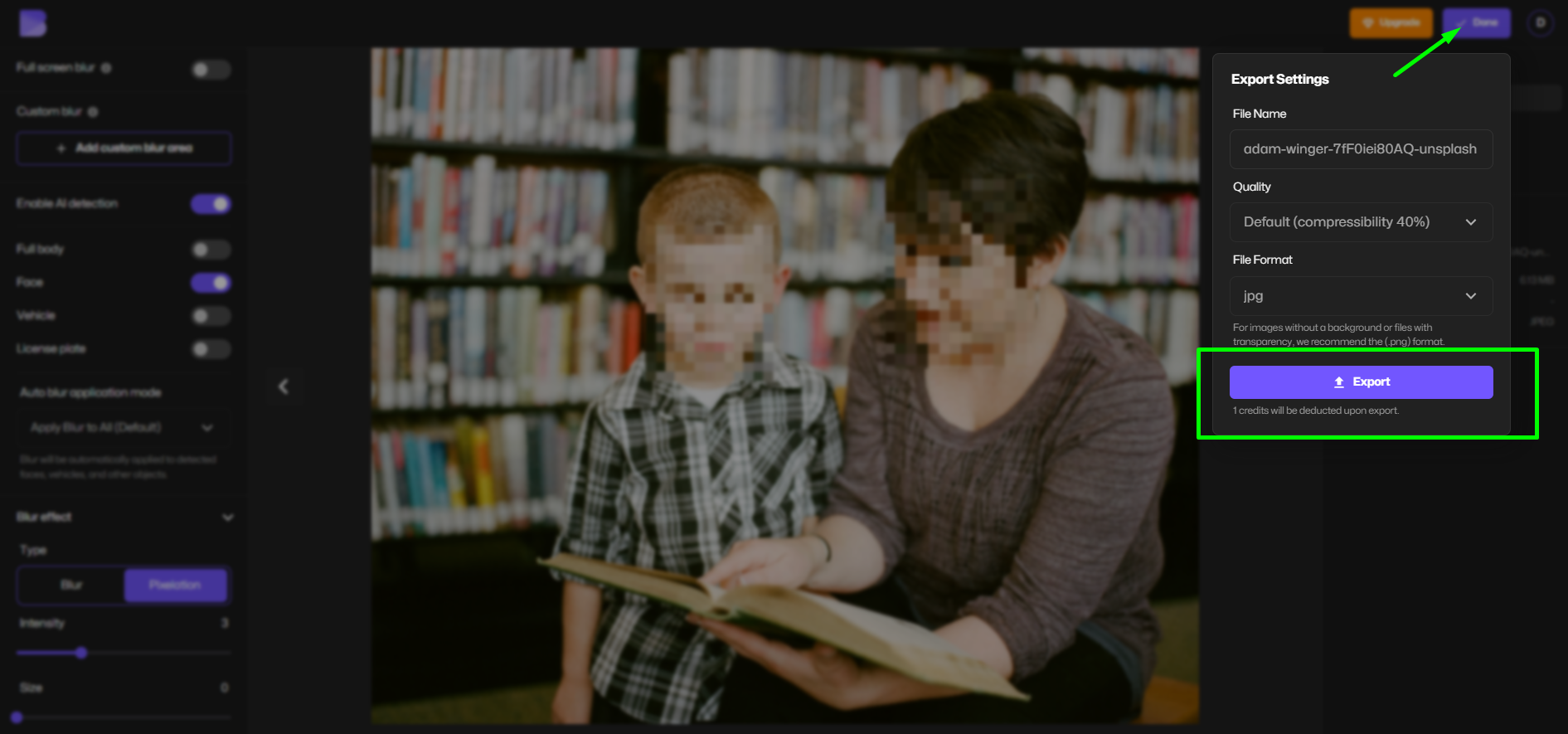
This method is ideal for:
- Blurring children on social media
- Group photos
- Street photography
- Journalism and education use cases
Blur Face in Video (Including Moving Faces)
Blurring a moving face in video is where most tools fail. Manual frame-by-frame editing is slow and inaccurate, especially for TikTok or YouTube Shorts.
How to Blur a Face in a Video Online (Free & AI-Powered)
BlurMe’s AI Blur Face automatically tracks faces throughout the video timeline.
Steps:
- Open the Blur Face in Video tool
- Upload your video (MP4, MOV, WebM)
- AI detects and tracks faces frame-by-frame
- Choose blur or pixelate
- Export your video in HD
This works even when:
- Faces turn sideways
- Subjects move quickly
- Multiple people appear on screen
It’s the easiest way to blur face in video online free without downloading software.
How to Blur Faces on iPhone (Without Editing Apps)
Many creators search for how to blur faces iPhone, but native iOS tools don’t support face tracking in video.
Best options:
- Use BlurMe directly in your mobile browser
- Upload photos or videos from iPhone
- Apply AI face blur online
- Download instantly
This avoids low-quality face blur filters and keeps your content platform-ready.
Face Blur for Instagram, TikTok & YouTube
Each platform has different expectations for privacy and moderation.
Blur Face for Instagram
- Ideal for Stories, Reels, and carousel posts
- Use light blur or pixelation for aesthetics
- Avoid face blur filters that shift during motion
Blur Face for TikTok
- Essential for street interviews and reaction content
- Moving faces require AI tracking
- Manual overlays often fail TikTok compression
Blur Face for YouTube
- Required for minors, bystanders, and private individuals
- Necessary for faceless YouTube channel ideas
- Strong anonymization improves channel trust
Pixelate vs Blur vs Mosaic: Which Face Blur Effect Is Best?
| Effect | Best Use Case |
|---|---|
| Blur | Subtle privacy, social media |
| Pixelate | Strong anonymization, GDPR |
| Mosaic | High-risk compliance content |
For legal or educational content, face pixelizer effects are preferred due to irreversible anonymization.
Face Blur for Children & Privacy Compliance
Blurring children’s faces isn’t just ethical, it’s often required.
Use cases include:
- School content (FERPA)
- Parenting vlogs
- Educational videos
- Social advocacy posts
Our article on "Protect Your Children Using AI Face Blur" has more information.
Tips for Better Face Blurring Results
- Use higher-resolution uploads for better detection
- Choose pixelation for legal or news content
- Avoid platform-native face blur filters
- Always preview before publishing
- Blur faces before adding text or stickers
FAQ: Blurring Faces in Photos & Videos (Tools, Privacy & Use Cases)
What’s the best way to blur a face in a photo online?
The fastest and most reliable option is using an AI-based face blur tool that automatically detects faces instead of relying on manual brushes. BlurMe’s Blur Face in Photo lets you blur or pixelate faces instantly, even in group photos, without installing software.
If you want to compare options, this breakdown of Top Face Blur Apps explains which tools work best for different needs.
How can I blur someone out of a picture without Photoshop?
You don’t need desktop editing software anymore. Online tools like BlurMe allow you to blur faces directly in your browser using AI detection. This step-by-step guide on how to blur image online shows how to anonymize a face in seconds while keeping image quality intact.
How do I blur a face in a video online for free?
To blur a face in video online free, you’ll need face-tracking—not just a static blur overlay. BlurMe’s Blur Face in Video tool automatically follows moving faces frame by frame, making it ideal for TikTok, Instagram Reels, and YouTube.
For a full walkthrough, see how to blur face in video.
Can I blur moving faces in a video automatically?
Yes. AI-powered tools can track motion and reapply the blur as the face moves. This is especially important for street interviews or vlog footage. BlurMe’s Blur Video tool and Pixelate Video tool both support moving face detection without manual keyframing.
What’s the difference between blurring and pixelating a face?
Blurring softens facial details, while pixelation breaks the face into blocks, making it harder to reverse. For legal, educational, or compliance-heavy content, pixelation is often preferred. BlurMe supports both through its automatic face tracking blur and explains the privacy implications in this guide on blur anonymization.
How do I blur children’s faces on social media?
Blurring children’s faces is strongly recommended—and often required—under privacy regulations like GDPR and FERPA. AI tools help ensure no face is missed, even in group photos or videos. This guide on blur children faces explains best practices for posting responsibly on Instagram, TikTok, and YouTube.
How can I anonymize faces for social media posts?
To properly anonymize faces, use a blur or pixelation method that cannot be reversed by filters or AI enhancement. BlurMe’s video redaction tool and face blur features are designed for social publishing. Learn more in how to anonymize face for social media.
Is face blurring useful for faceless YouTube channels?
Absolutely. Many creators use face blur intentionally to build faceless YouTube channels while still appearing on camera. This allows creators to share content without revealing identity. Explore content ideas and workflows in faceless youtube channel idea.
Can I blur faces for OnlyFans or adult content?
Yes. Face blurring is commonly used by creators who want to protect their identity while staying compliant with platform rules. BlurMe’s AI face blur works for both photos and videos. This guide on blur face for onlyfans explains how creators use anonymization safely.
Do I need to blur faces for GDPR or FERPA compliance?
If individuals, especially minors, can be identified, face blurring is often required. Tools that offer consistent, irreversible anonymization are best for compliance-related use cases. BlurMe’s face blur and blur video online tools are commonly used for education, research, and documentation.
Final Thoughts: Blur Faces the Right Way
Blurring faces isn’t about hiding, it’s about responsible content creation. Whether you're protecting children, running a faceless channel, or complying with privacy laws, using the right face blur tool makes all the difference.
Blur Faces Instantly with BlurMe, today!