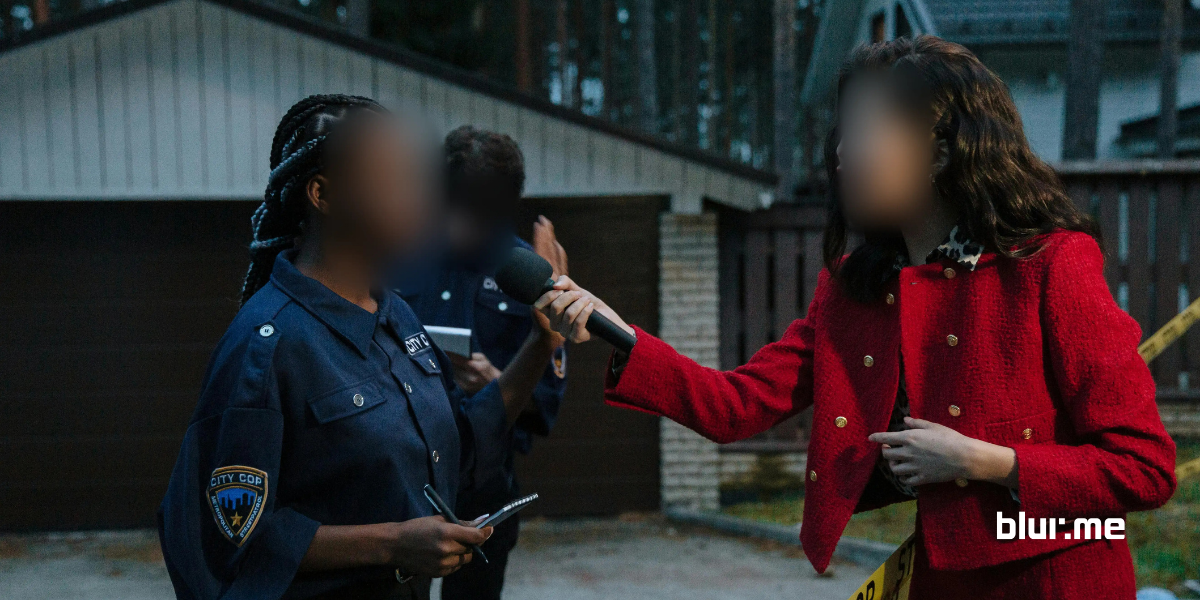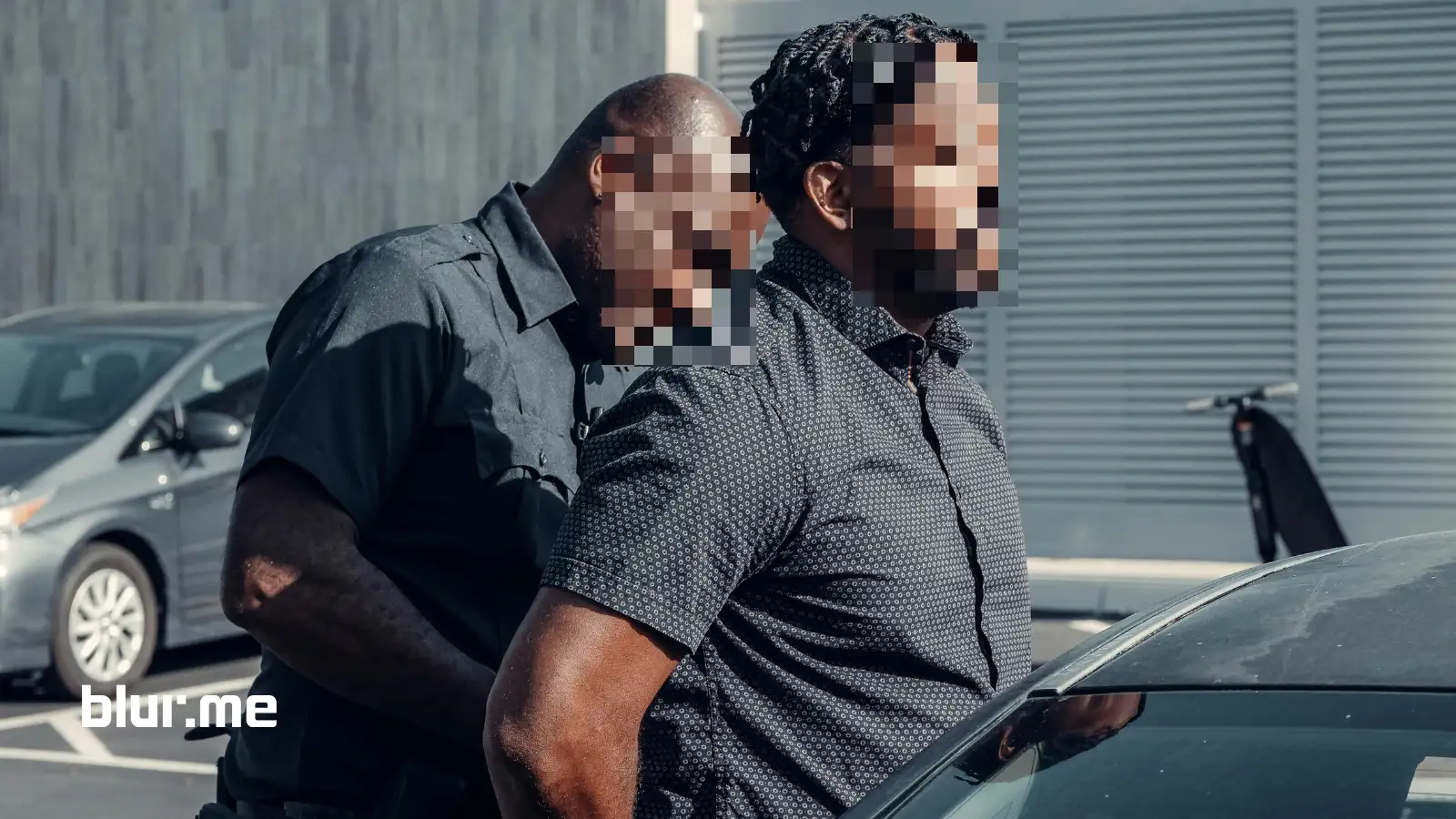
Video redaction is the process of obscuring sensitive visual information so individuals, locations, or identifying details cannot be recognized.
A redacted video typically hides:
- Faces (face anonymization)
- Bystanders or crowds
- License plates
- Screens, documents, or IDs
- Private areas in public spaces
Unlike simple editing, redaction is intentional privacy protection, often required for legal, journalistic, or regulatory reasons. If a person can be identified, you are responsible for anonymizing them before distribution.
How to Redact a Video Online Using AI (Step-by-Step)
BlurMe is an automated video redaction software that works entirely in your browser.
Step 1: Go to BlurMe
Open BlurMe Studio in your browser. BlurMe is a 100% online video and image redaction tool, so you don’t need to download or install anything.
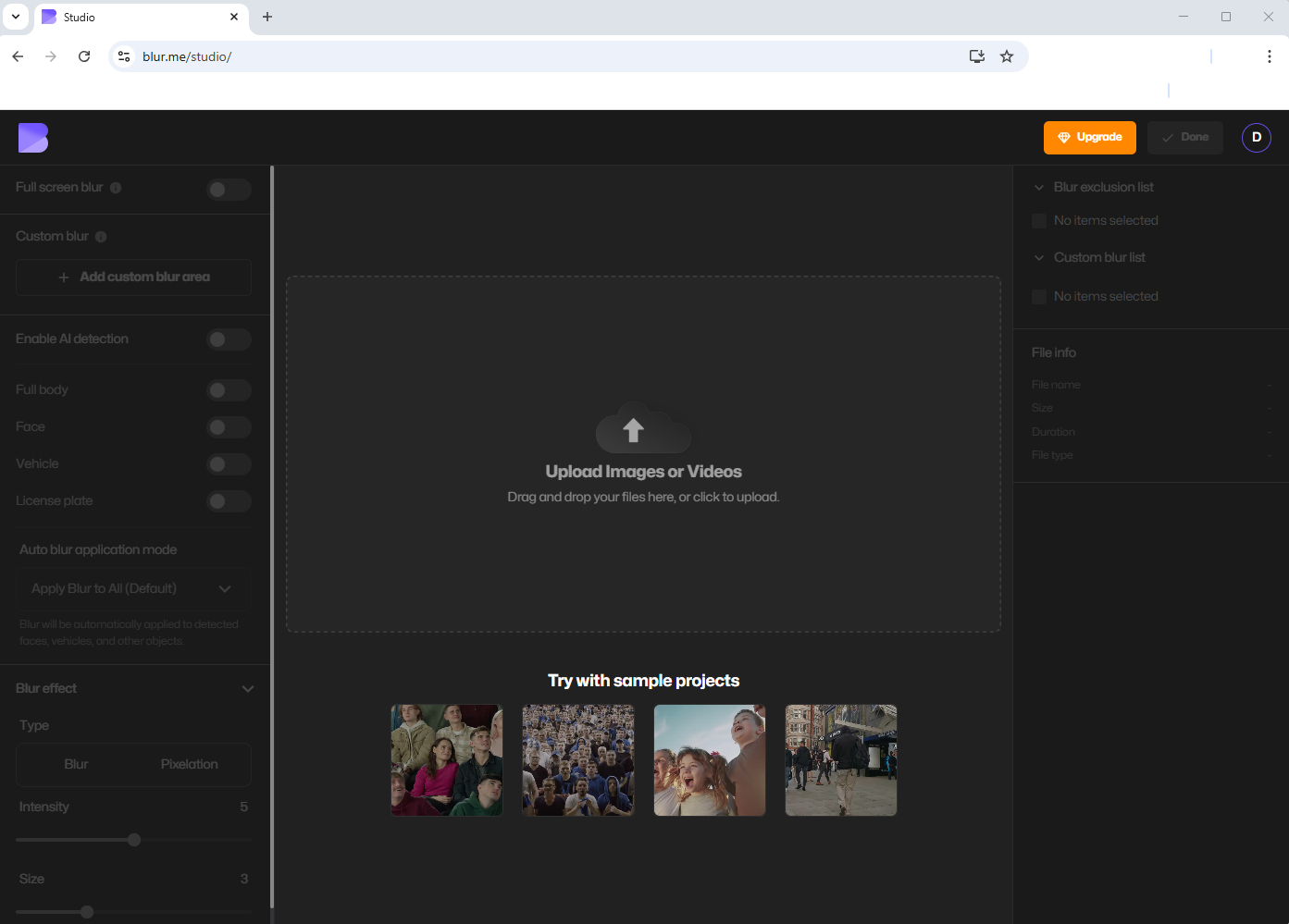
Step 2: Upload Your Video
Upload your CCTV footage, bodycam recording, or video file. BlurMe supports common formats and large files.
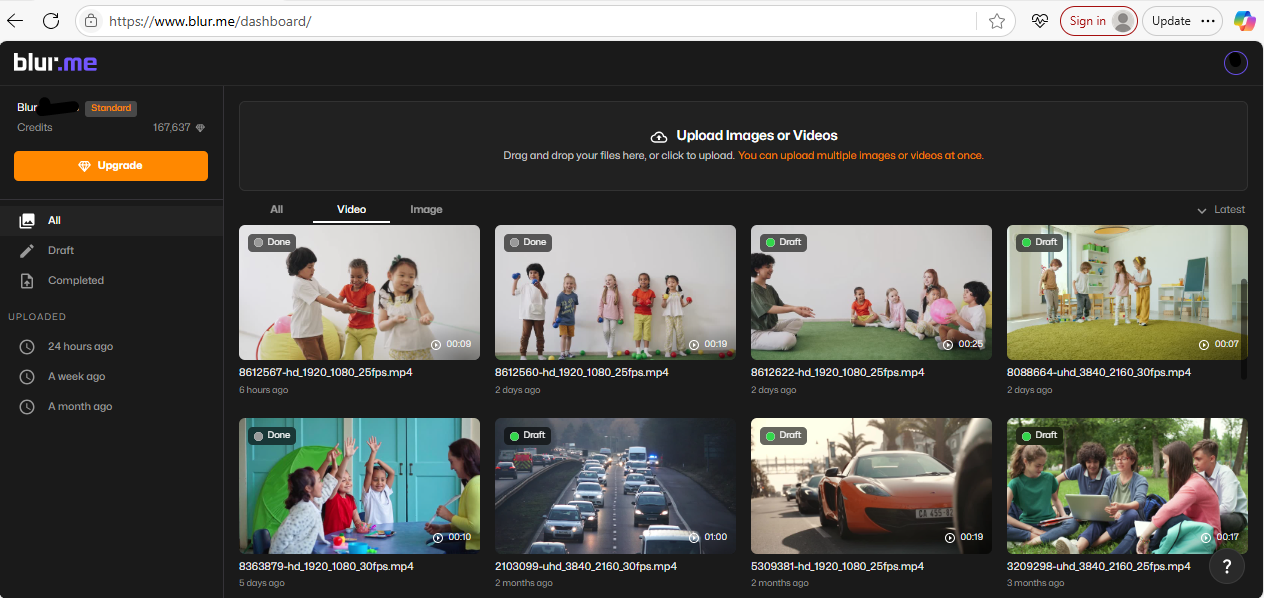
Step 3: Enable AI Redaction
BlurMe’s AI redaction software automatically detects faces, multiple people and movement across frames.
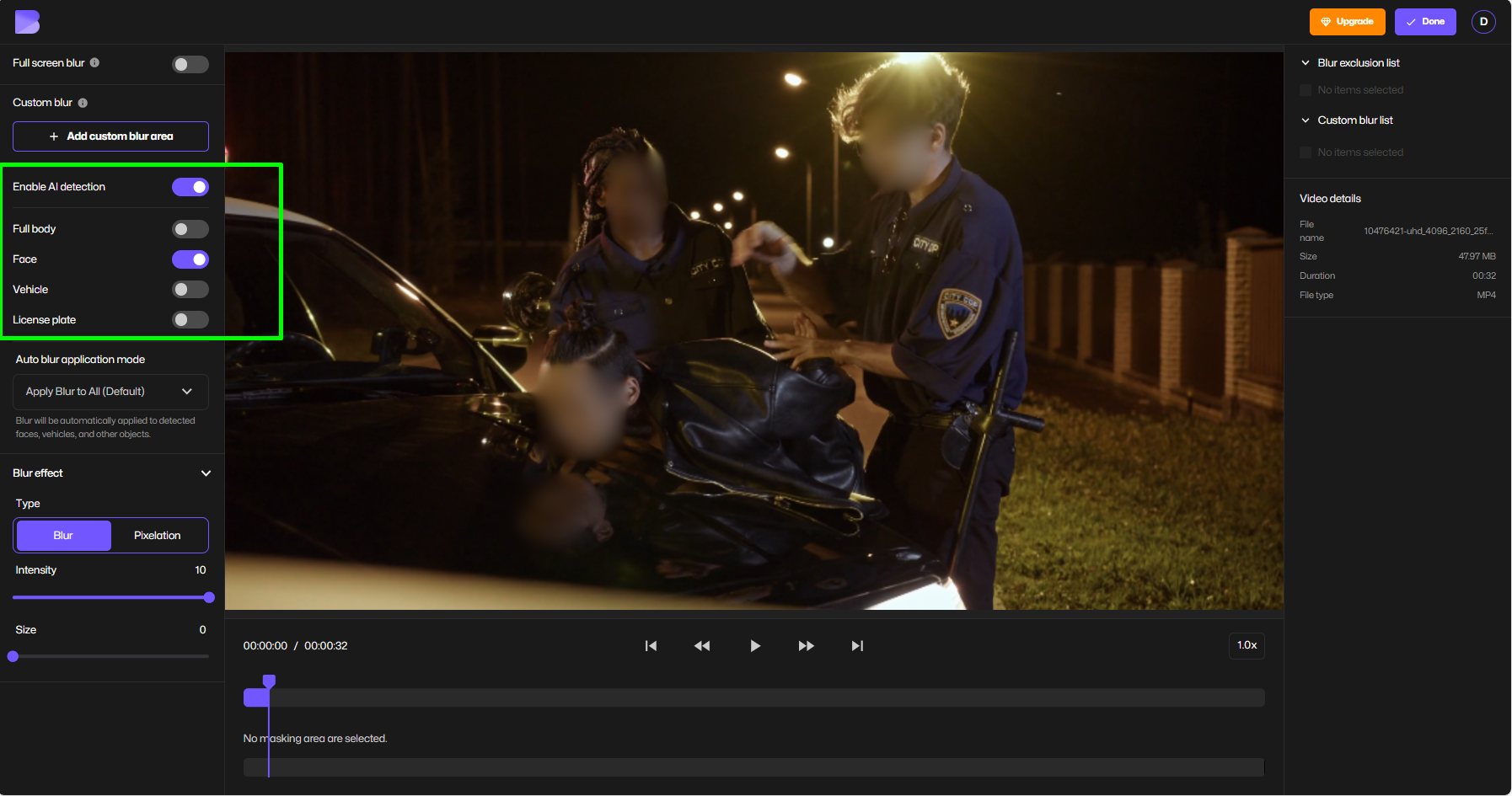
This includes face tracking blur, so the redaction stays locked even when subjects move.
👉 Tool: Blur Face in Video
Step 3: Adjust Blur or Pixelation Settings
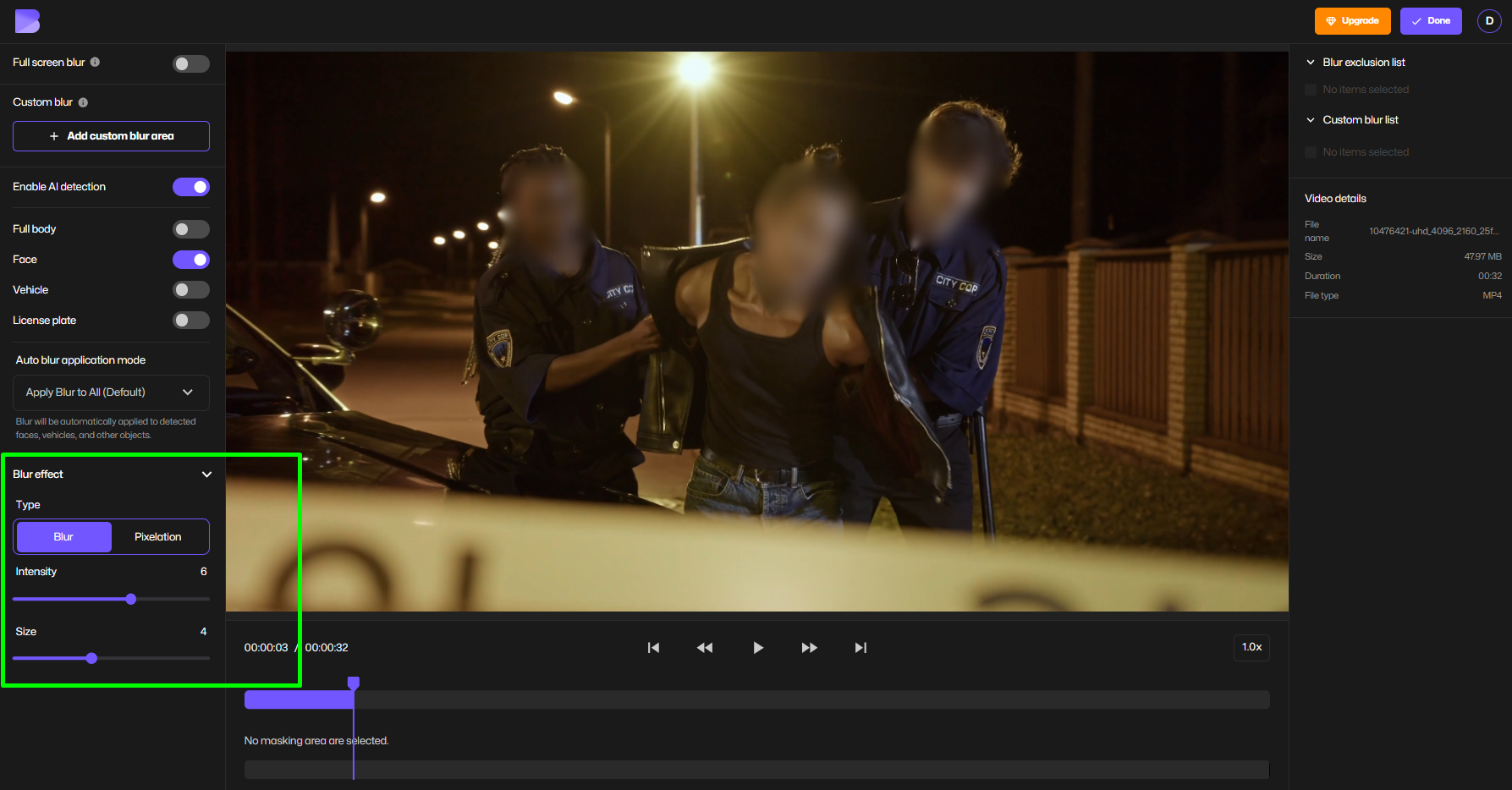
Step 4: Review & Export Redacted Video
Preview the redacted face results, make adjustments, and export your anonymized video.
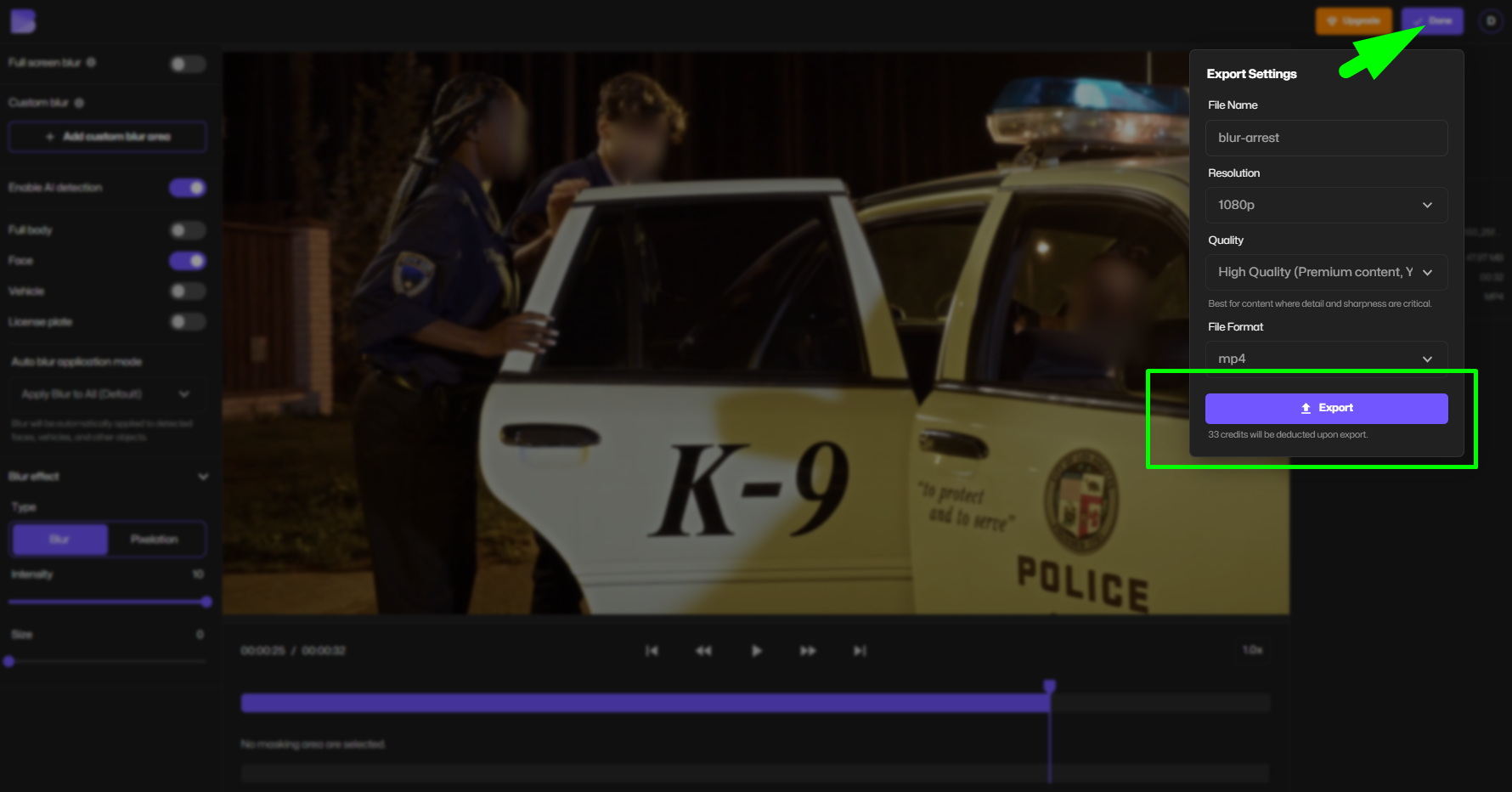
This process supports fast redaction without manual frame-by-frame editing.
Face Anonymization Explained (And Why AI Matters)
Face anonymization ensures individuals cannot be identified visually even by facial recognition systems.
Traditional manual editing fails when:
- People move quickly
- Multiple faces appear
- Footage is long or complex
BlurMe uses AI tools for face anonymization that:
- Track faces across frames
- Detect new people entering scenes
- Maintain consistent redaction
Learn more: AI Redaction Service
CCTV Redaction for Public Spaces (What You Must Know)
CCTV footage is one of the most regulated video types.
CCTV Meaning in Redaction Context
CCTV footage often captures:
- Uninvolved bystanders
- Children
- Private behavior in public areas
This makes face redaction mandatory before sharing.
How to Blur CCTV Footage Properly
- Redact all non-authorized individuals
- Use pixelation for compliance-heavy use cases
- Ensure redaction persists across motion
Helpful resources:
- How to Blur CCTV Surveillance Footage
- CCTV Redaction Software: Protect Privacy in Public Spaces
- Top Redaction Services for CCTV
Video Redaction Software vs Video Redaction Services
Video Redaction Services
- Manual processing
- Slower turnaround
- Higher costs
- Often used by agencies
Automated Video Redaction Software (BlurMe)
- Instant processing
- AI-powered detection
- Scales for large volumes
- Ideal for service redaction, journalists, creators, and law enforcement
If you need best redaction software without delays, AI tools outperform traditional services. Check our top Video Redaction Software list for more options.
PII Redaction Software & AI Compliance
PII redaction software removes personally identifiable information from video.
BlurMe supports:
- Face anonymization
- Location masking
- Screen & document blurring
- GDPR-aligned workflows
This makes it suitable for compliance mandatory industries like Video Redaction Software for Law Enforcement.
Tips for Accurate & Compliant Video Redaction
- Always redact before publishing
- Use pixelation for legal or police footage
- Blur is acceptable for editorial or creator content
- Double-check moving subjects
- Keep originals stored securely
- Match redaction strength to compliance level
Frequently Asked Questions (FAQ)
How do I blur a face in a video online?
Use BlurMe’s Blur Face in Video tool to automatically detect and blur faces using AI—no software download needed.
What is the best redaction software for GDPR?
AI-based tools like BlurMe offer fast, automated GDPR redaction with face tracking and export-ready results. See Best Redaction Software for FOIA and GDPR Requests.
Can I pixelate faces instead of blurring?
Yes. BlurMe allows you to pixelate video, including pixelate images, for stronger anonymization.
How does face tracking blur work?
AI detects faces and follows them frame-by-frame so redaction stays accurate—even during movement. Learn more in face tracking blur tool.
Is CCTV redaction legally required?
In many regions, yes. CCTV redaction is required before sharing footage publicly or externally.
Redact Video Faster with BlurMe
If you need fast redaction, reliable AI video redaction, and full control over blur or pixelation, BlurMe is built for you.
✔ 100% browser-based
✔ AI face detection & tracking
✔ Blur or pixelate people instantly
✔ Ideal for GDPR, CCTV, FOIA & creators
👉 Start redacting your videos with BlurMe Blur Face tool now