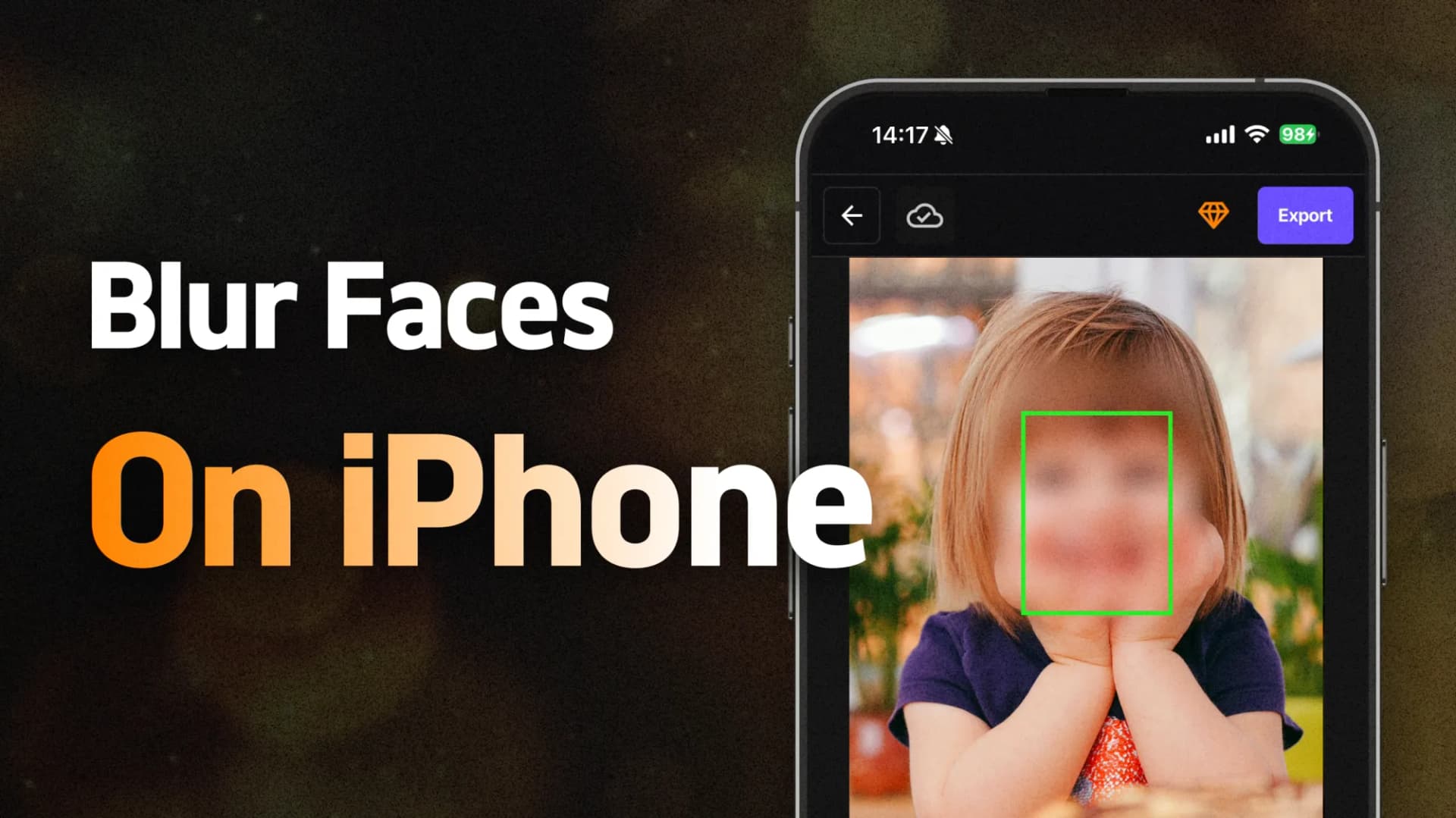
Blur Faces in iPhone Videos with Safari
Blur faces in an iPhone video using Safari: choose the clip, review moving coverage and download a checked output.
Blur faces in an iPhone video using Safari: choose the clip, review moving coverage and download a checked output.

Blur a chosen part of a video with region and timing controls. Keep useful detail clear, review movement and export a checked copy.

Pixelate a selected part of one image: choose the region, adjust mosaic size, inspect edges and save a checked copy.

Discover why BlurMe is the best face blurring tool for video privacy protection. Protect sensitive data in videos with advanced AI technology.

Protect your kids from online predators by using AI-powered face blurring tool BlurMe to blur faces, objects, CCTV, license plates and personal information in photos and videos. Learn how to safeguard their privacy online today.

Blurring faces in videos is essential for GDPR compliance, protecting personal data, avoiding fines, and building trust with your audience. Do quick and easy face blur using BlurMe.

Blurring faces in videos is essential for protecting children’s privacy. Many organizations, particularly those working with sensitive content like schools and charities, need to comply with strict ch