CSV to XLSX
Put CSV data into an Excel workbook while keeping cell values as text.
Free · No sign-up · No file upload
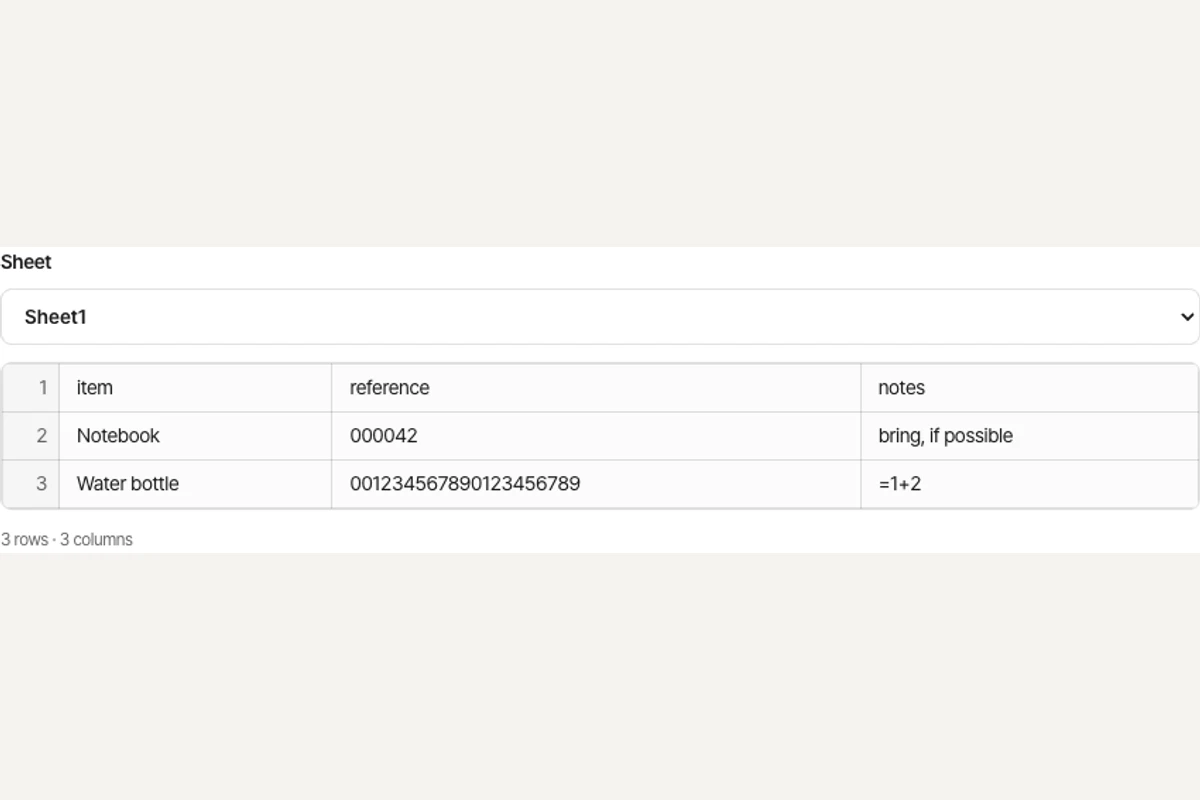
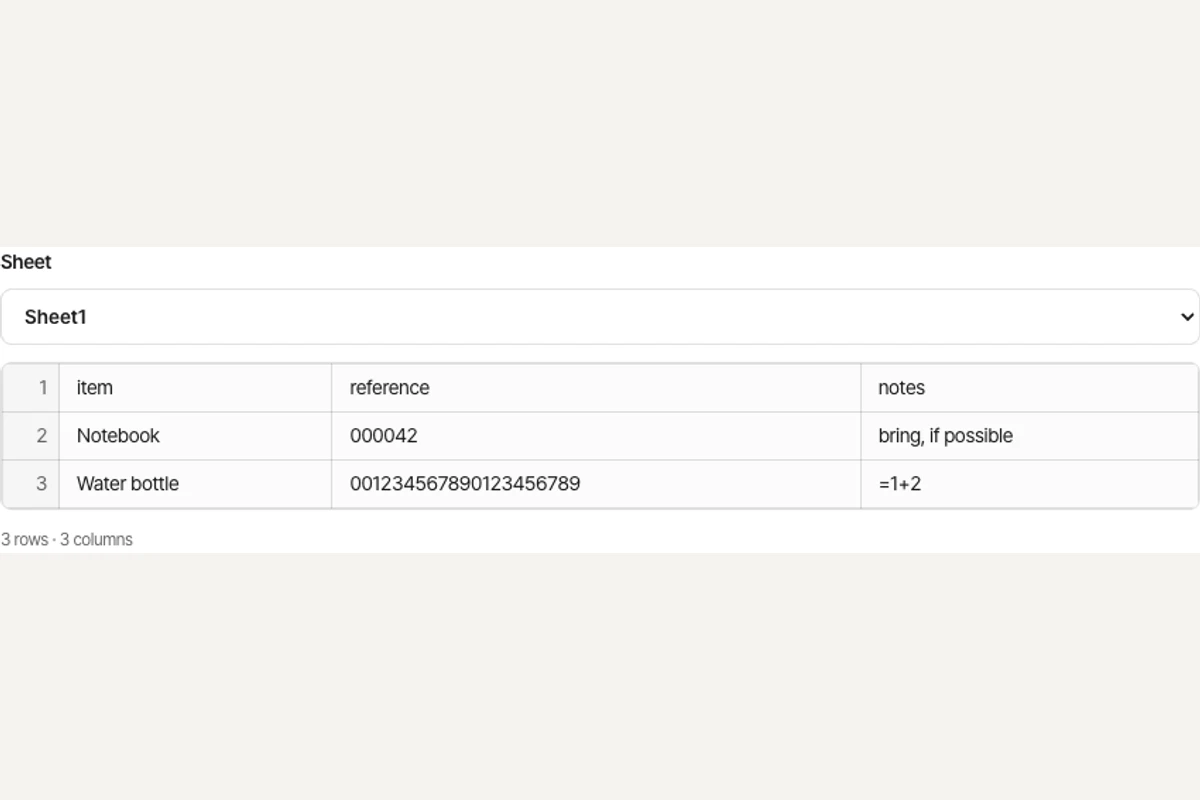
Cells are saved as text, including leading zeros, long identifiers and values beginning with =. Formulas are not executed.
How to use CSV to XLSX
Choose one CSV file. Encrypted, macro-enabled and legacy Office formats are excluded.
Set the delimiter and text encoding, then convert. UTF-8 is the default; tab, comma, semicolon and pipe separators are supported.
Check the result in the work panel. Download the output when a file is produced.
Working with CSV to XLSX
The converter detects common delimiters or uses the one you select. Every cell is written as text, preserving leading zeros and long identifiers without evaluating formulas.
Text storage is intentional: numbers and dates will not automatically become numeric Excel cells. Choose the correct encoding if accented letters or CJK characters look wrong.
Example result
Before
After
Frequently asked questions
- What does CSV to XLSX preserve?
- The converter detects common delimiters or uses the one you select. Every cell is written as text, preserving leading zeros and long identifiers without evaluating formulas.
- What should I check when using CSV to XLSX?
- Text storage is intentional: numbers and dates will not automatically become numeric Excel cells. Choose the correct encoding if accented letters or CJK characters look wrong.
- How can I use the result from CSV to XLSX?
- Download the XLSX and verify the columns in XLSX viewer. Convert selected cells to numbers later in your spreadsheet app when calculations are needed.
- How to use CSV to XLSX
- Set the delimiter and text encoding, then convert. UTF-8 is the default; tab, comma, semicolon and pipe separators are supported.
- Are my files uploaded to a server?
- No. Files are processed in your browser on this device and are not sent to BlurMe servers.
Related tools
All toolsXLSX to CSV
Export the first visible worksheet or a CSV for every visible sheet.
Excel to PDF
Turn visible XLSX worksheets into PDF using their print settings.
XLSX viewer
Choose a worksheet and inspect its saved cell values.
Redact PDF
Edit in StudioFind and remove personal information in PDFs.
PPTX to text
Extract slide text in presentation order, separated by page breaks.
Extract images from PPTX
Save original pictures stored inside a PowerPoint presentation.