XLSX to CSV
Export the first visible worksheet or a CSV for every visible sheet.
Free · No sign-up · No file upload
Visible sheets and stored cell values only. Formulas are not calculated. Charts and workbook formatting are not shown.
How to use XLSX to CSV
Choose one XLSX file. Encrypted, macro-enabled and legacy Office formats are excluded.
Choose a sheet or all visible sheets, set the delimiter and keep the UTF-8 BOM when your spreadsheet app needs it.
Check the result in the work panel. Download the output when a file is produced.
Working with XLSX to CSV
Each visible sheet becomes its own CSV. The first visible sheet is selected by default; choose another sheet or export all visible sheets for a ZIP download.
CSV stores formatted cell values, not workbook styling or formulas. Missing cached formula results stay empty. Hidden sheets are omitted.
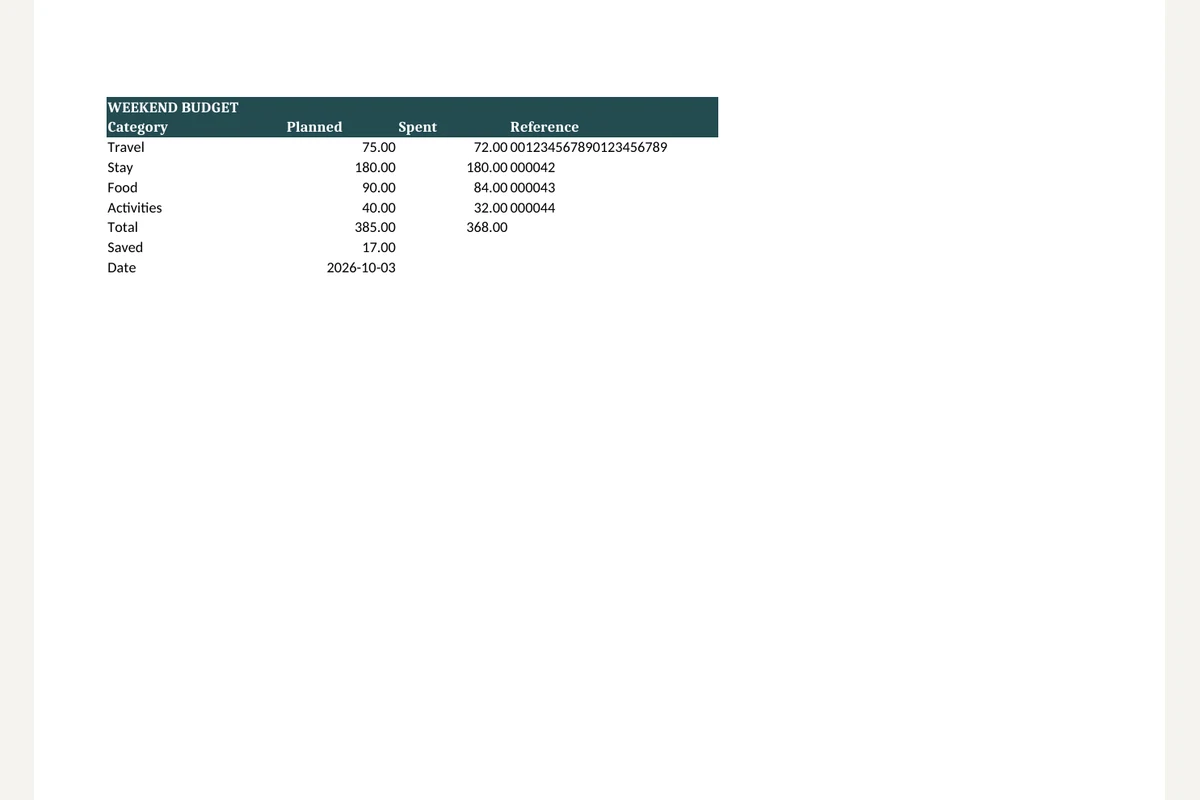
Example result
Before
Frequently asked questions
- What does XLSX to CSV preserve?
- Each visible sheet becomes its own CSV. The first visible sheet is selected by default; choose another sheet or export all visible sheets for a ZIP download.
- What should I check when using XLSX to CSV?
- CSV stores formatted cell values, not workbook styling or formulas. Missing cached formula results stay empty. Hidden sheets are omitted.
- How can I use the result from XLSX to CSV?
- Use CSV for imports and data exchange. Check dates, decimal separators and identifiers in the receiving app, which may reinterpret text on opening.
- How to use XLSX to CSV
- Choose a sheet or all visible sheets, set the delimiter and keep the UTF-8 BOM when your spreadsheet app needs it.
- Are my files uploaded to a server?
- No. Files are processed in your browser on this device and are not sent to BlurMe servers.
Related tools
All toolsCSV to XLSX
Put CSV data into an Excel workbook while keeping cell values as text.
Excel to PDF
Turn visible XLSX worksheets into PDF using their print settings.
XLSX viewer
Choose a worksheet and inspect its saved cell values.
Redact PDF
Edit in StudioFind and remove personal information in PDFs.
PPTX to text
Extract slide text in presentation order, separated by page breaks.
Extract images from PPTX
Save original pictures stored inside a PowerPoint presentation.