How to Stay Anonymous on OnlyFans: The Identity Checklist
Maya Chen — Tech Writer & Privacy Advocate
Most creators who get recognised are not identified by their face. They are identified by a tattoo, a window view, a reflection in a mirror, a reused profile picture, or a username that matches an old gaming handle. One small leak is enough for someone to connect your account to your real name.
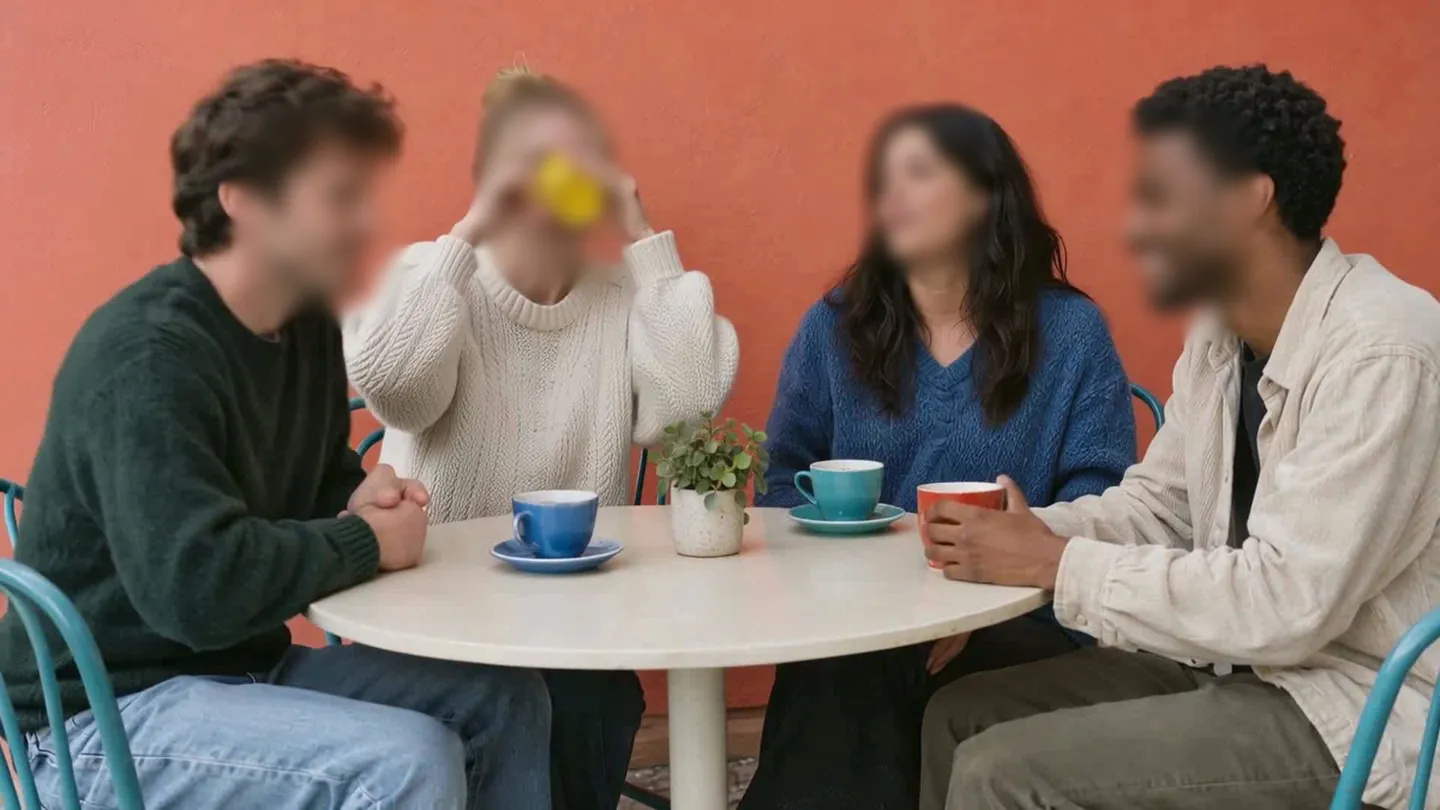
Blur faces or plates in a video, right in your browser.
That matters because exposure rarely stays online. It can reach your employer, your family or your front door, and you cannot delete what has already been screenshotted or indexed.
Yes, you can be anonymous on OnlyFans, but only if you treat anonymity as a system rather than a single trick. This guide is an identity checklist for video creators: every way you can be recognised, and the fix for each. It covers account setup, your face, body marks, your room, reflections, metadata, voice and promotion on Reddit and X, and it ends with a short checklist to run before every upload.
How to Stay Anonymous on OnlyFans: Step by Step
Work through these steps in order. Each one closes a specific leak.
Step 1: Build an account with no link to your real life
Pick a display name and username that share nothing with your real name, your birthday, your pets or any handle you have used elsewhere. Search the candidate name on Google, Reddit and X before you commit; if it already points to someone, pick another.
- ✅ Create a brand-new email used only for this account and its promo profiles.
- ✅ Turn on two-step verification in the account security settings and use a unique, long password from a password manager.
- ✅ Keep payouts inside the platform's own payout system. Never move fans to outside payment apps that show your legal name.
Step 2: Keep your face out of frame or properly covered
The safest face is one that never appears. Plan shots that start below the chin, shoot from behind, or use close-ups and POV angles. Check every clip frame by frame, because a single head turn in a two-minute video is enough.
If you want to show more, use a mask, and choose it carefully. In NIST's July 2020 study (NISTIR 8311), even the best of the 89 commercial facial recognition algorithms tested had error rates between 5% and 50% on masked faces, and the more of the nose a mask covers, the lower the algorithm's accuracy. A mask that leaves your nose visible gives a face matcher far more to work with than one that covers it.
Step 3: Hide tattoos, scars and birthmarks
Distinctive marks are as identifying as a face, and friends recognise them instantly. Cover them physically with clothing, tape or tattoo concealer, or keep them out of frame. If one appears in a clip, mask its full outline in every frame where it is visible, not only the frames where it is obvious.
Step 4: Clean up the room
Your background tells people where you live. Before recording, remove or turn away:
- ❌ Windows with a view of streets, signs or neighbouring buildings
- ❌ Mail, parcels and anything with a printed address
- ❌ Diplomas, certificates, photos and name tags
- ❌ Distinctive furniture, artwork or wallpaper that appears on your personal social media
A plain wall, a neutral sheet or a dedicated corner you never show anywhere else is the simplest fix. If you cannot clear the room, blur the background or mask the risky areas, and make sure the mask follows the area when the camera moves.
Step 5: Check every reflective surface
Mirrors, TV and laptop screens, glossy picture frames, sunglasses and even your eyes reflect the room and the camera operator. This is not theoretical: in October 2019 a stalker in Japan located a pop idol's home from her social media selfies by identifying a bus stop in the reflection in her eyes and matching it on Google Maps, and said he estimated her floor from window and eye reflections using Google Street View.
Step 6: Strip metadata and turn off location tagging
Phones store EXIF data in photos, including GPS coordinates, device model and timestamps. Video files can carry location and device data too. On iPhone, go to Settings > Privacy & Security > Location Services > Camera and set it to Never. On Android, open the Camera app settings and switch off location tags. Remove EXIF and GPS data from photos before you post them or send them in a message, and disable location features in any app you use for promotion.
Step 7: Disguise your voice
Your voice is recognisable to anyone who knows you. Options are simple: record silent content with music, use a voice changer, or speak in a deliberately different tone. Avoid saying your city, workplace or anything local.
Step 8: Promote with fresh, unreused images
On Reddit and X, use separate accounts built with the Step 1 email, and give teasers the same face, mark, room and metadata checks as paid content. Never reuse a photo that exists anywhere under your real name. Face search engines use artificial intelligence to map distinct facial geometry, measuring the distance between eyes, nose shape, jawline contours and dozens of other biometric markers; services such as FaceCheck.ID and PimEyes index publicly available photographs from platforms including Instagram, Facebook and LinkedIn and surface the associated profiles.
That is also why a weak blur is risky. Face search results are less reliable for images with low resolution, taken at extreme angles, or partially obscured by sunglasses, masks or heavy makeup, and face search engines can only return matches from sources they have indexed. A light blur that leaves your features readable still feeds the matcher; a heavy, full-coverage mask does not. The explainer on OnlyFans face search covers what these engines need from a frame and where they fail. Our guide on choosing between blur, pixelation and a solid mask explains the trade-offs.
Step 9: Run the pre-upload checklist
Print this and check it for every clip and teaser:
- ✅ No face visible in any frame, or fully covered
- ✅ Tattoos, scars and birthmarks hidden
- ✅ No windows, mail, documents or recognisable furniture
- ✅ No reflections in mirrors, screens, glasses or eyes
- ✅ Metadata stripped, location off
- ✅ Voice disguised or no speech
- ✅ Image never used under your real name
- ✅ Posting from the anonymous account and email only
Blur Faces, Marks and Backgrounds Automatically with blur.me
blur.me runs in the browser, so the editing step in this checklist takes minutes rather than an evening with keyframes. Upload a clip and Auto Blur detects every face and keeps the blur on it as you move; there is no keyframing, and the detection review lets you confirm each face before export. Where a tattoo, a scar or a guest's whole body needs covering, Magic Blur selects the exact outline when you click it and can follow that selection over a time range you choose. For a mirror, a window or a document, draw a rectangle, ellipse or polygon with Manual Blur and Auto Track keeps the drawn area on target as the camera or the subject moves; it is available on every plan, including Free, with no extra credits.

Background Blur keeps you sharp and blurs the whole room behind you, with selective unblur for anything that should stay visible. Choose Blur, Mosaic or a solid Color per target and push the strength up: a heavy effect removes the facial structure a matcher needs, a light one does not. Preview while the video plays, then export.

Uploading and previewing are free, including Magic Blur previews; free exports carry a watermark and free video exports are limited to 10 seconds, so a paid plan is what you need for a full clip without a watermark. Applying Magic Blur needs a paid plan, and following a Magic Blur selection through a video is a Pro feature, while Auto Blur and Manual Blur + Auto Track work on Free.
Quick Comparison
Each leak can be handled before recording, during editing, or by leaving it out of the content entirely. Prevention is cheapest; editing is the safety net for the frames that slip.
| Method | Effort | Skill needed | Reliability | Cost model |
|---|---|---|---|---|
| Physical prevention (framing, masks, cleared room, concealer) | Low per shoot once set up | Low | High if checked every time | Props and makeup, one-off |
| Manual editing (masks drawn frame by frame) | High, grows with clip length | Medium to high | Good, but easy to miss a frame | Free or paid editor |
| Leaving it out (silent clips, no face, crop) | Low | Low | Very high | Free |
| Account hygiene (new email, 2FA, in-platform payouts) | One-time | Low | High | Free |
The practical approach is to combine them. Build a clean account once, set up a filming space with nothing identifying in it, and use editing only to catch the moments your planning missed. Never rely on editing alone, because one missed frame in a teaser is all a screenshot needs.
FAQ
Is there a way to stay anonymous on OnlyFans?
Yes. Use a stage name and username unconnected to your real identity, a fresh email, and in-platform payouts. Then keep your face, tattoos, room, reflections, metadata and voice out of every clip, including teasers.
How do I hide my identity on OnlyFans?
Treat it as a checklist: account hygiene, face out of frame or fully masked, marks covered, a neutral filming space, no reflections, stripped metadata and a disguised voice. Never reuse photos that exist under your real name, because face search engines index public photos.
Can you be traced on OnlyFans?
You can be traced through the details you leak rather than the platform itself. Common routes are matching usernames, reused photos, location metadata, background details and reflections. Removing each of those makes tracing much harder.
Can you be anonymous on OnlyFans?
Yes, as far as fans and the public are concerned. The platform verifies your identity privately at sign-up, and nothing requires your face, real name or location to appear in your content or profile. Anonymity then depends on the leaks you close yourself: a persona with no link to your real accounts, a face that never appears or is fully covered, hidden marks, a neutral room, no reflections, stripped metadata and no reused photos.
Does wearing a mask make me unrecognisable?
It helps, but coverage matters. NIST's 2020 study found that the more of the nose a mask covers, the lower facial recognition accuracy, so a mask that leaves the nose visible is weaker. Combine it with angles and framing that limit how much of your face appears.
Final Thoughts
Staying anonymous on OnlyFans is less about one clever trick and more about closing every small leak: names, emails, payments, face, marks, rooms, reflections, metadata, voice and reused images. Set up the account carefully once, then run the checklist on every clip and teaser, without exception.
Anonymity is a habit you repeat, not a setting you switch on. If you want ideas for building income while keeping your face out of your content, read our guide on making money on OnlyFans without showing your face.
Related Guides
- Blur Moving Objects in Video Online for Free – AI Video Blur
- Blur or Pixelate Video Online 2026: Free Editor with AI Face & Plate Detection
- Blur Video Background Online for Free
- Remove Text from Video
- How to Make Money on OnlyFans Without Showing Your Face
Blur faces or plates in a video, right in your browser.
Nothing to install. Start right away.