WEBP Converter
Convert images into WEBP and convert WEBP images into other formats with our powerful online converter.

Select File
Drag and drop your image file here or click to upload.
How to convert WEBP images
- Step 1: Upload Your Image
Click the Upload button or drag and drop your image file into BlurMe Studio.
- Step 2: Convert WEBP Image
Click Done to open Export Settings, select WEBP as the file format, and get high resolution WEBP instantly.
- Step 3: Download WEBP Image
Click Export to save your converted image as a WEBP. Download directly to your device or share online.
Convert WEBP images anytime on any device
Our WEBP Converter is 100% online and works in any browser. No installation needed! Easily convert images on Desktop, iPhone, and Android mobile browsers.
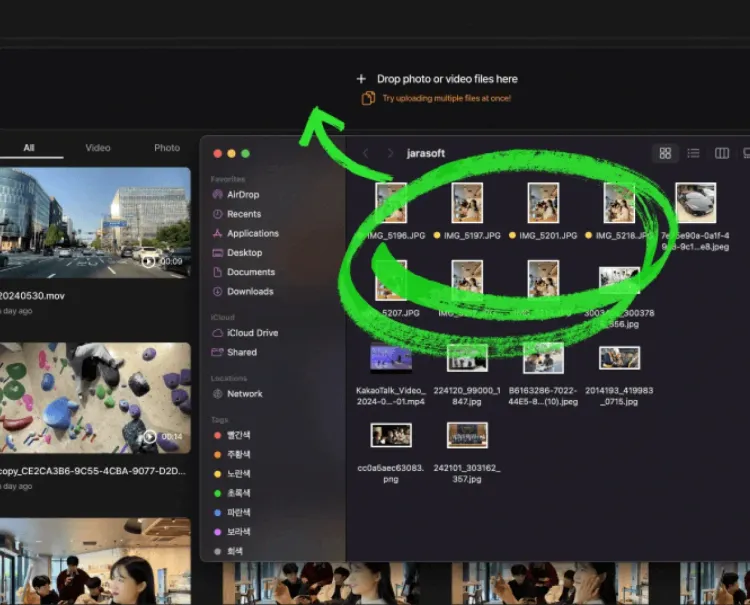
Bulk convert all your WEBP files at once
Need to convert a bunch of images? Convert multiple files to and from WEBP in one go. Just drag and drop all your images into BlurMe Studio and export them all as WEBP.
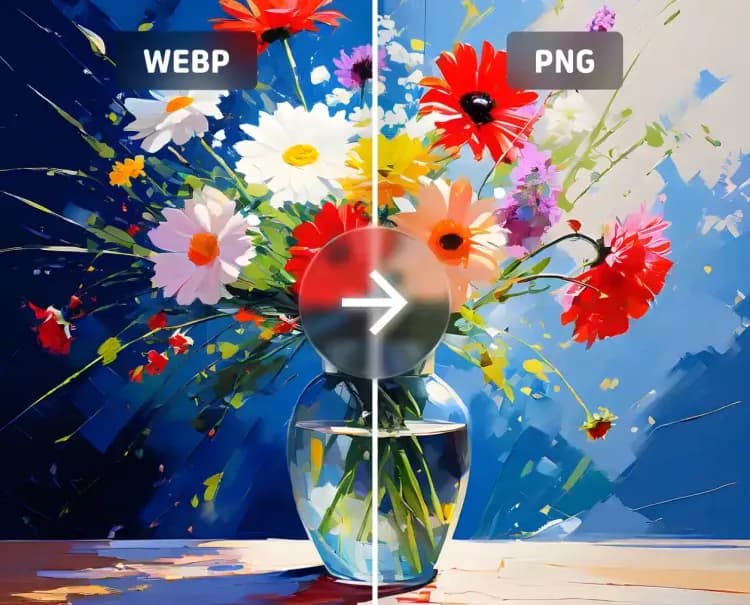
Convert images without losing quality
Convert your photos to WEBP and other formats without losing sharpness or quality. Every file is processed to preserve sharp details, vibrant colors, and crisp resolution for professional results.
The Best Online WEBP Converter
BlurMe makes it simple to convert to WebP or convert WebP files back into other formats instantly. Whether you need to convert JPG to WebP, PNG to WebP, our online tool handles it all. With BlurMe’s WebP image converter, you can compress and optimize your photos for faster web loading while still keeping crisp details.
Convert Image to WEBP
Convert Image from WEBP
Explore Our Other Tools and Features

Image Converter
Convert images online for free. Use BlurMe’s image converter to change JPG, PNG, WEBP, and more.

Image Compressor
Compress images without losing quality easily using BlurMe's image compressor.

Blur Image
Easily blur images online. Blur parts of an image or apply full screen blur with BlurMe’s image blur tool.
Convert Images to WEBP
Get fast, high-quality WEBP conversions online. Upload your images and convert today!