3GP Converter
Convert videos into 3GP and convert 3GP videos into other formats with our powerful online converter.


Select File
Drag and drop your file here or click to upload.


How to convert 3GP videos
- Step 1: Upload Video
Click the Upload button or drag and drop your video file (AVI, MP4, MKV, etc.) into BlurMe Studio.
- Step 2: Convert to 3GP
Choose 3GP as the output format in the Export Settings. Adjust resolution, quality, or size if needed.
- Step 3: Download 3GP Video
Click Export to save your converted 3GP file. Download it directly to your device or share online.
Convert multiple 3GP videos at once
Save time by batch converting all your files in one go. Process large volumes of videos quickly, no more one by one manual editing.
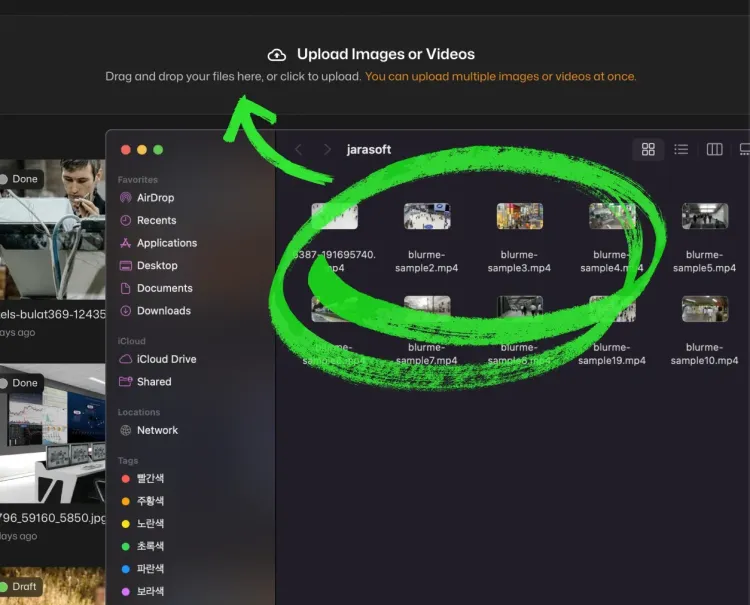
Easily edit 3GP videos in your browser
BlurMe Studio's powerful online video editor allows you to trim, crop, blur, reverse and enhance videos before converting, all without needing any downloads or installations.
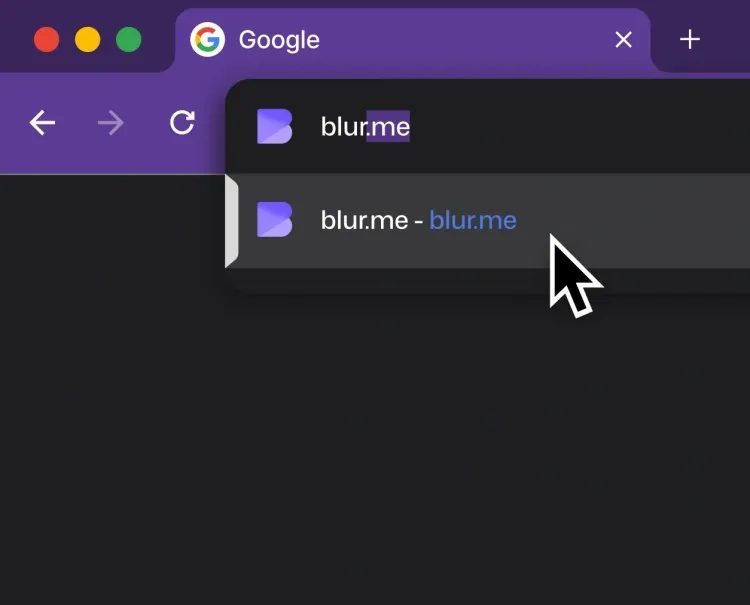
Convert your videos in high resolution
Convert your videos to 3GP and other formats without compromising on quality. BlurMe Studio ensures high-resolution output, maintaining crisp, clear video quality for all your conversions.
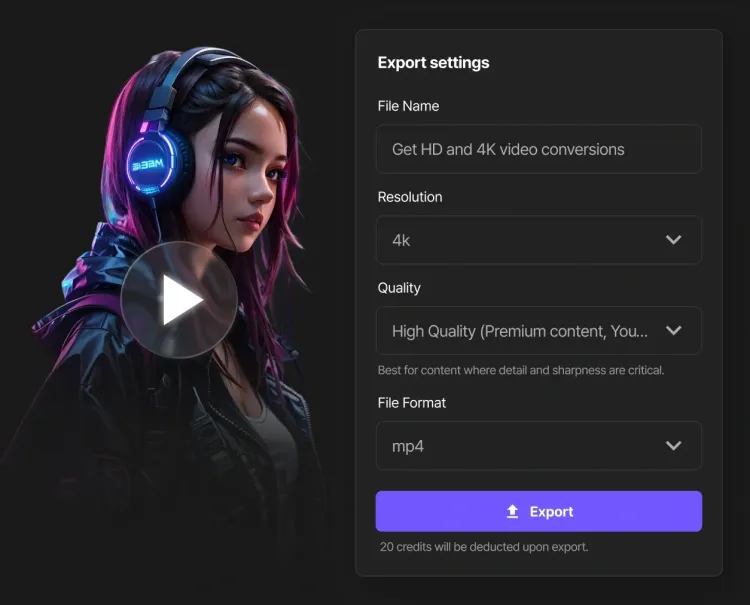
The Best Online 3GP Converter
Convert 3GP videos to a wide range of formats like MP4, AVI, MKV, MOV, WebM, and GIF, or convert files from these formats back into 3GP video. Whether you want to watch old 3GP files on modern devices, save storage space, or prepare content for different platforms, BlurMe’s free online 3GP converter makes it fast and simple.
Convert 3GP To Other Formats
Explore Our Tools and Features
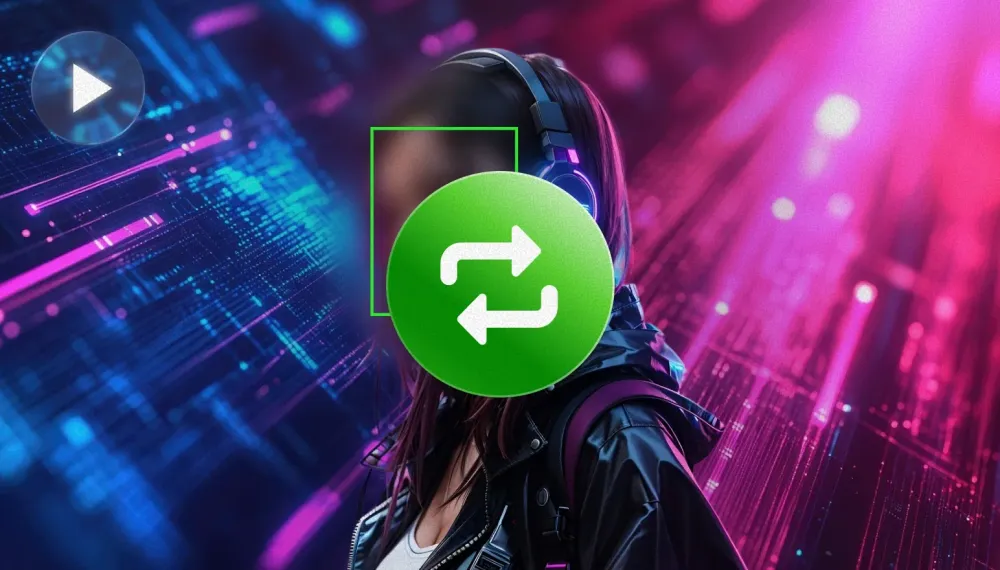
Video Converter
Convert videos online for free. Use BlurMe’s video converter to change MP4, AVI, MOV, and more.
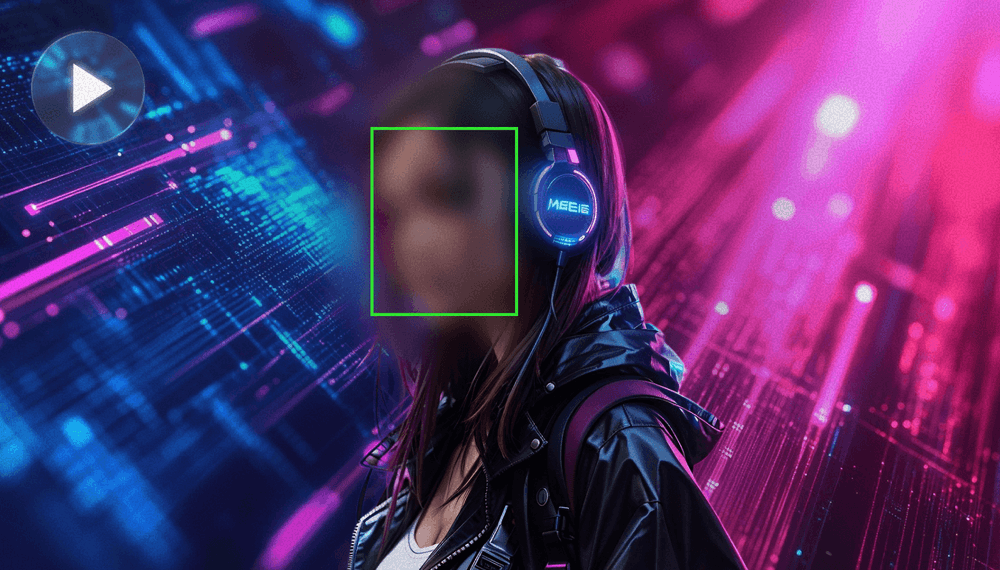
Blur Face in Video
Blur faces in video online with BlurMe's blur tool. Use AI face blurring to automatically blur moving faces.
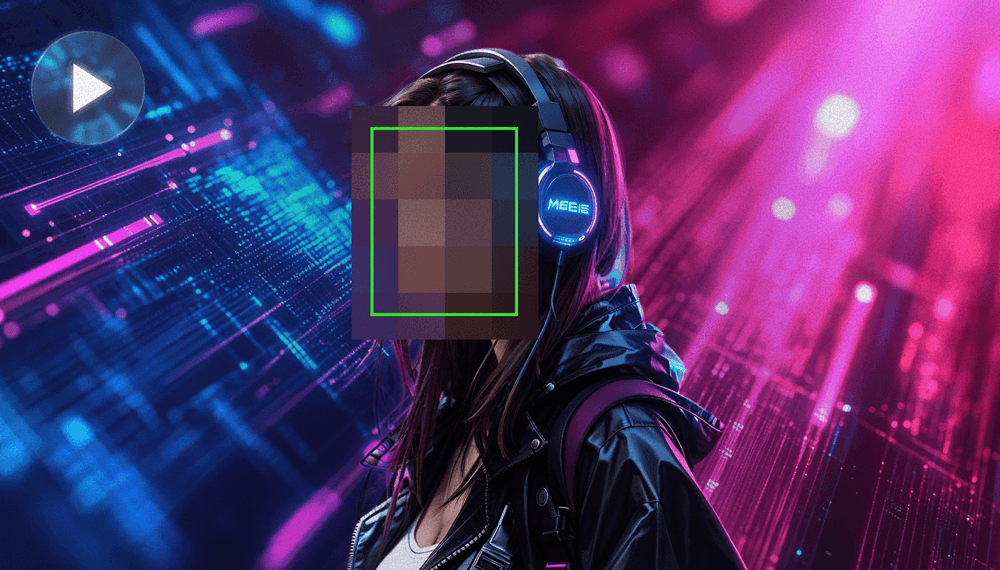
Pixelate Video
Pixelate videos online easy and fast using BlurMe's video pixelator, the simple pixelation tool.
Convert 3GP Videos
Get fast, high-quality 3GP conversions online. Upload your videos to BlurMe Studio and convert today!